Template details
Jekyll Blog Template
A GitHub-hosted starter template for building blog sites with Jekyll, the static site generator.
About this template
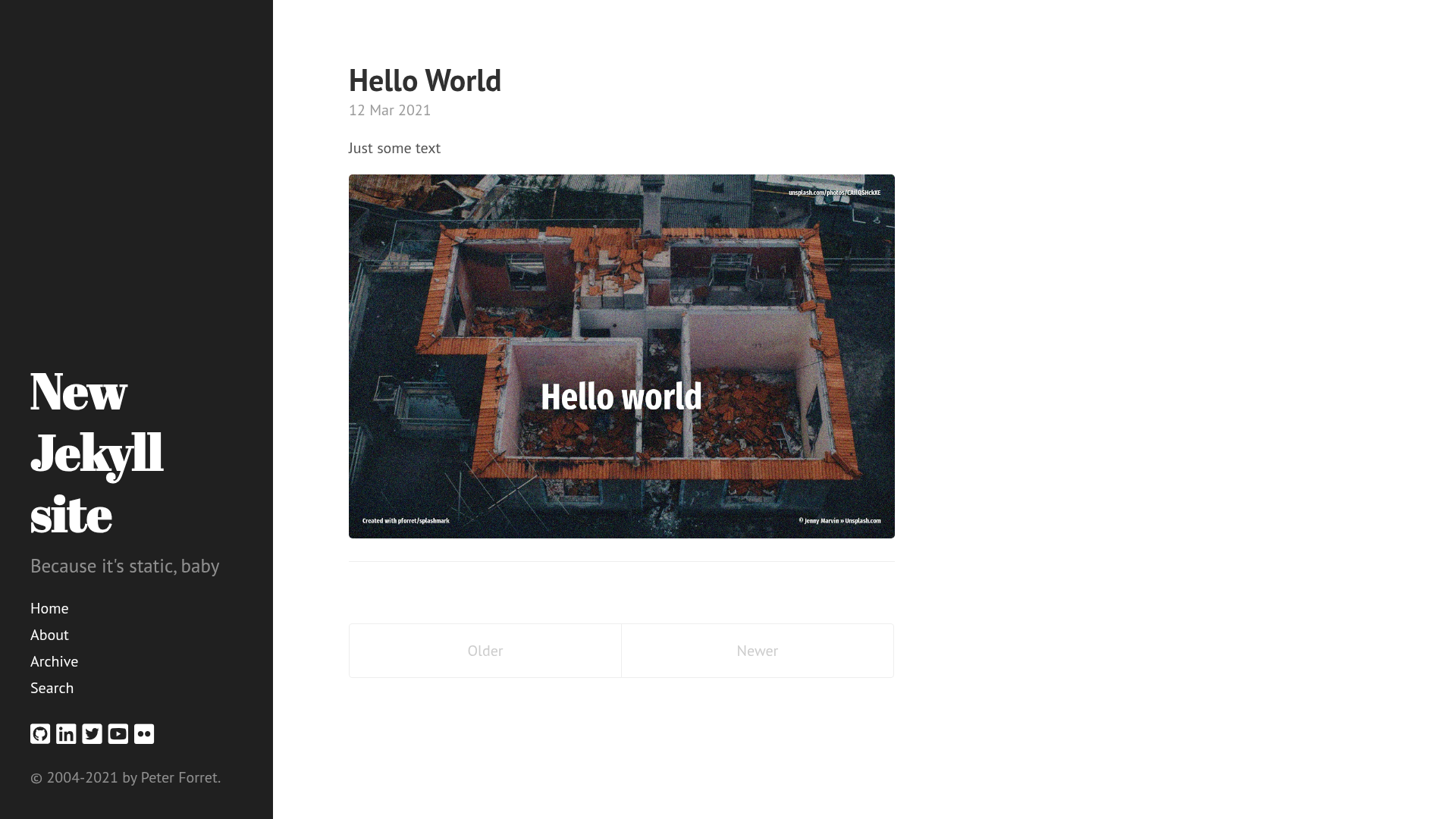
pforret/jekyll_template is a GitHub-hosted starter template for building a blog with Jekyll, the static site generator, providing a minimal foundation that can be cloned, customized, and published as a static site.
What is pforret/jekyll_template?
pforret/jekyll_template is a public GitHub repository described as a template for Jekyll blog sites. It serves as a starting point for a blog project: you add Markdown content to the appropriate folder, run the Jekyll build command, and the template produces a set of static HTML files ready for hosting. The template is built on Jekyll, which requires Ruby to operate locally, and its output is plain HTML, CSS, and JavaScript that can be served from any web server or static hosting provider. The repository is authored by pforret and carries GitHub topics including blog, jekyll, static-site, template, and theme, indicating its intended use.
Key Features
- Jekyll-based structure — The template follows Jekyll's standard directory layout, including the configuration file and the _posts folder, so it works with the Jekyll build process immediately after cloning.
- Blog-oriented purpose — It is explicitly designed for blog sites, meaning the default setup is geared toward publishing chronological posts, and it can be adapted for personal or project blogs.
- Open-source on GitHub — The repository is publicly available, so you can fork or clone it at no cost and deploy the resulting static site to services like GitHub Pages.
Who is it for?
- Developers starting a blog — They can clone this template to get a working Jekyll blog structure without configuring project files from scratch.
- Technical writers — They can use the template to create a documentation-style blog, writing posts in Markdown and building a static site.
- Hobbyist bloggers — They can adapt the template to maintain a simple, fast personal blog without needing a dynamic server or database.
What can you do with pforret/jekyll_template?
- Start a personal blog — Clone the repository, add Markdown files to the _posts directory, and run Jekyll to generate a static blog.
- Create a project or company blog — Fork the template, customize the theme and content, and publish updates or announcements.
- Deploy to GitHub Pages — Because the template is Jekyll-based, you can push it to GitHub and enable Pages for free static hosting.
FAQ
Is pforret/jekyll_template free to use?
Yes, the repository is publicly available on GitHub, so you can clone, fork, and modify it without cost.
Does pforret/jekyll_template require Ruby?
Since it is a Jekyll template, you need Ruby and the Jekyll gem installed locally to build the site. The generated output is static HTML, so the hosting server does not need Ruby.
Can I deploy this template to GitHub Pages?
Yes, GitHub Pages natively supports Jekyll. You can place the repository in a GitHub Pages environment and enable Pages in the repository settings, and GitHub will run Jekyll to build the site automatically.
What content format does the template use?
Jekyll blogs typically use Markdown for posts, stored as .md or .markdown files in the _posts folder. The exact configuration of this template may vary, but Markdown is the standard for Jekyll.