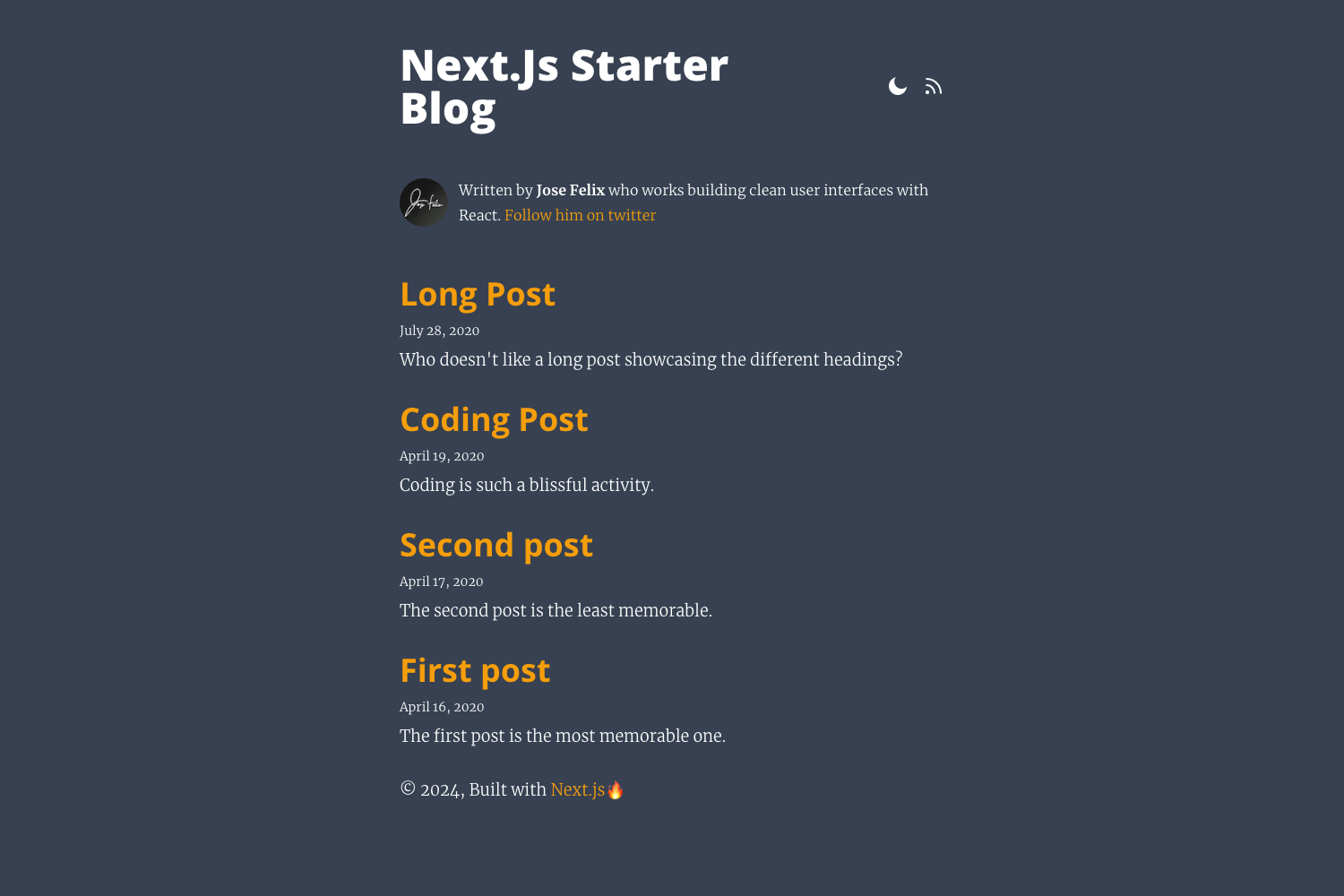
Template details
Made Mistakes Jekyll
Deprecated source for mademistakes.com. Previously built with Jekyll, Gulp, and Netlify.
About this template
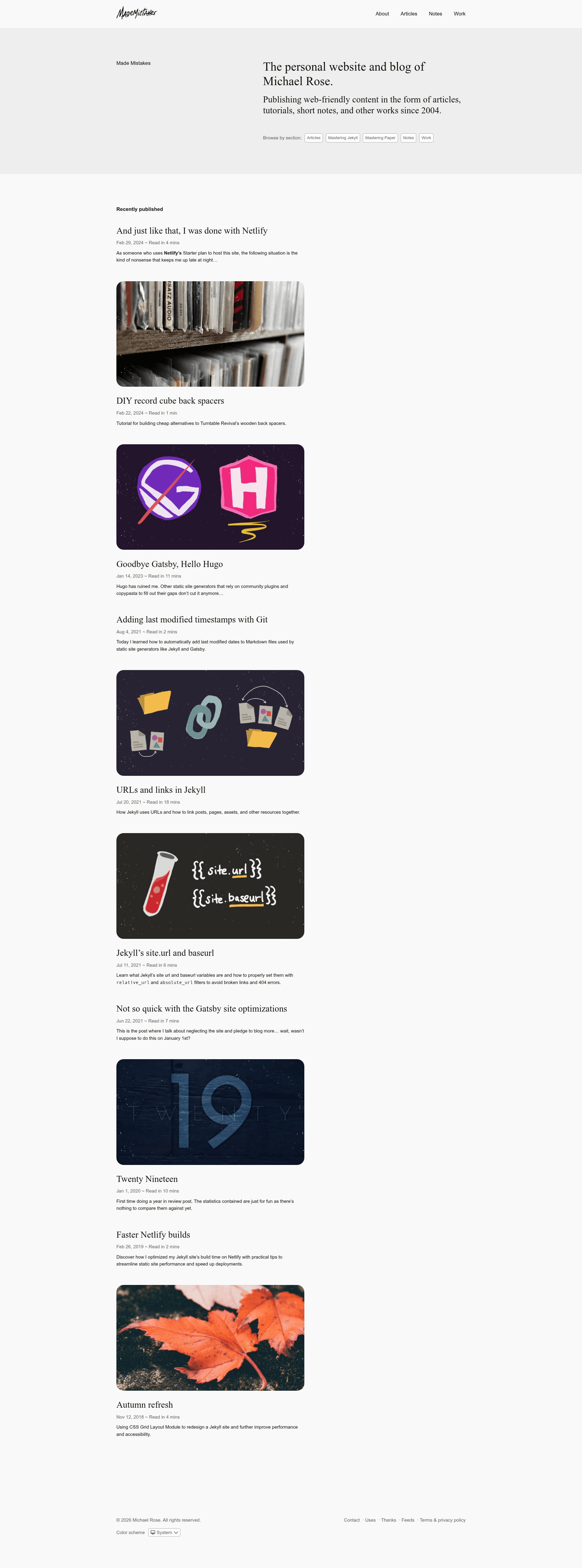
Made Mistakes is a deprecated Jekyll source code for the personal blog and portfolio at mademistakes.com, built with Jekyll, Gulp, and Netlify and maintained by Michael Rose.
What is Made Mistakes?
This repository contains the complete source for mademistakes.com, a personal blog and portfolio authored by Michael Rose. It takes Jekyll posts and pages written in Markdown as input and produces a static HTML site, with Gulp handling asset optimization and Netlify as the deployment target. The repository is no longer actively maintained and is not compatible with the default GitHub Pages workflow without substantial alterations.
Key Features
- Custom Liquid blocks — Provides
notice,figure,lazyload,youtube, andvimeotags to add callouts, figures with captions, lazy-loaded images (via lazysizes), and responsive video embeds directly in Markdown content. - Jekyll plugin stack — Uses
jekyll-sitemap,jemoji,jekyll-paginate-v2, andjekyll-tocfor XML sitemaps, emoji rendering, pagination, and table-of-contents generation. - Gulp asset pipeline — A Gulp 4 build system that preprocesses SCSS, adds vendor prefixes, concatenates and minifies CSS/JS, generates critical-path CSS, hashes filenames, and gzips output for production.
- Responsive feature images — Feature images placed in
src/assets/images/featureare resized into multiple sizes and served responsively viasrcsetfor browser that support it. - Image repository split — All image assets are stored in a separate GitHub repository (
mmistakes/made-mistakes-images) and included as a Git submodule. - Local development with BrowserSync — Running
gulpbuilds the site, opens it atlocalhost:4000, and auto-injects changes on file edits. - Deployment via rsync — The
gulp deploytask syncs the builtdistfolder to a production server usinggulp-rsync;gulp submit:sitemapsends the XML sitemap to Google and Bing. - Broken-link checking —
gulp checkbuilds the production site and runs html-proofer to test HTML for broken links.
Who is it for?
- Jekyll developers who want a production-grade, Gulp-powered build setup and a working example of custom plugins, pagination, and asset pipelines.
- Bloggers and portfolio owners who want a self-hosted Jekyll site with Netlify deployment and an optimized image workflow, and who are comfortable modifying a codebase rather than installing a theme.
- Developers studying asset pipelines who want to see how SCSS preprocessing, critical CSS extraction, responsive images, and rsync deployment are wired together in Gulp 4.
What can you do with it?
- Bloggers: Write posts in Markdown and use
jekyll-paginate-v2for paginated archives, with TOC generation viajekyll-toc. - Portfolio owners: Use the
figureblock to present image galleries with captions and custom CSS classes. - Content creators: Embed YouTube or Vimeo videos with the
youtubeandvimeoLiquid tags, which generate responsive iframes that fit the parent width. - Performance-minded developers: Leverage lazysizes-based lazy loading via the
lazyloadblock to defer off-screen images.
How does it work?
The repo requires Ruby (2.1+ with Bundler 1.10+), Node (4.2+), Yarn, and Gulp CLI. After running bundle install and yarn install, run gulp to build a development version of the site, or gulp --prod to generate an optimized production build. Production tasks minify and gzip CSS/JS/HTML, cache-bust filenames, optimize images, and compress SVG icons into a single sprite. The gulp serve task starts a watch session without an initial build.
FAQ
Is Made Mistakes compatible with GitHub Pages?
No. This source is not compatible with the default GitHub Pages workflow without substantial alterations, according to the repository README. It depends on Gulp for asset processing and rsync for deployment, rather than the built-in Jekyll build that GitHub Pages provides.
What Jekyll plugins does Made Mistakes use?
The site uses four plugins: jekyll-sitemap (supported by GitHub Pages), jemoji, jekyll-paginate-v2, and jekyll-toc. jekyll-sitemap generates the XML sitemap, jemoji filters emoji, jekyll-paginate-v2 provides pagination, and jekyll-toc inserts table of contents.
How do I run the site locally?
Install Ruby, Bundler, Node.js, Yarn, and Gulp CLI. Then run bundle install and yarn install in the repo root, followed by gulp. The site will be served at http://localhost:4000 with BrowserSync live-reload. Use gulp --prod to build a production version.
What is the license for this code?
The repository is distributed under the MIT License, copyright 2004-2019 Michael Rose. The site also incorporates icons from The Noun Project (CC BY 3.0 US), photographs from Unsplash, and open-source libraries (Bigfoot, Lity, Smooth Scroll, Lazysizes, SVG for Everybody) under their respective licenses.