Template details
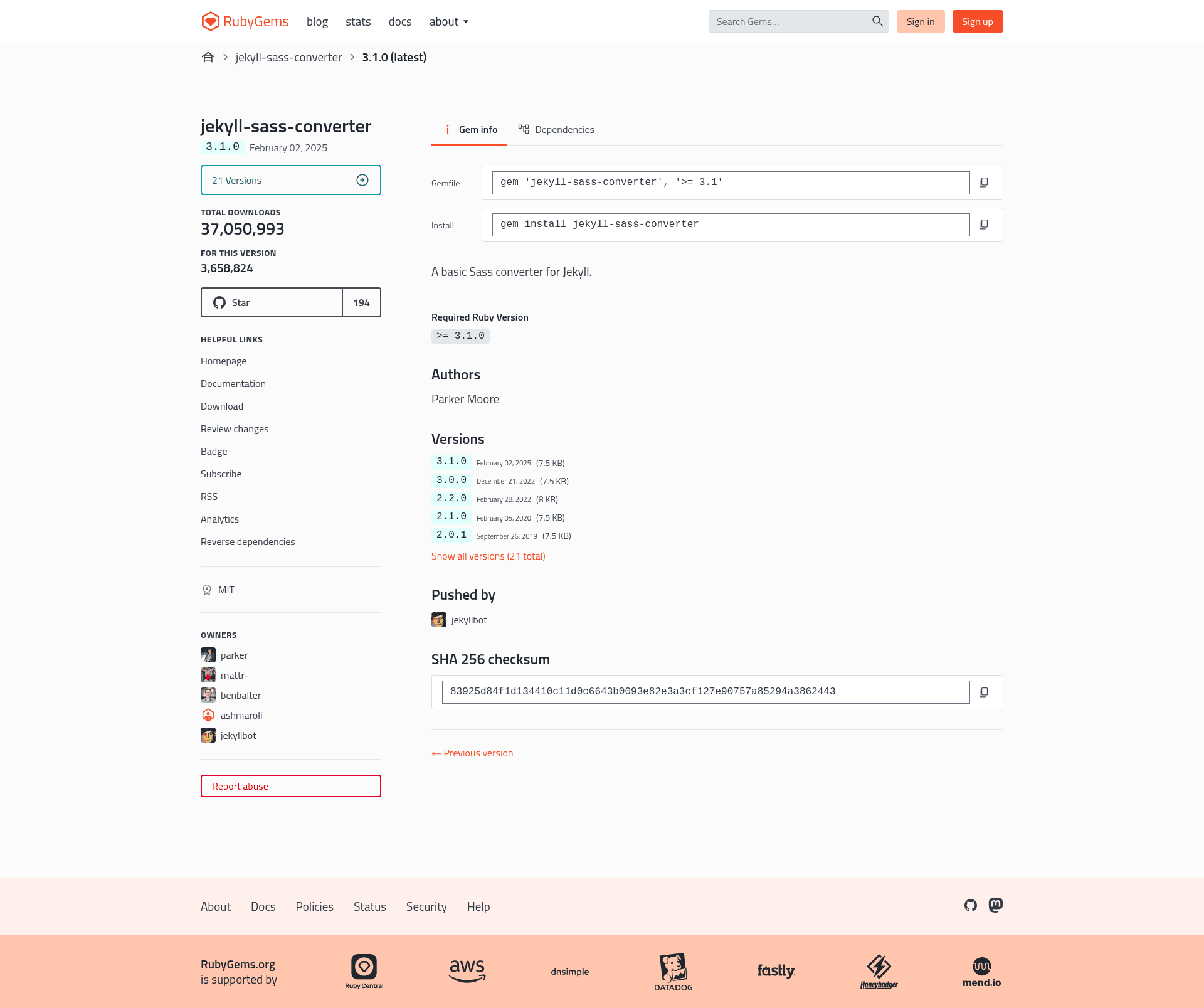
Jekyll Sass Converter
A Sass converter for Jekyll.
About this template
Jekyll Sass Converter is an open-source Jekyll plugin that compiles Sass and SCSS stylesheets into CSS files during site builds, using the sass-embedded engine.
What is Jekyll Sass Converter?
Jekyll Sass Converter is a Ruby gem that serves as Jekyll's built-in converter for .sass and .scss files. It takes uncompiled Sass/SCSS source from the site's _sass directory or custom load paths and produces .css output along with optional source maps. It requires Jekyll 2.0.0 or greater, and since that version it is bundled with Jekyll, so most users get it automatically. The project is maintained by the Jekyll organization on GitHub and currently has 194 stars.
Key Features
- sass-embedded engine — Since v3.0, the converter runs on sass-embedded, which executes the Dart Sass compiler as a subprocess and communicates over the Sass embedded protocol using protobuf messages.
- Source map generation — Source maps are produced by default (
sourcemap: always), enabling Chrome DevTools and Firefox DevTools to display the original.sass/.scsswhen debugging generated CSS. - Configurable output style — The
styleoption acceptscompressedorexpanded, withexpandedas the default, letting you minify production stylesheets or keep readable output. - Custom load paths — The
load_pathsoption accepts an array of filesystem paths to search for Sass partials, in addition to the default_sassdirectory set bysass_dir. - Deprecation controls —
fatal_deprecations,future_deprecations, andsilence_deprecationsarrays let you treat deprecation warnings as errors, opt into future deprecations, or silence specific ones. - Dependency warning management —
quiet_deps(defaultfalse) suppresses warnings from files loaded throughsass_dirorload_paths, andverboseprints every deprecation warning instead of only five per compilation.
Who is it for?
- Jekyll site developers — Use it to write styles in Sass/SCSS and have Jekyll produce final CSS in the build output without a separate preprocessing step.
- Jekyll theme authors — Ship themes with
.scsspartials in_sassand rely on the converter to compile them for any site using the theme. - GitHub Pages users — Classic GitHub Pages still pins v1.x of this gem; users who want v3.x features can deploy Jekyll sites via GitHub Actions, as linked in the migration notes.
What can you do with it?
- Minify or pretty-print CSS — Set
sass.style: compressedfor production or keepexpandedfor readable output; both are supported by Dart Sass. - Limit source maps to development — Configure
sourcemap: developmentso maps are generated only whenJEKYLL_ENVis set todevelopment. - Add extra Sass import paths — Add directories to
load_pathsin_config.ymlso partials outside_sassresolve correctly. - Fail builds on deprecated Sass — Use
fatal_deprecationsto make the compiler error when it encounters any listed deprecation during compilation.
How does it work?
The converter hooks into Jekyll's build process, detecting files with .sass or .scss extensions. It then invokes the sass-embedded host, which launches a Dart Sass compiler subprocess and exchanges protobuf messages over the standard input/output channel to compile and retrieve the CSS result. Configuration is read from _config.yml under the sass key, with all options having documented defaults.
Migrating from 2.x to 3.x
The v3.0 release is a breaking upgrade: it drops the implementation option and the sassc gem, requires Ruby 3.1.0+, and removes add_charset and line_comments options. It also restricts imports to .sass, .scss, and .css extensions, no longer resolves imports relative to the site source unless . is added to load_paths, and converts same-name parent/child imports into circular import errors. Classic GitHub Pages still uses the 1.x versions.