Template details
Jekyll Theme Documentation
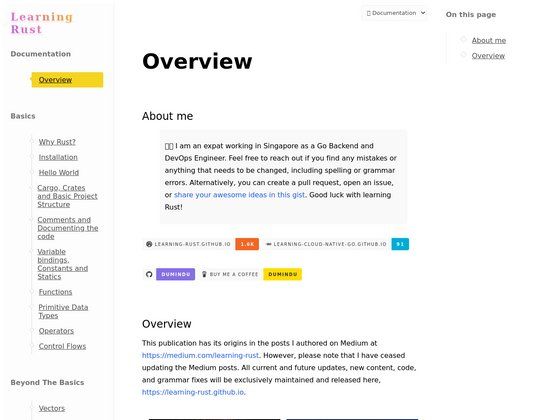
A Jekyll theme for hosting documentation on GitHub Pages with configurable table of contents and navigation.
About this template
jekyll-theme-documentation is a Jekyll theme for hosting documentation sites on GitHub Pages, offering automatic table of contents and navigation via simple configuration.
What is jekyll-theme-documentation?
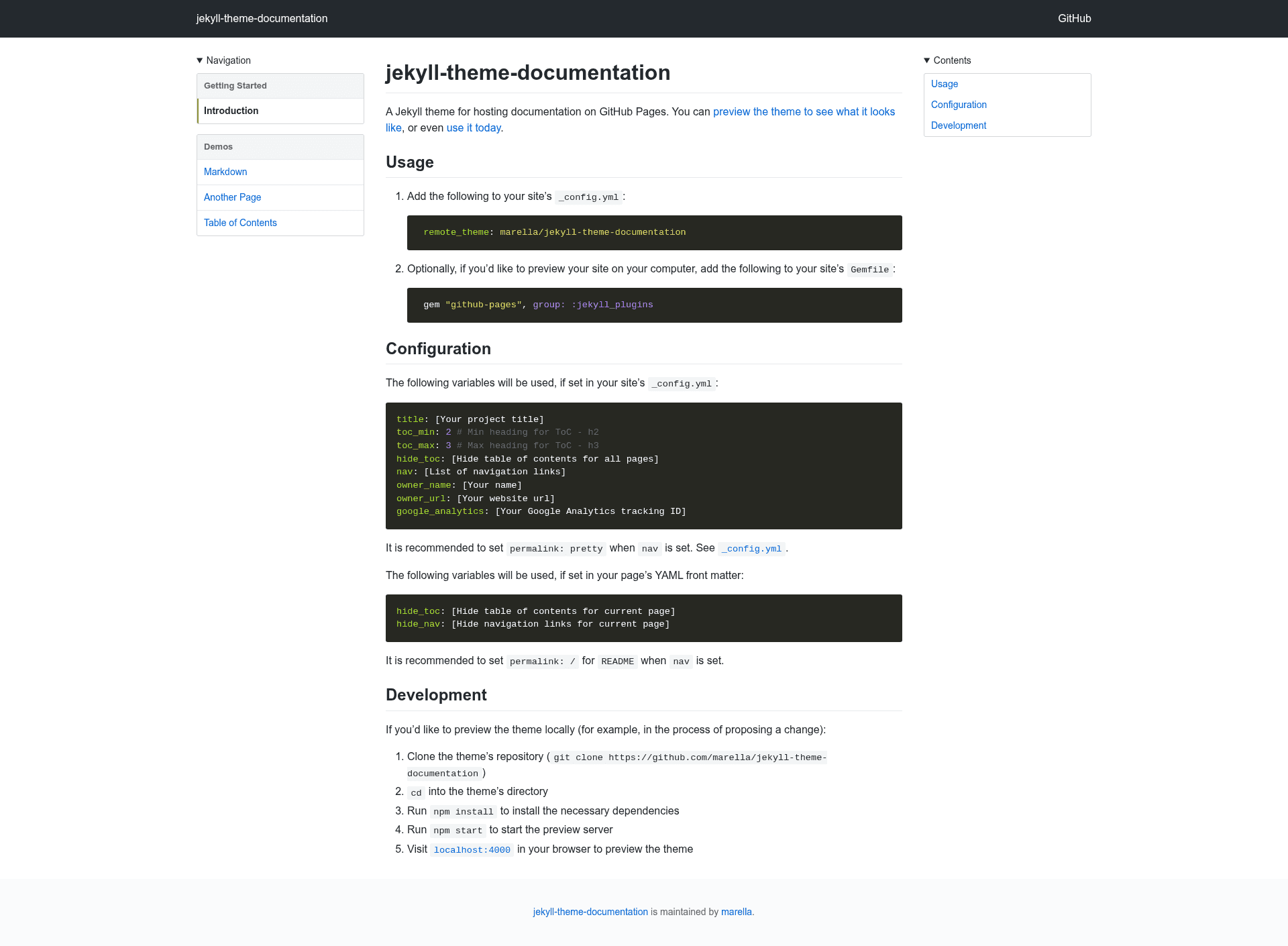
A Jekyll theme for hosting documentation on GitHub Pages. It takes a Jekyll site's markdown content and configuration in _config.yml and produces a static documentation site with a table of contents, navigation, and optional Google Analytics. The theme is installed as a remote theme from the marella/jekyll-theme-documentation GitHub repository, so it can be used directly on GitHub Pages without building locally. It supports per-page and global control of ToC and navigation visibility.
Key Features
- Remote theme installation — Add
remote_theme: marella/jekyll-theme-documentationto_config.ymland GitHub Pages builds the site automatically. - Configurable table of contents — Set
toc_minandtoc_maxin_config.ymlto control which heading levels (for example, h2 to h3) appear in the ToC. - Global and per-page ToC hiding — Use
hide_tocin either_config.ymlor a page's YAML front matter to suppress the table of contents. - Navigation links — Define a
navlist in_config.ymlto include custom navigation links across the site. - Per-page navigation hiding — Set
hide_navin a page's front matter to remove navigation links for that specific page. - Owner metadata — Configure
owner_nameandowner_urlin_config.ymlto display attribution on the site. - Google Analytics — Provide
google_analyticstracking ID in_config.ymlto enable analytics. - Local preview with npm — Clone the theme repository, run
npm installandnpm start, then view the site atlocalhost:4000for development.
Who is it for?
- Open source maintainers who host project documentation on GitHub Pages and want a theme that works with
remote_themewithout additional build steps. - Technical writers who need a simple documentation layout with an automatic table of contents for long guides.
- GitHub users who want a pre-configured documentation site with minimal setup, only editing
_config.ymland Markdown files.
What can you do with it?
- Documentation sites: Publish user manuals, API references, and technical guides on GitHub Pages with a clean layout.
- Project companion sites: Create a documentation hub alongside a code repository, with navigation links to other pages or external resources.
- Personal knowledge base: Use the theme's ToC and navigation to organize notes or tutorials written in Markdown.
How does jekyll-theme-documentation work?
Install the theme by adding remote_theme: marella/jekyll-theme-documentation to your site's _config.yml. Optionally add gem "github-pages", group: :jekyll_plugins to your Gemfile for local preview. Then configure variables like title, toc_min, toc_max, hide_toc, nav, owner_name, owner_url, and google_analytics in _config.yml, or per-page hide_toc and hide_nav in front matter. For local development, clone the theme's repository, run npm install and npm start, and open localhost:4000.
Alternatives
- Just the Docs — another Jekyll theme for documentation with a different navigation and search setup.
FAQ
How do I install jekyll-theme-documentation?
Add remote_theme: marella/jekyll-theme-documentation to your site's _config.yml. If you want to preview locally, add gem "github-pages", group: :jekyll_plugins to your Gemfile and run bundle install.
How do I hide the table of contents on a specific page?
Set hide_toc: true in that page's YAML front matter. To hide the ToC on all pages, set hide_toc: true in your _config.yml instead.
How do I add navigation links to the theme?
Define a nav list in your site's _config.yml. The theme recommends setting permalink: pretty in your config when using nav, and setting permalink: / for the README when nav is set.
Can I use this theme with GitHub Pages?
Yes, the theme is designed for GitHub Pages. Using remote_theme means GitHub Pages will build your site directly from the repository, with no need to push compiled files.
How do I enable Google Analytics?
Add google_analytics: [your Google Analytics tracking ID] to your _config.yml. The theme will include the necessary analytics script when that variable is set.