Template details
Jekyll Video
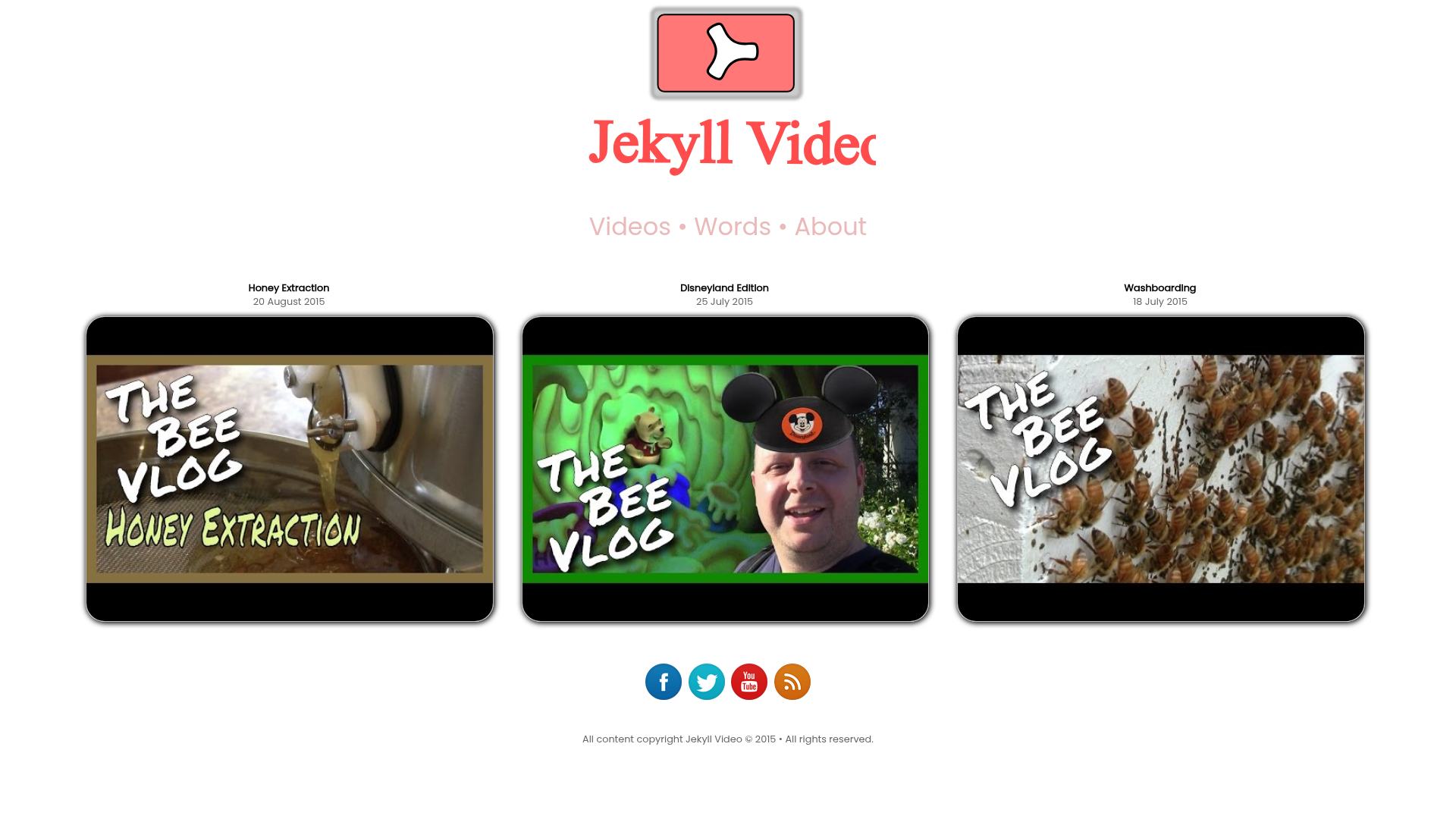
Jekyll template for a video blog with hand-written CSS, generating a static site for GitHub Pages.
About this template
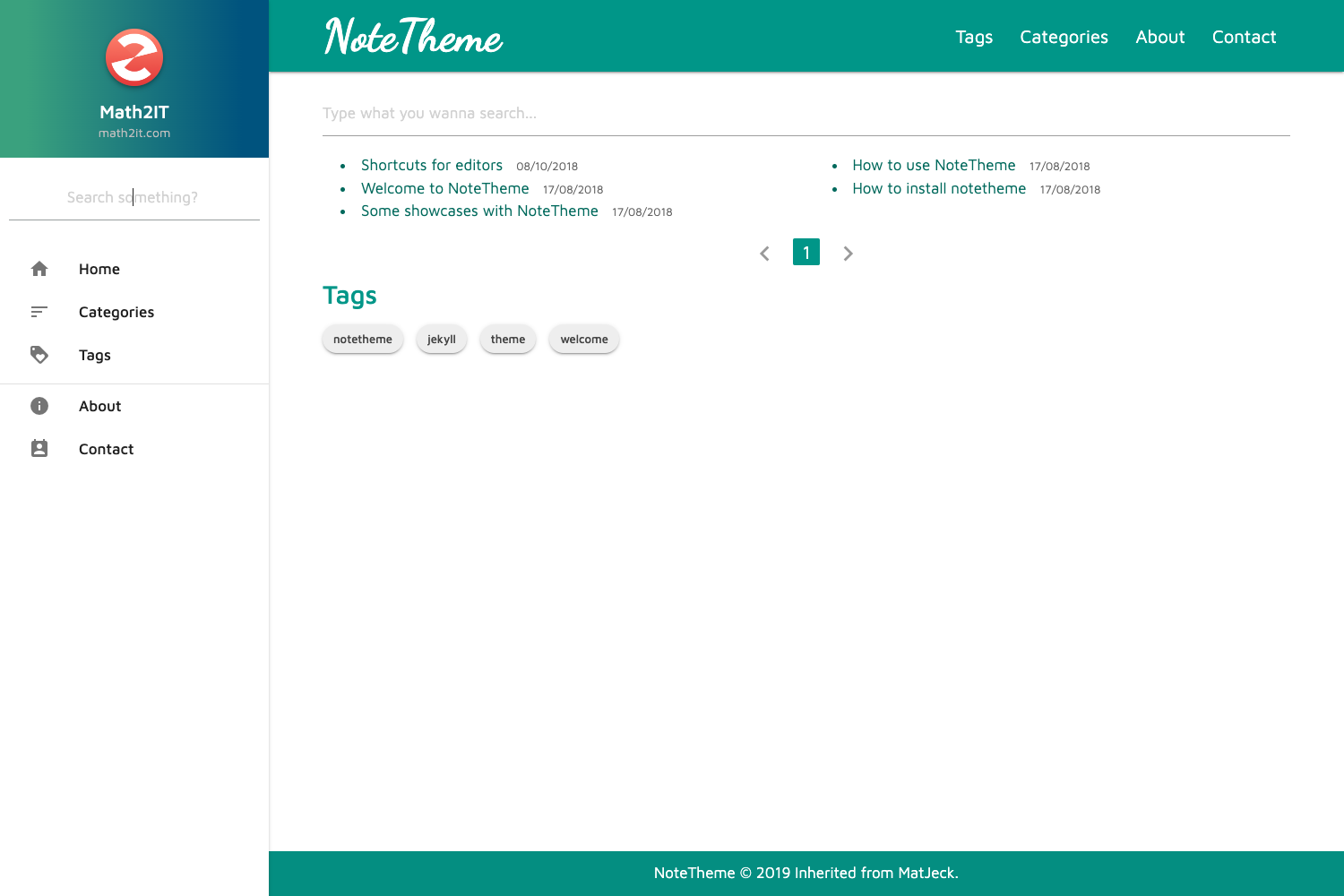
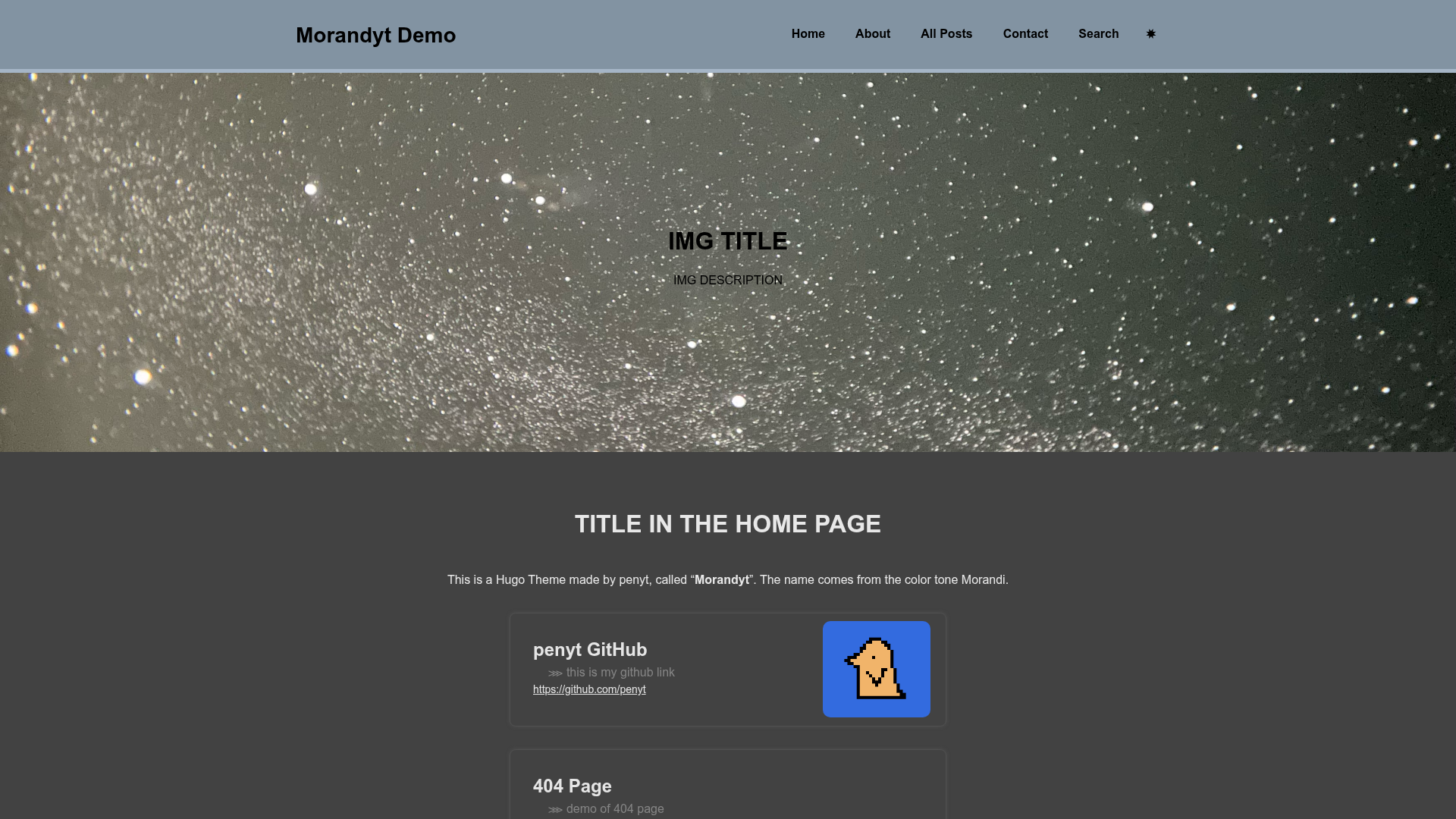
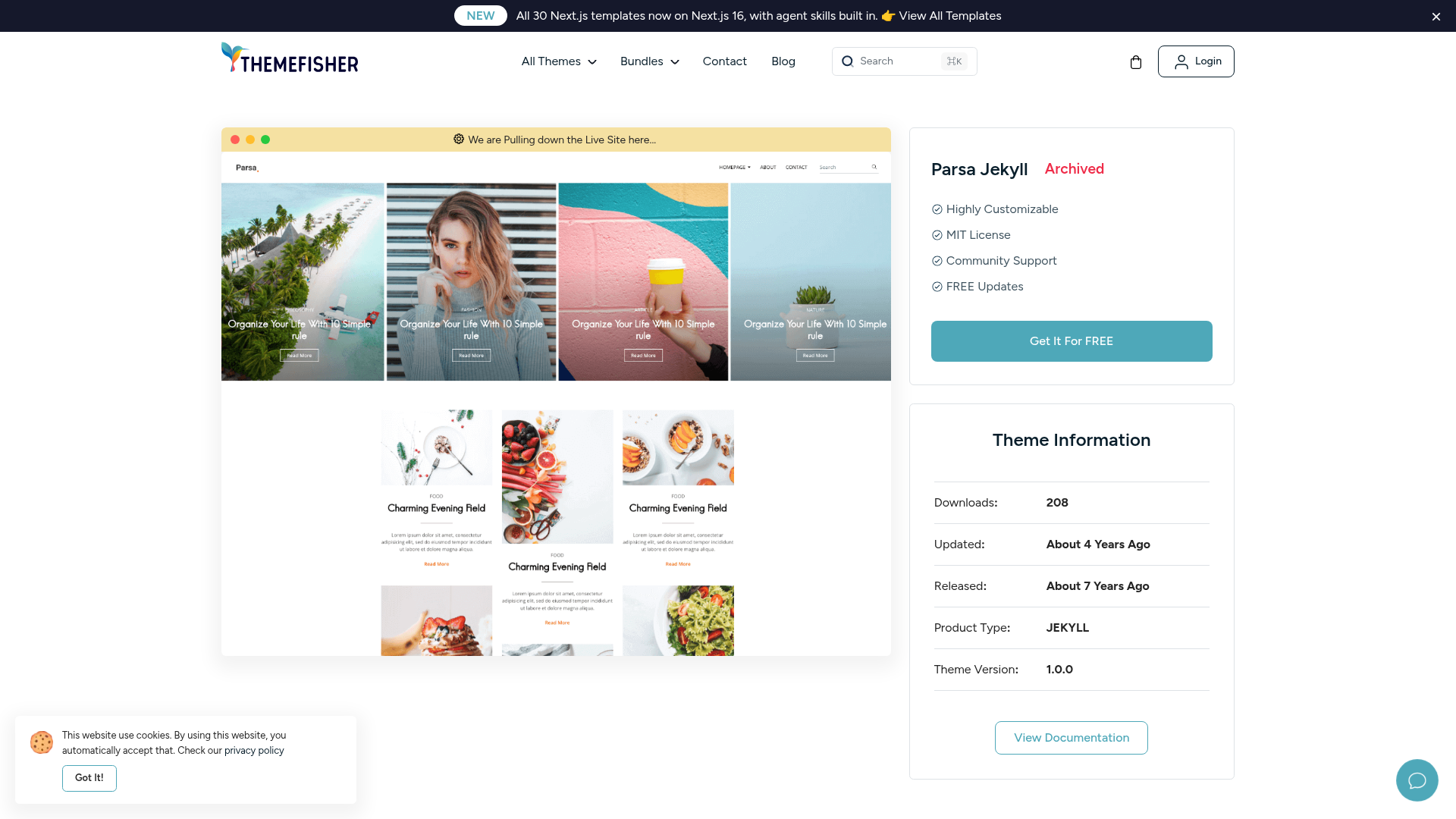
Jekyll Video is a Jekyll-based template for a video blog, created by GitHub user mushishi78, that turns Markdown content into a static website with hand-written CSS.
What is Jekyll Video?
Jekyll Video is a template for building a video blog with Jekyll, the Ruby static site generator. The public GitHub repository, which has 20 stars, lists CSS as its primary language, meaning the layout and visual design are implemented in raw stylesheets rather than a CSS framework. As a Jekyll site, it accepts content in Markdown or HTML with YAML front matter and outputs pre-rendered static pages that can be hosted on GitHub Pages, Netlify, or any static server. The template's purpose is to present video posts in a blog-style index, giving readers a list of videos and individual pages for each one.
Key Features
- Jekyll static output — All pages are generated at build time, so the site loads quickly without a database or backend.
- Hand-written CSS — Styling is written directly in CSS, which makes the theme easy to inspect, tweak, and learn from without a CSS compiler.
- Video blog structure — The template is organized around video content, providing a layout for listing posts and displaying individual video entries.
- Open source on GitHub — The code is publicly available, so you can fork the repository, adapt it to your needs, and contribute improvements.
Who is it for?
Jekyll Video is for individuals and developers who want a no-frills video blog on a static site. A personal blogger can publish video posts with written descriptions and keep the whole site in a Git repository. A developer familiar with GitHub Pages can deploy the template in minutes, and someone learning Jekyll can study a compact, real-world theme that uses plain CSS for styling.
What can you do with Jekyll Video?
- Publish a video blog — Create a Markdown file for each video post, embed your video, and Jekyll generates a static HTML page automatically.
- Customize the design — Edit the CSS files directly to change colors, fonts, and layout without needing a build step for styles.
- Host at no cost — Push the Jekyll site to GitHub and enable Pages to host your video blog at a free github.io URL.