Template details
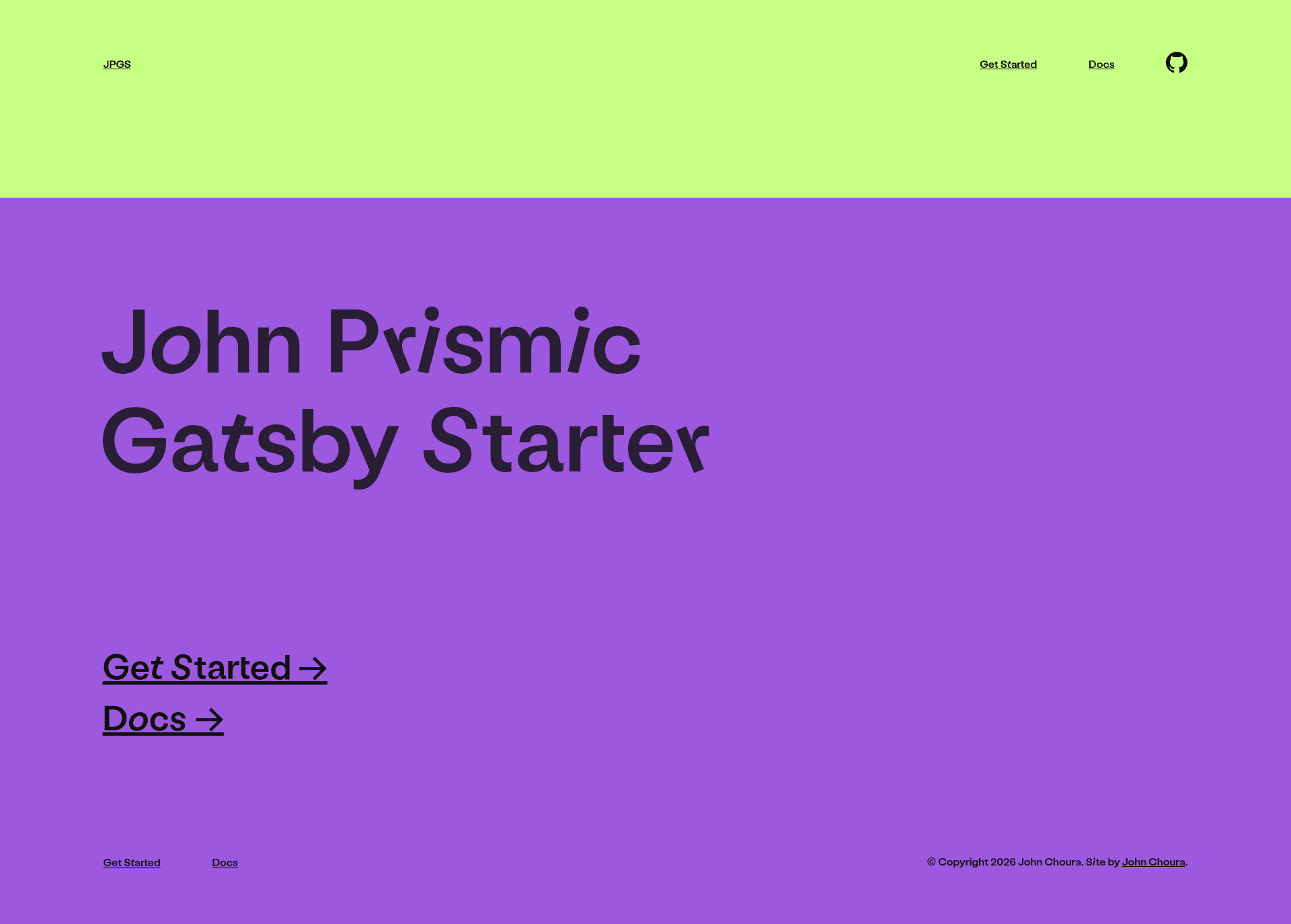
John Prismic Gatsby Starter
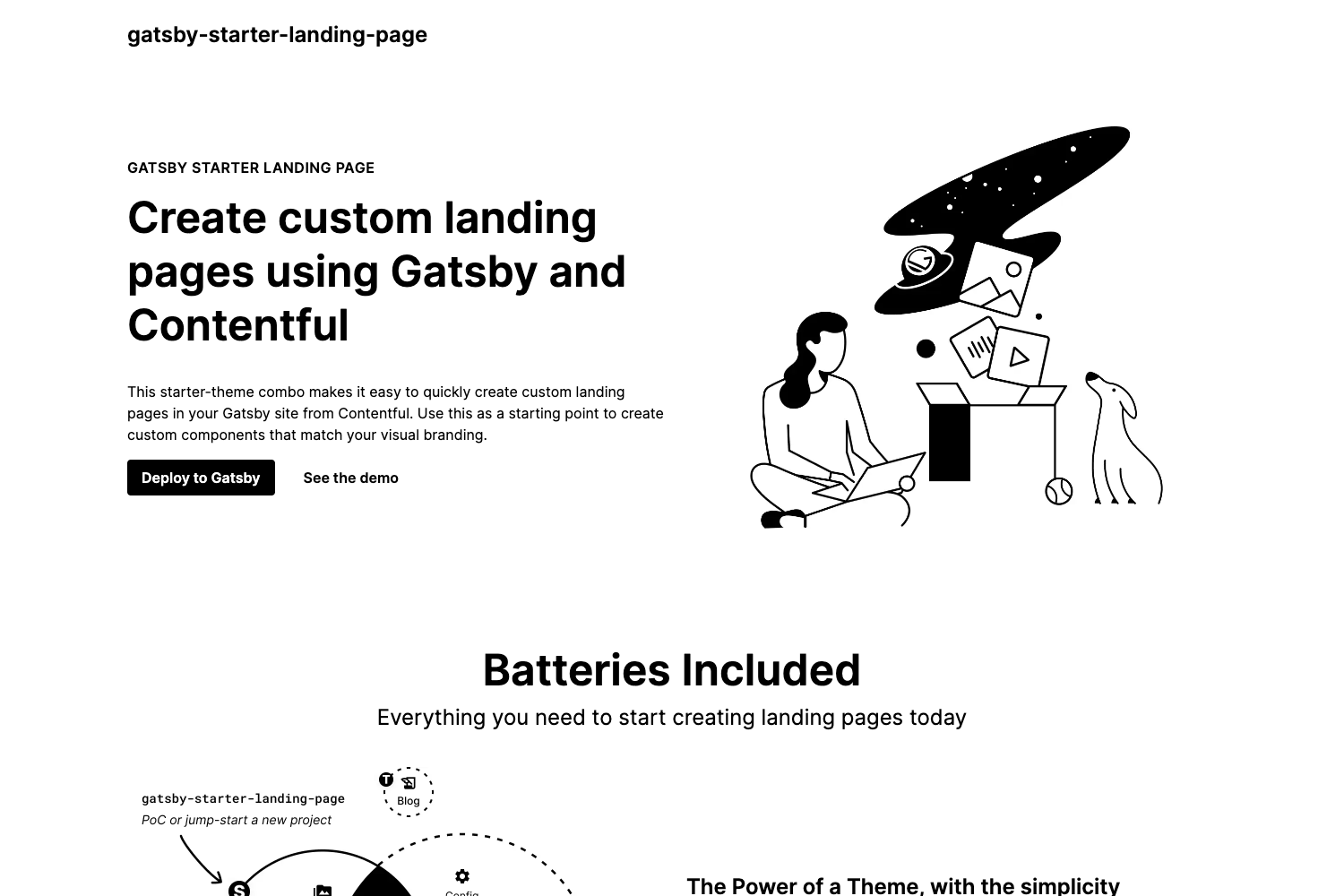
A super simple Gatsby starter that uses Prismic as a headless CMS.
About this template
JPGS (John Prismic Gatsby Starter) is a minimal Gatsby starter that pairs a Gatsby front end with Prismic as a headless CMS, providing a bare-bones, content-driven website to fork and customize.
What is John Prismic Gatsby Starter?
JPGS is a super simple starter built on Gatsby using Prismic as the CMS, as stated in the repository description. It takes a Prismic repository with published documents—specifically a homepage and at least one page—and produces a static Gatsby site. The starter is distributed as a GitHub repository and is meant to be forked before use. There is no named individual or company attributed as the author in the available content.
Key Features
- Gatsby framework — Built on Gatsby, the site generates as a static site with the performance benefits of React-based rendering.
- Prismic CMS integration — Connects to a Prismic repository for all content, requiring the repository name and API key.
- Environment variable configuration — Uses a .env file with PRISMIC_API_KEY and PRISMIC_REPO to keep secrets out of source control.
- Custom type schemas — Includes JSON files in src/schemas that you paste into Prismic to define custom types.
- Content model — A homepage and at least one page document must be published in Prismic for the starter to work.
- Centralized styling — Global styles and theme variables live in src/style/base-styles.js and src/style/theme.js for easy customization.
- Quick start command — After configuration, running yarn start launches the Gatsby development server.
Who is it for?
- Developers exploring Gatsby and Prismic — the small codebase makes it easy to see how the two integrate.
- Freelancers building client websites — fork the starter, wire it to a Prismic repo, and give the client a simple CMS to edit pages.
- Open-source learners — with only 2 stars, it's a quiet project you can study, break, and rebuild without affecting a large community.
What can you do with it?
- Launch a content-managed site — publish Prismic documents, map them to the provided custom types, and serve them through Gatsby.
- Customize the design system — edit base-styles.js and theme.js to alter fonts, colors, and global styles.
- Learn a minimal Gatsby + Prismic setup — trace how env variables, custom type schemas, and page queries come together.
How does it work?
- Fork the repository on GitHub.
- Create a Prismic repository and get an API key.
- Add PRISMIC_API_KEY and PRISMIC_REPO to a .env file.
- Copy JSON content from src/schemas into Prismic as custom types.
- Publish a homepage and at least one page document.
- Update gatsby-config.js with your project details, then run yarn start.
FAQ
Do I need a Prismic account?
Yes. The starter requires a Prismic repository because it fetches all content from Prismic. You must create one and provide the repository name and API key via a .env file.
What documents must be published?
The README says you need to publish both a homepage and at least one page document in Prismic before the starter will render content.
Where do I customize styles?
Global styles are in src/style/base-styles.js and src/style/theme.js. These two files are the designated places for theme variables and base CSS rules.
How do I get the development server running?
After forking and completing the Prismic setup, run yarn start from the project directory. The starter uses yarn as its package manager.