Template details
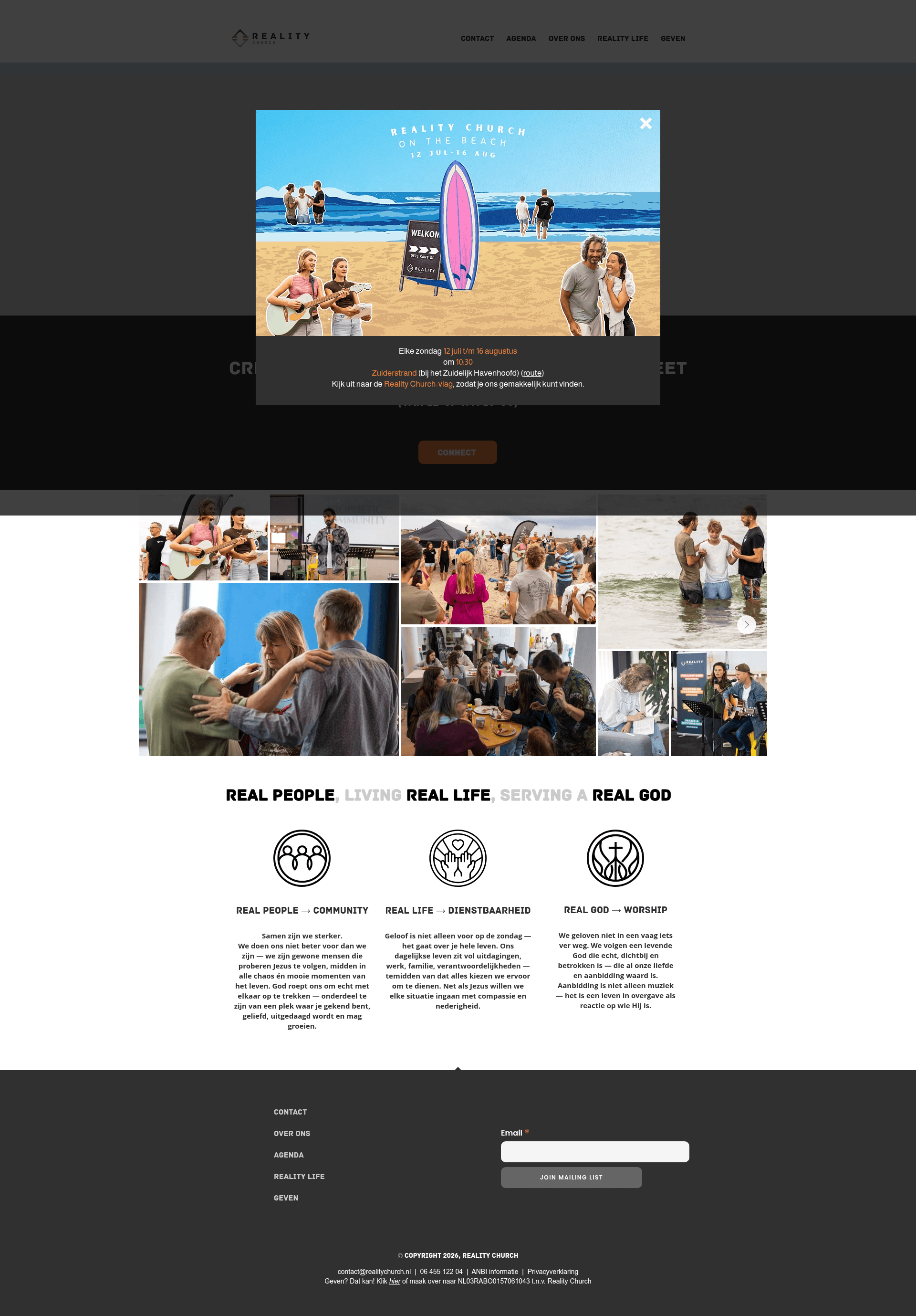
Reality Website
Hybrid static site generator for realityscheveningen.nl, a local church website built with Contentful and Netlify.
About this template
Reality Website is an open-source hybrid static site generator purpose-built for realityscheveningen.nl, the website of a local church in Scheveningen, The Hague.
What is Reality Website?
Reality Website is a Node.js-based build system that pulls content and digital assets from the Contentful headless CMS and generates static HTML, CSS, and JavaScript pages. The output is a fast, secure, low-cost website hosted on Netlify, with GitLab CI handling automated testing and deployment. This project was created by developers from the church community who deliberately avoided WordPress and a purchased ThemeForest theme.
Key Features
- Hybrid static site architecture — combines a headless CMS for content editing with static site generation for fast, secure, low-cost hosting.
- Contentful integration — content and digital assets such as images and PDFs are managed in Contentful; publishing content automatically triggers a build hook.
- Automated CI/CD with GitLab CI — pushing code to the master branch automatically tests, builds, and deploys the site to Netlify.
- Netlify hosting — static hosting with auto-renewed Let's Encrypt HTTPS certificates, custom domain support, and a free tier.
- Pug templating and Sass styling — pages are generated from Pug templates, and Sass stylesheets are compiled to CSS during the build.
- Environment configuration — local development uses a .env file containing keys for Contentful, Google Analytics, Google Maps, and Google Site Verification.
- Test suite with coverage —
npm testruns the test suite, andnpm run test-with-coveragegenerates an LCOV HTML report.
Who is it for?
- Content editors — publish and update content through Contentful's interface without touching code; each publish triggers an automatic site rebuild.
- Web developers — customize the Node.js build scripts, Pug templates, and Sass stylesheets, and deploy simply by pushing to master.
- Church communities — get a low-maintenance, secure, and cost-effective website that expresses their creativity rather than a generic WordPress theme.
What can you do with it?
- Non-technical church staff — manage news, events, and pages through Contentful while the site remains static, fast, and secure.
- Developer-community collaborations — separate the developer workflow from content publication: developers handle code and infrastructure, editors control text and media.
- Environmentally minded organizations — host a static site with no database or server to maintain, relying on Netlify's free tier.
How does it work?
The build process has two steps: first, download content and digital assets from the Contentful API; second, generate the HTML pages, JavaScript, and CSS. When code is pushed to master, GitLab CI automatically tests, builds, and deploys to Netlify. Contentful also has hooks configured so publishing content triggers the build process on GitLab CI.
Pros and cons
- Pros: low cost, secure, fast, portable, and developer friendly; both Contentful and Netlify have free tiers sufficient for this project.
- Cons: maintaining content directly in a static site generator is not user friendly, which is why Contentful is used as an editor interface; npm scripts assume a Unix-like shell and require Node version 6 or later.
Pricing
The template itself is open source and free. It relies on Contentful and Netlify, both of which offer free tiers that were enough for this church website.
Alternatives
- WordPress — a traditional CMS that this project explicitly chose not to use, preferring a static site generator with a headless CMS instead.
FAQ
Is Reality Website free?
Yes, the source code is open source, and the project runs on the free tiers of Contentful and Netlify.
What CMS does Reality Website use?
It uses Contentful as a headless CMS. Content and digital assets are managed there, and publishing content triggers a hook that rebuilds the static site.
What technology stack does it use?
The build system is written in Node.js, pages use Pug templates, and styles are written in Sass. The site is hosted on Netlify with GitLab CI for continuous integration and deployment.
How do I run it locally?
Clone the repository, run npm install, create a .env file with the required Contentful, Google Maps, and Google Analytics keys, then run npm run dev to start the development server at localhost:9090.