Template details
KeepIt
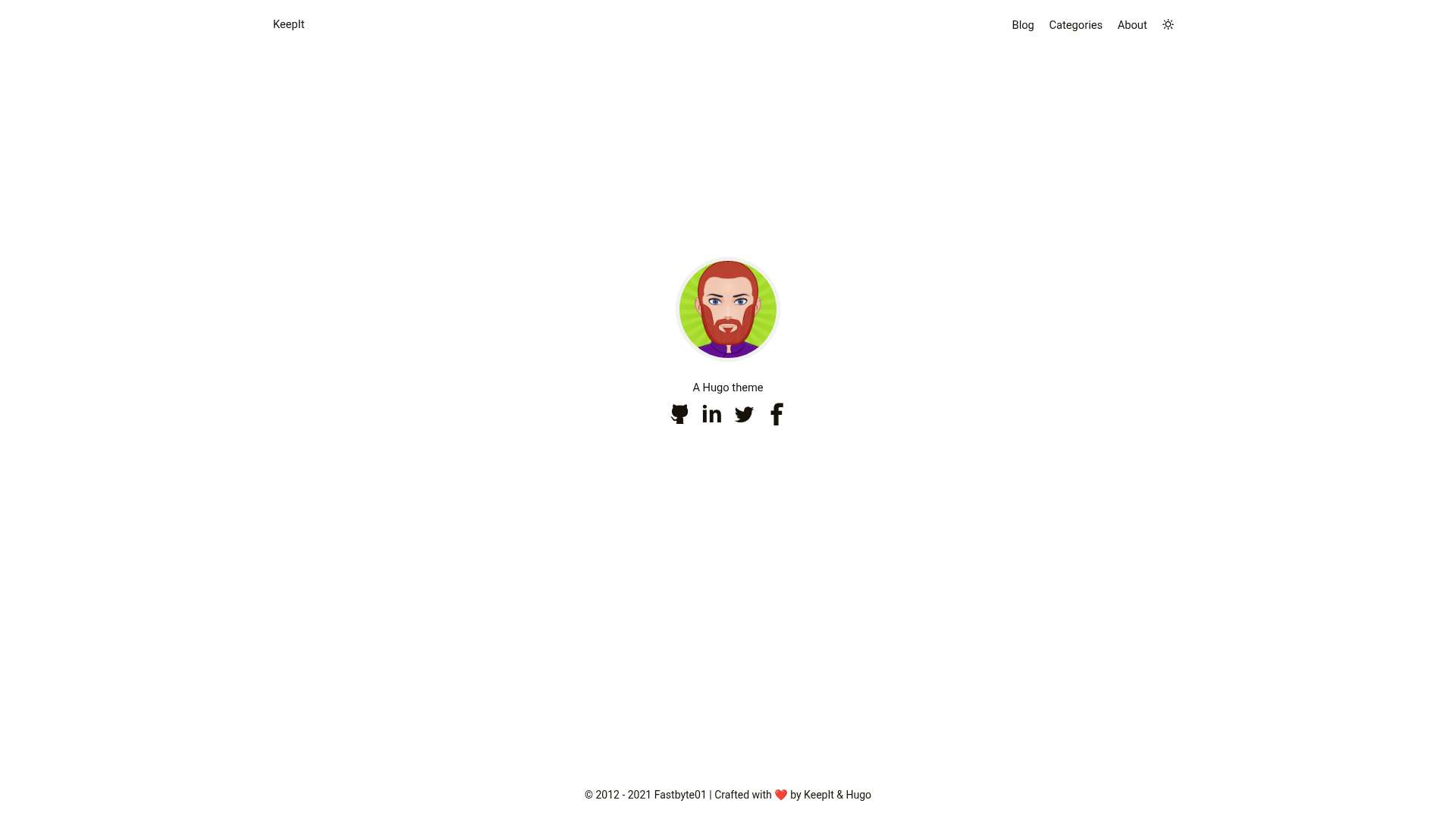
Clean, elegant, and advanced Hugo blog theme featuring dark mode, multilingual support, math/diagram shortcodes, and seven comment systems.
About this template
KeepIt is a clean, elegant, and advanced blog theme for the Hugo static site generator, derived from the LeaveIt theme and rebuilt for modern Hugo.
What is KeepIt?
KeepIt is a Hugo theme that renders Markdown content and site configuration into a complete blog with dark mode, search, comments, and rich media shortcodes. The theme is authored by Dillon, released under the MIT license, and requires Hugo version 0.62.0 or higher. It ships with a live demo site hosted on Netlify, and its source code lives on GitHub.
Key Features
- Search — client-side search built on Lunr.js, or Algolia if you prefer a hosted search index.
- Comment systems — supports Disqus, Gitalk, Valine, Facebook Comments, Telegram Comments, Commento, and Utterances, so you can pick the moderation workflow you already use.
- Math and diagrams — KaTeX for mathematical formulas, Mermaid for flowcharts, ECharts for interactive data visualization, and Mapbox for embedded maps.
- Media embeds — APlayer with MetingJS for music players, plus a shortcode for Bilibili video playlists.
- Internationalization — English, Simplified Chinese, Traditional Chinese, French, Polish, Brazilian Portuguese, Italian, Spanish, German, Serbian, Russian, Romanian, and Vietnamese.
- Performance — reports 100/100 on desktop and 99/100 on mobile in Google PageSpeed Insights, with lazy loading images via lazysizes.
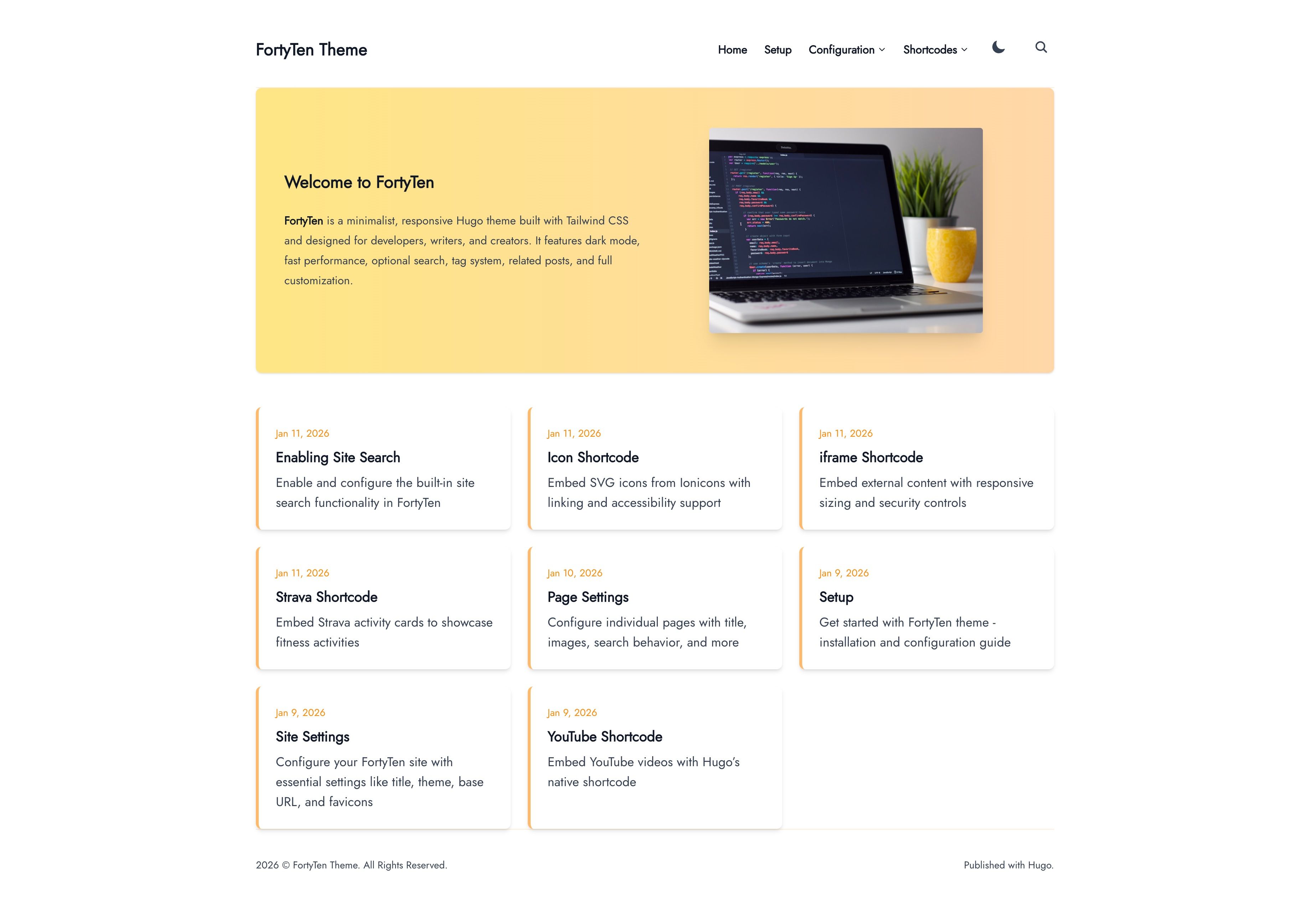
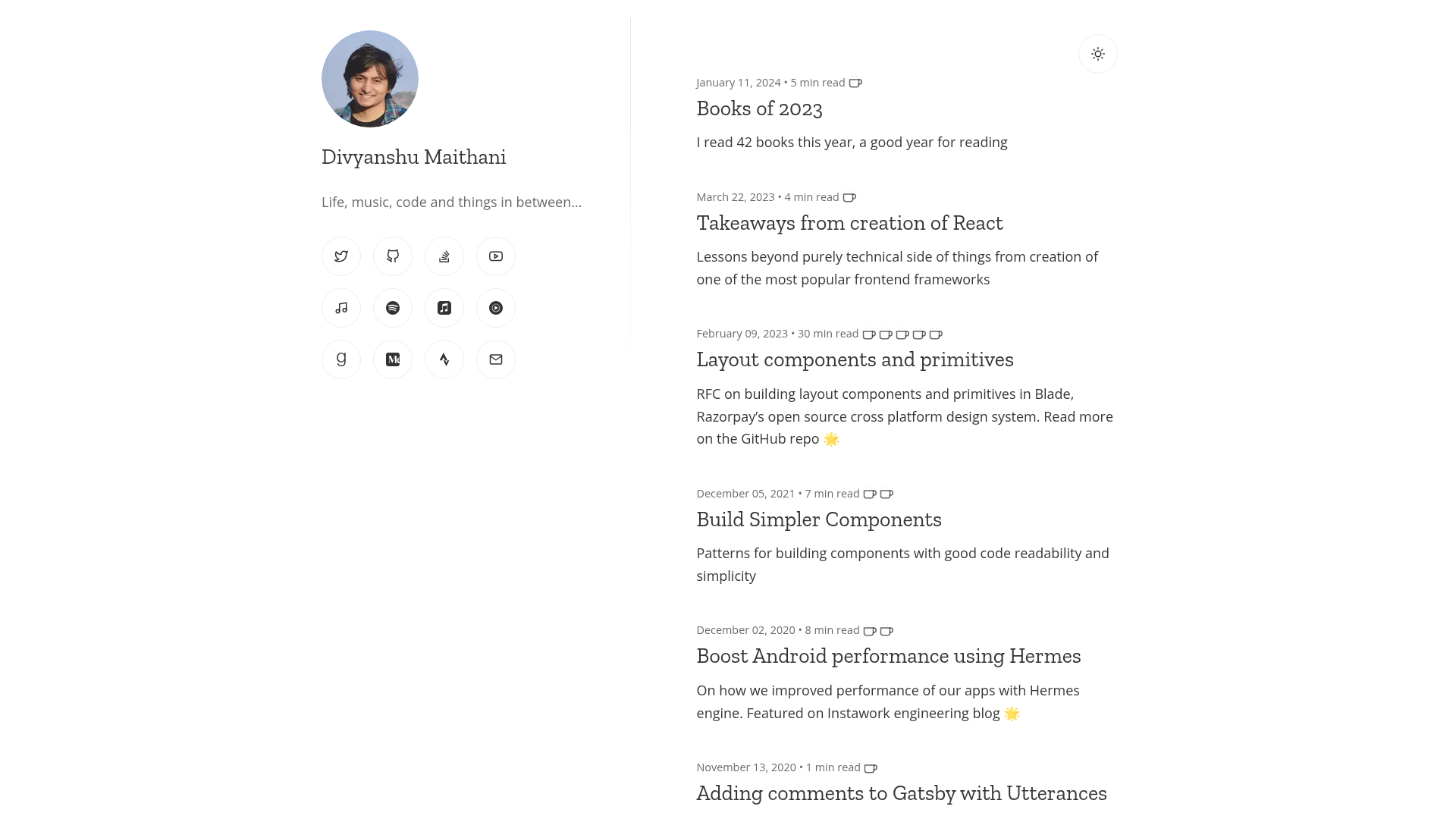
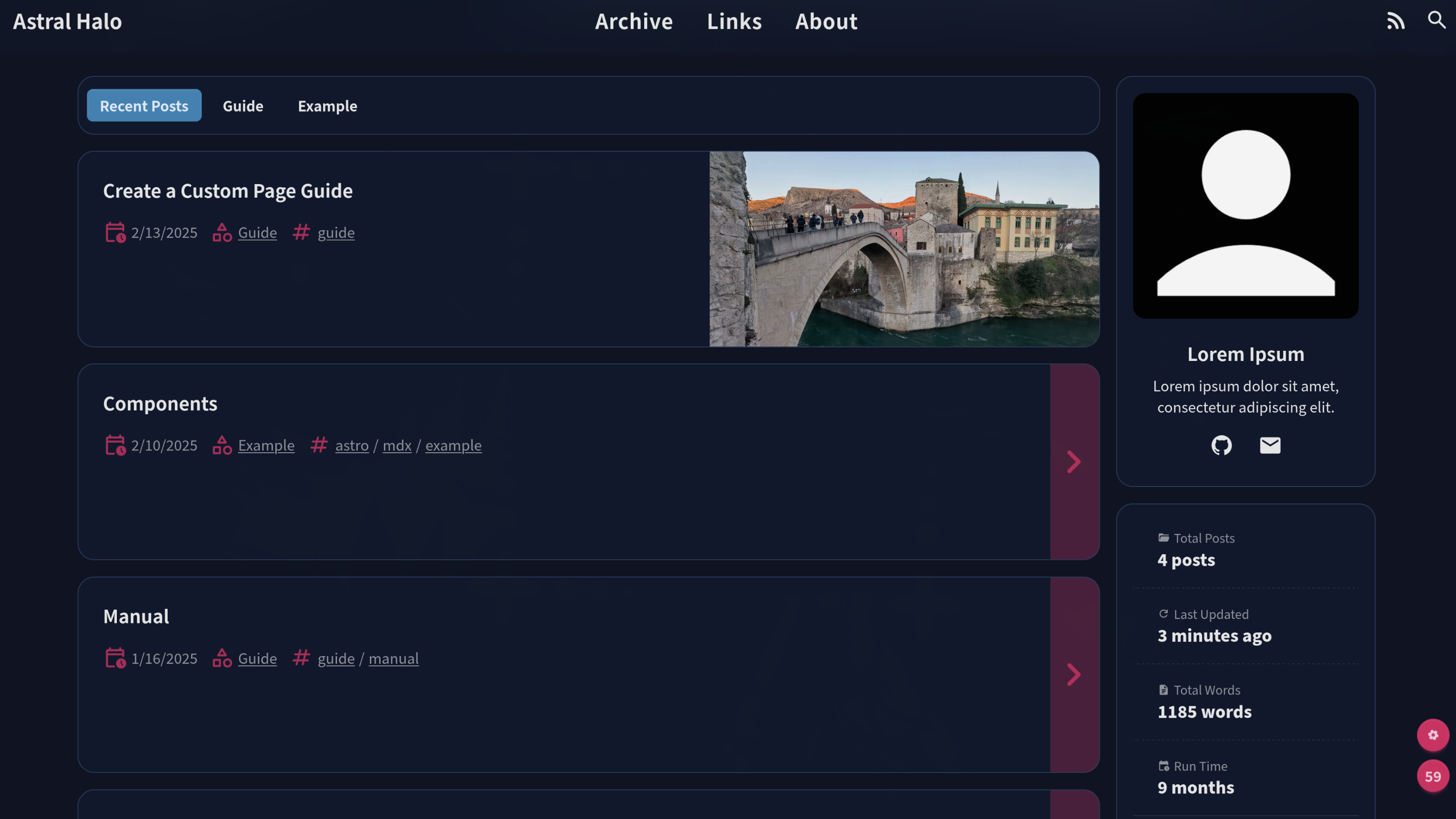
- Appearance — responsive layout, light and dark modes, CSS animations, and a self-expanding table of contents.
- Shortcodes — extended Markdown for Font Awesome icons, ruby annotation, fractions, admonitions, custom styles, custom scripts, and animated typing via TypeIt.
Who is it for?
- Bloggers who want a fast, minimal site with modern features like dark mode and search built in.
- Technical writers who need to render code, math, diagrams, and data charts from Markdown without leaving the post.
- Developers who prefer the Hugo toolchain and want a theme that can be customized via shortcodes and i18n files.
- Content creators with international audiences who want Bilibili embeds, multilingual support, and a choice of comment systems.
What can you do with KeepIt?
- Write posts with rich media: embed a mermaid diagram, an ECharts chart, a Mapbox map, and a KaTeX formula in a single Markdown file, and the theme renders them as interactive elements.
- Add comments to your blog: choose among seven comment systems — Disqus, Gitalk, Valine, Facebook, Telegram, Commento, or Utterances — via a single config setting.
- Build a multilingual site: use the built-in translations for 13 languages, or contribute a new language file through the GitHub pull request flow.
- Optimize for search engines: the theme includes JSON-LD schema, Google Analytics and Fathom Analytics support, and verification hooks for Google, Bing, Yandex, and Baidu.
How does KeepIt work?
KeepIt requires Node.js to build its JavaScript assets. After cloning the theme directory, run npm install and npm run build to generate assets/js/theme.js and other resources that Hugo consumes. For local development, npm run start starts a live server that rebuilds the assets on changes.
Pricing
KeepIt is free and open source under the MIT license. You can download, modify, and use it in personal or commercial projects without paying a license fee.
FAQ
Is KeepIt free?
Yes, KeepIt is released under the MIT license, which permits free use, modification, and distribution, including in commercial projects. The theme's source code is available on GitHub.
What Hugo version does KeepIt require?
KeepIt requires Hugo version 0.62.0 or higher. The README badge shows a Hugo dependency of ^0.62.0, so older versions are not supported.
Which comment systems does KeepIt support?
KeepIt integrates seven comment systems: Disqus, Gitalk, Valine, Facebook Comments, Telegram Comments, Commento, and Utterances. You enable one at a time by setting the corresponding option in your site configuration.
How do I build the theme's assets?
From the theme directory, run npm install then npm run build. The build process generates assets/js/theme.js and other resources. Use npm run start to watch files and serve a live-reloading development server.
Can I add a new language to KeepIt?
Yes, KeepIt includes English, 12 other languages, and instructions for contributing translations. You can add a language file and submit a pull request to the repository.