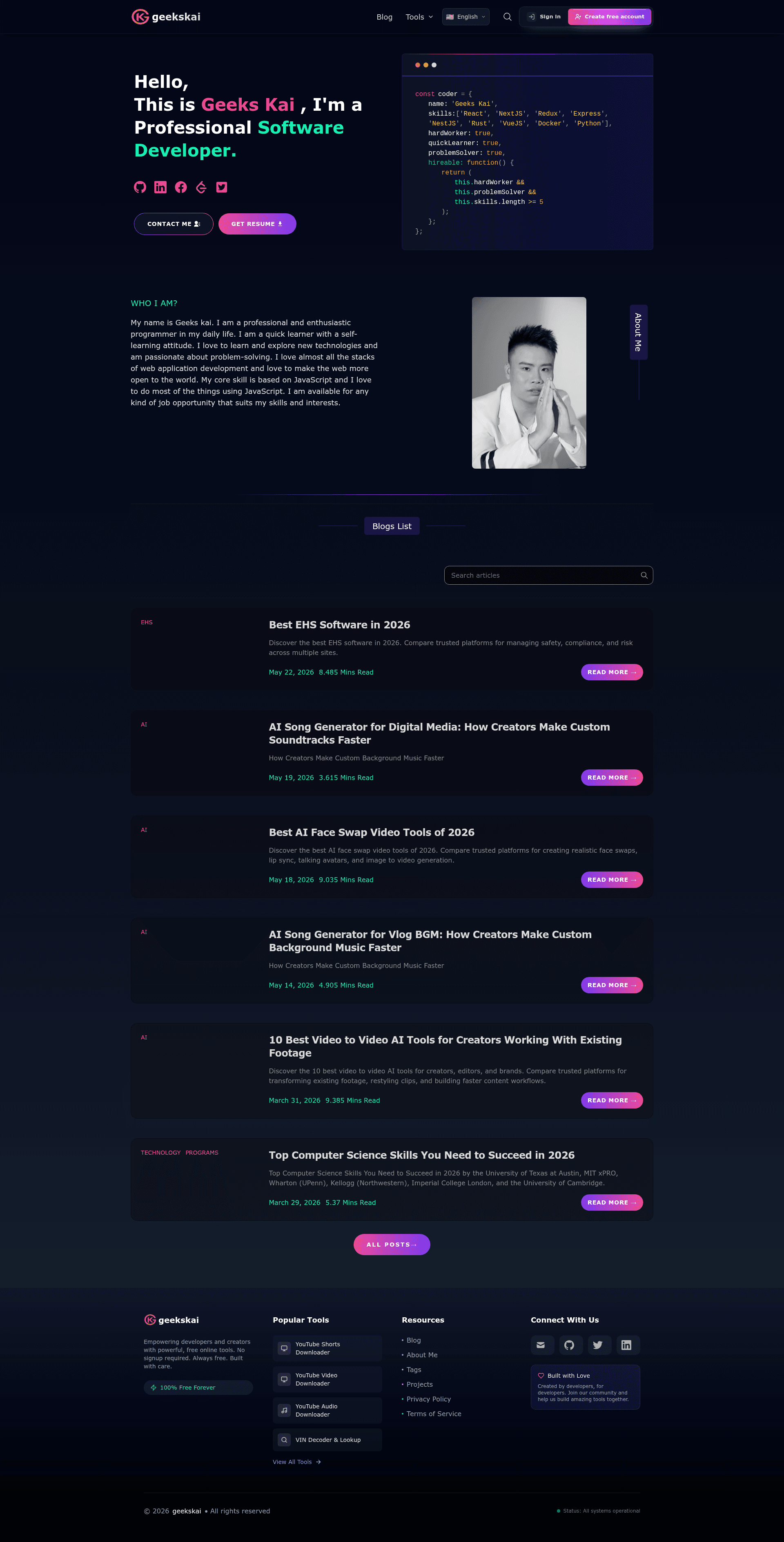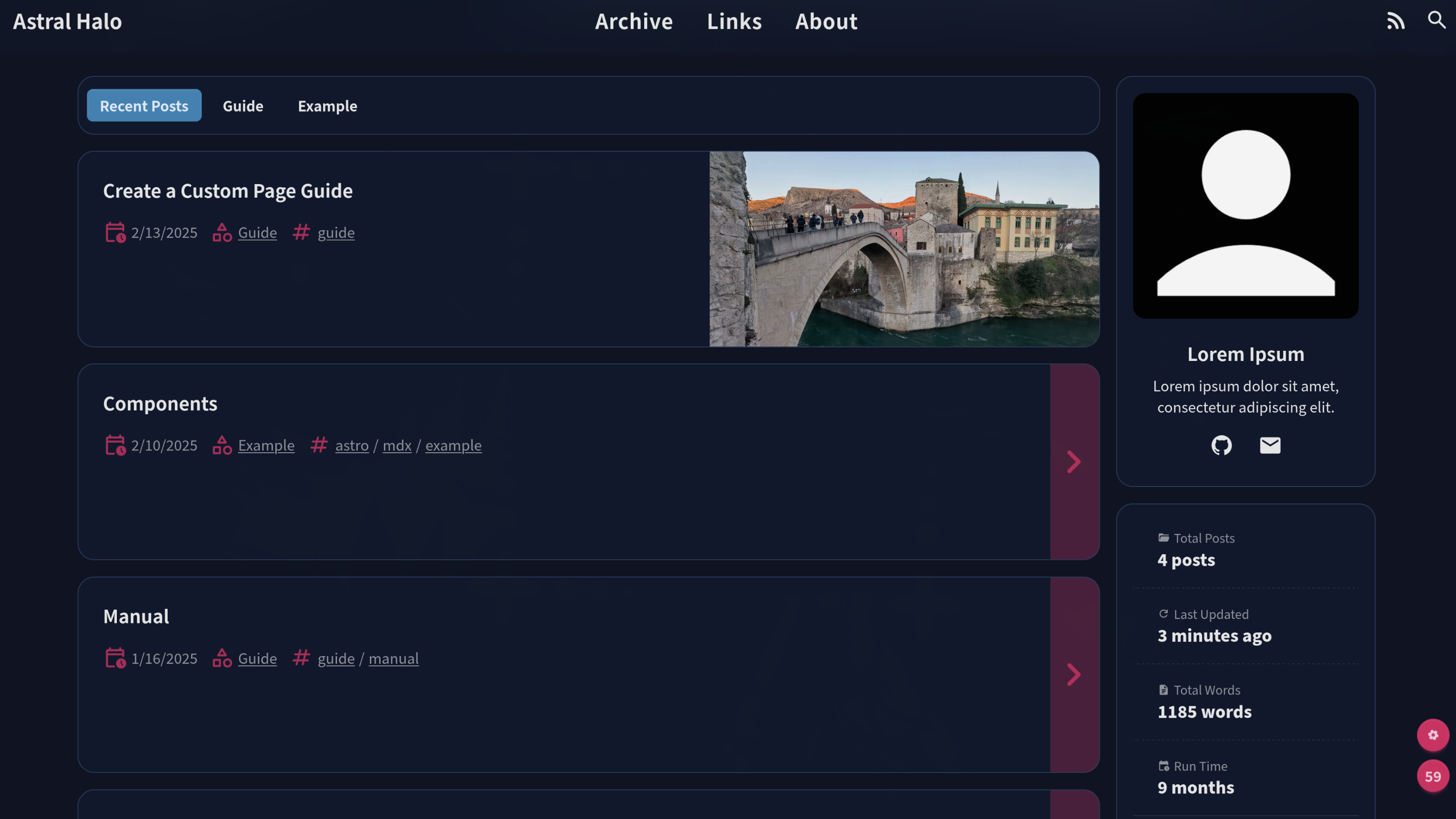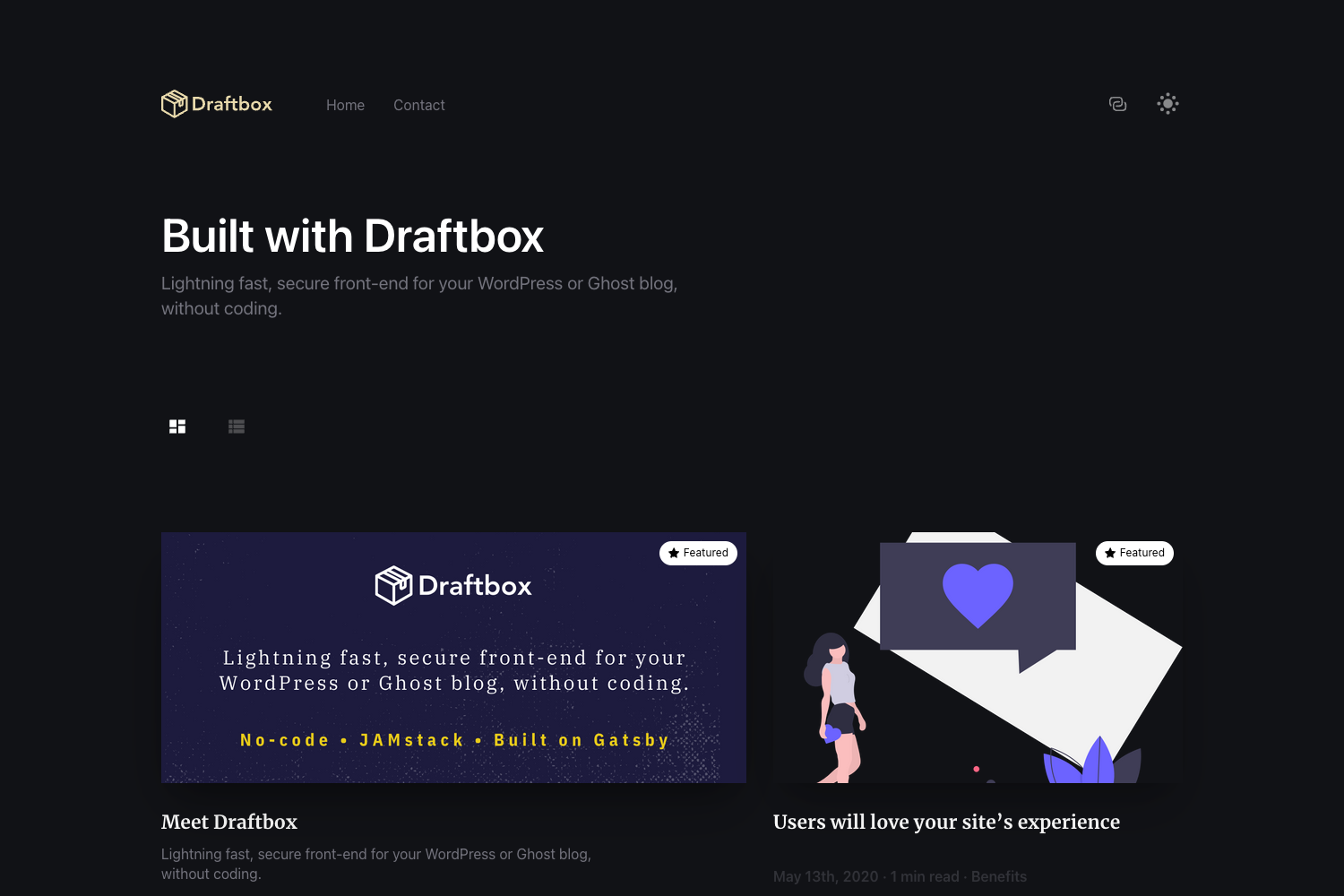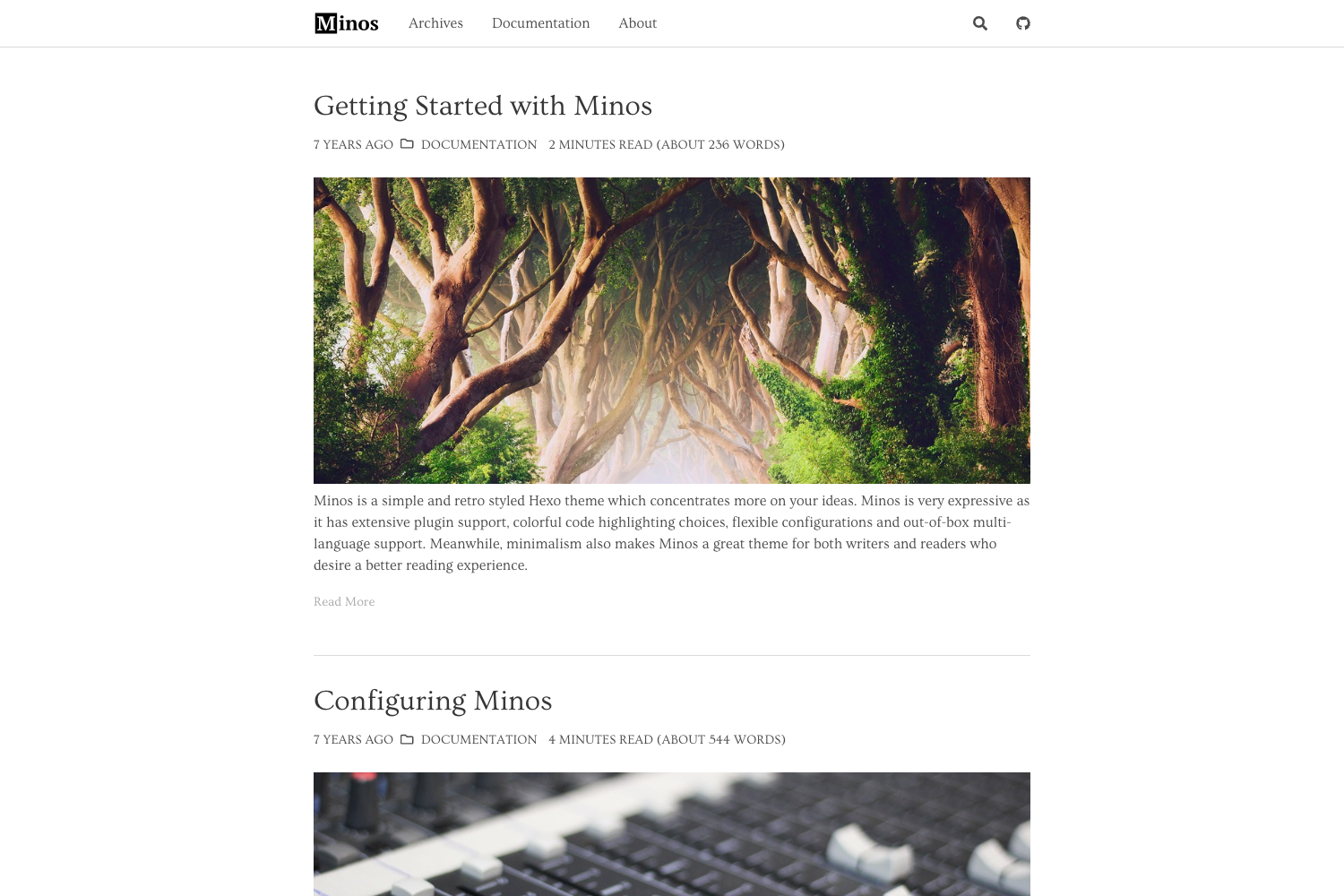
Template details
Next.js Tailwind Blog
Free, SEO-friendly Next.js 14 blog template with MDX, dark mode, and one-click deployment to Vercel/Netlify.
About this template
Next.js Tailwind Blog Template is a free, open-source blog starter built on Next.js 14, TypeScript, and Tailwind CSS 3.0 that turns Markdown and MDX files into a production-ready blog with SEO, theming, and one-click deployment.
What is the Next.js Tailwind Blog Template?
Next.js Tailwind Blog Template is a production-ready blog starter created by GeeksKai and published on GitHub under the MIT License. It accepts Markdown/MDX files as content input, uses Contentlayer for content management, and outputs a fast, SEO-optimized blog built with React Server Components. The template ships with Next.js 14, Next/Font for optimized typography, Next/Image for image handling, and Tailwind CSS 3.0 for styling.
Key Features
- Performance metrics — 85kB first-load JavaScript, 0.3s First Contentful Paint, and a reported 100/100 Lighthouse score, achieved with Next.js optimizations for fonts and images.
- MDX content creation — Write posts in Markdown or MDX with server-side syntax highlighting, KaTeX math equations, citations and bibliography, and GitHub-style alerts.
- Analytics and comments — Integrate Umami, Plausible, or Google Analytics, and choose among Giscus, Utterances, or Disqus for comments.
- Newsletter integrations — Connect Mailchimp, ConvertKit, Buttondown, Klaviyo, Revue, EmailOctopus, or Beehiiv through environment variables.
- Search and navigation — Add command palette search via Kbar or Algolia, and organize posts with nested routing.
- Multiple layouts — Includes 3 blog post layouts and 2 listing layouts, with a mobile-first responsive design and dark/light theme toggle.
- Customization options — Edit site metadata in data/siteMetadata.js, extend the theme in tailwind.config.js, and support multiple authors.
- Deployment choices — One-click deploy to Vercel or Netlify, or build a static site with
EXPORT=1 UNOPTIMIZED=1 yarn build.
Who is it for?
- Developers who want a pre-configured Next.js blog with TypeScript and React Server Components instead of building from scratch.
- Technical writers who want to publish Markdown/MDX posts with syntax highlighting, math support, and citation handling.
- Indie makers and startups who need a fast blog with newsletter capture, analytics, and comment features out of the box.
- Bloggers who want a free template with custom domain and comments ready, deployable to Vercel or Netlify without writing code.
What can you do with it?
- Launch a professional blog — Clone the repository, run
yarnto install dependencies, thenyarn devto start writing content in Markdown or MDX with frontmatter for title, date, tags, draft, and summary. - Grow an audience — Plug in email newsletter services like Mailchimp or ConvertKit, and analytics like Umami, Plausible, or Google Analytics to track readership.
- Create interactive technical posts — Use MDX components, KaTeX math ($E = mc^2$), and code highlighting to produce rich technical articles.
- Publish a multi-author blog — Use multiple authors support and nested routing to organize contributions into different sections.
How does the template work?
The template is installed by cloning the repository or running npx degit 'geekskai/blog'. After installing dependencies with yarn, start the development server with yarn dev. Content is added as Markdown/MDX files with YAML frontmatter in the posts directory. Deployment is handled by one-click buttons for Vercel or Netlify, or the static export command with environment variables set for optional services.
Pros and cons
- Pros — Free and open source under MIT; fast 85kB JS bundle and near-perfect Lighthouse score; many comment, analytics, and newsletter integrations; one-click deployment.
- Cons — Windows users must run
$env:PWD = $(Get-Location).Pathin PowerShell before each dev server start; optional services like Giscus, Mailchimp, or Algolia require external API keys and environment configuration.
Pricing
The template is free and open source under the MIT License, with no paid tiers. It was built by GeeksKai and can be used for personal and commercial projects without a license fee.
FAQ
Is the Next.js Tailwind Blog Template free?
Yes, the template is open source under the MIT License and completely free to use. You can clone it, modify it, and deploy it for personal or commercial projects without paying anything.
What features does the template include?
It includes MDX support with syntax highlighting and KaTeX math, three blog layouts and two listing layouts, dark/light mode, multiple comment systems (Giscus, Utterances, Disqus), analytics options, newsletter integrations, command palette search, and multiple authors support.
How do I deploy the template?
You can use the one-click deploy buttons for Vercel or Netlify, or run EXPORT=1 UNOPTIMIZED=1 yarn build to generate a static site. For Vercel, you may need to configure environment variables for services like comments, analytics, or newsletters.
Can I use the template on Windows?
Yes, but the README notes that Windows users need to run $env:PWD = $(Get-Location).Path in PowerShell before each yarn dev command to ensure the dev server starts correctly.
Does the template support comments and newsletters?
Yes, comments are supported through Giscus, Utterances, or Disqus, and newsletters can be integrated with Mailchimp, ConvertKit, Buttondown, Klaviyo, Revue, EmailOctopus, or Beehiiv. Each service requires its own API keys set in environment variables.