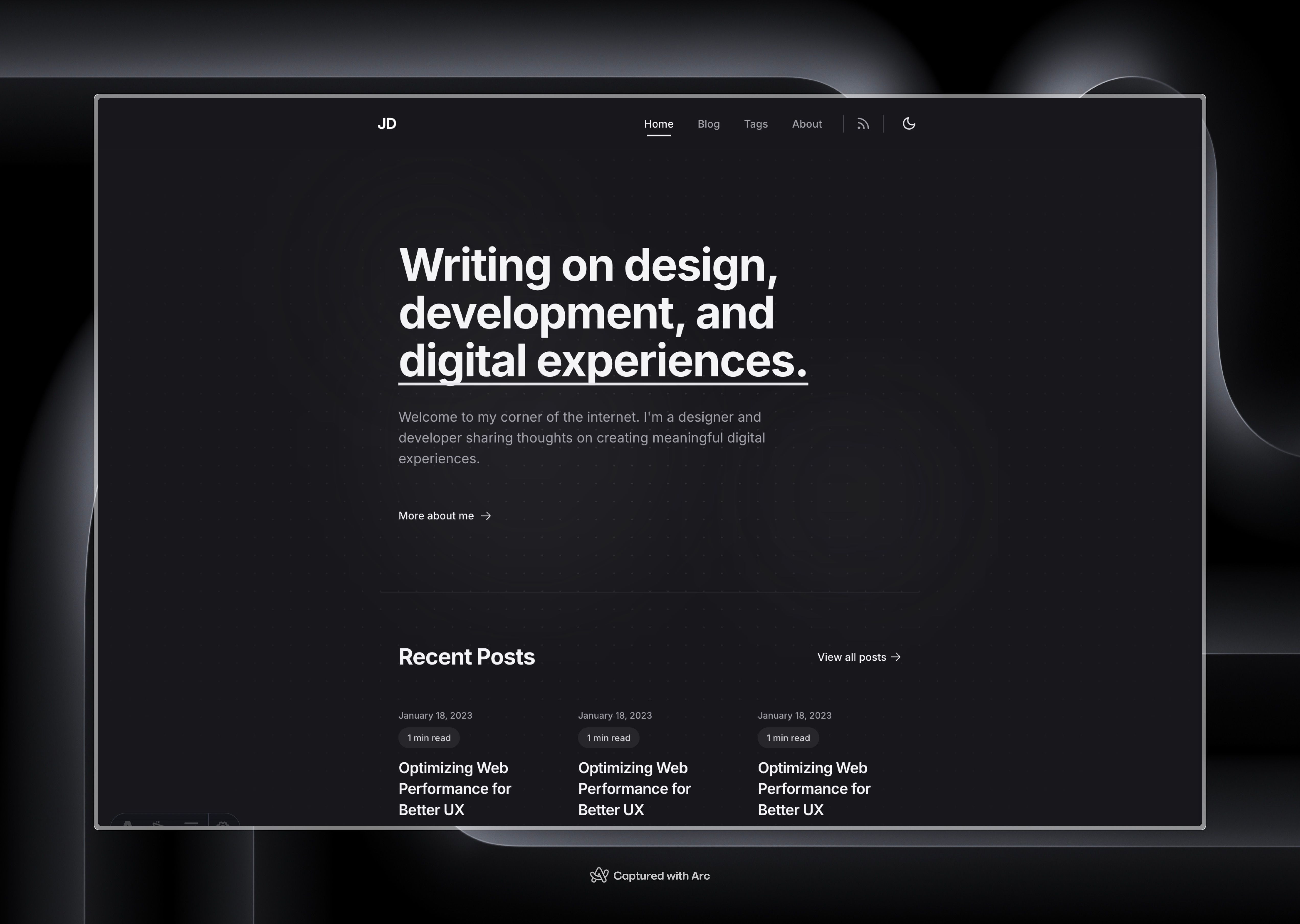
Template details
Jamesyu_jekyll_template
A minimal, MIT-licensed Jekyll blog template for personal sites focused on writing and projects.
About this template
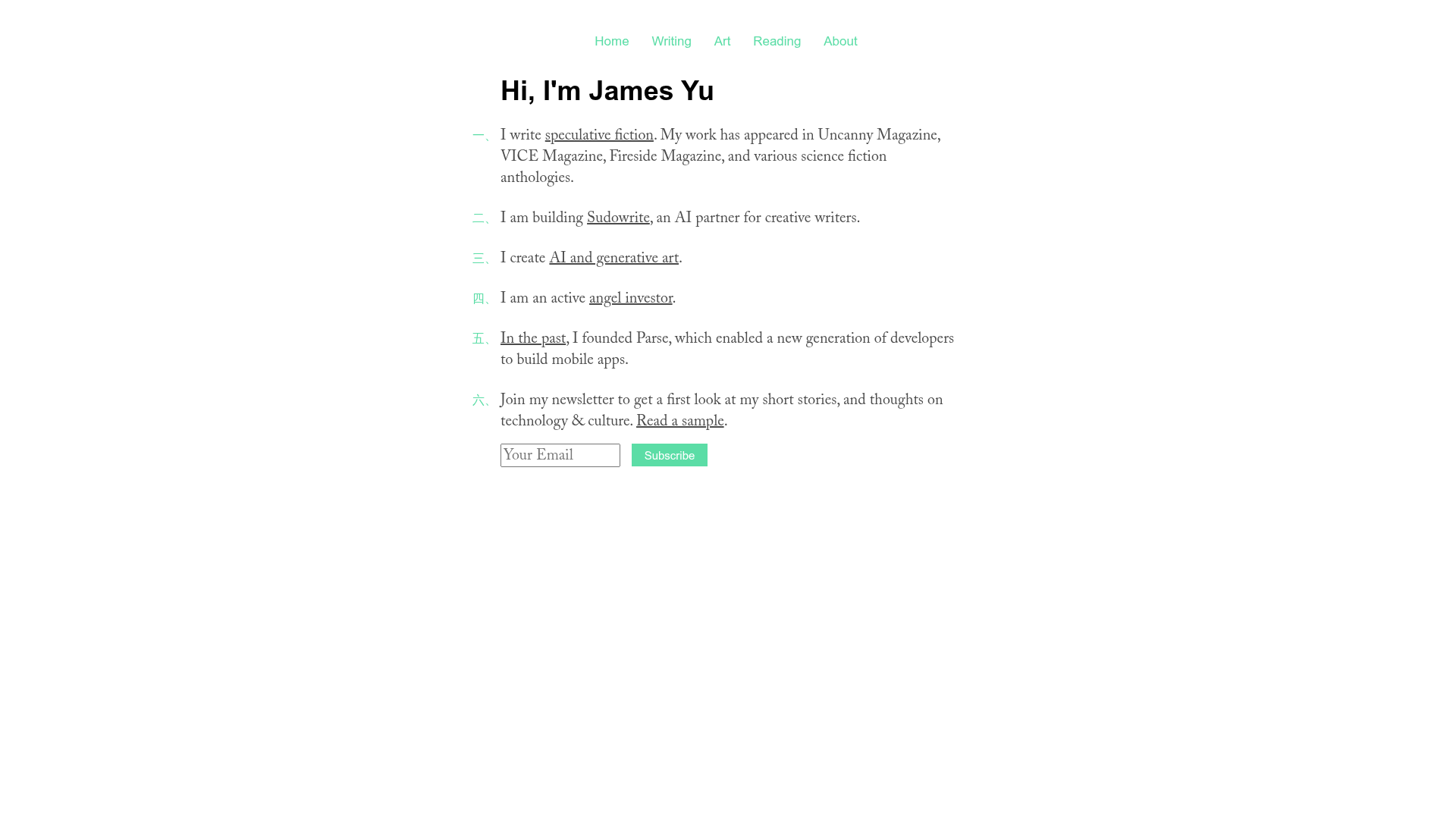
Jamesyu_jekyll_template is a minimal Jekyll blog template for personal websites, built to keep the spotlight on writing and projects.
What is Jamesyu_jekyll_template?
Jamesyu_jekyll_template is a free, MIT-licensed blog template created by James Yu for his personal site at jamesyu.org. It runs on Jekyll, the Ruby-based static site generator, and produces a static blog with a deliberately minimal design so the content stays the focus. The template accepts markdown post files as input and outputs a complete static website, including an about page and footer. It has 30 stars on GitHub and was designed as a starting point that anyone can customize with their own identity and projects.
Key Features
- Minimal design — the layout is stripped down to focus on writing and displayed projects, with no decorative elements competing for attention.
- Jekyll + Sass workflow — the template uses Jekyll for static site generation and Sass for styling, with included start.sh and stop.sh scripts that run both tools in watch mode for live regeneration.
- Rake task helpers — two rake commands handle common tasks:
rake deploypublishes the site andrake new title='My Title'scaffolds a new blog post. - Markdown-based posts — blog content is written as markdown files, and Jekyll converts them into HTML pages.
- About page and footer — the about.html template includes placeholder slots for a personal photo and project highlights; the footer can also host an optional photo.
- Easy customization — all personal information is replaced with placeholder text, so the site can be restyled and rewritten without hunting through the source.
Who is it for?
This template suits developers and writers who already know Jekyll and want a no-frills blog. It's also for anyone looking to launch a personal site that leads with text and projects rather than visual effects. Because it ships with rake scripts and a simple start/stop workflow, it's a practical starting point for Jekyll users who want to see a working minimal setup and then modify it.
What can you do with it?
- Personal bloggers: write posts in markdown, run
rake new title='My Title'to scaffold each entry, and publish the static site withrake deploy. - Developers seeking a starter theme: study the minimal Jekyll and Sass structure to learn how a static blog is assembled, or fork it to build a custom site.
- Portfolio-focused users: use the about.html slots to feature projects and an optional photo, creating a text-first personal homepage.
How does it work?
After installing Jekyll, Sass, and RDiscount, you run start.sh from the project root to watch directories and regenerate files on the fly. Stop the process with stop.sh. To create content, use the rake task to generate a new post file, then fill it with markdown. Deployment is a single rake deploy command.
FAQ
Is this template free?
Yes, the template is released under the MIT license, so you can use, modify, and redistribute it freely, including for commercial projects.
What software do I need to run it?
You need to install Jekyll, Sass, and RDiscount. The README recommends reviewing Paul Stamatiou's Jekyll tutorial before starting.
How do I create a new blog post?
Run rake new title='My Title' from the terminal, and it will generate a new post file for you to edit.
Can I use this template for my own site?
Yes, all personal details are replaced with placeholder text, so you can customize the about page and footer with your own photo and project info.