Template details
Kepler
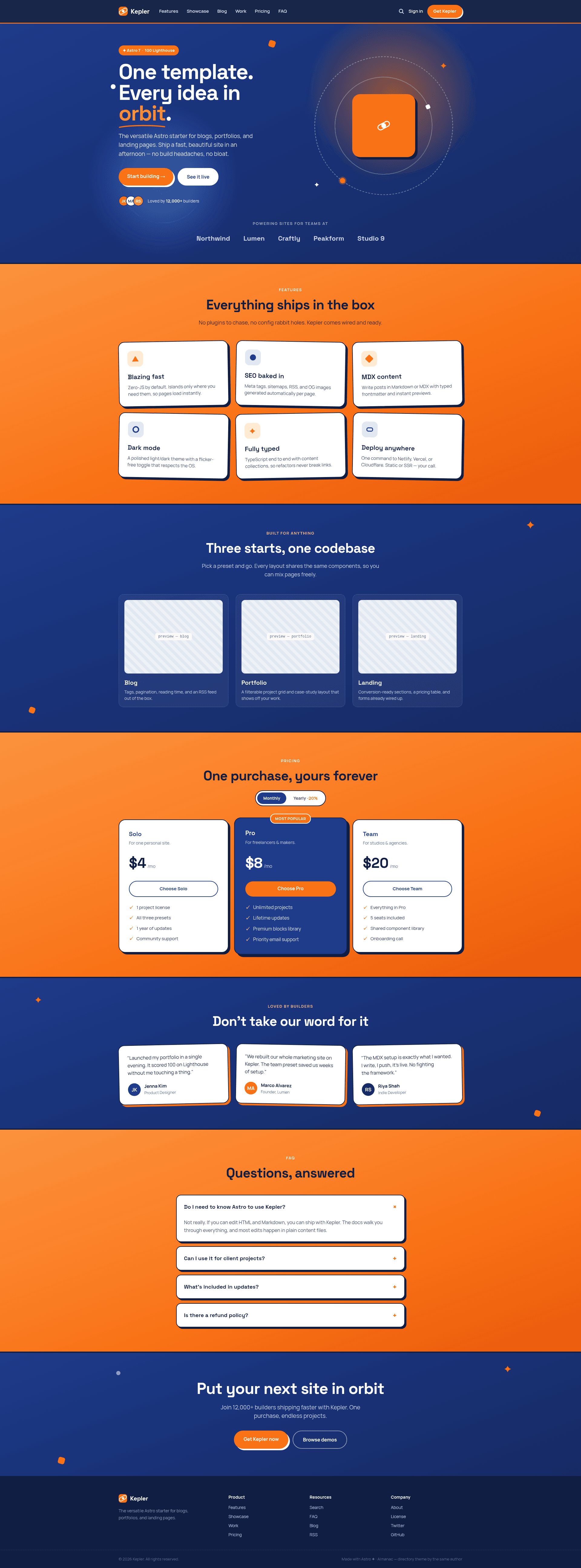
A versatile Astro 7 theme for blogs, portfolios, and landing pages — navy × orange, one design system.
About this template
Kepler is an Astro 7 starter theme for blogs, portfolios, and landing pages, built by kpab around a navy × orange design system with hard offset shadows and an orbit motif.
What is Kepler?
Kepler is an open-source (MIT) Astro 7 template that unifies landing page, blog, and portfolio presets under one design system. It takes Markdown/MDX content files and TypeScript configuration as input and outputs a fully static site complete with RSS, sitemap, Open Graph tags, and a Pagefind-powered search index. The theme is created by kpab and demonstrated at https://astro-kepler.pages.dev.
Key Features
- Astro 7 + Tailwind CSS v4 + TypeScript — Styling is defined with @theme design tokens, and interactions are handled by a few lines of vanilla script, so pages ship zero-JS by default.
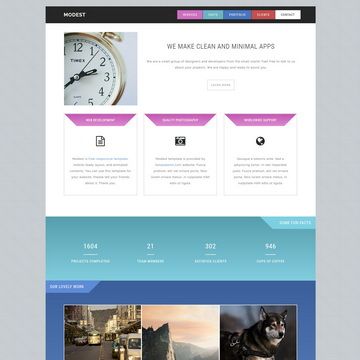
- Landing preset — Includes hero, logo strip, features, showcase, pricing with toggle, testimonials, FAQ accordion, and CTA sections in one page composition.
- Blog preset — Uses Content Collections with typed frontmatter, tags, pagination, reading time, draft support, and RSS; posts support Markdown and MDX with Shiki highlighting.
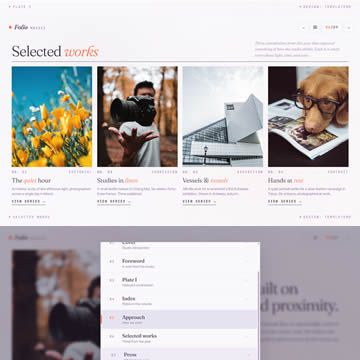
- Portfolio preset — Filterable project grid plus per-project case-study pages with meta block, tech tags, and long-form body content.
- Full-text search — Client-side, zero-backend search over posts and case studies powered by Pagefind's static index generated at build time.
- SEO baked in — Canonical URLs, Open Graph, Twitter cards, sitemap.xml, and an RSS feed are generated automatically.
- One design system — Two hues (navy and orange), two typefaces, and shared tokens allow a full rebrand by editing just two CSS variables in the @theme block.
Who is it for?
- Freelance developers — build client sites that need a blog, portfolio, and landing page in a single repository.
- Indie founders — launch a marketing page with pricing, testimonials, and FAQ plus a content blog without a CMS.
- Static-site enthusiasts — author content as local Markdown/MDX files and deploy the dist/ output to any static host.
What can you do with it?
- Blog authors: add a Markdown or MDX file to src/content/blog with typed frontmatter and automatically get tag pages, pagination, reading time, and RSS.
- Portfolio owners: create project entries in src/content/work with category, tech, and year fields to populate the filterable grid and case-study pages.
- Startup marketers: assemble a landing page from the preset's sections and customize the site name, URL, description, and social handles in one src/site.config.ts file.
How does Kepler work?
Click the "Use this template" button on GitHub to generate a repo, then run pnpm install and pnpm dev for local development. Content lives in src/content/blog and src/content/work; running pnpm build produces a dist/ folder along with the Pagefind search index, and pnpm preview serves the production build (search works only in preview and production, not in dev).
FAQ
Is Kepler free?
Yes, Kepler is released under the MIT license and is free to use, fork, and adapt, with a template generator button on GitHub.
Does full-text search work in development mode?
No — search depends on a Pagefind index generated at build time, so it works in pnpm preview and in the production build but not in pnpm dev.
What frontmatter fields are required for a blog post?
A blog post needs title, description, and pubDate; tags and author are optional, and the draft flag excludes it from the production build. Invalid frontmatter fails the build because content is validated against the schema in content.config.ts.
Can I change the color scheme?
Yes, the design tokens are defined in the @theme block of src/styles/global.css. Changing the two hues --color-navy and --color-orange rebrands the entire theme.