Template details
React-Portfolio
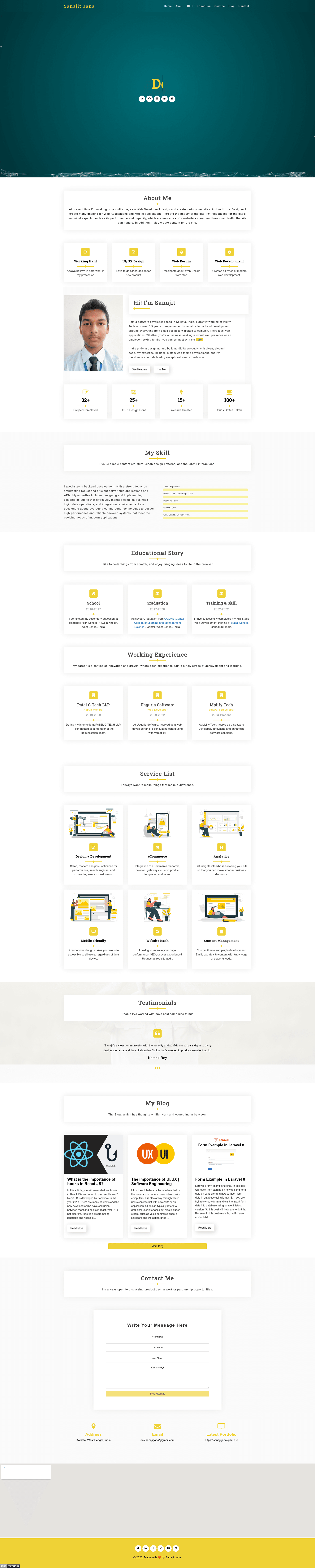
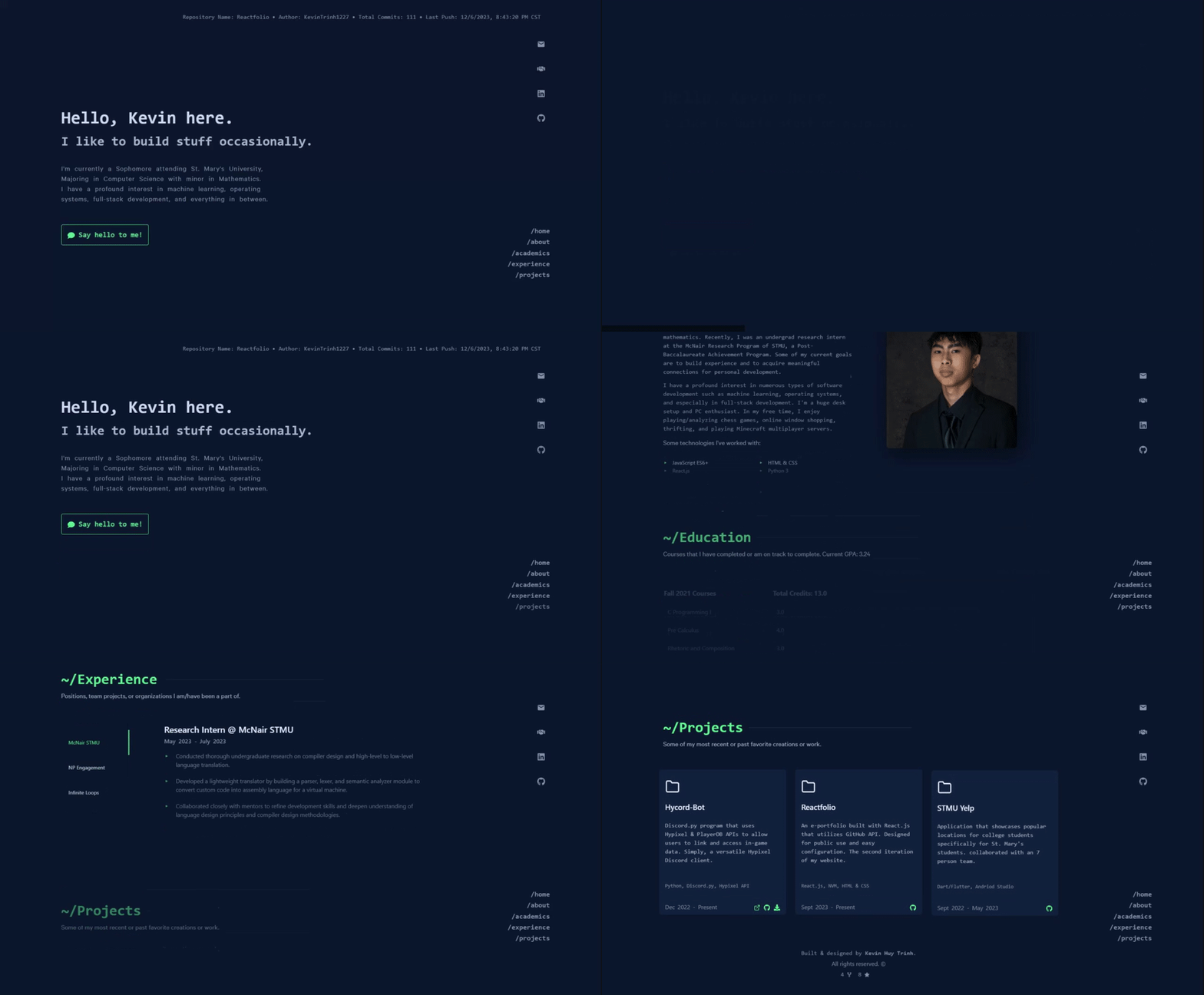
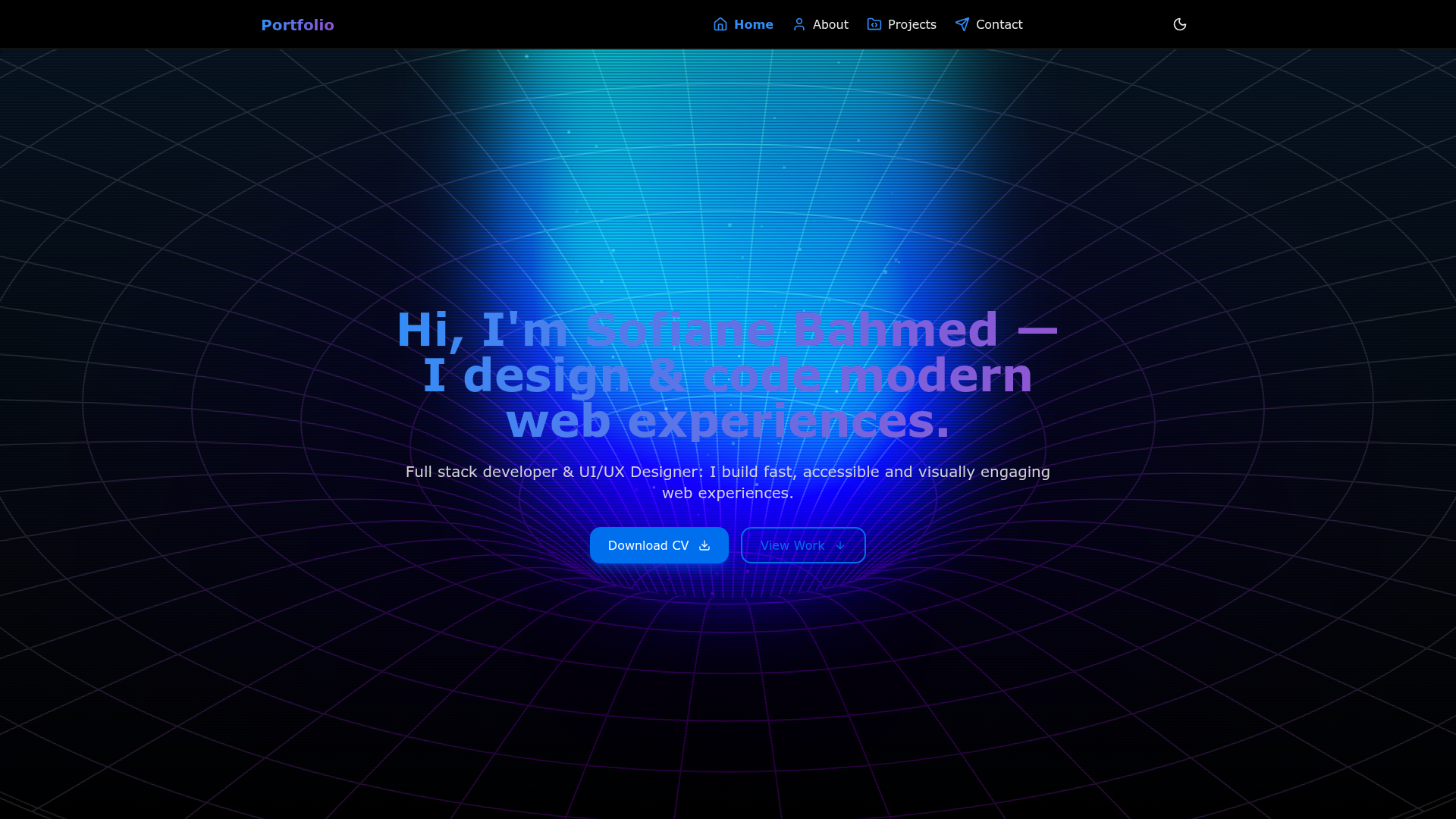
A modern and responsive developer portfolio built with React.js to showcase projects, skills, education, services, blogs and contact form submit.
About this template
React-Portfolio is a free, MIT-licensed developer portfolio template built with React.js for showcasing projects, skills, education, and a contact form on a single-page site.
What is React-Portfolio?
React-Portfolio is a responsive, single-page developer portfolio built with the React JavaScript library. It takes a developer's personal information, project details, and experience as input — edited directly in the src directory — and produces a deployable website with sections for projects, skills, experience, and a working contact form. The template runs on any static hosting service such as GitHub Pages, Netlify, or Vercel, and is maintained by developer Sanajit Jana.
Key Features
- Responsive Design — Works on mobile, tablet, and desktop viewports with no extra configuration.
- Project Showcase — Displays projects with images, descriptions, and links to source code and live demos.
- Skills Section — Highlights technical skills and proficiencies in a dedicated portfolio section.
- Experience Section — Details professional and educational background for visitors.
- Contact Form — Sends visitor messages directly through the site using the EmailJS service.
- React Router — Provides client-side routing to navigate between portfolio sections without full page reloads.
- Styled Components — Styles individual React components with scoped CSS-in-JS, keeping styles colocated with the UI.
- Hacktoberfest-ready — Maintainers label beginner-friendly issues with "hacktoberfest", "good first issue", and "help wanted" to welcome open-source contributions.
Who is React-Portfolio for?
React-Portfolio serves developers who want a ready-made personal site without building from scratch. Junior developers can replace the sample projects and skills with their own and publish to GitHub Pages. Open-source contributors can join Hacktoberfest 2025 by forking the repo, picking a labeled issue, and submitting pull requests with maintainer code reviews. Programming students can use the template as a learning reference for React Router, Styled Components, and EmailJS integration while customizing their own portfolio.
What can you do with React-Portfolio?
- Job seekers — Create a responsive portfolio that presents projects, skills, education, and a contact form to recruiters in a single-page layout.
- Hacktoberfest participants — Fork the repository, resolve an issue labeled "good first issue" or "help wanted", and contribute code during October.
- Students — Turn coursework, academic projects, and education history into a portfolio site by editing the src directory.
- Freelancers — Deploy a portfolio site to Netlify or Vercel and point clients to a live demo through the contact section.
How does React-Portfolio work?
The template runs as a client-side React app. To use it, clone the repository, run npm install to install dependencies, and start the development server with npm start — the site loads at http://localhost:3000. Customize the content inside the src directory, adjust the layout by editing components in src/components, then deploy the production build to GitHub Pages, Netlify, or Vercel.
FAQ
Is React-Portfolio free?
Yes, React-Portfolio is open source under the MIT License, so you can use, modify, and distribute it freely, including for commercial personal portfolios.
What do I need to run React-Portfolio locally?
You need Node.js and npm installed. Then clone the repository, run npm install to fetch dependencies, and run npm start to launch the development server at http://localhost:3000.
Can I deploy React-Portfolio to GitHub Pages?
Yes, GitHub Pages is explicitly listed in the README as a supported hosting option along with Netlify and Vercel. The author's live portfolio is hosted at https://sanajitjana.github.io.
How do I customize the portfolio content?
Edit the files in the src directory to replace the default personal information, projects, skills, and experience. To change the layout structure, modify the components under src/components.
Does the contact form work immediately?
The contact form uses EmailJS, so it will function only after you set up an EmailJS account and configure your service credentials in the contact component. The template provides the integration; you supply the EmailJS service details.