Template details
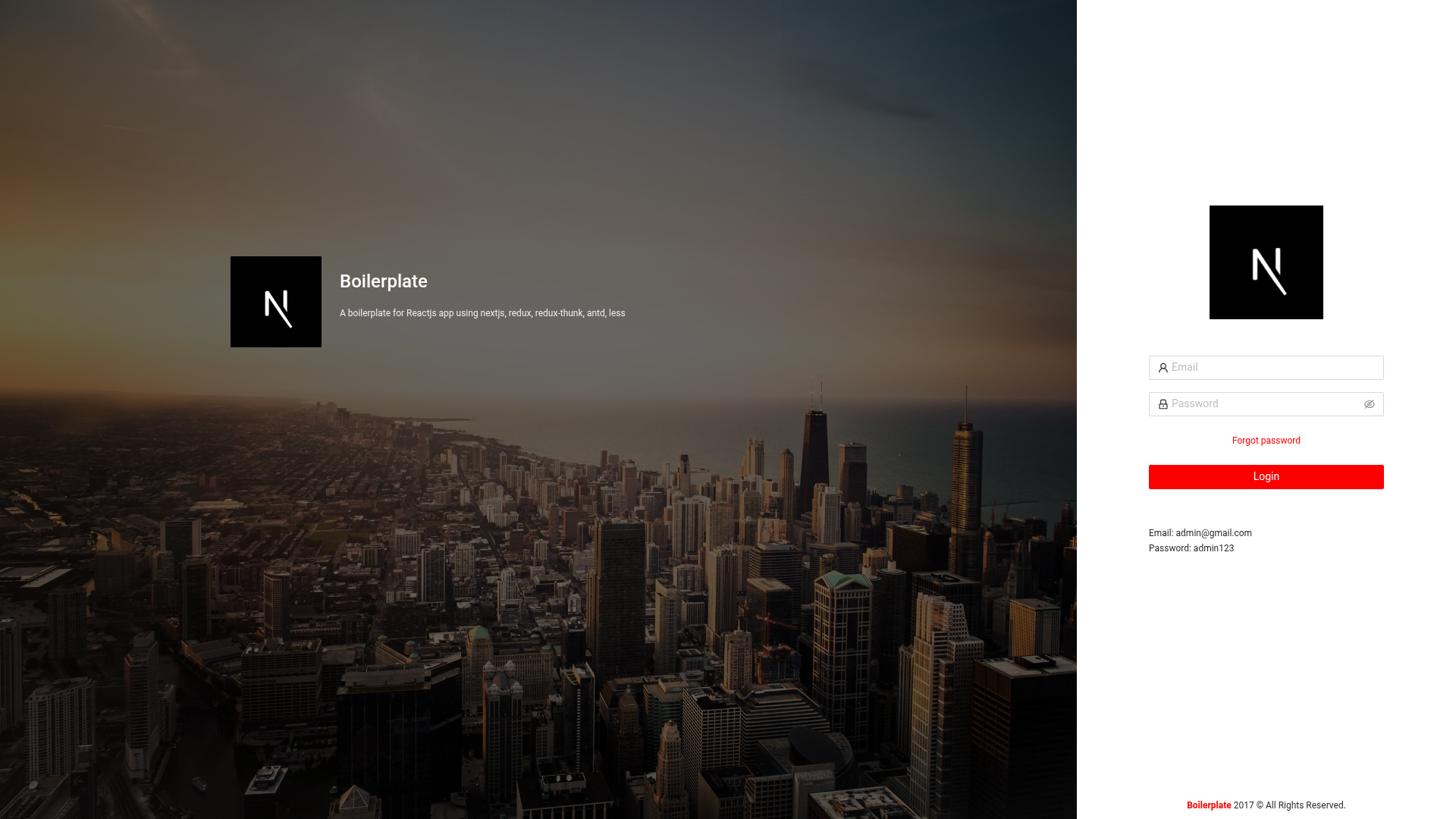
Boilerplate Nextjs Antd Less
A boilerplate for Reactjs app using nextjs, redux, antd, less.
About this template
Boilerplate Nextjs Antd Less is an open-source starter template for React.js applications that combines Next.js 13, React 18, Redux, Ant Design 4, and Less styling into one runnable project. It takes a cloned repository and your application configuration (name, environment variables, theme variables) and produces a Next.js app served on port 8080, with API routes, a customized Ant Design theme, and separate production and staging build scripts. The template is hosted on GitHub (github.com/tientran0019/boilerplate-nextjs-antd-less), authored by Tien Tran, and includes a live demo deployed on Vercel.
What is Boilerplate Nextjs Antd Less?
Boilerplate Nextjs Antd Less is a boilerplate for building React apps with Next.js 13, Ant Design 4, Redux, and Less. As input it takes a cloned copy of the repository—after you update the package name, description, and manifest fields—and as output it runs a full Next.js application with a configurable Ant Design theme, LESS modules, ESLint, and Webpack 5. It runs on Node.js 10.13 or newer and is ready to deploy on Vercel.
Key Features
- Next.js 13 and React 18 — Uses the Next.js 13 framework with React 18.x, giving you file-based routing, API routes, and server-side rendering.
- Ant Design 4 — Ships with Ant Design 4.x and a central theme file, src/styles/variables.less, where Less variables like @primary-color, @link-color, @border-radius-base, and @box-shadow-base can be edited.
- LESS Modules — Component-level LESS files use the .module.less convention for locally scoped styles, preventing class name collisions across components.
- Redux integration — Redux is included for state management, as stated in the repository description, ready to be wired into the app.
- Environment variables — Supports .env, .env.development, .env.production, and .env.staging files; browser-exposed variables must be prefixed with NEXT_PUBLIC_ and are inlined at build time.
- API routes — The pages/api directory is mapped to /api/*, with a sample endpoint at pages/api/users/index.js.
- ESLint and Webpack 5 — The project includes ESLint for code quality and uses Webpack 5 for bundling.
- Staging scripts — Provides yarn build:staging and yarn start:staging commands in addition to normal development and production scripts.
Who is it for?
- React developers starting a new app — Clone the repository, install dependencies with yarn, and run yarn dev to get a working Next.js and Ant Design app on localhost:8080 instead of configuring everything from scratch.
- Teams using Ant Design — Centralize brand colors, spacing, and shadows by editing the Less variables in variables.less, so every component reflects the theme automatically.
- Full-stack developers — Use the pages/api directory to create serverless API endpoints alongside the front end, as shown by the included /api/users route.
- Teams needing staging environments — Use the preconfigured staging build and start scripts to preview changes on a separate deployment.
What can you do with the template?
- Scaffold a new app quickly: After cloning, update package.json and manifest.json, run yarn, and start editing pages/index.js with hot reload.
- Customize the Ant Design theme: Change Less variables such as @primary-color, @success-color, @error-color, and @border-radius-base in src/styles/variables.less to immediately restyle all Ant Design components.
- Expose environment variables to the browser: Prefix any variable with NEXT_PUBLIC_ in your .env file (for example NEXT_PUBLIC_API_URL), and use process.env.NEXT_PUBLIC_API_URL anywhere in your code; the value is inlined into the client bundle at build time.
- Add component-level styles: Create files like components/Button.module.less and import them as JavaScript objects to get locally scoped class names.
How does the template work?
- Check that Node.js is version 10.13 or higher.
- Clone the repository and change the name, description, and repository fields in package.json.
- Update the app name in public/manifest.json.
- Run yarn to install dependencies.
- Run yarn dev for development, yarn build && yarn start for production, and yarn build:staging && yarn start:staging for staging.
- Open http://localhost:8080 in your browser; the API route http://localhost:8080/api/users is also available.
FAQ
Does this boilerplate include Redux?
Yes, the repository description states it is a boilerplate for React apps using Next.js, Redux, Ant Design, and Less. The README does not show a sample Redux store, but Redux is listed as part of the stack.
What Node.js version is required?
The README instructs you to check that your Node.js version is 10.13 or higher before proceeding. If you use an older version, the project may not run correctly.
How do I start the app in development?
After cloning and running yarn to install dependencies, run yarn dev and open http://localhost:8080. The page auto-updates when you edit pages/index.js.
Can I use the template for a staging deployment?
Yes, the project includes yarn build:staging and yarn start:staging commands. You can add staging-specific environment variables in a .env.staging file.
Where can I customize the Ant Design theme?
Open src/styles/variables.less and edit any of the Less variables defined there. The README links to the full list of Ant Design default variables from the ant-design GitHub repository for further customization.