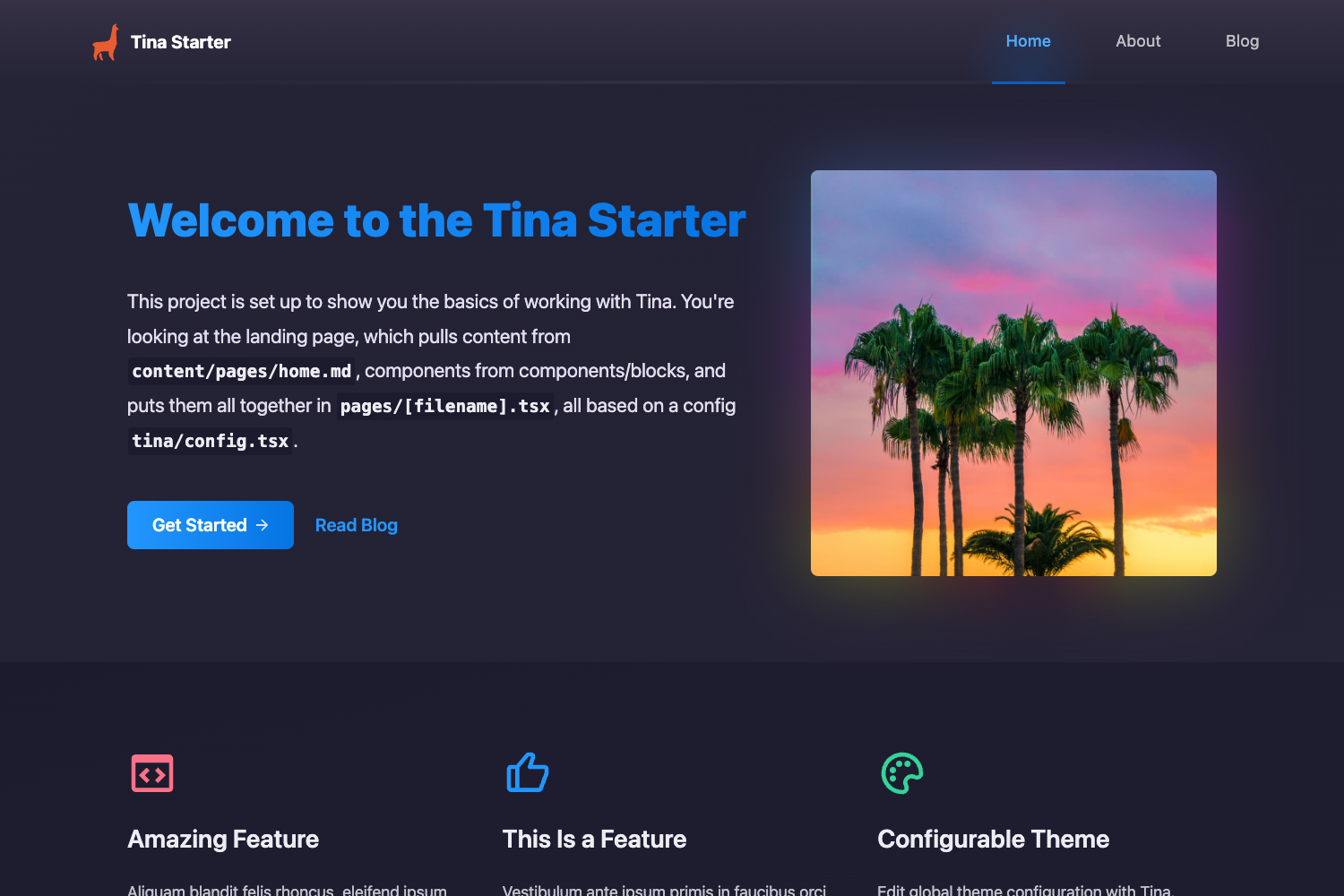
Template details
Landstro
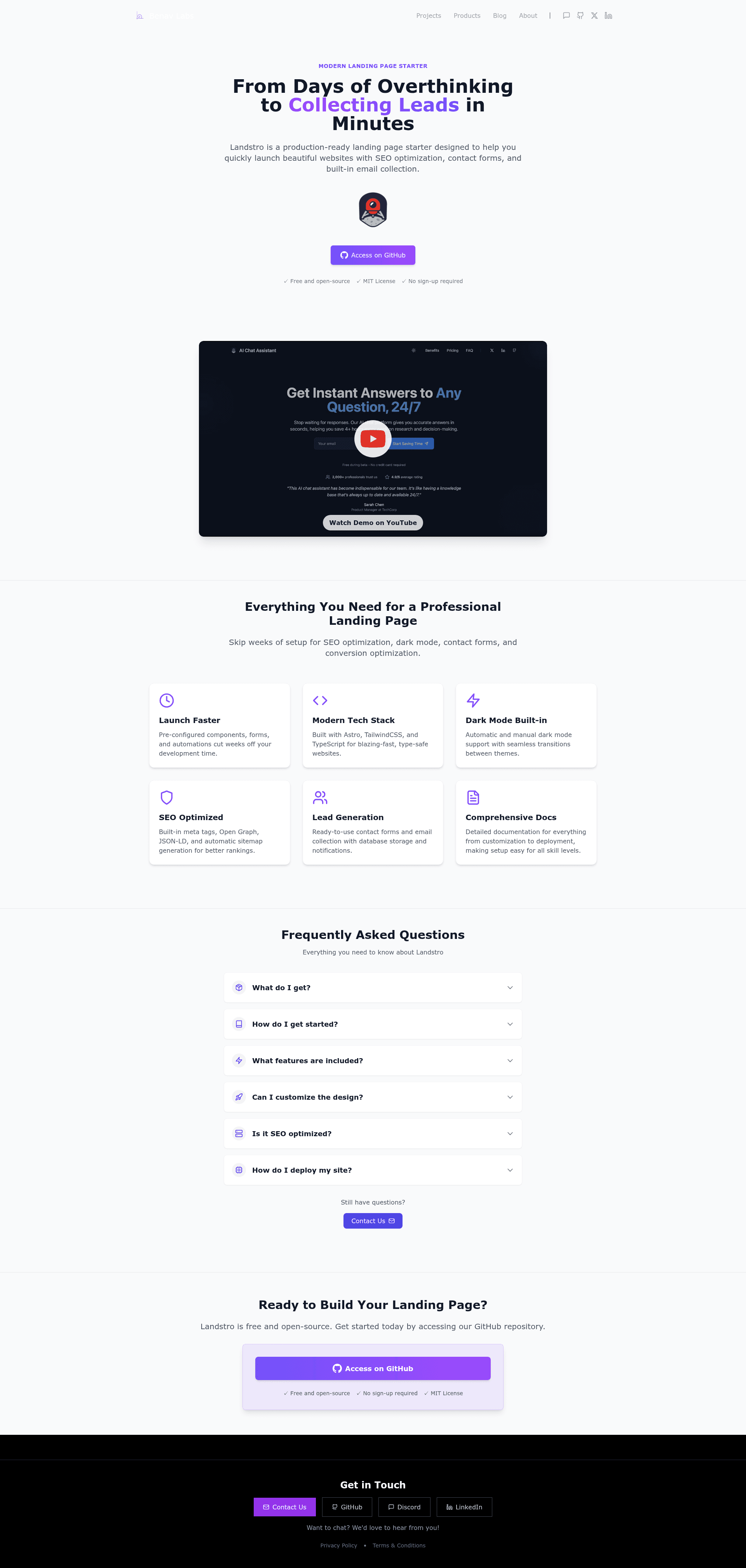
Feature-rich, production-ready starter designed to help you quickly launch beautiful landing pages in minutes, not days.
About this template
Landstro is a modern landing page starter built with Astro, TailwindCSS, and TypeScript that produces a production-ready static site with hero, benefits, pricing, FAQ, contact, and waitlist sections. Offered by Benav Labs (benav.io), it is distributed as a GitHub template and licensed under MIT.
What is Landstro?
Landstro is an Astro-based landing page boilerplate that combines TailwindCSS and TypeScript. As input it takes a single square PNG logo (at least 512×512 px) placed at public/images/icon/logo.png, environment variables in a .env file, and edits to Astro components. As output it generates a fully responsive static site with automatic dark mode, SEO metadata, sitemap, optimized images, favicons, and an initialized SQLite database for form storage. The project is maintained by Benav Labs and is available under an MIT license.
Key Features
- Astro framework — Uses the Astro static site generator for fast page loads and a mobile-first responsive layout.
- TailwindCSS styling — Utility-first CSS with customization through tailwind.config.mjs for colors, typography, and layout.
- Dark mode — Supports both automatic and manual dark mode switching.
- SEO optimization — Includes meta tags, Open Graph, JSON-LD structured data, and automatic XML sitemap generation during build.
- Contact and waitlist forms — Ready-to-use forms that store submissions in SQLite, toggled on or off via environment variables.
- Postmark email notifications — Sends contact and waitlist notifications through Postmark when an API key is provided.
- Google Analytics 4 — Analytics integration activated by setting GOOGLE_ANALYTICS_ID in the .env file.
- Automated build tasks — npm run build compresses images to modern formats, generates favicons from the logo, creates the sitemap, and applies security headers.
Who is it for?
Landstro is aimed at founders and developers who want a professional landing page without building one from scratch. It suits SaaS teams that need lead capture through waitlist and contact forms, developers who want a TypeScript and Astro workflow, and small businesses that need a brochure-style page with pricing and FAQ.
What can you do with Landstro?
- SaaS founders: Launch a landing page that collects emails with a waitlist form and sends Postmark notifications.
- Indie hackers: Go from GitHub template to deployed site in minutes using the included Docker script and Digital Ocean instructions.
- Agencies: Customize branding through environment variables and host multiple client sites on a basic $5–10 per month droplet.
How does Landstro work?
Clone the repository, install dependencies with npm install, add your logo to public/images/icon/logo.png, copy env.example to .env and fill in required values like APP_NAME, APP_DOMAIN, and SITE_URL. Run npm run dev to preview locally and npm run build to generate the production static site. For deployment, chmod +x deploy.sh and run it to prepare a production build and start Docker containers. Follow the README to configure Cloudflare for SSL and DNS.
Pros and cons
- Pros: MIT license, no recurring fees, environment-variable-driven configuration for branding and pricing, SQLite storage built in, single-command Docker deployment.
- Cons: Content changes to hero, benefits, and FAQ require editing the Astro component files manually; email sending only works if you bring a Postmark account and API key.
FAQ
Is Landstro free?
Yes, Landstro is open source under the MIT License, so you can use it for personal and commercial projects without cost. You can view the license file in the repository.
What do I need to run Landstro?
You need Node.js and npm, a logo.png file (square, at least 512×512 pixels) at public/images/icon/logo.png, and a configured .env file copied from env.example. The rest of the setup is handled automatically during npm run build.
Does Landstro include a contact form?
Landstro includes a contact form and a waitlist signup form, both storing submissions in SQLite. You can enable or disable each independently using CONTACT_FORM_ENABLED and WAITLIST_ENABLED in the .env file.
Can I deploy Landstro without using Docker?
Yes, the README documents a manual deployment approach: run npm run prepare-prod to generate production assets, then use docker-compose to start the containers. The included deploy.sh script automates these steps, and the README also covers deploying to Digital Ocean and putting Cloudflare in front.
What integrations does Landstro support out of the box?
Landstro supports Postmark for transactional email notifications, Google Analytics 4 for traffic tracking, and Cloudflare for DNS and SSL. You only need to provide the corresponding API keys or IDs; leaving them empty disables the feature.