Template details
Paper Kit 2 Angular
Free Bootstrap 4 UI Kit for Angular with pale colors, paper-inspired design, and responsive components.
About this template
Paper Kit 2 Angular is a free Bootstrap 4 user interface kit from Creative Tim, built for Angular, that delivers a pastel-colored, paper-inspired design system along with production-ready Angular components and demo pages. It is version 1.5.0 and is released under the MIT license.
What is Paper Kit 2 Angular?
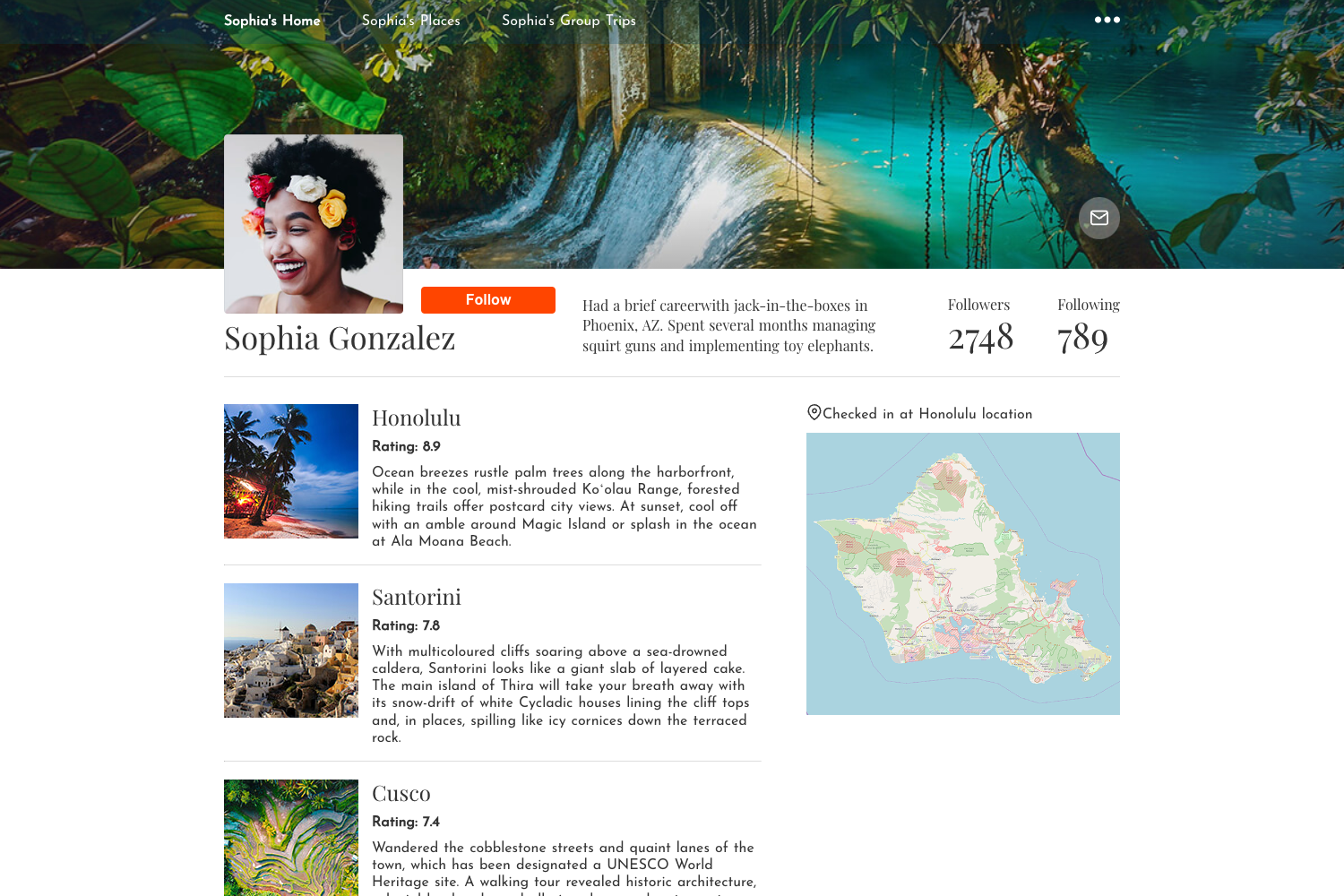
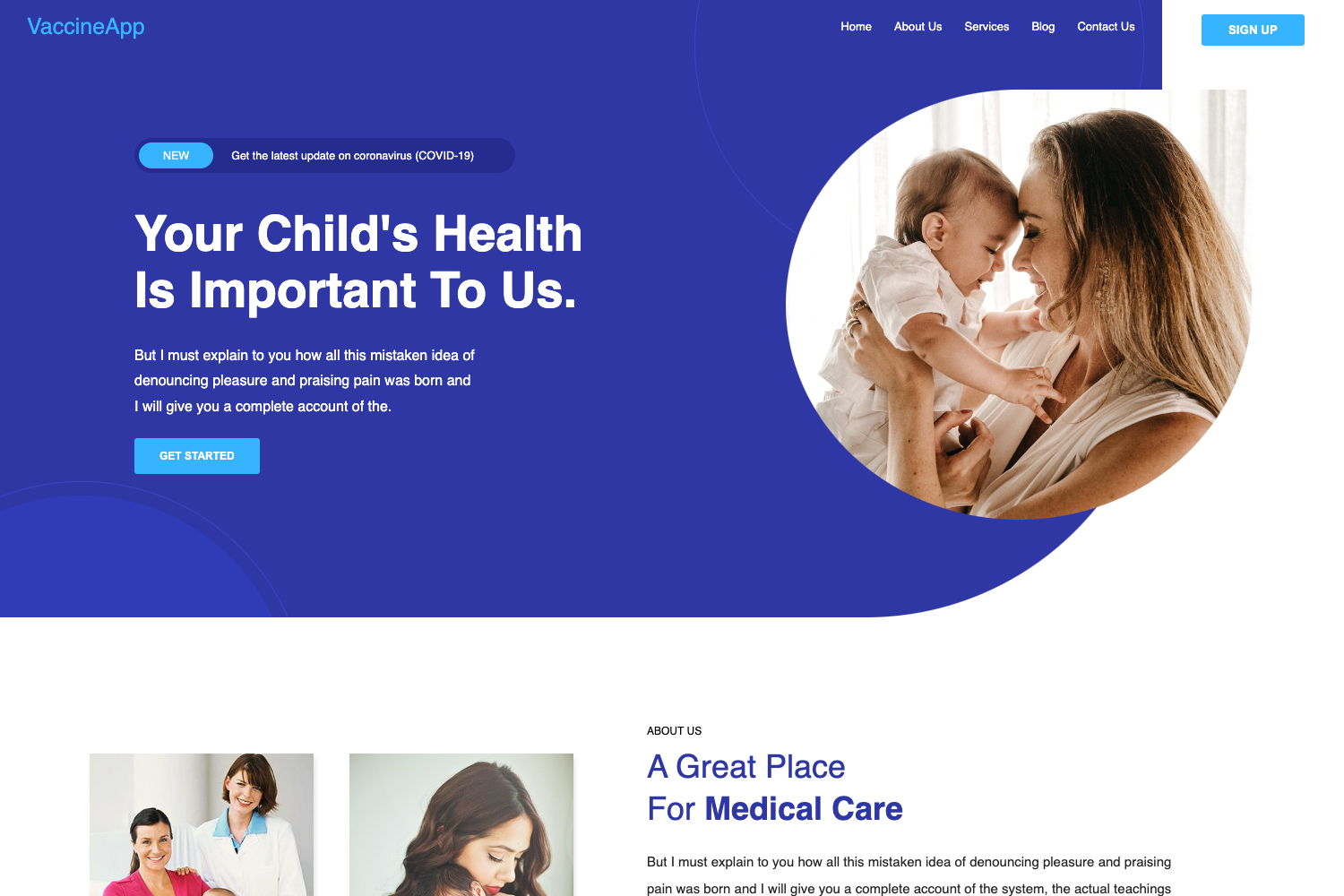
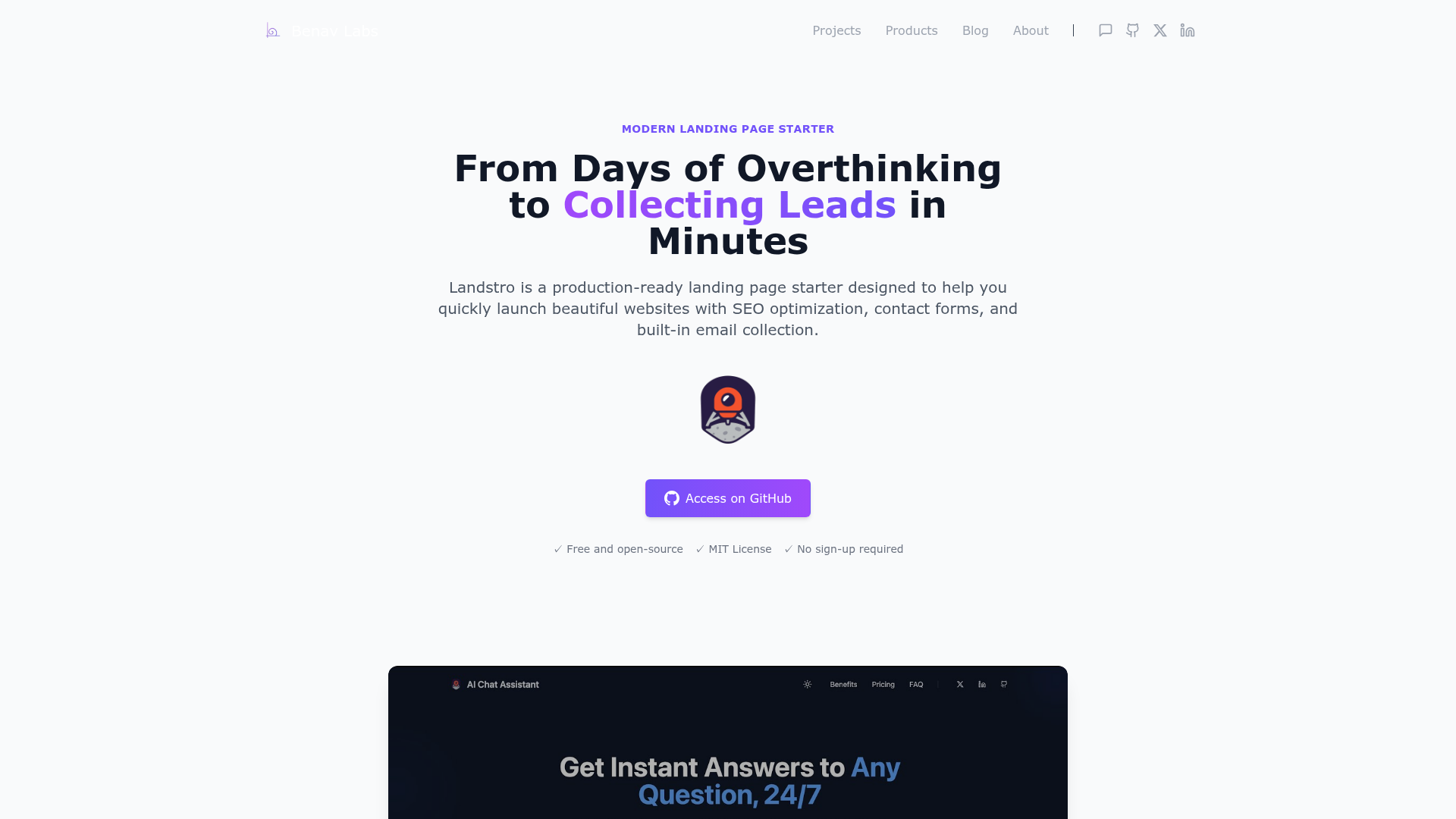
Paper Kit 2 Angular is a free Bootstrap 4 UI Kit created by Creative Tim, designed to give Angular developers a starting point for building responsive web interfaces with a light, paper-like aesthetic. It uses Ng Bootstrap as its core framework, so components like modals, notifications, and navigation are delivered as Angular directives rather than jQuery plugins. The kit takes an Angular CLI project structure as its base and adds reusable components, Sass styling under src/assets/sass/paper-kit, and four demo pages: a start page, a landing page, a register page, and a profile page. Because it is built on top of Bootstrap 4, any elements that are not customized fall back to the Bootstrap 4 defaults.
What makes Paper Kit 2 Angular stand out?
- Paper-inspired visual design — Pale colors, soft shadows, and transitions that mimic sheets of paper, giving a unique look distinct from standard Bootstrap demos.
- Bootstrap 4 with Ng Bootstrap — The kit fully supports Bootstrap 4 and integrates Ng Bootstrap, allowing you to use Bootstrap components as Angular-native components.
- Four responsive demo pages — Includes start, landing, register, and profile pages, all built to look good on any screen size.
- Sass source files — Includes SCSS in
src/assets/sass/paper-kitso you can customize colors and styles directly. - Angular CLI conventions — Follows standard Angular CLI configuration with
angular.json,tsconfig.json,tslint.json, and asrc/appdirectory organized into components, modules, and shared navigation/footer. - Testing setup included — Contains
karma.conf.js,protractor.conf.js, and spec files for components, providing a scaffold for unit and end-to-end testing. - Browser support — Officially supports the last two versions of Chrome, Firefox, Edge, Safari, and Opera.
- One-click deployment — Offers a deploy button that sends the template to Genezio for quick hosting.
Who should use Paper Kit 2 Angular?
- Angular developers who need a polished UI foundation and want to skip the work of designing and wiring up Bootstrap components.
- Designers and agencies building marketing sites, landing pages, or SaaS dashboards can leverage the included page layouts and customize the Sass theme to match a client's brand.
- Students and learners studying Angular can use the well-structured project, including routing, feature modules, and test files, as a learning reference.
- Startups that need a free, responsive front-end for a product launch site can replace placeholder content on the landing page and go live quickly.
What can you do with Paper Kit 2 Angular?
- Product teams: Launch a marketing landing page by editing the included landing component's text and images, then deploy with the Genezio one-click option.
- Freelancers: Create portfolio or profile pages using the profile sample, or repurpose the signup page as a client intake form.
- Prototype designers: Assemble custom pages from the base elements, typography, modal, notification, and icon components to test UX concepts in Angular.
- Open-source maintainers: Use the project as a starting point for documentation or community pages, taking advantage of the tutorial documentation bundled in the
documentationfolder.
How does Paper Kit 2 Angular work?
You can start by downloading the kit from GitHub or Creative Tim, or by cloning the repository. After unzipping, you install dependencies with npm install and run the Angular development server with ng serve. The kit includes a documentation folder with a tutorial, and there is also a one-click deploy button that targets Genezio for immediate hosting.
FAQ
Is Paper Kit 2 Angular free?
Yes, it is free to use and released under the MIT license, as shown in the repository's license badge. You can download it from GitHub or Creative Tim without paying.
Does Paper Kit 2 Angular work with the latest Angular version?
The README states the kit is built for Angular 7, but the GitHub topics list Angular 2 and Angular 4, and the Angular CLI structure suggests it works for Angular 2 and above. You may need to update dependencies to use a newer Angular release.
What pages are included with Paper Kit 2 Angular?
The kit includes four demo pages: a start page, a landing page, a register page, and a profile page. These are implemented as Angular components in the src/app directory, and the routing is configured in app.routing.ts.
Does it use Bootstrap 4?
Yes, Paper Kit 2 Angular is built on top of Bootstrap 4 and re-designs most elements to resemble paper and pastels. Elements that are not customized automatically fall back to the default Bootstrap 4 styling.
How do I get support or report issues?
You can report issues on the GitHub issues page for the repository. For technical support or questions about integrating the product, Creative Tim recommends contacting them through their website rather than opening a GitHub issue.