Template details
Laravel Starter
A CMS-like modular starter project built on Laravel 13.x with authentication, roles, modules, and separated frontend/backend themes.
About this template
Laravel Starter is a CMS-like modular starter project built on Laravel 13.x that ships with authentication, role-permission management, separated frontend and backend themes, and a reusable module system for bootstrapping new Laravel applications.
What is Laravel Starter?
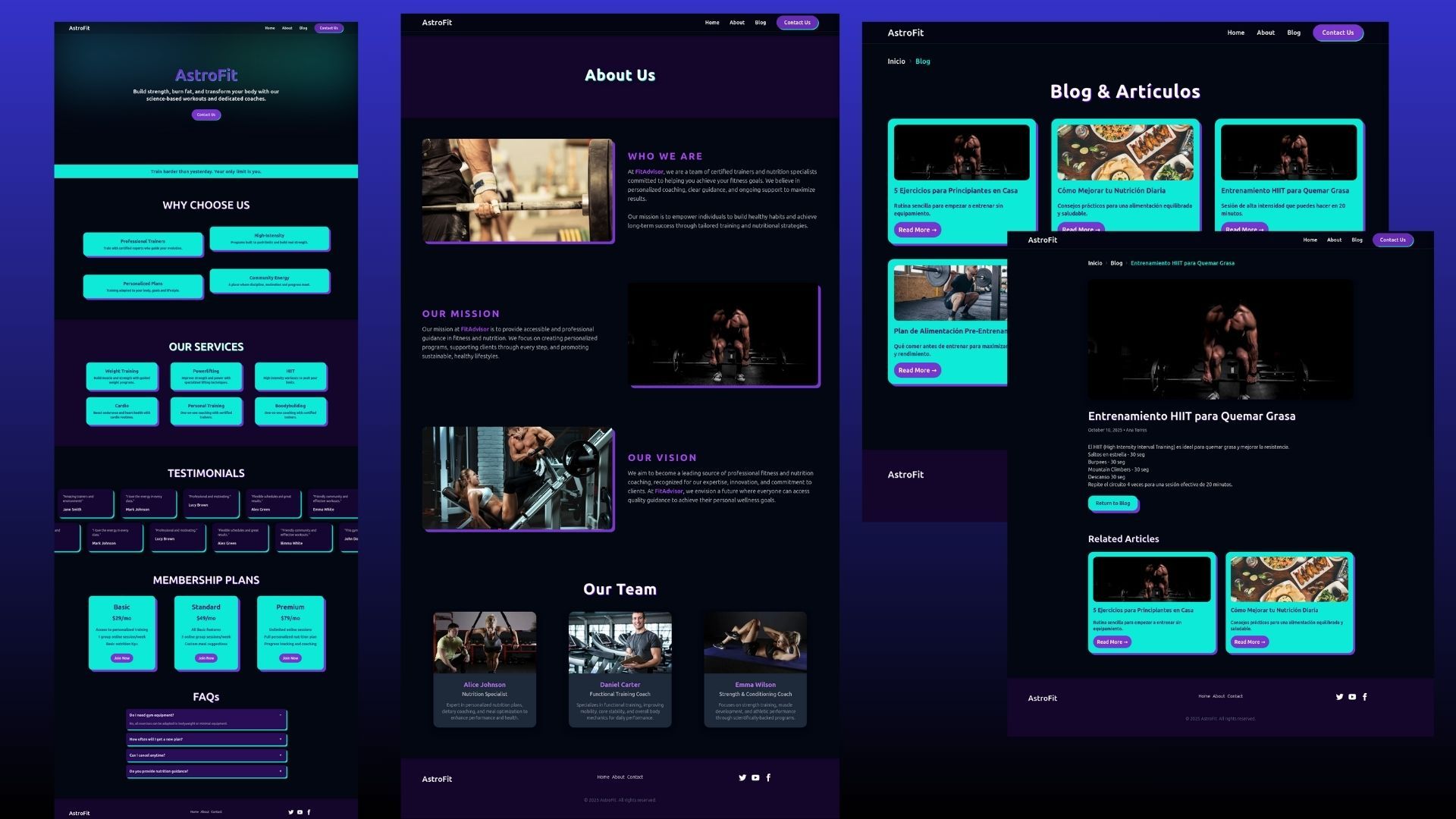
Laravel Starter is a free, open-source starter project built on Laravel 13.x, created by developer Nasir Khan Saikat and available on GitHub and Packagist. It takes a base Laravel application and layers on the most common features applications need: user authentication, social login, role-permissions, a dynamic menu system, localization, an article module, backups, log viewing, notifications, and application settings. The project is modular, so features are split into modules, and frontend and backend run as completely separated namespaces with their own routes, controllers, and themes.
Key Features
- Authentication and Social Login — Includes native Laravel auth plus social login for Google, Facebook, and GitHub, with an architecture designed to make adding additional providers easier.
- Role-Permission Management — Role and permission assignment for users builds on the Spatie permission cache; custom artisan commands add and update role-permissions, with a dedicated wiki page documenting each command.
- Separated Frontend and Backend — The admin area uses Bootstrap 5, CoreUI, Fontawesome 6, and dark mode, while the public site uses Tailwind CSS, Fontawesome 6, and its own dark mode; routes and controllers live in distinct Backend and Frontend namespaces.
- Article Module — A complete content module with posts, categories, tags, and comments, powered by the laravel-jodit WYSIWYG editor, which also includes a server-side file browser.
- Dynamic Menu and Settings — Menus are stored in the database and managed from the admin panel, and an application settings module lets administrators control site-level configuration.
- Backup and Log Viewer — Generate backups of source files, uploaded files, and the database as a ZIP archive, and inspect application logs through a dedicated log viewer interface.
- Custom Artisan Commands — The project ships with
starter:install,starter:update,module:build, andclear-allcommands, plus database seeding commands such asdb:seed-essential --freshandlaravel-starter:insert-demo-data. - Code Quality Tooling — Laravel Pint enforces PHP code style, and Prettier formats Blade templates via
npm run format; npm is the supported package manager.
Who should use Laravel Starter?
- Laravel developers who need a production-ready starting point with authentication, role permissions, and an admin dashboard rather than wiring those pieces together themselves.
- Agencies and freelancers building multiple client projects benefit from the module system, using
php artisan module:build MODULE_NAMEto quickly scaffold new modules and reuse them across projects. - Small teams launching content-centric products can use the built-in article module, social login, and Tailwind frontend to publish a CMS-style site without extra design work.
What can you do with Laravel Starter?
- Scaffold a new SaaS or CMS project: start with authentication, social login, roles, and an admin theme already configured, then add custom modules to extend functionality.
- Publish content immediately: use the posts, categories, tags, and comments module with a WYSIWYG editor and file browser to run a content-based site.
- Build a custom admin panel: leverage the CoreUI Bootstrap 5 backend, Datatables, Select2, and date-time pickers to manage application data from a polished interface.
How does Laravel Starter work?
After cloning the repository, run composer install and then php artisan starter:install (or the composer setup shortcut) to launch an interactive wizard that configures the .env file, selects a database, runs migrations and seeders, and builds npm assets. The wizard accepts --skip-db, --skip-seed, --skip-npm, and --demo flags, and prints the application URL and default login credentials when it finishes. For Docker-based development, copy .env-sail to .env, start with sail up, then run sail artisan migrate --seed and sail artisan storage:link.
FAQ
Is Laravel Starter free?
Yes. The project is open-source, hosted on GitHub under the nasirkhan/laravel-starter repository, and distributed via Packagist as nasirkhan/laravel-starter, so you can install it with composer create-project.
What are the default demo login credentials?
The demo site at https://laravel.nasirkhn.com is a straight installation without modifications. You can log in with super@admin.com / secret or user@user.com / secret to access the backend.
Does Laravel Starter support Docker?
Yes, it is configured with Laravel Sail. After copying .env-sail to .env, run sail up and then sail artisan migrate --seed to get a working environment.
How do I create a new module?
Use the custom artisan command php artisan module:build MODULE_NAME, replacing MODULE_NAME with your module's name. Adding --force will overwrite an existing module with the default stub files.