Template details
YAX-Coming-soon-Jekyll-Template
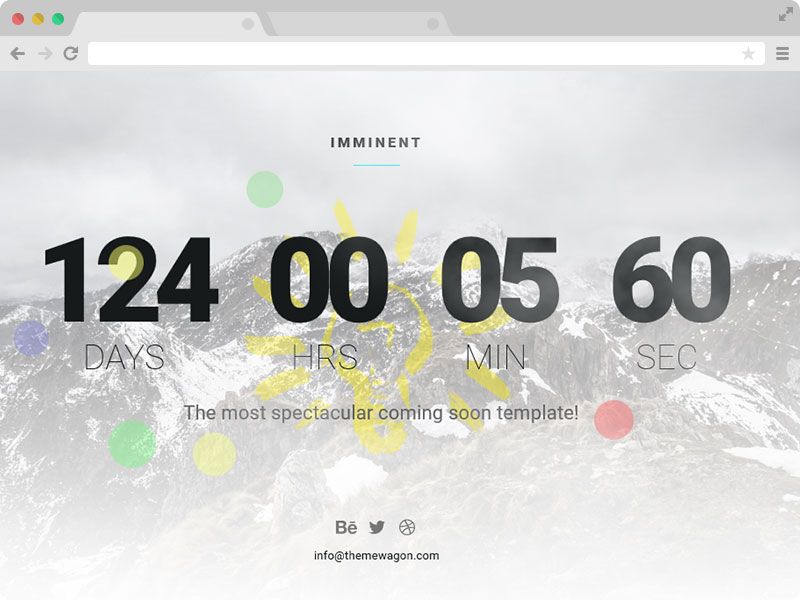
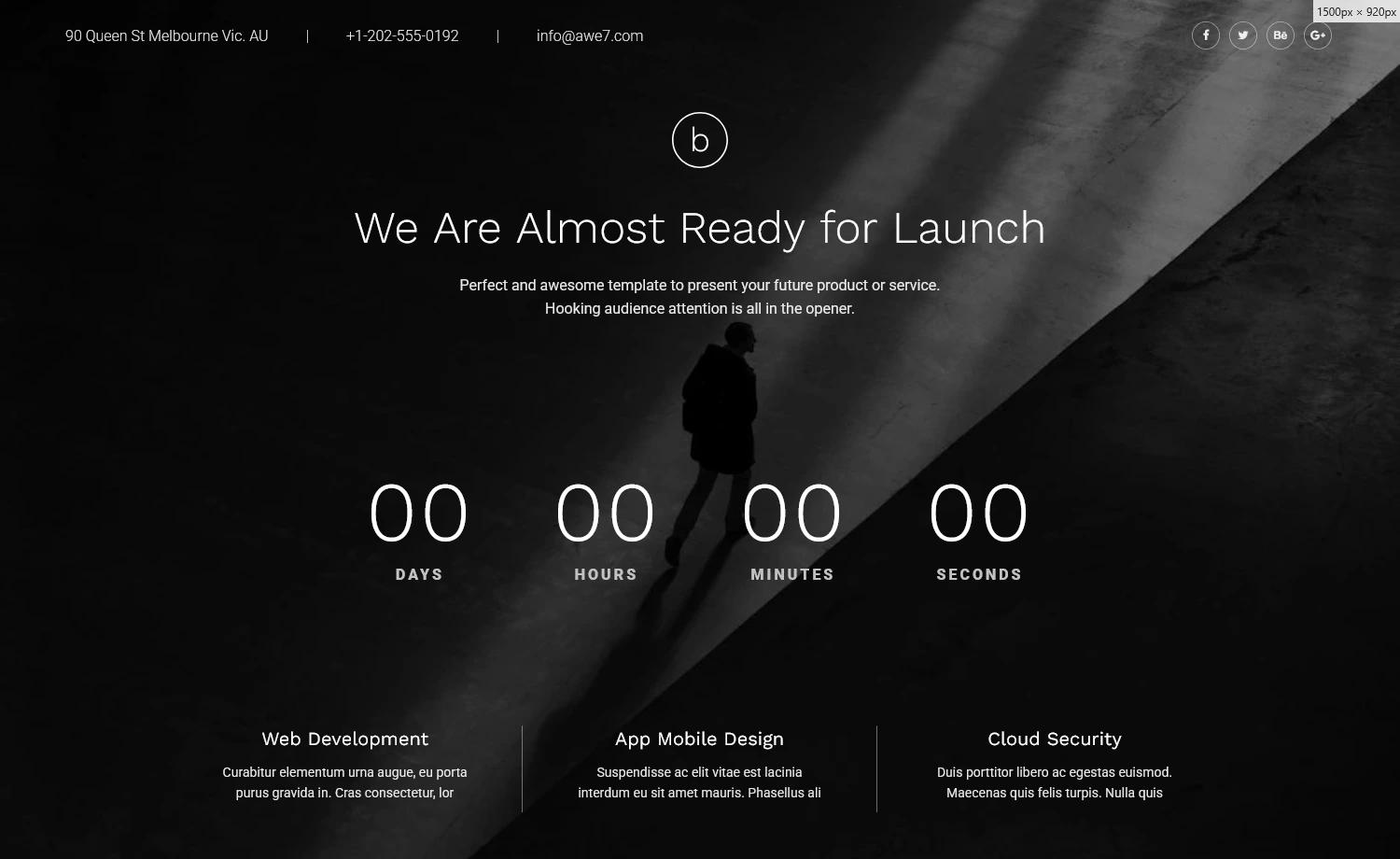
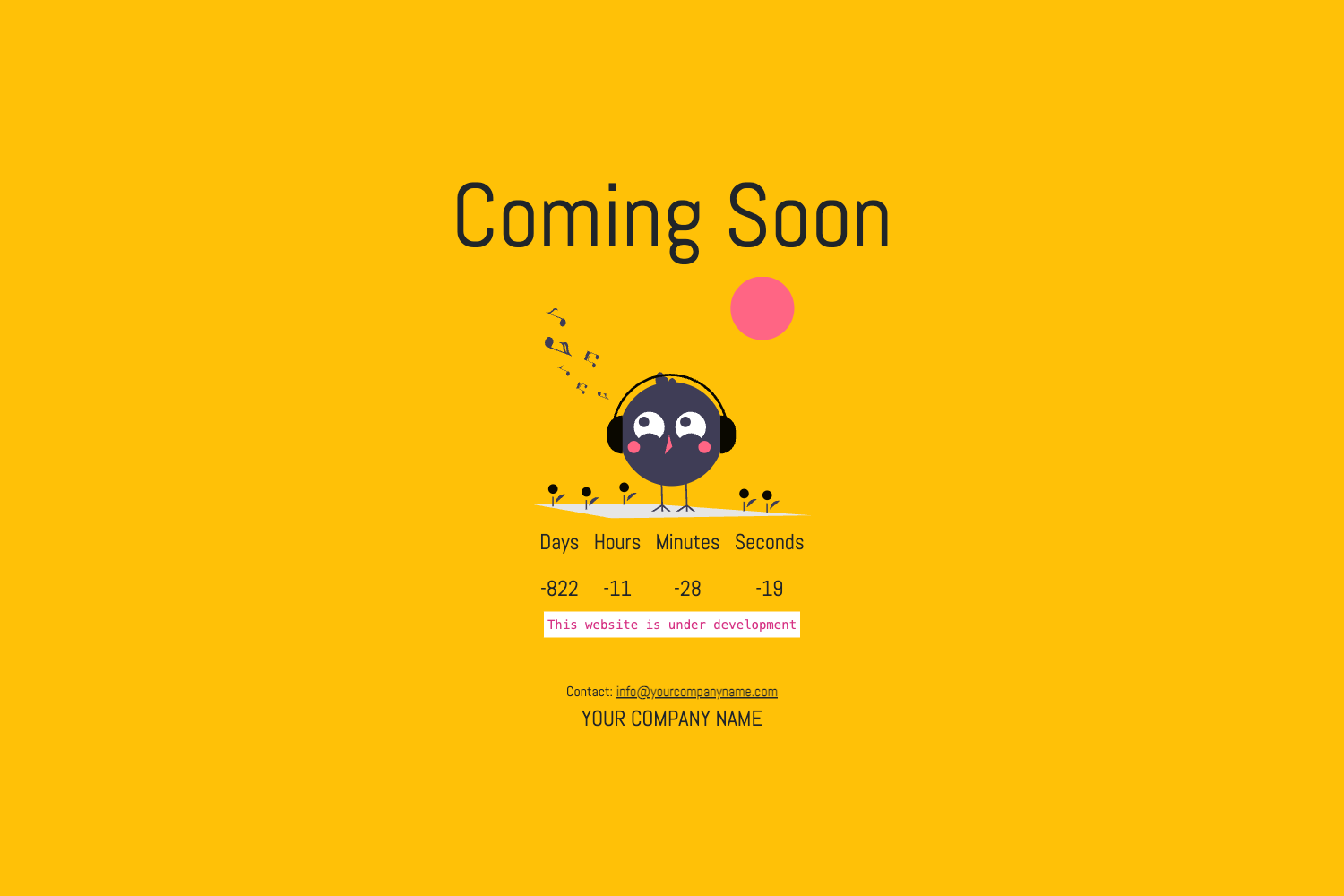
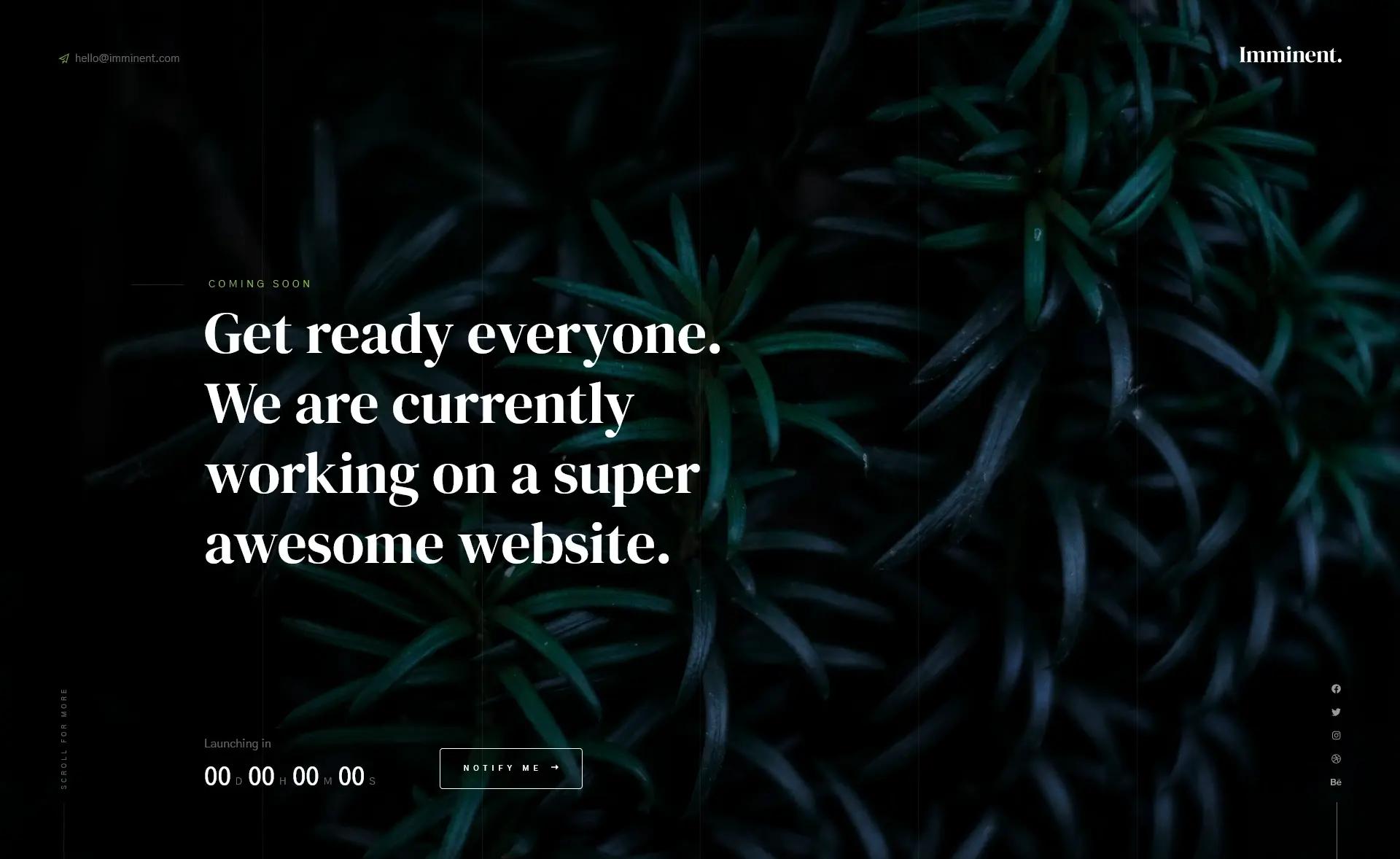
Free responsive Jekyll coming soon template with countdown timer, using Bootstrap HTML5 CSS3.
About this template
YAX-Coming-soon-Jekyll-Template is a free, responsive coming soon page built on Bootstrap, HTML5, and CSS3 and packaged as a Jekyll template. It displays a countdown timer and site-owner message, with configuration handled entirely through _config.yml and index.md.
What is YAX-Coming-soon-Jekyll-Template?
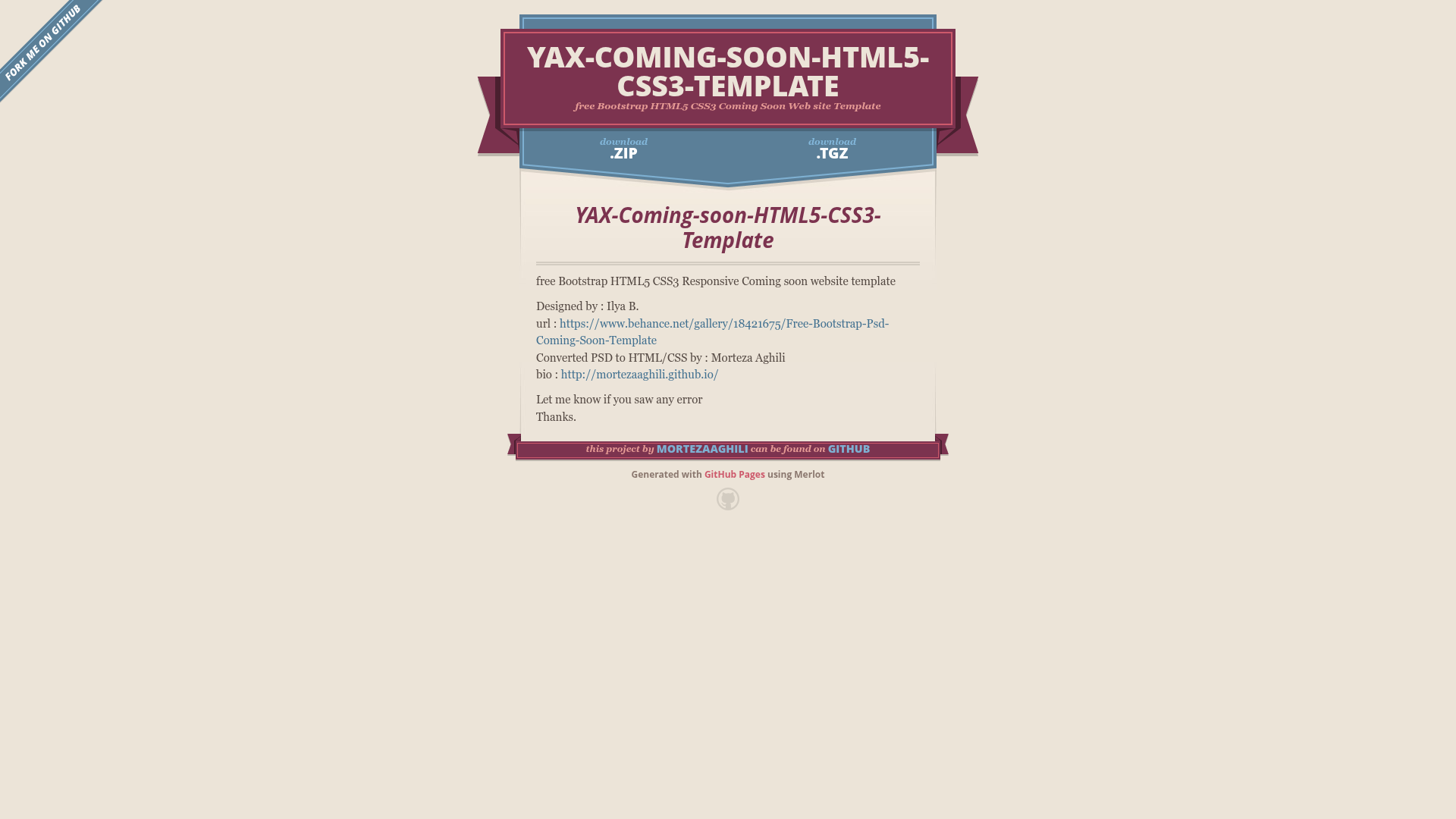
It is a Jekyll template for launching soon pages that shows a countdown to a targeted GMT/UTC date and a customizable message from the site owner. The template takes a target date and owner information as configuration inputs and produces a static, responsive coming soon page. It requires Jekyll 3 or newer and was adapted to Jekyll by yonojoy, based on a PSD design by Ilya B. converted to HTML/CSS by Morteza Aghili.
Key Features
- Countdown timer — Set a target date in GMT/UTC via the
countdownparameter in_config.ymland the template renders a countdown on the page. - Owner information — Add site owner details using the
ownerparameter in_config.yml. - Bootstrap-based styling — Built on top of Bootstrap HTML5/CSS3 for responsive layout across devices.
- Responsive design — The page adapts to screen sizes thanks to the Bootstrap grid and responsive CSS.
- Jekyll-native workflow — Content lives in
index.md, so editing the message requires no HTML changes. - Simple setup — After downloading, run
bundle installand update two configuration files. - Free to use — The template is released free of charge with credit to the original designers.
Who is it for?
- Startups and indie hackers — Launch a coming soon page for a new product with a live countdown without building from scratch.
- Developers familiar with Jekyll — Quickly stand up a static coming soon page by editing markdown and
_config.yml. - Designers staging sites — Show a client a polished branded placeholder page before the real site is ready.
Use cases
- Product launch teaser: Set the countdown to your release date and add a short description of what is coming.
- Personal project placeholder: Use the owner field to show who is behind the upcoming site.
- Event countdown: Point the countdown at an event start time and direct visitors to it.
How does it work?
- Download and unzip the template.
- Run
bundle installto install dependencies. - Edit
_config.ymlto set thecountdowntarget date andownerdetails. - Edit
index.mdto add your message. - Build and serve the site using Jekyll.