Template details
NextJS TailwindCSS Coming Soon Template
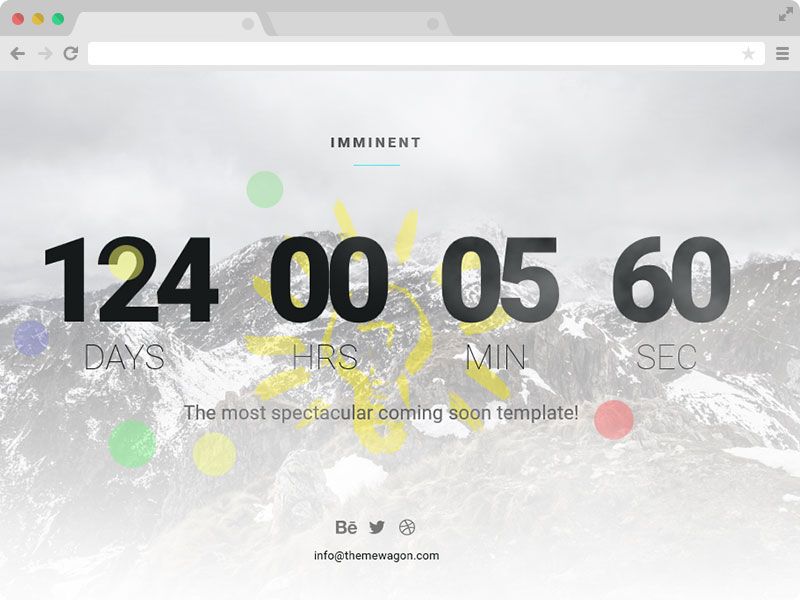
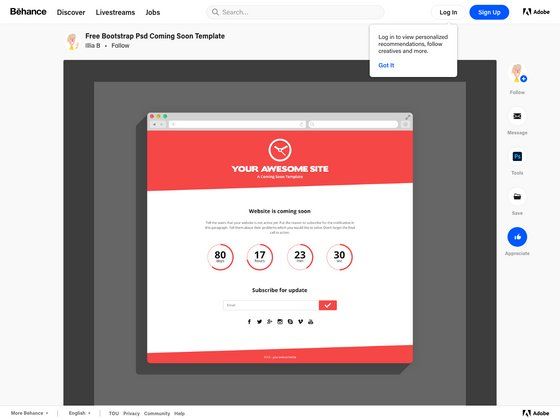
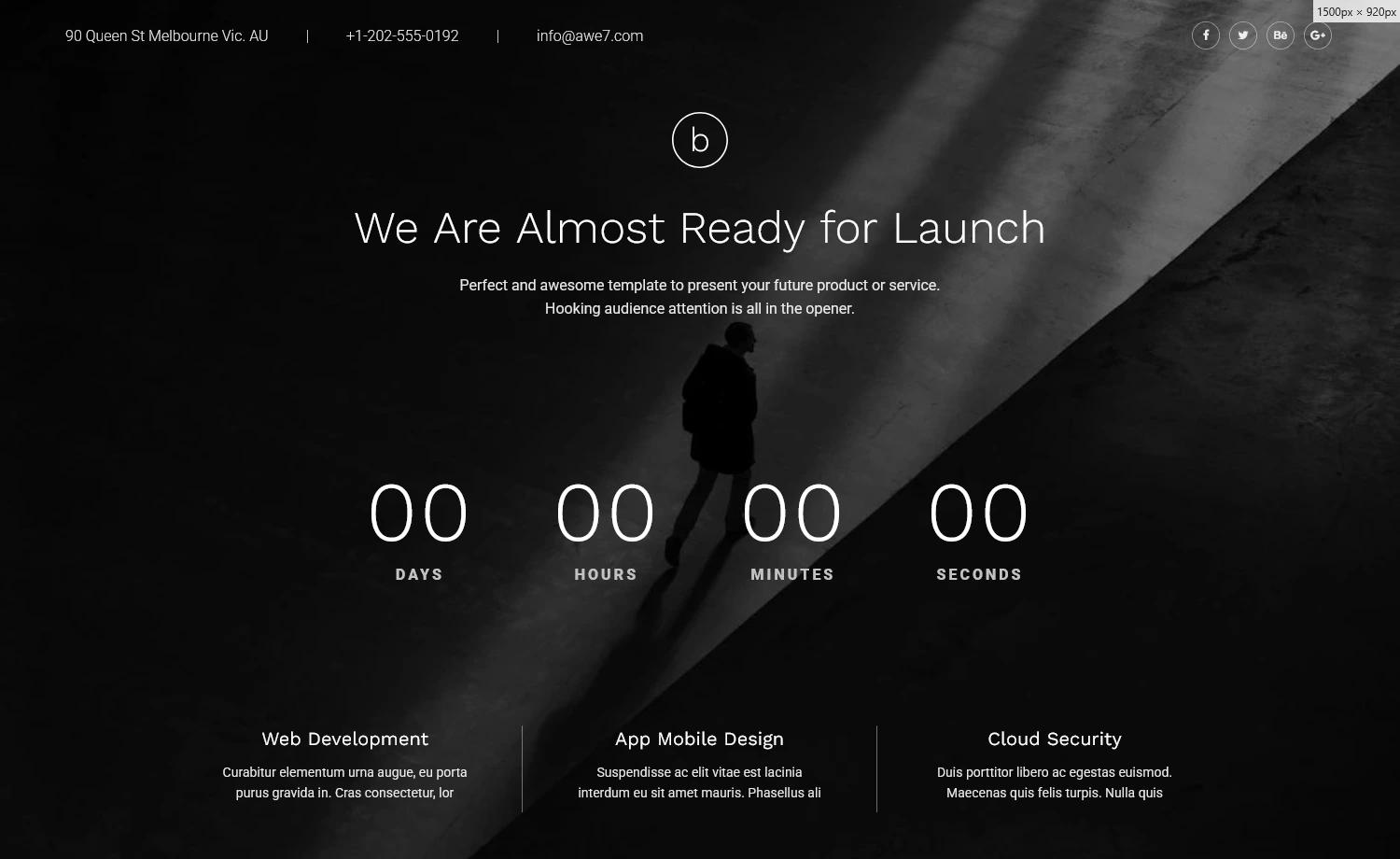
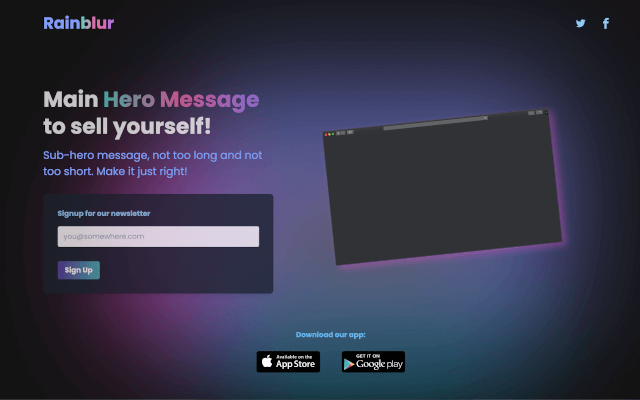
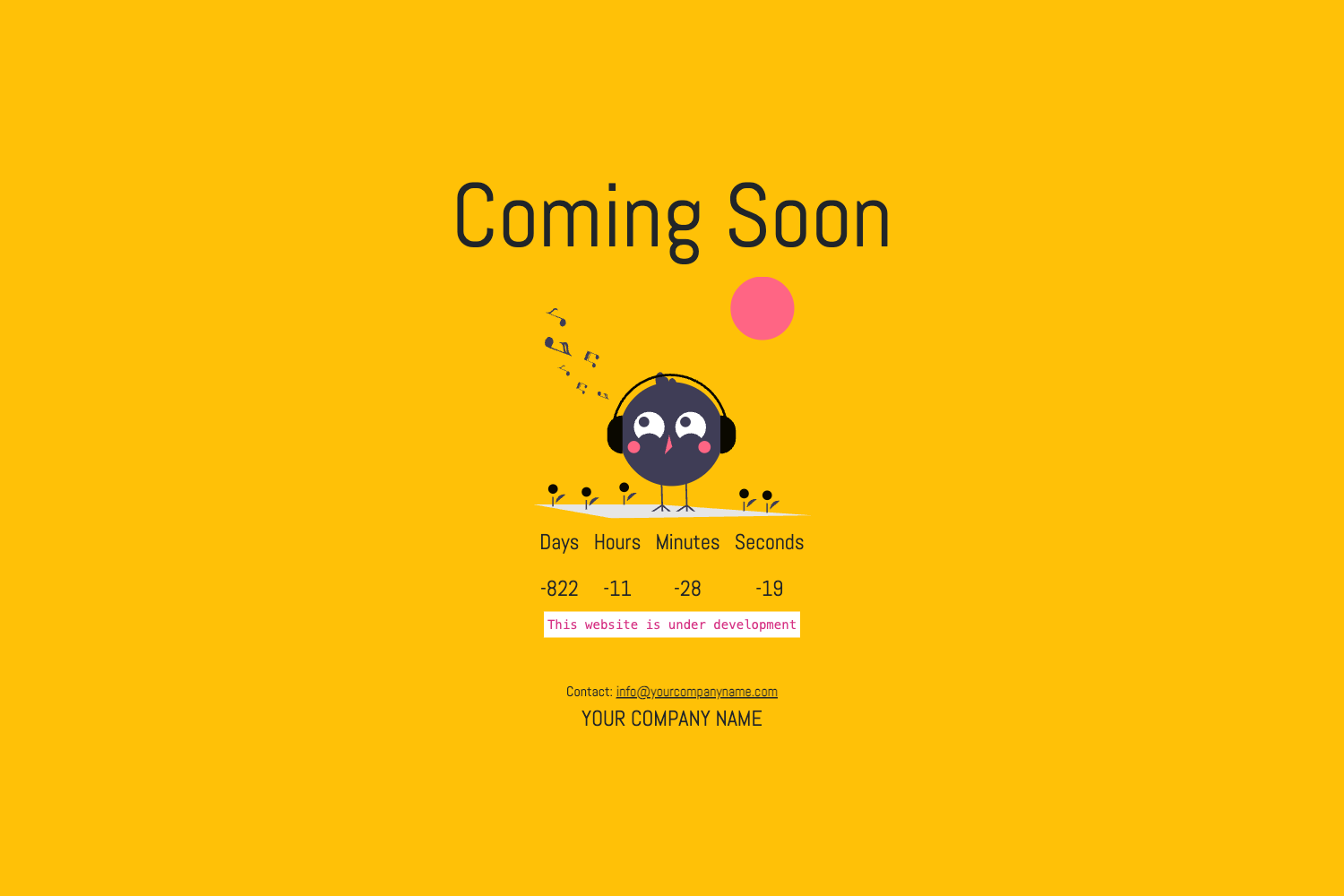
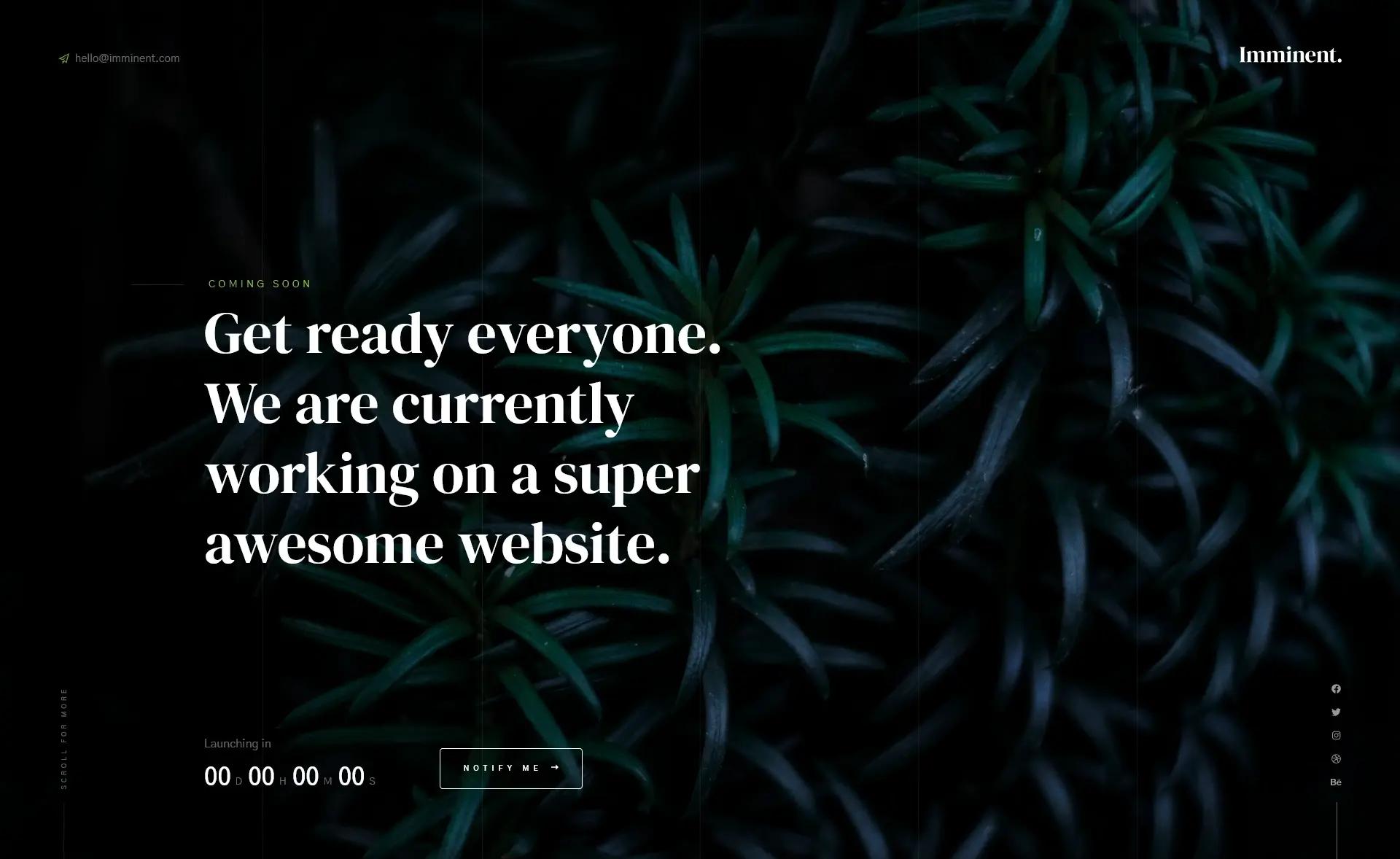
A lightweight, responsive coming soon template built with Next.js and TailwindCSS, featuring light/dark mode and a countdown version.
About this template
The NextJS TailwindCSS Coming Soon Template is a responsive, open-source coming-soon page built with Next.js 14 and Tailwind CSS, offering both a standard landing view and a countdown timer variant. It runs on any Node.js 20+ environment and is designed to be customized directly in app/page.tsx; a live demo is hosted at https://tailwnd-nextjs-comming-soon-tm2g.vercel.app/. The project is developed by Sandip Baikare and released under the MIT License.
What is the NextJS TailwindCSS Coming Soon Template?
The template is a starter project that scaffolds a pre-launch page for a website or product, with no external content management system required. It takes the default Next.js App Router structure and replaces it with a clean, single-page layout that can be edited through JSX and Tailwind classes. The output is a fully responsive HTML page that includes SEO meta tags via next-seo and optimized font loading via next/font.
Key Features
- Light and dark mode — Built with
next-themes0.3.0, the page toggles between light and dark themes and can follow the user's system preference. - Countdown version — A second variant displays a live countdown timer, suitable for counting down to a product launch or event.
- Responsive styling — Tailwind CSS utility classes ensure the layout adapts to phones, tablets, and desktops without custom media queries.
- Font optimization —
next/fontautomatically loads the Inter Google Font, reducing render-blocking and layout shift. - SEO metadata — The
next-seo6.5.0 package supplies meta tags for social sharing and search engine descriptions. - TypeScript and ESLint — Development is type-safe with TypeScript 5.4.4 and linted with ESLint 8.
- API route example — An example Route Handler in
app/api/hello/route.tsshows how to add a backend endpoint to a Next.js page.
Who is it for?
- Startups and indie developers: Stand up a temporary coming-soon page in minutes while the main product is being built.
- Front-end developers learning Next.js: Use the simple App Router layout and route handler to see how a Next.js 14 project is organized.
- Designers: Preview a brand page with both light and dark versions to evaluate how the visual style holds up before full site design begins.
What can you do with it?
- Create a pre-launch teaser: Edit the copy in
app/page.tsxto show a product name, description, and call-to-action. - Add a countdown to your launch: Switch to the countdown version to display the time remaining until a specific date.
- Extend the page: Use the included route handler as a starting point for an email signup or waitlist API (email functionality is listed as a future enhancement).
How does it work?
To run it locally, clone the repository, run npm install, then npm run dev to start the development server at http://localhost:3000. The main page auto-updates as you edit app/page.tsx. Deployment follows the standard Next.js process; the demo is already hosted on Vercel.
Pricing
The template is completely free and open source under the MIT License, so you can use it for personal projects, commercial products, or as a learning resource without any fees.
FAQ
Is this template free to use?
Yes, it's released under the MIT License, which permits free use, modification, and distribution, including in commercial applications.
Does it include a countdown timer?
Yes, the repository contains a second version of the coming soon page that displays a countdown. The two versions are separate files, so you can choose which one to render.
How do I deploy it to Vercel?
Because it's a standard Next.js project, you can push it to GitHub and import it into Vercel, or use the Vercel CLI with the vercel command. The live demo is hosted on Vercel.
What React and Next.js versions does it use?
The project uses Next.js 14.1.4, React 18.2.0, and TypeScript 5.4.4, along with Tailwind CSS and next-themes 0.3.0.
Can I change the content without touching code?
Currently, content changes require editing the JSX in app/page.tsx or adjusting the Tailwind classes. The planned "hide and show components from data" enhancement would allow data-driven control in the future.