Template details
Limp Dark
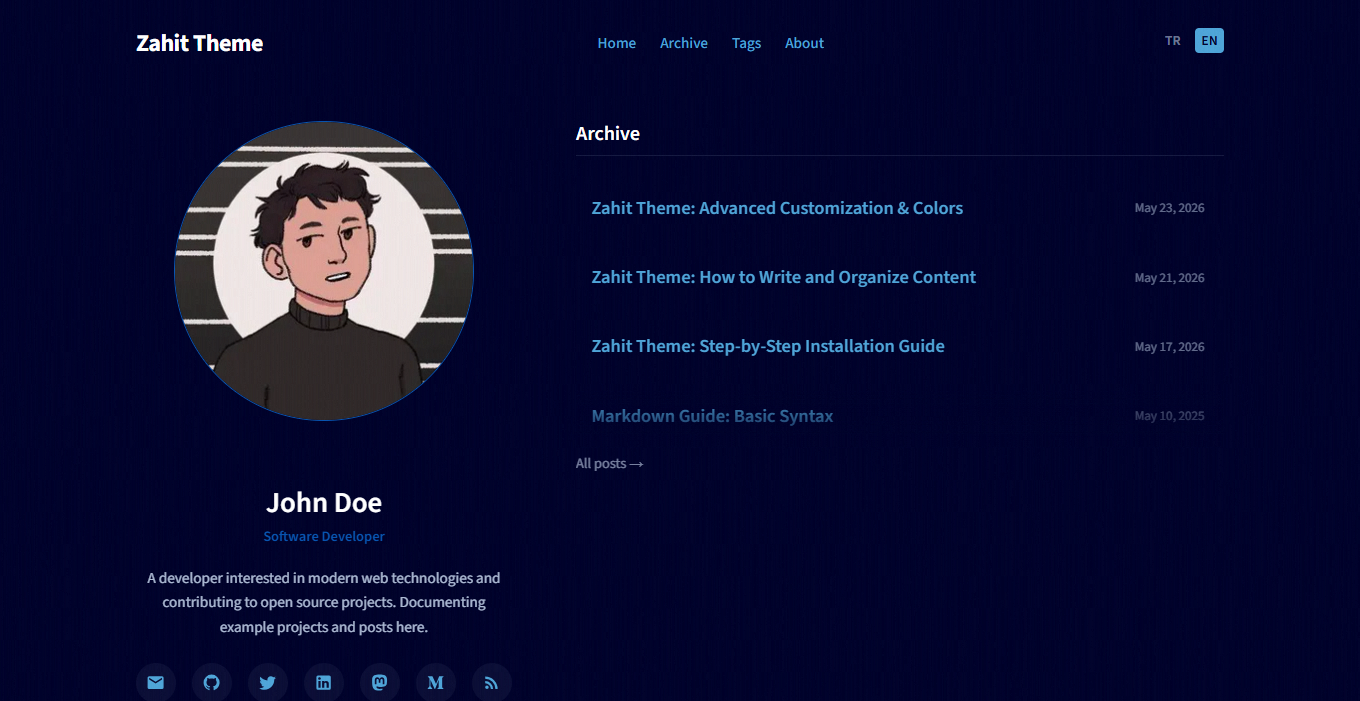
A lightning-fast dark Jekyll theme with a modern flat design, distributed as a Ruby gem for writers and developers.
About this template
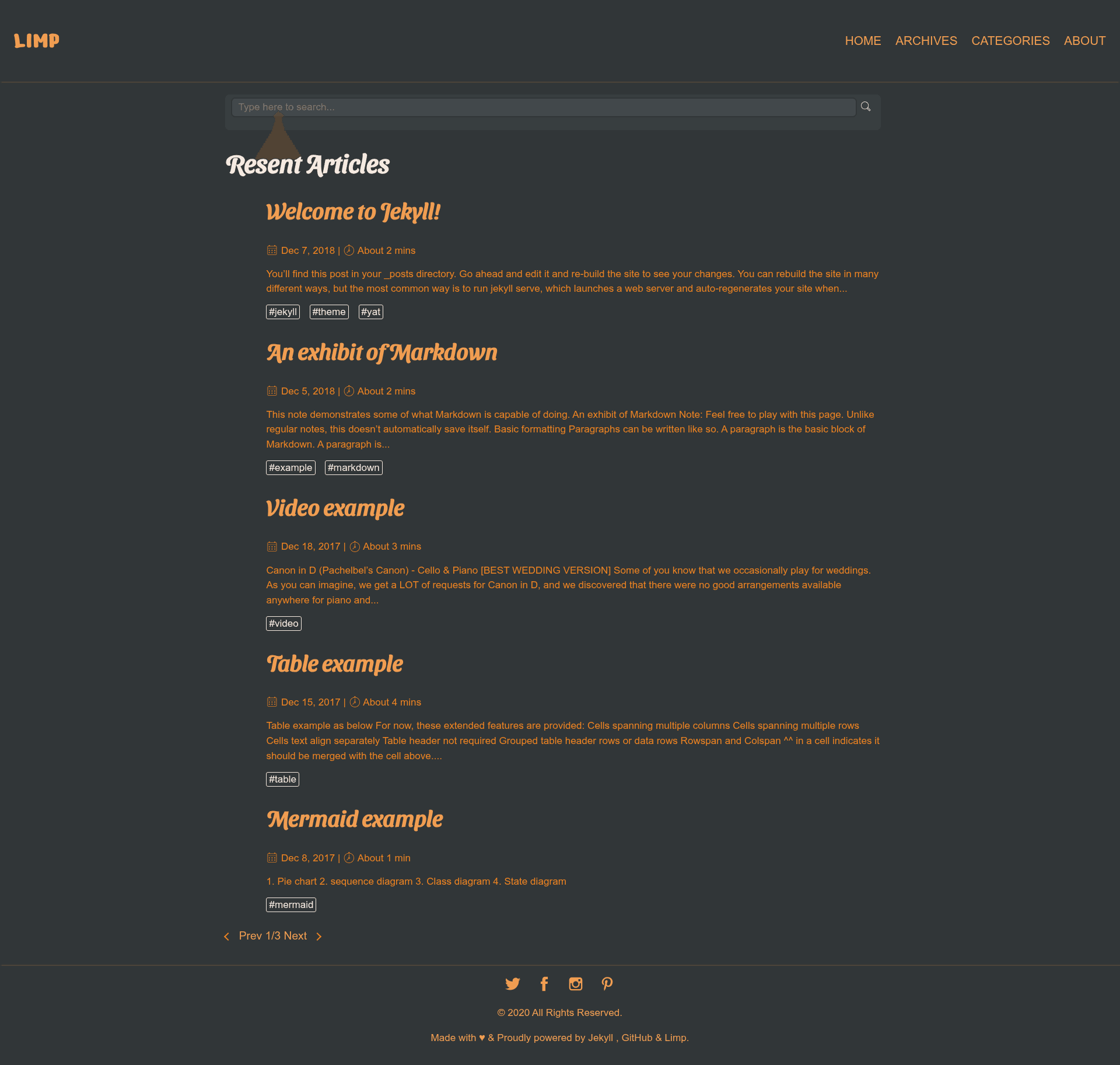
Limp Dark is a Jekyll theme distributed as a Ruby gem that provides writers and bloggers with a dark, modern flat-style site interface, and it integrates the Jekyll-Spaceship plugin for extended Markdown capabilities.
What is Limp Dark?
Limp Dark is a dark-themed Jekyll site template packaged as a Ruby gem. It takes a standard Jekyll project with Markdown content and configuration files, and produces a static website with a modern flat visual style and a dark background. The theme is maintained by Ankit Kumar Jat (the repository is github.com/ankit-kumar-jat/hello) and is available as open source under the MIT License. A live demo is hosted at ankitkumarjat.me/limp-dark/.
Key Features
- Modern flat dark design — The theme's signature look pairs a dark background with a clean, flat visual hierarchy designed for "elegant writers."
- Jekyll-Spaceship integration — Limp Dark uses the Jekyll-Spaceship plugin (a Ruby gem) to extend Markdown with advanced capabilities; the theme's README points users to the plugin's own README to unlock 100% of the features.
- Responsive tables — Tables become responsive when wrapped in a
divwith classtable-wrapperandmarkdown="block", so wide tables scale on mobile screens. - Social media configuration — Social network links are managed through a dedicated
_data/social.ymlfile, separate from the main site config. - Centralized configuration — All theme settings are edited in the site root's
_config.yml, keeping customization in one place. - Standard Jekyll workflow — The theme runs like a normal Jekyll site; local development uses
bundle exec jekyll servewith live regeneration on file changes. - Gem-based installation — Install via your site's Gemfile by adding
gem "limp-dark"and settingtheme: limp-darkin_config.yml, then runningbundle.
Who is it for?
- Bloggers and writers who prefer a dark, low-glare reading environment and want a pre-styled Jekyll theme without hand-writing CSS.
- Jekyll developers who want a gem-based theme they can drop into a project and override only the parts they need.
- Technical content creators who use tables extensively and need a simple responsive-table pattern that works with Jekyll's Markdown pipeline.
What can you do with Limp Dark?
- Publish a personal blog — Install the gem, update
_config.ymland_data/social.yml, then write posts in Markdown exactly as with any Jekyll site. - Build a documentation or article site — Use the responsive table wrapper to present tabular data cleanly on desktops and mobile devices.
- Extend Markdown with Jekyll-Spaceship — Add the plugin and enable its advanced features (such as math, emoji, and table enhancements) inside the same theme before the site builds.
How does Limp Dark work?
- Add
gem "limp-dark"to your Jekyll site's Gemfile and settheme: limp-darkin_config.yml. - Run
bundleto install the gem, or install it directly withgem install limp-dark. - Edit configuration in
_config.ymland_data/social.yml, then start a local server withbundle exec jekyll serveto preview the site athttp://localhost:4000.
FAQ
Is Limp Dark free?
Yes. Limp Dark is open source under the MIT License, so you can use, modify, and distribute it freely without paying a license fee.
How do I install Limp Dark?
Add the line gem "limp-dark" to your site's Gemfile, set theme: limp-dark in _config.yml, and run bundle. Alternatively, install the gem globally with gem install limp-dark and reference it manually.
Does Limp Dark require Jekyll-Spaceship?
The theme is designed to use Jekyll-Spaceship to deliver its full feature set. The README states that to take 100% advantage of the theme, you should follow the plugin's README; the base theme may still render without it, but some enhanced Markdown features may be unavailable.
How do I make tables responsive in Limp Dark?
Wrap a Markdown table in a div block with class table-wrapper and the markdown="block" attribute, then place the table inside. This pattern lets the theme scroll or reformat wide tables on smaller screens.