Template details
Jekyll-Jacman
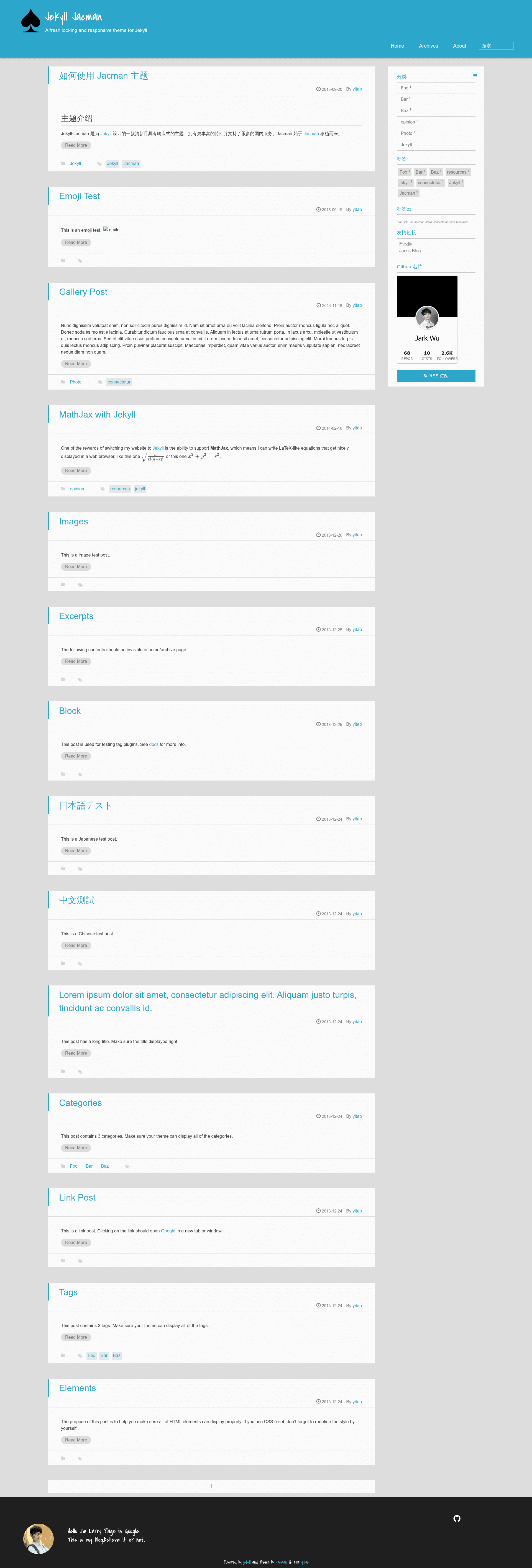
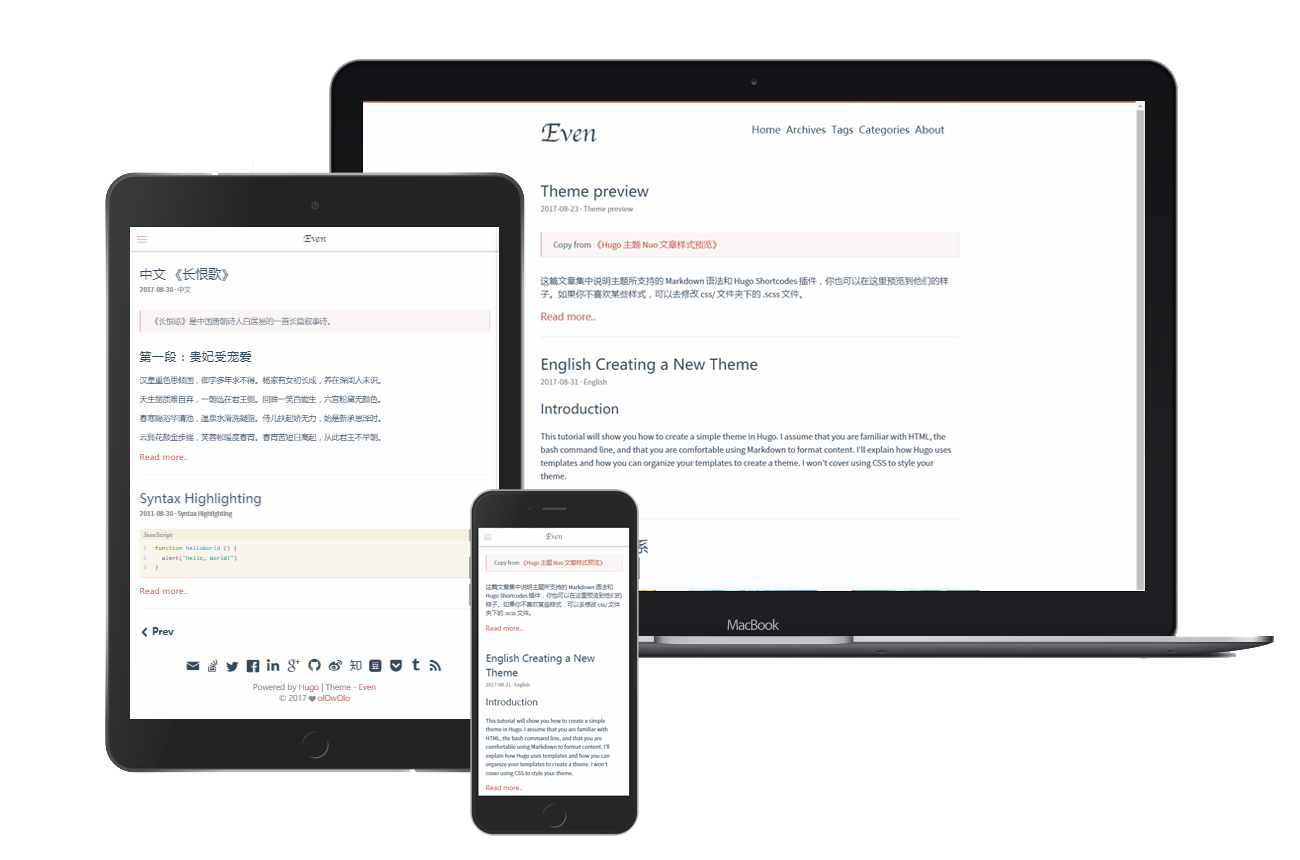
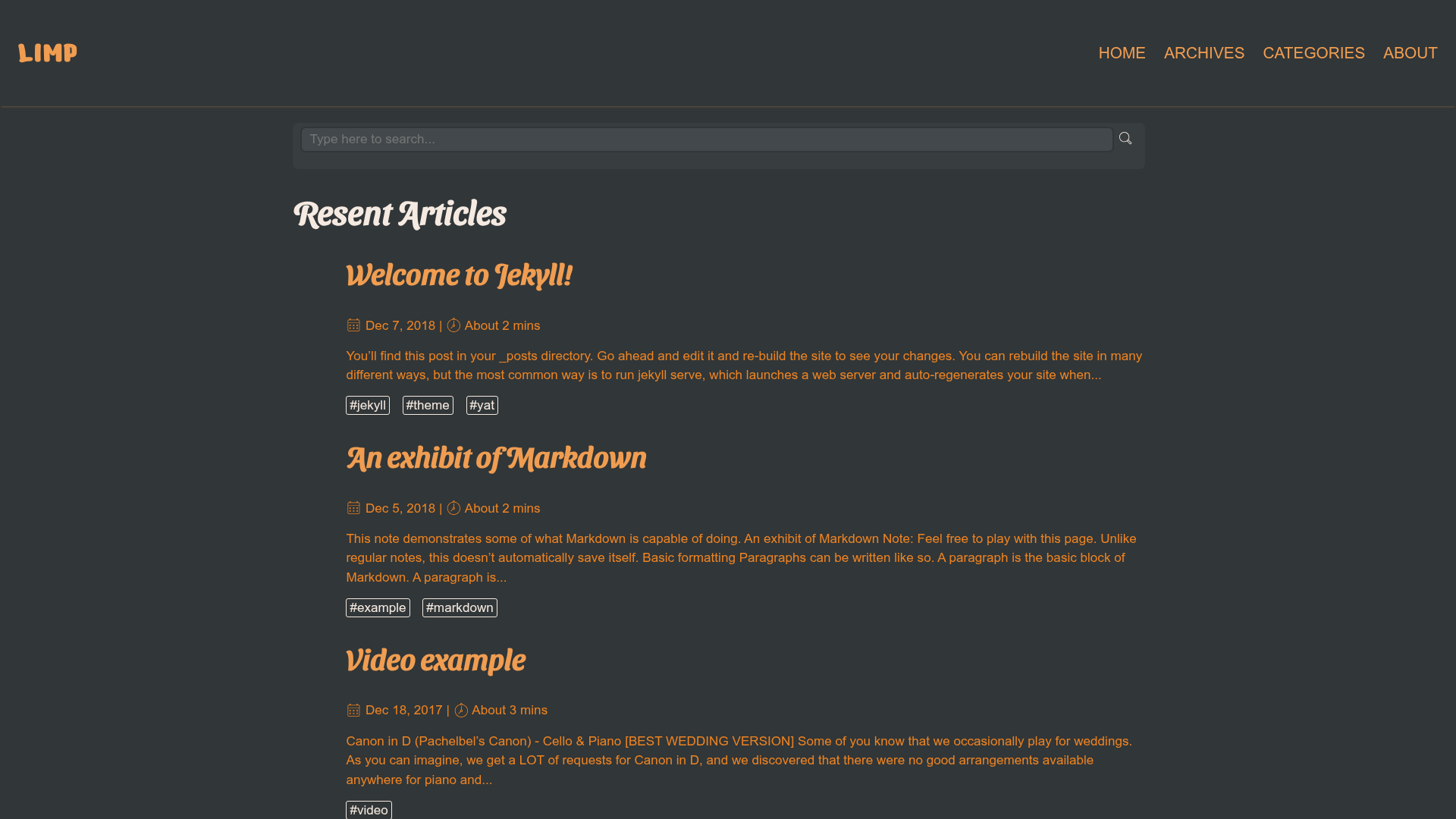
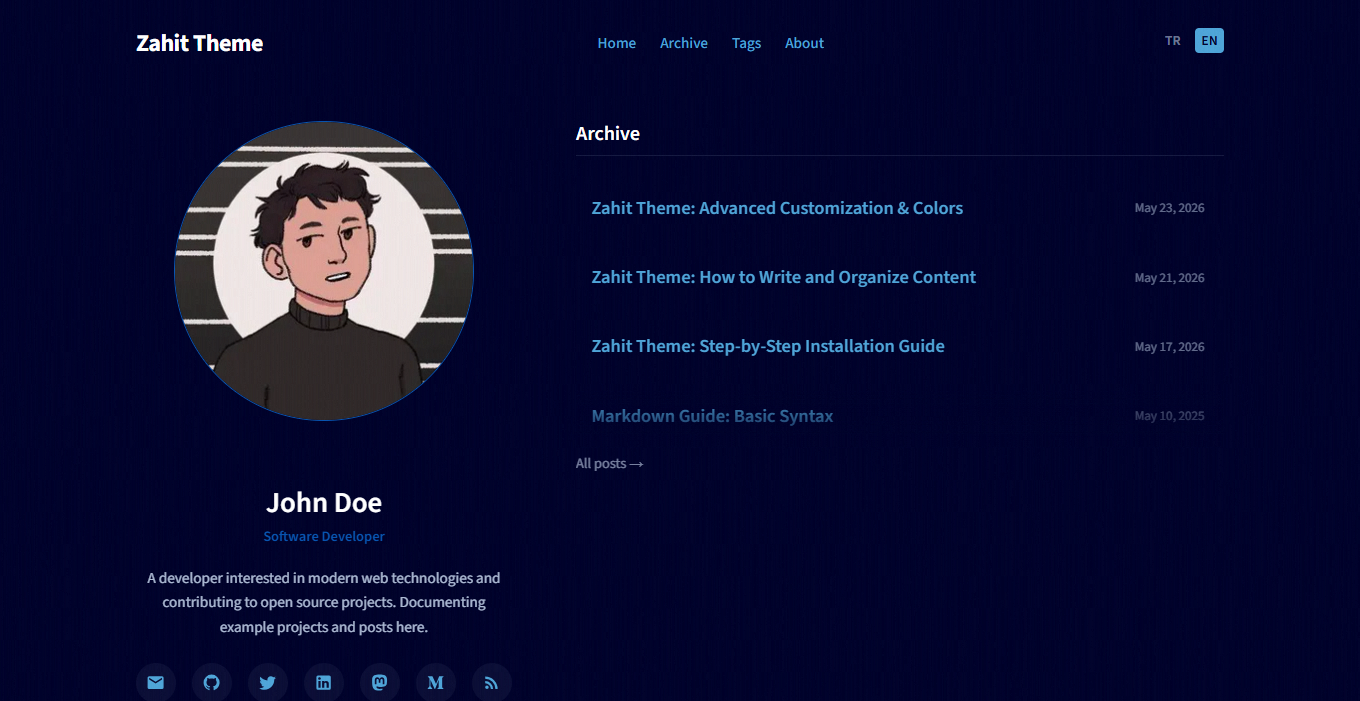
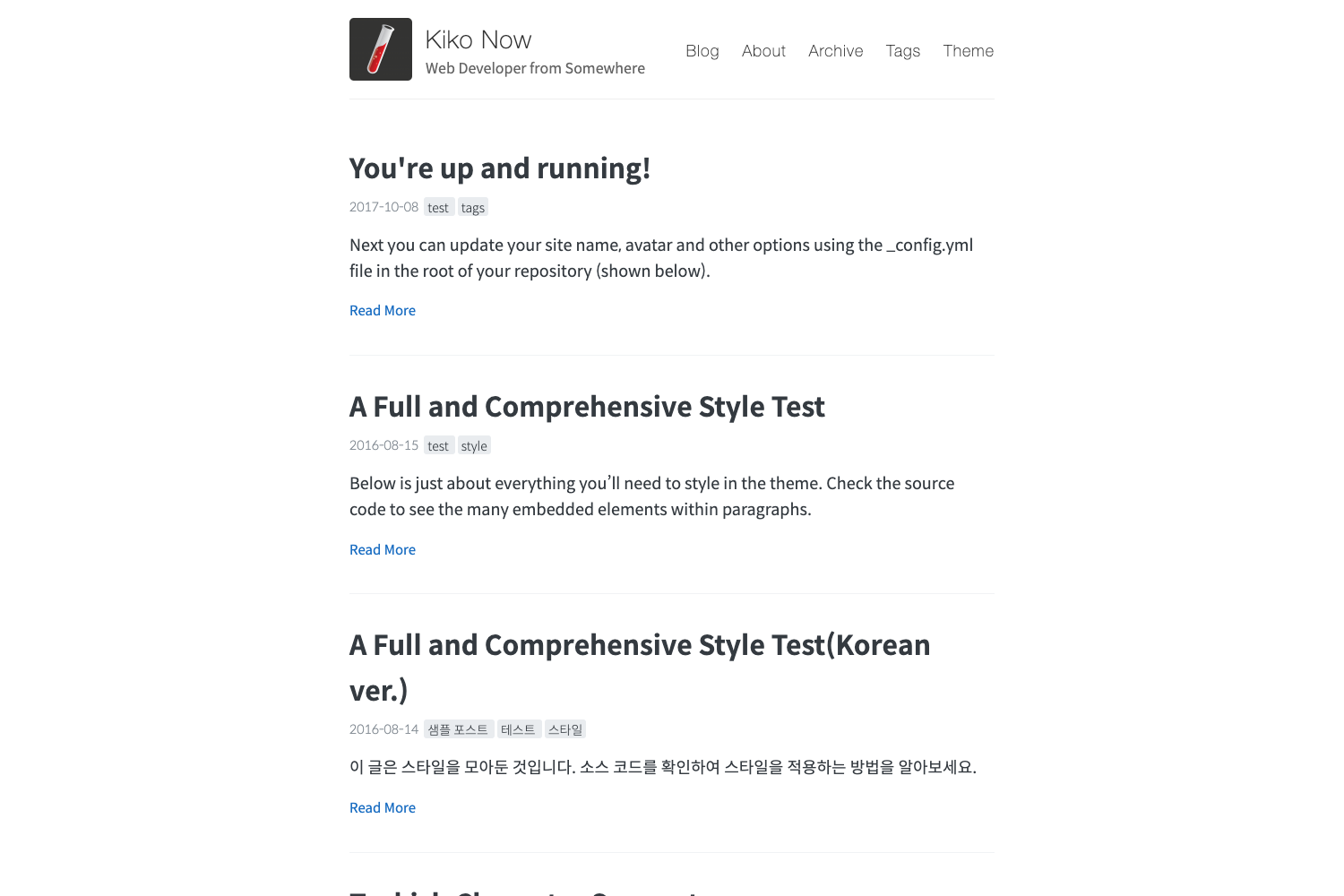
A fresh-looking, responsive Jekyll theme ported from Hexo Jacman, with support for Chinese services like Baidu analytics, Duoshuo comments, and Weibo widgets.
About this template
Jekyll-Jacman is a responsive, fresh-looking theme for Jekyll static sites, ported from the Hexo Jacman theme and tailored for bloggers who want deep integration with Chinese web services. It transforms a standard Jekyll project into a blog with a sidebar, navigation menu, article table of contents, and social sharing.
What is Jekyll-Jacman?
Jekyll-Jacman is an open-source Jekyll theme created by Simpleyyt and available on GitHub. It takes Jekyll site configurations and Markdown posts as input and outputs a static blog with a responsive layout, sidebar widgets, and multiple content display modes. The theme is a direct port of Hexo Jacman, so users familiar with that theme will recognize its structure and design.
Key Features
- Menu and widgets — A main navigation menu plus sidebar widgets for GitHub card, categories, tags, RSS, friend links, and Sina Weibo show.
- Image styles — Built-in CSS classes like
img-logo,img-topic, andimg-center, along with configurable favicon, logo, avatar, and top banner images. - Two index modes — The theme configuration offers two homepage display modes to switch between different post listing styles.
- Author social links — Footer links for up to ten social networks including Weibo, Douban, Zhihu, Email, GitHub, StackOverflow, Twitter, Facebook, LinkedIn, and Google+.
- Comment systems — Support for Duoshuo and Disqus, selectable through the theme configuration file.
- Analytics integrations — Google Analytics, Baidu Tongji, and CNZZ site statistics are all supported.
- Search options — Google Custom Search, Baidu site search, TinySou, and Simple Jekyll Search can be enabled.
- Post enhancements — Table of contents in articles and sidebar, Fancybox image lightbox, back-to-top button, and RSS feed.
Who is it for?
- Chinese bloggers who want a Jekyll theme that works with Baidu analytics, Duoshuo comments, and Weibo widgets without custom coding.
- Bloggers migrating from Hexo who want to keep the Jacman look while moving to Jekyll's static site workflow.
- Developers who need an MIT-licensed theme to fork and customize for their own blog or client projects.
- Bilingual site owners — the README is provided in both Chinese and English, and the theme supports content in either language.
What can you do with Jekyll-Jacman?
- Launch a personal blog: Clone the repository, run
bundle install, then start writing posts in Markdown; the theme handles layout, pagination, and RSS. - Customize the sidebar: Enable or disable widgets like the GitHub card, tags, and Weibo show directly from the site configuration.
- Add comments and tracking: Configure Disqus or Duoshuo for reader comments and Google, Baidu, or CNZZ for traffic analytics.
- Share posts with Chinese social tools: Use the built-in share buttons or integrate the Jiathis sharing service.
How does Jekyll-Jacman work?
The README provides a local setup path: install Ruby 2.1.0 or higher, install Bundler, clone the theme repository, run bundle install to install dependencies, then bundle exec jekyll server to preview the site locally. More details are available in the "本地搭建" section of the README.
Pricing
Jekyll-Jacman is free and open source under the MIT License.
FAQ
Is Jekyll-Jacman free?
Yes, Jekyll-Jacman is released under the MIT License, so it is free to use, modify, and redistribute, including for commercial projects.
What Ruby version is required?
Ruby 2.1.0 or higher is required. The theme uses Bundler to manage Jekyll and other gem dependencies.
Does Jekyll-Jacman support Disqus?
Yes, the theme supports both Disqus and Duoshuo comment systems. You can select one in the theme configuration file.
Which analytics services are integrated?
Google Analytics, Baidu Tongji, and CNZZ are supported, giving users a choice between international and China-focused traffic tracking.
How do I install the theme?
Clone the GitHub repository, run bundle install to install dependencies, and then use bundle exec jekyll server to start a local server. The README links to a detailed guide for setting up GitHub Pages sites locally.