Template details
Nuxt Content Blog Demo
Demo of how to create a blog with the Nuxt.js content module
About this template
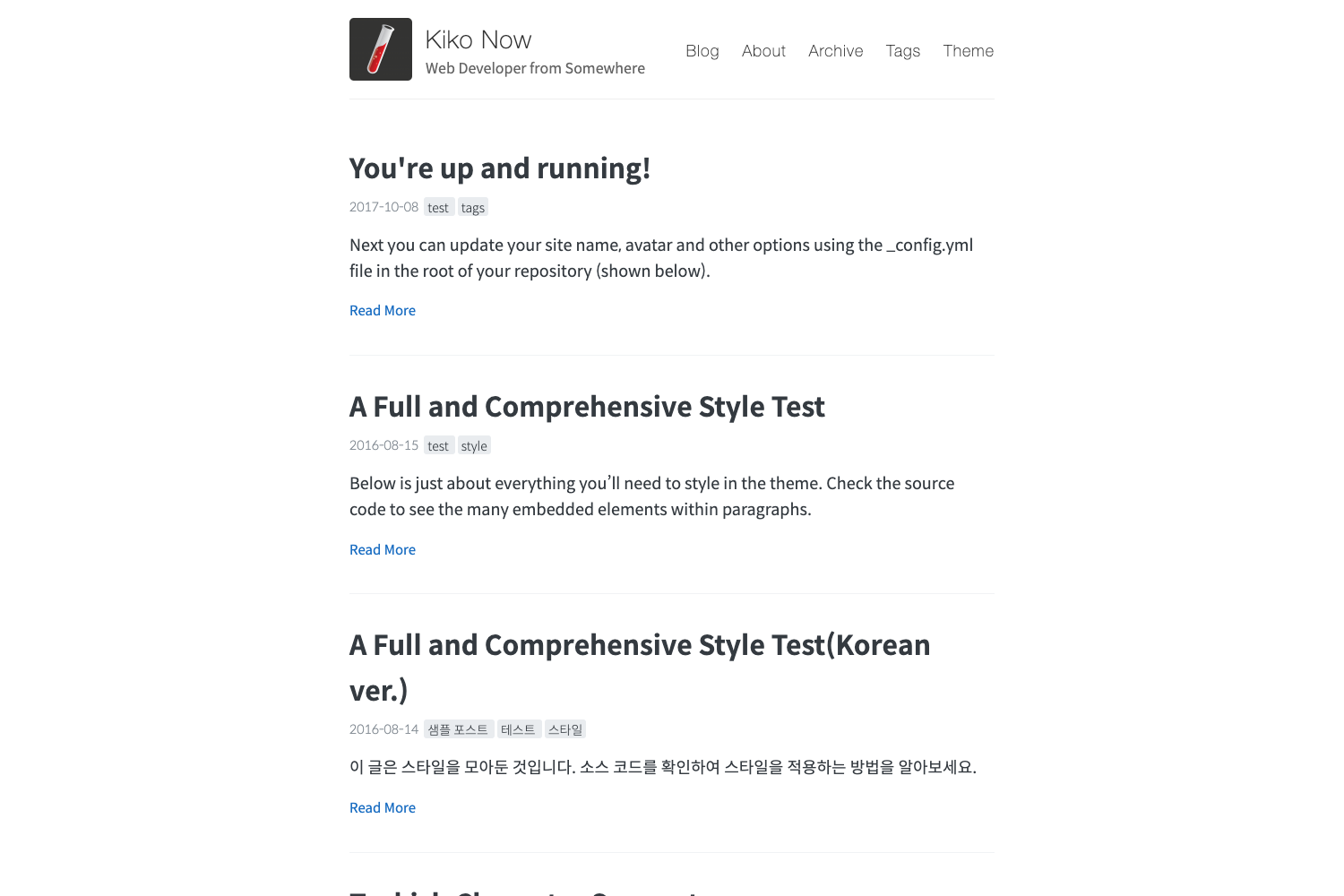
Nuxt Content Blog Demo is a sample Nuxt.js project that demonstrates building a content-driven blog with the official Nuxt content module, a git files based headless CMS for Markdown content. The project accompanies the "Creating a Blog with Nuxt Content" tutorial published on the Nuxt blog and provides a runnable reference implementation you can clone, modify, and generate into a static site.
What is Nuxt Content Blog Demo?
Nuxt Content Blog Demo is an open-source demo blog built with Nuxt.js and the Nuxt content module. It takes Markdown files stored in the repository as input and renders them as a styled blog with the module's content fetching and rendering features. The project runs on Nuxt.js (a Vue.js framework) and is tied to the official tutorial at nuxtjs.org/blog/creating-blog-with-nuxt-content, so developers can follow the guide while inspecting the finished code.
Key Features
- Git-based headless CMS — The Nuxt content module treats git as the content backend, so blog posts live as Markdown files in the repo and are versioned alongside the code.
- Markdown content files — Write and edit articles in Markdown format in the project's content directory; the module parses them into the site without a separate admin interface.
- Hot reload development server — Run
yarn devto start a local server at localhost:3000 with hot reload, so content edits and code changes appear instantly. - Static site generation — Run
yarn generateto build the whole blog as a static project ready for deployment to Netlify, Vercel, or any static host. - Local production preview — Run
yarn startafter generating to inspect the production build locally before deploying. - Official tutorial companion — The demo pairs with a step-by-step guide on the Nuxt blog, showing how to add the content module, create a list page, and set up article routes.
Who is it for?
- Nuxt.js developers — Use the working demo as a reference when integrating the content module into a new or existing Nuxt project.
- Technical writers and content teams — Start from this repository to publish a blog or documentation site where all content is stored as Markdown in git, enabling code review and versioning of posts.
- Developers comparing CMS approaches — Evaluate a git-based headless CMS vs. API-driven platforms by running the demo and checking how content is fetched and rendered in the generated static site.
What can you do with Nuxt Content Blog Demo?
- Launch a markdown blog quickly: Clone the repo, run
yarnto install dependencies, then replace the sample Markdown files to publish your own posts. - Learn the content module workflow: Follow along with the linked Nuxt tutorial, using the demo's code as the finished implementation for each step.
- Deploy a static site: Generate the project with
yarn generateand host the output on a static hosting provider; the live demo is available at blog-with-nuxt-content.netlify.app.
How does Nuxt Content Blog Demo work?
Install dependencies with yarn, then run yarn dev for development with hot reload. When ready to publish, run yarn generate to create a static project, and use yarn start to view the production version locally.
FAQ
Is Nuxt Content Blog Demo free to use?
Yes. The project is a public demo repository on GitHub, and the linked live site is hosted free on Netlify. You can clone it, modify the Markdown content, and use the code as a starting point for your own Nuxt.js blog without paying a license fee.
What does the content module do in this demo?
The Nuxt content module acts as a git files based headless CMS. In this demo, blog posts are stored as Markdown files in the repository, and the module parses them so Nuxt can render article listings and individual pages, with built-in support for hot reload and static generation.
Which commands run the demo?
After cloning the repository, run yarn to install dependencies. Use yarn dev to serve the development site at localhost:3000, yarn generate to create a static project, and yarn start to preview the generated production build locally.
Is the demo only for blogs?
No. The accompanying tutorial and this demo specifically build a blog, but the Nuxt content module also supports documentation sites and adding content to any Nuxt application. The project is a focused example of the blog workflow.