Template details
Lowkey Hugo Theme
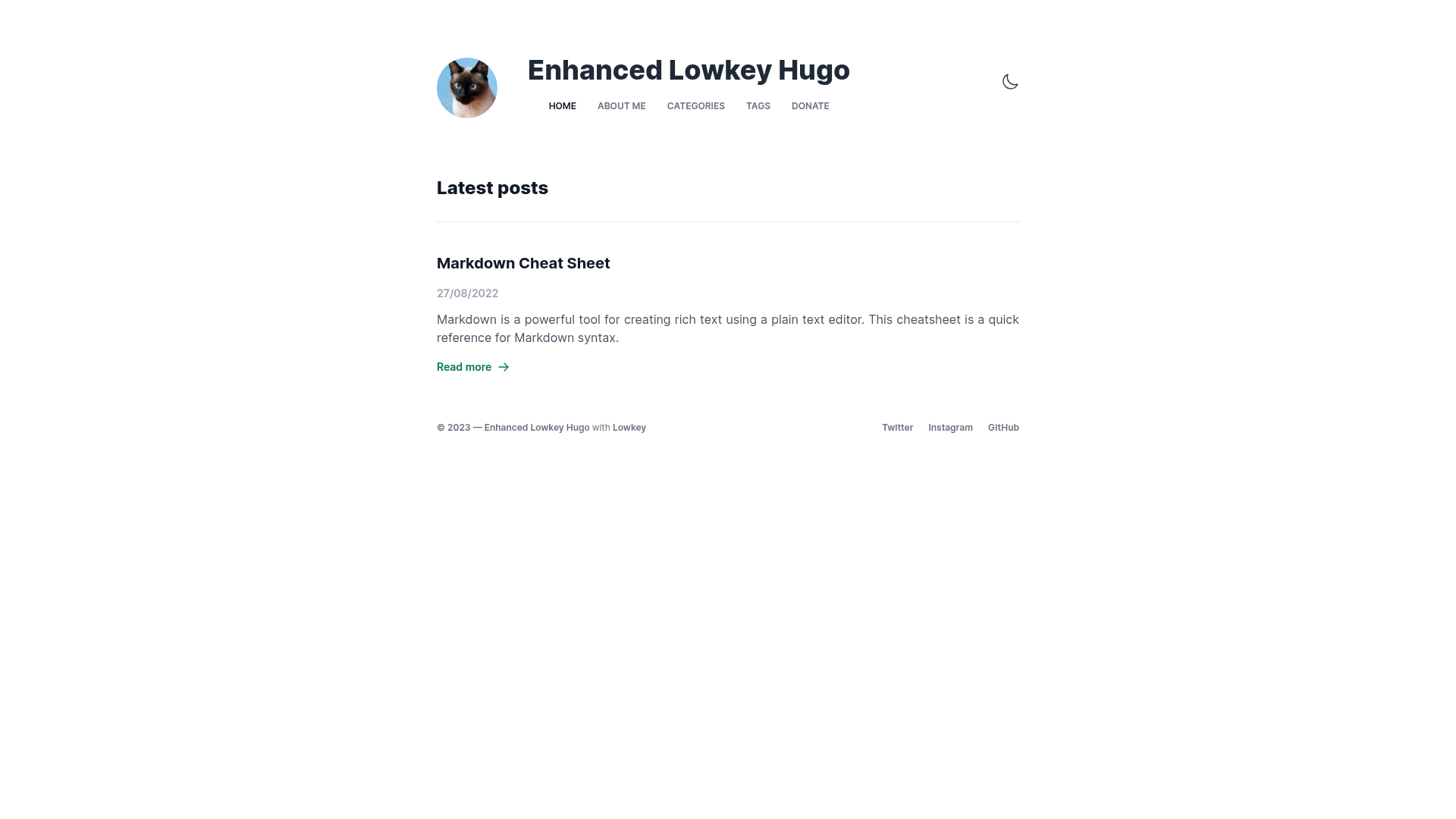
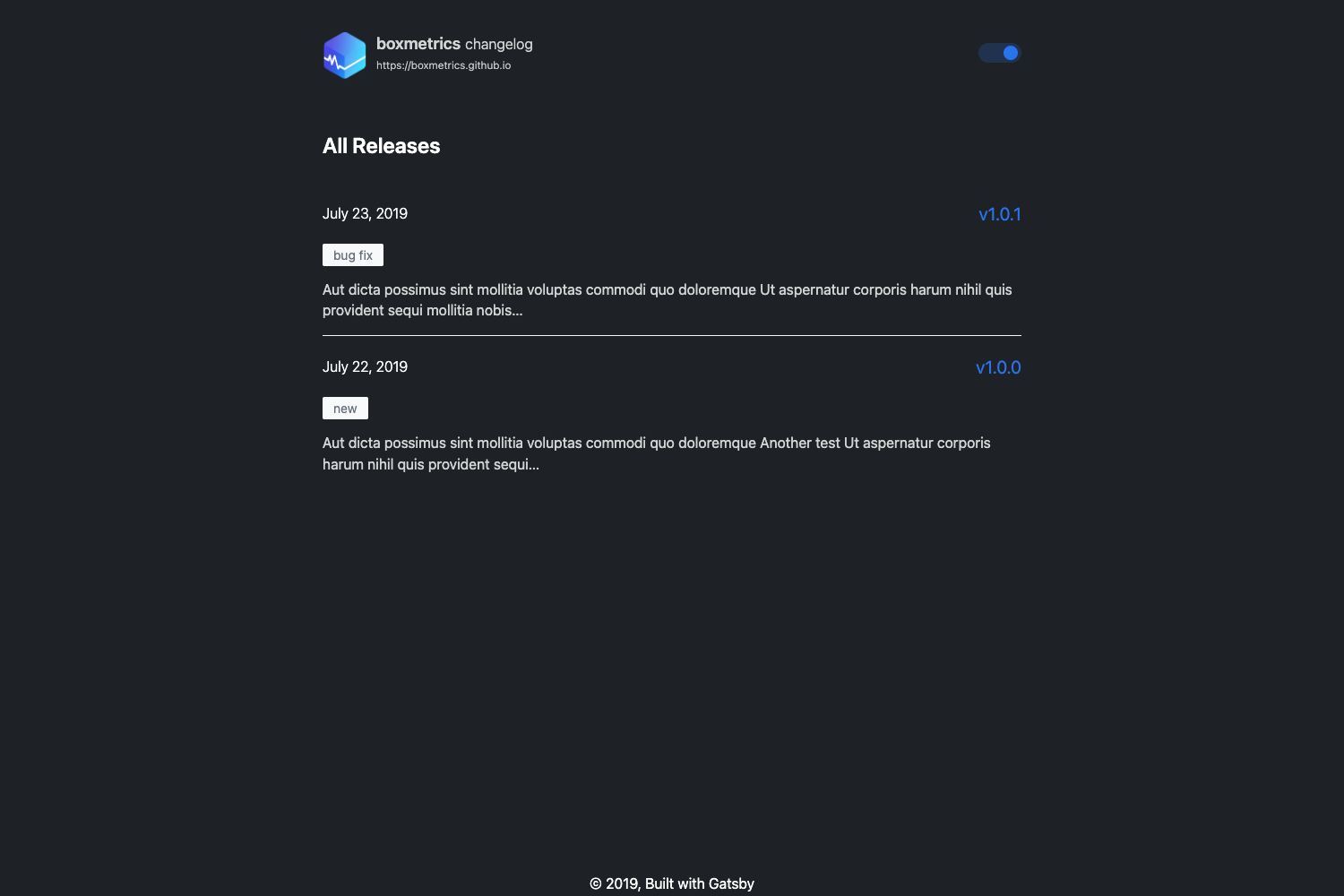
A minimalistic Hugo blog theme built with Tailwind CSS, offering a clean, readable layout inspired by Adam Wathan.
About this template
Lowkey Hugo Theme is a minimalistic Hugo blog theme built with Tailwind CSS, designed to give personal blogs a simple, readable, and fast-loading layout inspired by Adam Wathan's blog.
What is the Lowkey Hugo theme?
Lowkey Hugo Theme is a simple and modern theme for the Hugo static site generator that uses Tailwind CSS with PostCSS compiled through Hugo Pipes. It takes Hugo content files and produces a minimalistic, content-first blog layout with an emphasis on readability and fast load times. The theme is created for personal blogs and is available on GitHub in the nixentric/Lowkey-Hugo-Themes repository, with a live demo hosted at lowkey-demo.pages.dev. It specifies Hugo version 0.110.0, making it compatible with modern Hugo builds.
Key Features
- Tailwind CSS integration — The theme uses TailwindCSS with PostCSS via Hugo Pipes, so all styling is utility-based and can be customized by editing Tailwind config and CSS files.
- Minimalistic layout — Its design is inspired by Adam Wathan's blog, featuring a clean, streamlined interface that keeps the focus on article content.
- Lightweight and fast — With no heavy JavaScript frameworks, the theme keeps page weight low and loading times short.
- Example site included — The repository ships with an ExampleSite containing configuration and content files; copying them into your Hugo site gives you a working blog immediately.
- Simple installation — Install as a git submodule, delete the default config, copy the ExampleSite files, and run npm install to build assets with Hugo Pipes.
Who is it for?
Lowkey Hugo Theme is aimed at Hugo users who want a no-frills blog theme that is easy to customize with familiar Tailwind CSS utilities. It suits developers who prefer to style their site with utility classes and writers who value a clean, distraction-free reading experience.
- Personal bloggers who want a lightweight, minimal blog without excessive design elements.
- Hugo developers who want a Tailwind-based theme they can quickly extend with custom components.
- Technical writers who publish long-form content and need a readable, fast-loading layout.
What can you do with the Lowkey Hugo theme?
- Launch a personal blog: Set up a Hugo site with a clean, modern blog layout by copying the ExampleSite and customizing the configuration.
- Customize the design: Use Tailwind CSS utility classes to change colors, typography, spacing, and layout without writing custom CSS.
- Deploy to a static host: Because Hugo outputs static files, you can host the generated blog on any static hosting service, such as Cloudflare Pages, Netlify, or GitHub Pages.
How does the theme installation work?
Installing Lowkey Hugo Theme involves four steps: add the theme as a git submodule, remove the default Hugo config file, copy the ExampleSite contents into your site root, and run npm install to install Tailwind CSS dependencies. After that, Hugo Pipes processes the Tailwind CSS when you build your site.
- Initialize a git repository and add the theme submodule with
git submodule add git@github.com:nixentric/Lowkey-Hugo-Themes.git themes/enchanted-lowkey. - Delete
config.tomlorhugo.toml. - Copy all files from the ExampleSite directory into your Hugo site's root, overwriting existing files.
- Run
npm installto install the required packages.
FAQ
Is the Lowkey Hugo theme free to use?
Yes, the theme is publicly available on GitHub in the nixentric/Lowkey-Hugo-Themes repository, so you can use and modify it without paying a license fee.
What Hugo version does the theme require?
The repository specifies HUGO_VERSION 0.110.0, so you should use Hugo 0.110.0 or a newer version that is compatible with that build.
How do I customize the theme's styling?
Since the theme uses Tailwind CSS, you can customize the design by editing the Tailwind configuration and CSS files, or by adding utility classes in your templates and content.
Where can I see a live demo?
A live demo of the Lowkey Hugo theme is available at https://lowkey-demo.pages.dev.
Does the theme have built-in support for Tailwind CSS?
Yes, the theme uses TailwindCSS with PostCSS and Hugo Pipes, so Tailwind is integrated directly into the build process without requiring a separate Node.js build step.