Template details
SwyxKit
An opinionated blog starter for SvelteKit + Tailwind + Netlify that uses GitHub Issues as its CMS
About this template
SwyxKit is an opinionated SvelteKit blog starter template that uses GitHub Issues as its content management system, targeting developers who want a fast, secure blog hosted on Netlify or Vercel. Created by swyx (Shawn Wang), it pairs SvelteKit 1.0 with Mdsvex for markdown, Tailwind 3 with Tailwind Typography, and utterances for GitHub-issue comments, all configured to reach 100s on Lighthouse performance scores.
What is SwyxKit?
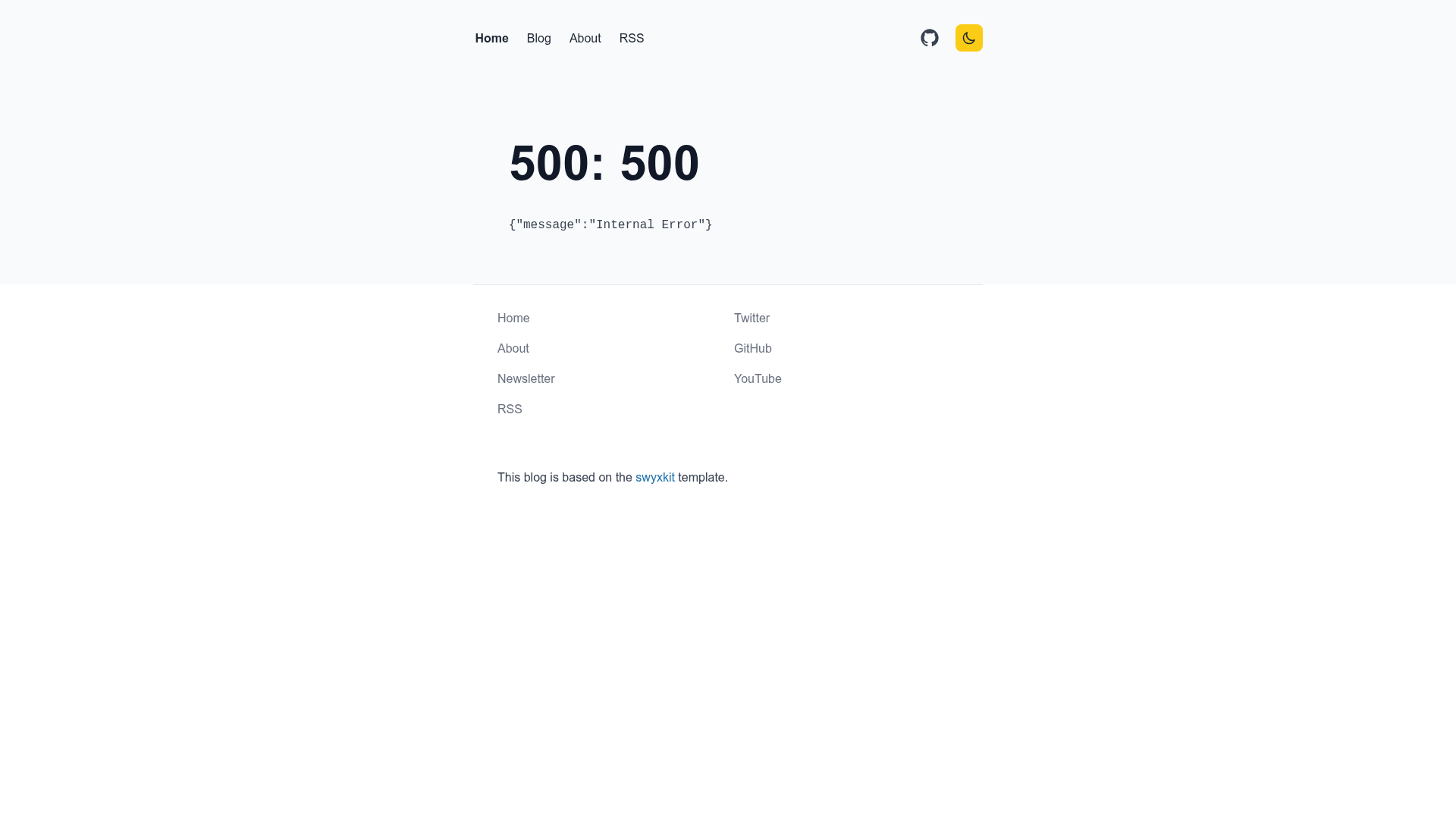
SwyxKit is a starter kit that turns GitHub Issues into the backend of a blog. It takes issues labeled "Published" from a configured GitHub repository, pulls their markdown through the GitHub API, and renders them as posts in a SvelteKit app using Mdsvex. The template includes a blog index with fuzzy search and tag facets, individual post pages with table of contents and layout breakouts, RSS at /rss.xml, a sitemap at sitemap.xml, and security headers via netlify.toml. It runs on SvelteKit 1.0 with sveltejs/adapter-auto, so it can deploy to Netlify, Vercel, and Cloudflare, though only Netlify is regularly tested. The project is maintained as an open-source repository by swyx, who also uses it for his own site at swyx.io.
Key Features
- GitHub Issues CMS — Blog posts are written as GitHub issues; adding a "Published" label makes them appear on the site, and an
APPROVED_POSTERS_GH_USERNAMEallowlist controls who can publish. - Mdsvex markdown pipeline — Supports frontmatter for title, slug, description, tags, category, and canonical URL; includes syntax highlighting via
prism-svelte, footnotes, and shortcodes for embedding Twitter and YouTube videos. - Tailwind 3 + Tailwind Typography — Styling uses Tailwind with the Typography plugin, including fixes for known Mdsvex render issues; light and dark mode are implemented with a manual toggle.
- Performance and security setup —
Cache-Controlusess-maxageof 1 minute across pages and API endpoints;netlify.tomlincludes CSP, X-Content-Type-Options, X-Frame-Options, and X-XSS-Protection headers; builds and deploys in roughly 40 seconds on Netlify. - Blog index with search and facets — The
/blogindex supports category singletons and freeform tags, serializes facet filters into the URL usingsveltekit-search-params, and uses fuzzy search that highlights matching text. - Post layout details — Posts support
full,feature, andpopoutbleed layouts (withfeatureenabled by default for code samples), a mobile-friendly table of contents viasvelte-put/toc, autogenerated og:images via Tailgraph, and top-level blog URLs like/mybloginstead of/blog/myblog. - Developer-experience tooling — The template ships with JSDoc typechecking, ESLint + Prettier, a Histoire storybook sandbox run with
npm run story:devat localhost:6006, and automated nightly lockfile upgrades via Dependabot-style config.
Who is it for?
- Developer bloggers who want to write in GitHub Issues: you can draft a post as an issue, add the "Published" label, and the site refetches it without a separate CMS login.
- SvelteKit learners looking for a complete reference implementation: SwyxKit demonstrates SvelteKit 1.0 + Mdsvex + Tailwind integration, SSR, lazy-loaded components, and endpoint caching in one codebase.
- Netlify users who want a performance baseline: the template includes security headers, s-maxage caching, and a verified build pipeline that deploys in about 40 seconds.
- Anyone who wants comments tied to GitHub: utterances displays reactions and comments from the matching GitHub issue for each post, loaded lazily to preserve performance.
What can you do with SwyxKit?
- Publish a blog post: open a GitHub issue in your repo with markdown content and a "Published" label; the site renders it as a post complete with tags, category, and optional custom slug.
- Launch a fast personal site: use the built-in RSS and sitemap endpoints to submit your content to search engines, with og:image meta tags generated automatically.
- Experiment with SvelteKit patterns: study how the template implements API routes, server-side caching, and search-param serialization to apply the same techniques in other SvelteKit projects.
How does SwyxKit work?
Clone the repository with npx degit https://github.com/sw-yx/swyxkit, optionally set GH_TOKEN to raise the GitHub API rate limit from 60 to 5000 requests per hour, and run npm install and npm run start. Configure src/lib/siteConfig.js with your site URL, GitHub username, repository, and approved poster list. To create a post, open a new GitHub issue in your repository, write markdown in the body, add the "Published" label, and the blog will refetch it. For local content instead, Mdsvex is already wired up so you can skip the GitHub CMS entirely.
FAQ
Is SwyxKit free?
The repository is public on GitHub, so you can clone, modify, and deploy it without paying a license fee. You will still need your own hosting (Netlify, Vercel, or Cloudflare) and optionally a GitHub personal access token if you want a higher API rate limit.
Do I need a GitHub token?
For casual testing, no. Without GH_TOKEN, the GitHub API rate limit is 60 requests per hour, which may be enough for light use. For serious development, the README recommends creating a basic personal access token and exporting it as GH_TOKEN to get 5000 requests per hour.
Can I deploy to Vercel or Cloudflare?
The starter uses sveltejs/adapter-auto, so it should deploy to Vercel and Cloudflare in addition to Netlify. However, the README notes that Netlify is tested regularly, while Vercel and Cloudflare deployments are not regularly tested, so issues there should be reported or fixed by the community.
What comments system does SwyxKit use?
The default is utterances (utteranc.es), which loads GitHub issue comments lazily and requires adding the Utterances GitHub app to your repo. The repository also includes a commented-out custom Svelte comment component that renders and sanitizes comments if you prefer not to use utterances.