Template details
Mainline Next.js Template
Free Next.js 15 template built with shadcn/ui, Tailwind CSS 4, and TypeScript, with pre-built pages and blocks for SaaS sites.
About this template
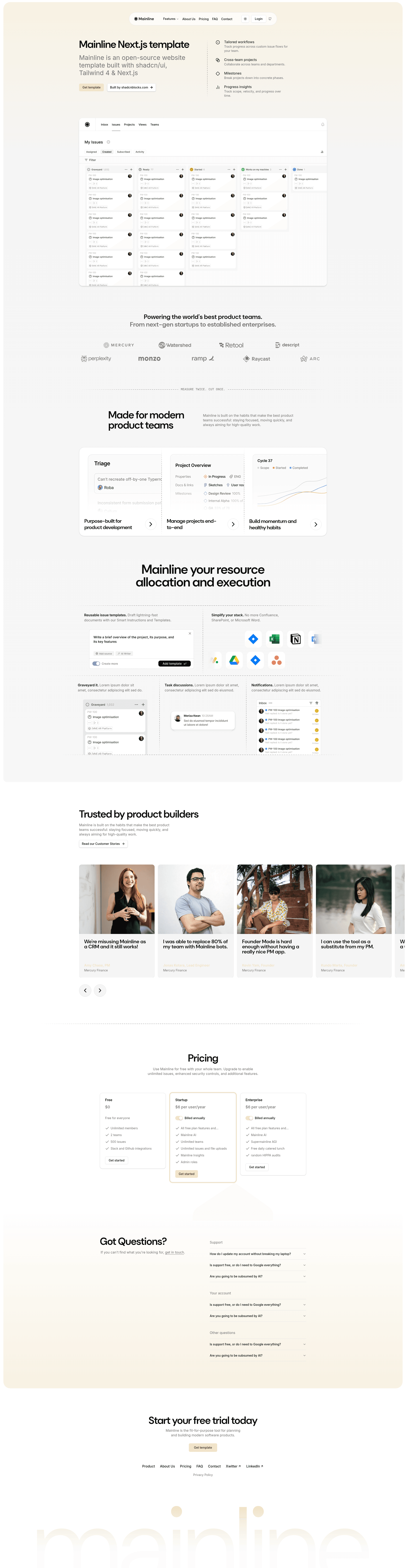
Mainline is a free, production-ready Next.js 15 starter template built with shadcn/ui, Tailwind CSS 4, and TypeScript, designed to give SaaS and marketing sites a complete set of pre-built pages and blocks.
What is Mainline Next.js Template?
Mainline is an open-source starter template for building marketing websites, landing pages, and SaaS products. It is built on Next.js 15 with the App Router, uses Tailwind CSS 4 for styling, and leverages shadcn/ui for its component library. The template is created by shadcnblocks.com, designed by Callum Flack, developed by Yassine Zaanouni, and produced by Rob Austin. It takes a standard Next.js project structure with pre-built page and block components as its input and produces a deployable website ready for Vercel, complete with pages, forms, theming, and MDX content support.
Key Features
- Next.js 15 + App Router — Uses the latest App Router conventions for file-based routing, layouts, and server components.
- Tailwind CSS 4 + next-themes — Styling built on Tailwind CSS 4 with dark/light mode via
next-themesand compatibility with tweakcn for theme customization. - shadcn/ui components — Includes core shadcn/ui components, all of which are editable source files in the project.
- React Hook Form + Zod — Pre-built contact, login, and signup forms use React Hook Form for state and Zod for schema validation.
- next-safe-action — Server-side logic and mutations are integrated using next-safe-action.
- MDX support — Content pages can be written in MDX for structured content.
- Motion library integration — Framer Motion is included as "Motion" for animations and transitions.
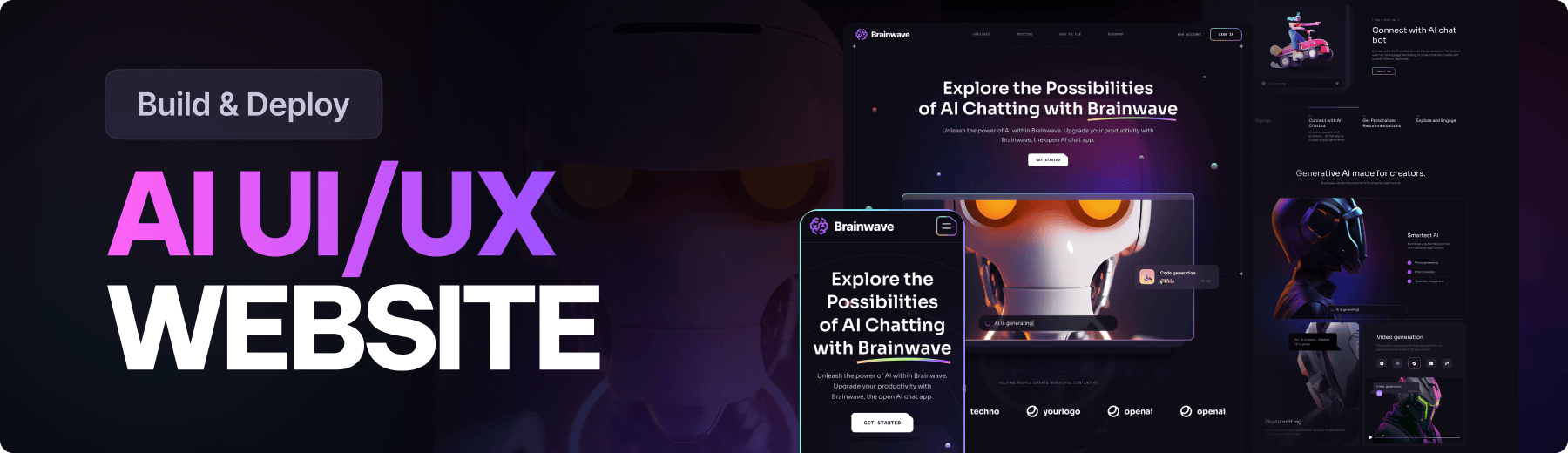
- Pre-built pages and blocks — Includes Home, About, Pricing, FAQ, Contact, Login, and Signup pages, plus a hero, logo marquee, features, testimonials carousel, pricing table, FAQ accordion, footer, and navigation bar.
- SEO ready — Includes proper metadata and OG image support out of the box.
- Code quality tools — ESLint and Prettier are pre-configured; projects include Lucide React and React Icons, DM Sans font, and Styleglide for component previews.
Who is it for?
- SaaS founders — Ship a marketing site with pricing, FAQ, and contact pages without writing layout and component code from scratch.
- Next.js developers — Use it as a starter to scaffold a new project with a modern stack (App Router, Tailwind 4, shadcn/ui) and pre-configured tooling like ESLint and Prettier.
- Agencies and freelancers — Rebrand the pre-built pages and blocks for client projects, using the included dark/light mode and MDX support to customize content.
What can you do with Mainline?
- Launch a landing page: Assemble the hero, features, logo marquee, testimonials carousel, and footer blocks into a single-page marketing site.
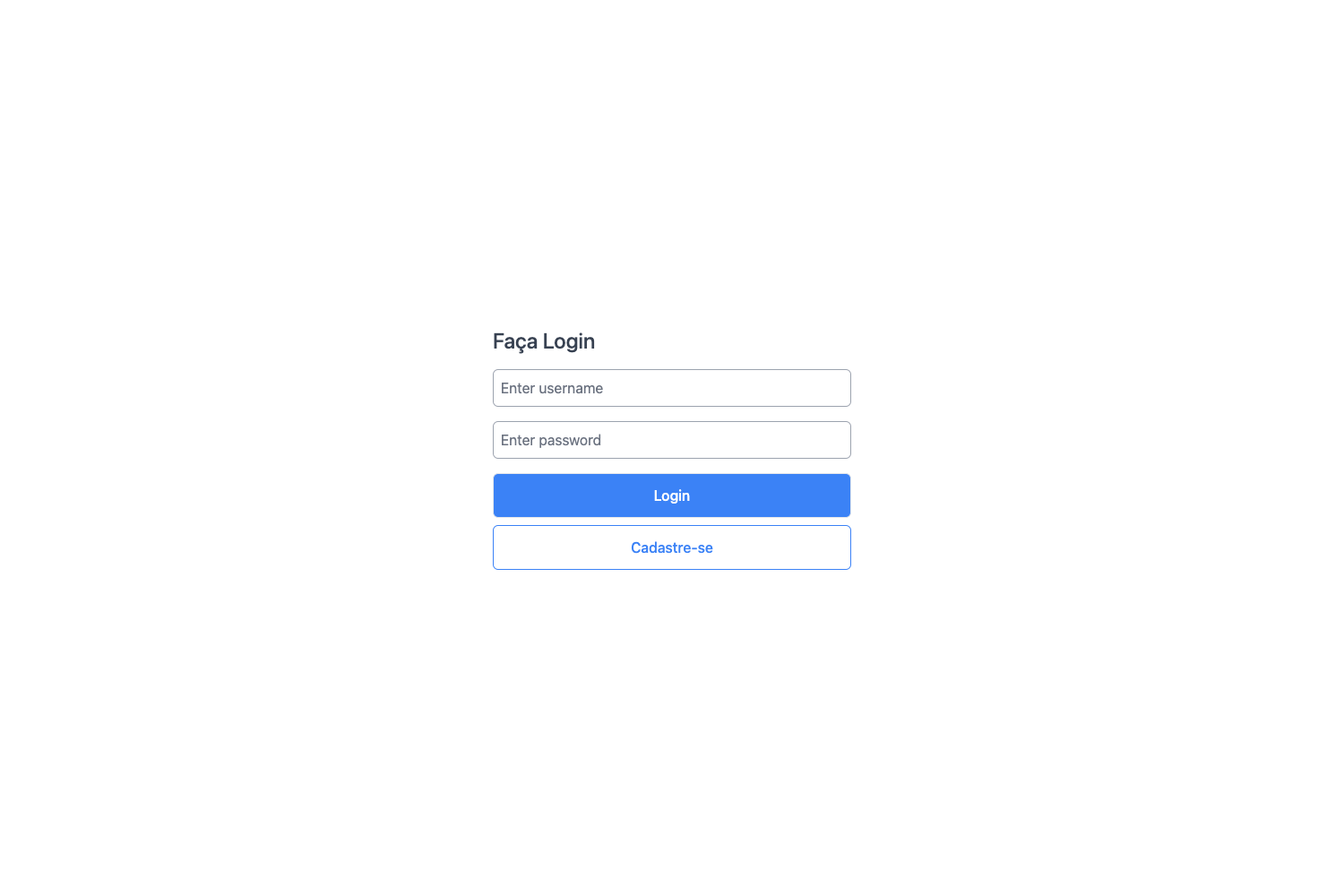
- Add auth screens: Use the login/signup pages with React Hook Form and Zod validation to wire up authentication flows in your app.
- Publish a pricing page: Use the pricing table block and FAQ accordion to present plans and answer common objections.
- Customize themes: Switch between dark and light mode via next-themes and edit the design tokens through tweakcn compatibility.
How does it work?
- Run
npm installto install dependencies. - Run
npm run devto start the development server at http://localhost:3000. - Edit the pre-built pages and blocks in the project source, then deploy to Vercel when ready.
Pricing
Mainline is a free template. You only pay for your own hosting and domain when you deploy it.
FAQ
Is Mainline Next.js Template free?
Yes, the template is free to use. It is published by shadcnblocks.com, and you can download or clone it from the repository. No license fees are required.
What tech stack does Mainline use?
Mainline uses Next.js 15 with the App Router, React 19, Tailwind CSS 4, shadcn/ui, TypeScript, React Hook Form with Zod, next-safe-action, and Motion for animations.
Does Mainline support dark mode?
Yes. Dark and light mode is implemented with next-themes, and the template is compatible with tweakcn for further theme customization.
How do I run Mainline locally?
Clone the repository, run npm install to install dependencies, then run npm run dev. Open http://localhost:3000 to preview the site.