Template details
Nuxt 3 Authentication Boilerplate
JWT authentication boilerplate for Nuxt 3 with MongoDB, Prisma, Tailwind, and VeeValidate.
About this template
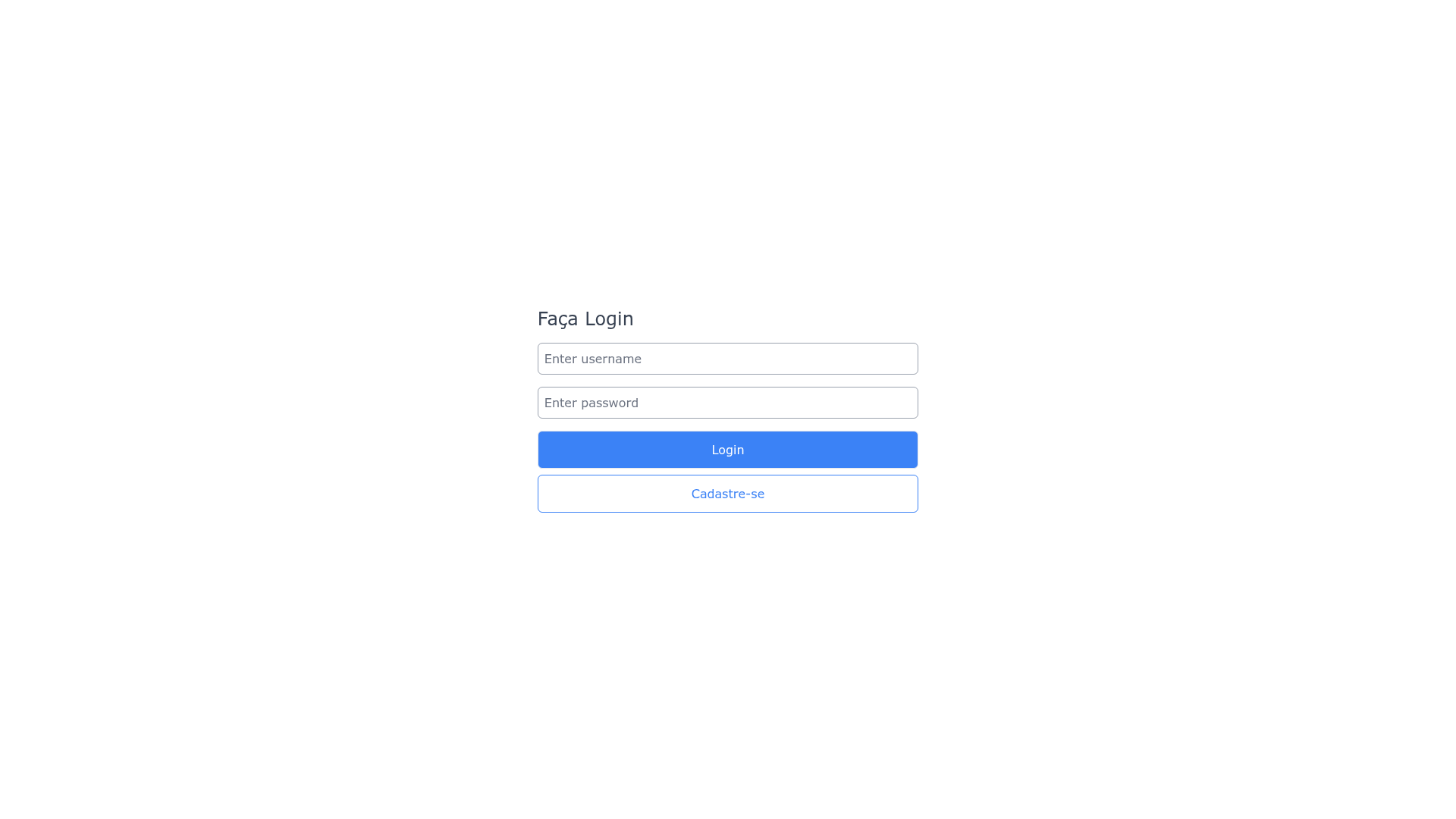
Nuxt 3 Authentication Boilerplate is a starter project for building JWT-based user authentication into Nuxt 3 apps, combining MongoDB, TypeScript, Prisma, Tailwind CSS, and VeeValidate in one template. The boilerplate exposes four ready-to-use API endpoints for registration, login, fetching the current user, and refreshing access tokens, so you can wire up a complete auth flow without starting from scratch.
What is the Nuxt 3 Authentication Boilerplate?
This is an open-source boilerplate, maintained by GitHub user gabrielcaiana and released under the MIT license, that scaffolds a full authentication backend on Nuxt 3. It takes a MongoDB connection string plus separate access and refresh JWT secrets via a .env file, and outputs a set of Nitro server routes under the api/ directory. The template includes TypeScript throughout, Prisma as the data layer for MongoDB, Tailwind CSS for styling, and VeeValidate for client-side form validation.
What makes it stand out?
- Ready-to-use JWT endpoints — Four API routes are included out of the box: POST /api/auth/register to create accounts, POST /api/auth/login to obtain an access token, GET /api/auth/user to return the authenticated user's data, and GET /api/auth/refresh to renew an expired access token using a refresh secret.
- Access and refresh token split — Two separate environment variables, JWT_ACCESS_TOKEN_SECRET and JWT_REFRESH_TOKEN_SECRET, let you manage access and refresh tokens independently.
- Nuxt 3 file-based API routing — Endpoints follow Nuxt's server route convention (login.post.ts, register.post.ts, user.get.ts, refresh.get.ts), making the structure familiar to Nuxt developers.
- TypeScript and Prisma — The entire project is typed, and Prisma is used to model and query MongoDB data.
- Tailwind CSS included — Tailwind is pre-installed so you can style the auth pages and forms without adding a separate CSS framework.
- VeeValidate for forms — VeeValidate is integrated for handling validation on form inputs like email and password.
- Simple setup — Only three environment variables are required for the core auth flow, and the dev server runs on http://localhost:3000 after npm install and npm run dev.
Who should use this boilerplate?
- Nuxt 3 developers who need to add authentication quickly and want a reference implementation using the official Nitro server routes.
- Full-stack JavaScript engineers who prefer a TypeScript + Prisma stack over writing raw MongoDB queries, and want a JWT auth skeleton they can extend.
- Hobbyists and indie hackers building an MVP or side project with Nuxt 3 and MongoDB who want a local auth system instead of relying on a third-party auth service.
How does it work?
After cloning the repository, you run npm install (or yarn install), create a .env file with DATABASE_URL, JWT_ACCESS_TOKEN_SECRET, and JWT_REFRESH_TOKEN_SECRET, then start the dev server with npm run dev. The API routes live in the api/auth/ folder, and routes are defined using Nuxt 3's file naming convention. All API calls must include an Authorization header carrying a Bearer token for authenticated endpoints, and the /api/auth/refresh route exchanges a valid refresh token for a new access token.
Use cases
- MVP prototypes: Stand up a login and registration system for a new product in minutes, then replace the boilerplate routes with your own business logic.
- Learning JWT auth: Study how access and refresh tokens, Prisma models, and Nuxt server routes work together in a minimal, readable codebase.
- Custom auth base: Fork the repo and extend it with roles, email verification, or social login while keeping the existing token flow intact.
FAQ
Does this boilerplate use refresh tokens?
Yes. The template defines a separate JWT_REFRESH_TOKEN_SECRET and provides a GET /api/auth/refresh endpoint specifically for renewing access tokens after they expire, so you can keep users signed in without forcing a re-login.
What environment variables are required?
You need three values in a .env file: DATABASE_URL pointing to your MongoDB connection string, JWT_ACCESS_TOKEN_SECRET for access tokens, and JWT_REFRESH_TOKEN_SECRET for refresh tokens. No other configuration is mentioned for the core auth flow.
Is MongoDB the only supported database?
According to the README, MongoDB is the database used, and Prisma is the ORM layer for it. The project prerequisites include MongoDB, so you should have a MongoDB instance running locally or remotely before starting the dev server.
Is this project open source?
Yes, the repository is public on GitHub under the MIT license, and it is maintained by gabrielcaiana. You can clone it, fork it, and submit pull requests; all contributions are welcomed per the contributing note.
How do I run the project locally?
Clone the repository at https://github.com/gabrielcaiana/boilerplate-nuxt3-authentication, install dependencies with npm install or yarn install, create the .env file with the required secrets, then run npm run dev or yarn dev. The server will be available at http://localhost:3000.