Template details
StarForge
Modern AI SaaS landing page template built with Next.js, React, and Tailwind CSS, featuring parallax effects and bento grid layouts.
About this template
StarForge is an open-source AI SaaS landing page template built with Next.js, React, TypeScript, and Tailwind CSS, designed to give developers and startups a modern, animated marketing site that can be deployed in minutes.
What is StarForge?
StarForge is a starter template for building AI SaaS landing pages. It takes a standard Next.js project skeleton and provides a complete, production-ready marketing page with a hero section, animated bento grid, and modern UI/UX styling. The template runs on Next.js with TypeScript and Tailwind CSS, and is maintained by Aayush Bharti on GitHub under the MIT license.
Key Features
- Next.js framework — Server-side rendering and static site generation for fast load times, written in TypeScript.
- Tailwind CSS styling — Utility-first CSS classes for rapid, consistent UI development without custom CSS files.
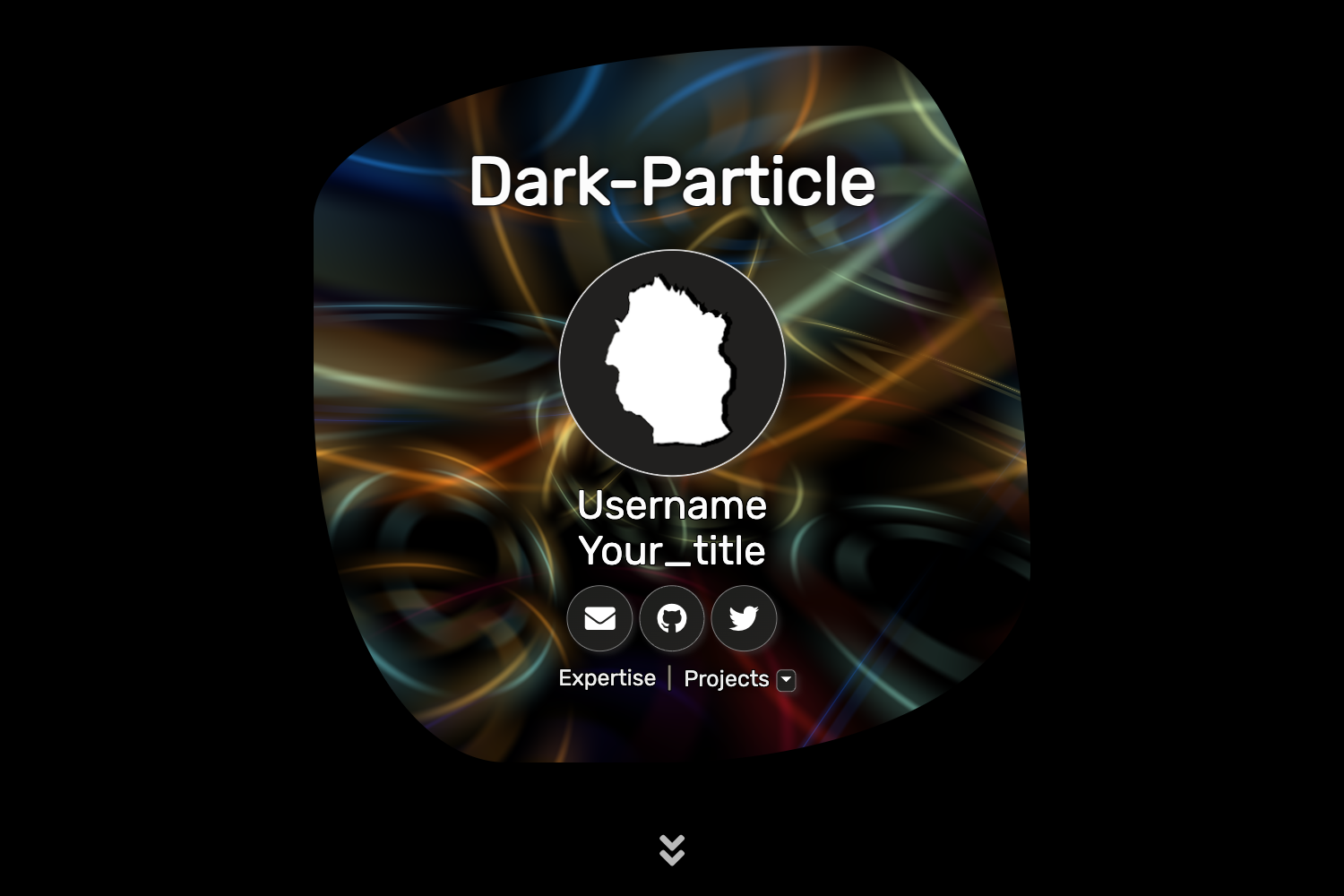
- React Just Parallax — Lightweight React component that adds smooth parallax scrolling effects to hero and section backgrounds.
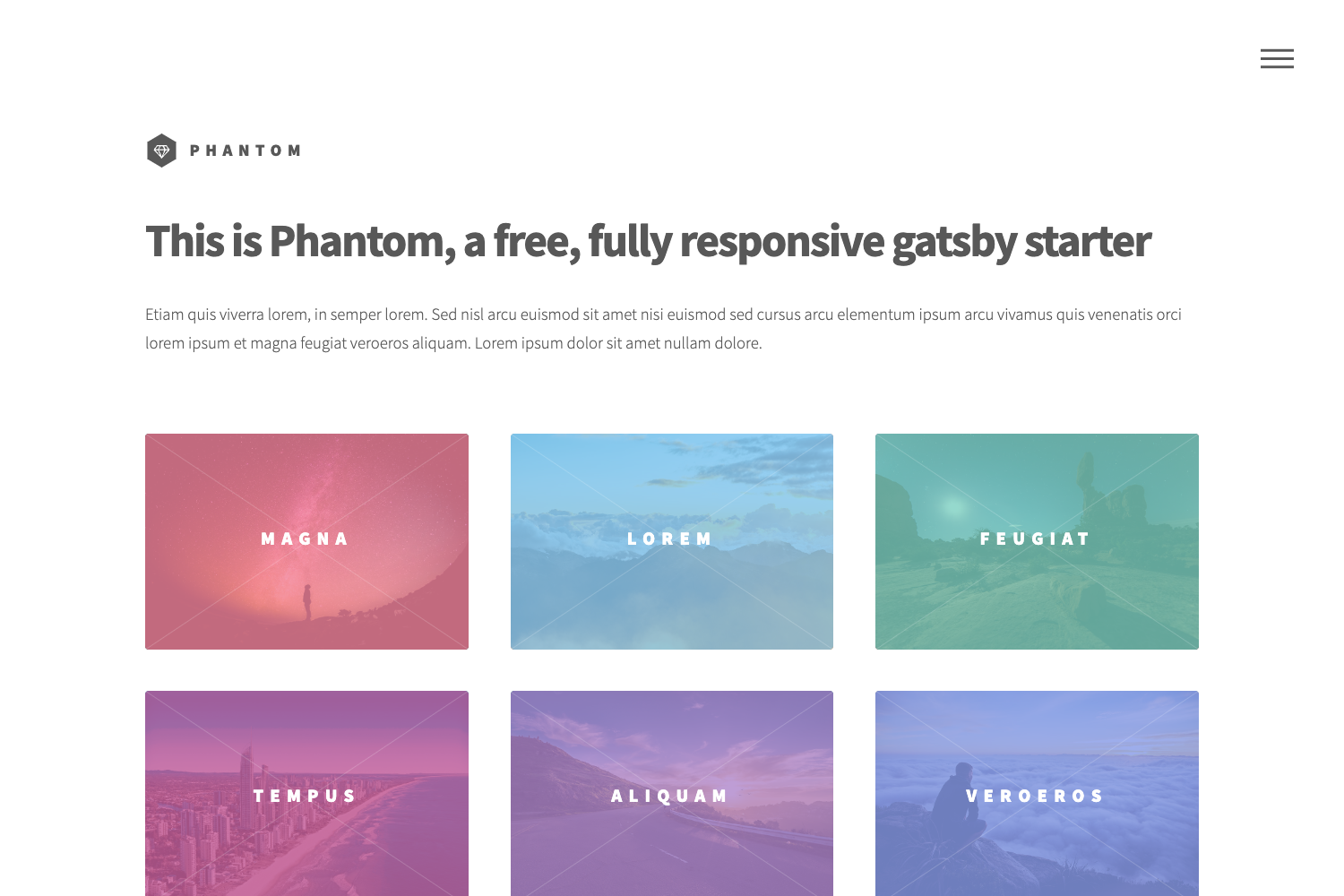
- Animated bento grid — A responsive grid layout with animated elements that showcases content in a modern dashboard-like arrangement.
- One-click Vercel deployment — Deploy directly to Vercel via the repository's Deploy button, which clones the repo and sets up the project automatically.
- Netlify compatibility — Also deployable to Netlify through its standard deploy button.
- Built-in linters and formatters — ESLint and Prettier are preconfigured to enforce code quality and consistent formatting.
- Open source with MIT license — Free to use, modify, and redistribute for personal and commercial projects.
Who is StarForge for?
- Startup founders — Launch a polished landing page for an AI SaaS product quickly without hiring a designer or spending weeks on frontend development.
- Frontend developers — Use the codebase as a reference for combining Next.js, TypeScript, Tailwind CSS, and parallax animations in a single project.
- Open source contributors — Fork the repository and contribute improvements through pull requests, following the project's contribution guidelines.
What can you do with StarForge?
- Launch an AI product site: Customize the hero, features, and pricing sections to present your AI tool to early adopters.
- Learn modern React patterns: Study how the template structures a Next.js app directory, hooks, and client components with TypeScript.
- Deploy to production: Run
pnpm buildfor an optimized production build, then host on Vercel or Netlify.
How does StarForge work?
The template is set up as a standard Next.js project. After cloning the repository, you run pnpm install to install dependencies and pnpm dev to start the development server. To generate a production build, run pnpm build. The repository also includes a Vercel deployment button that clones and deploys the project in one click.
FAQ
Is StarForge free?
Yes, StarForge is open source and released under the MIT license, so you can use it for free in personal and commercial projects without paying licensing fees.
What technologies does StarForge use?
StarForge is built with Next.js, React, TypeScript, Tailwind CSS, and React Just Parallax. It also includes ESLint and Prettier for code quality and formatting.
How do I deploy StarForge to Vercel?
You can click the "Deploy with Vercel" button in the repository README. It will create a new Vercel project linked to your GitHub fork and deploy it automatically.
Does StarForge require pnpm?
The setup instructions specify pnpm as the package manager. You can use pnpm install and pnpm dev commands, though other package managers like npm or yarn may also work with minor adjustments.