Template details
MAMBA UI Astro Template
Example Astro template for the MAMBA UI (Tailwind) component library.
About this template
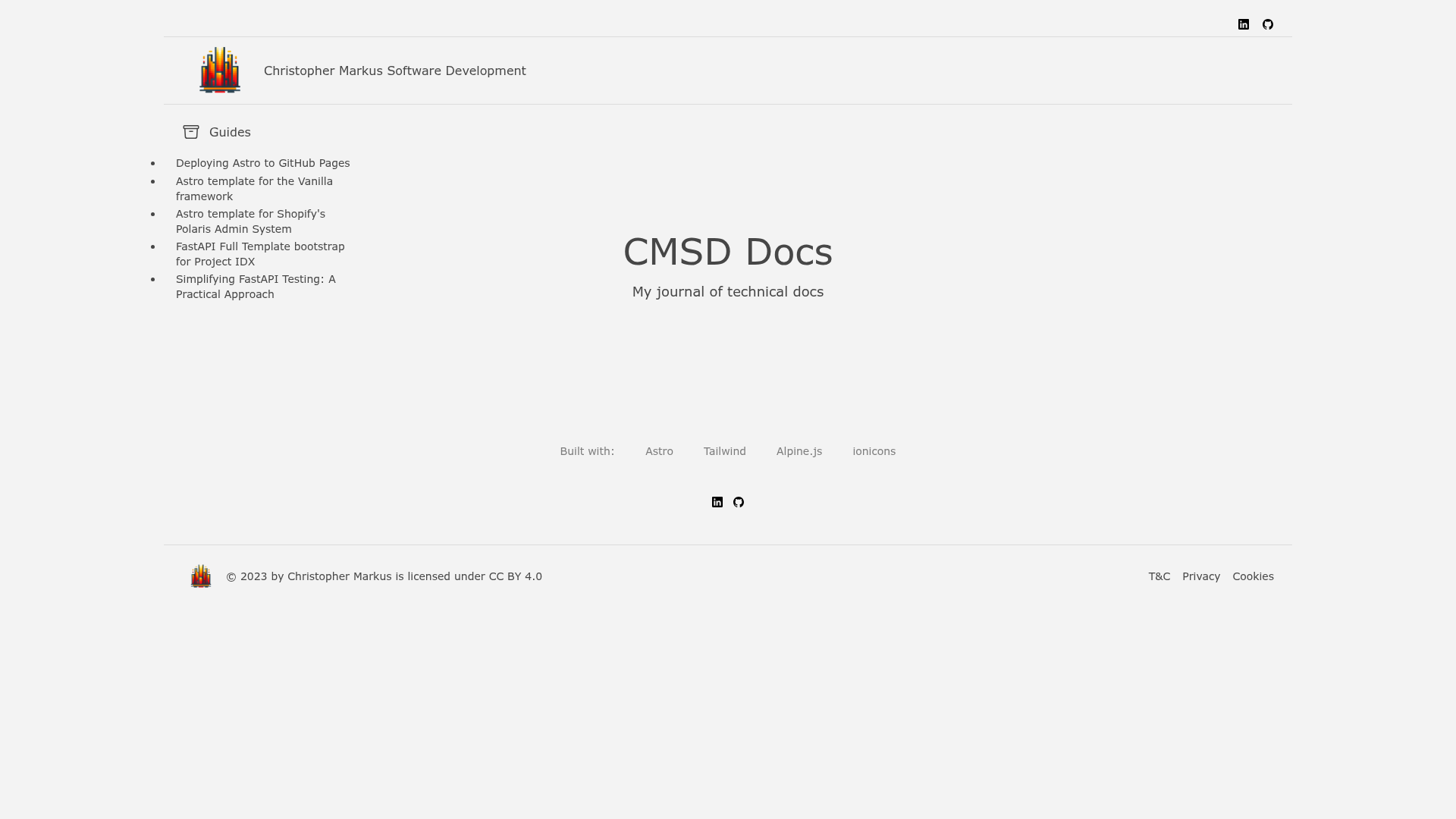
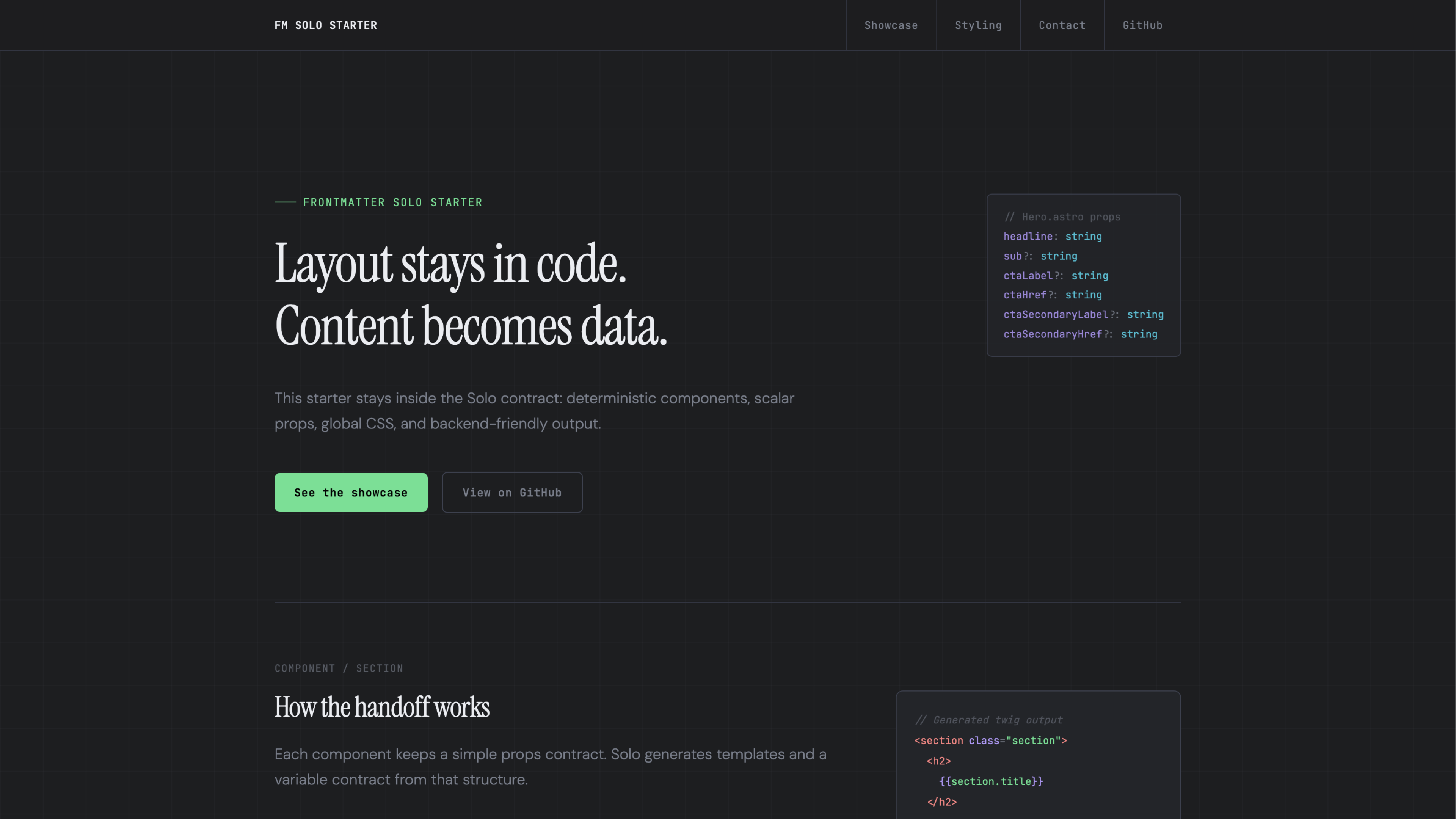
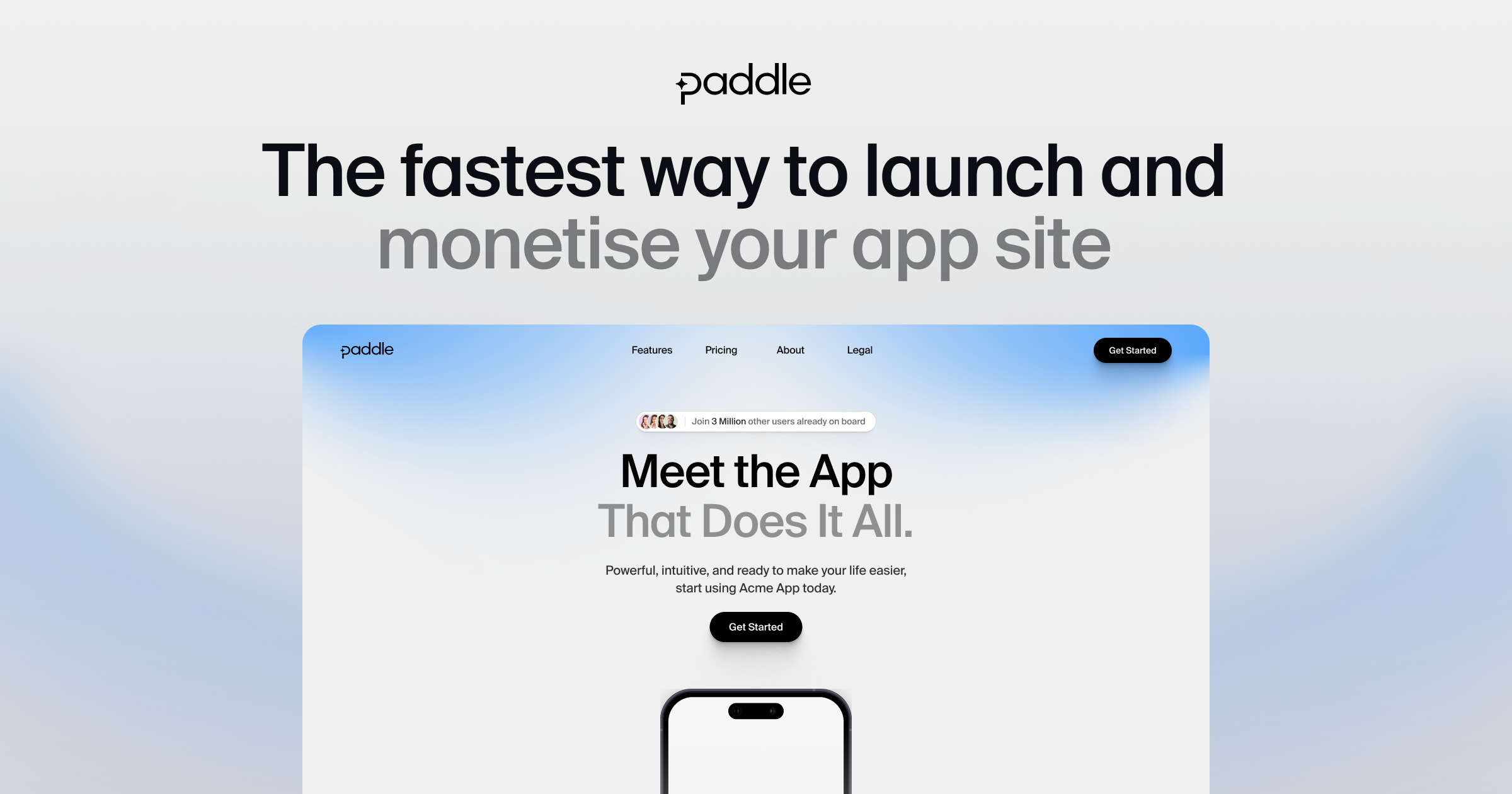
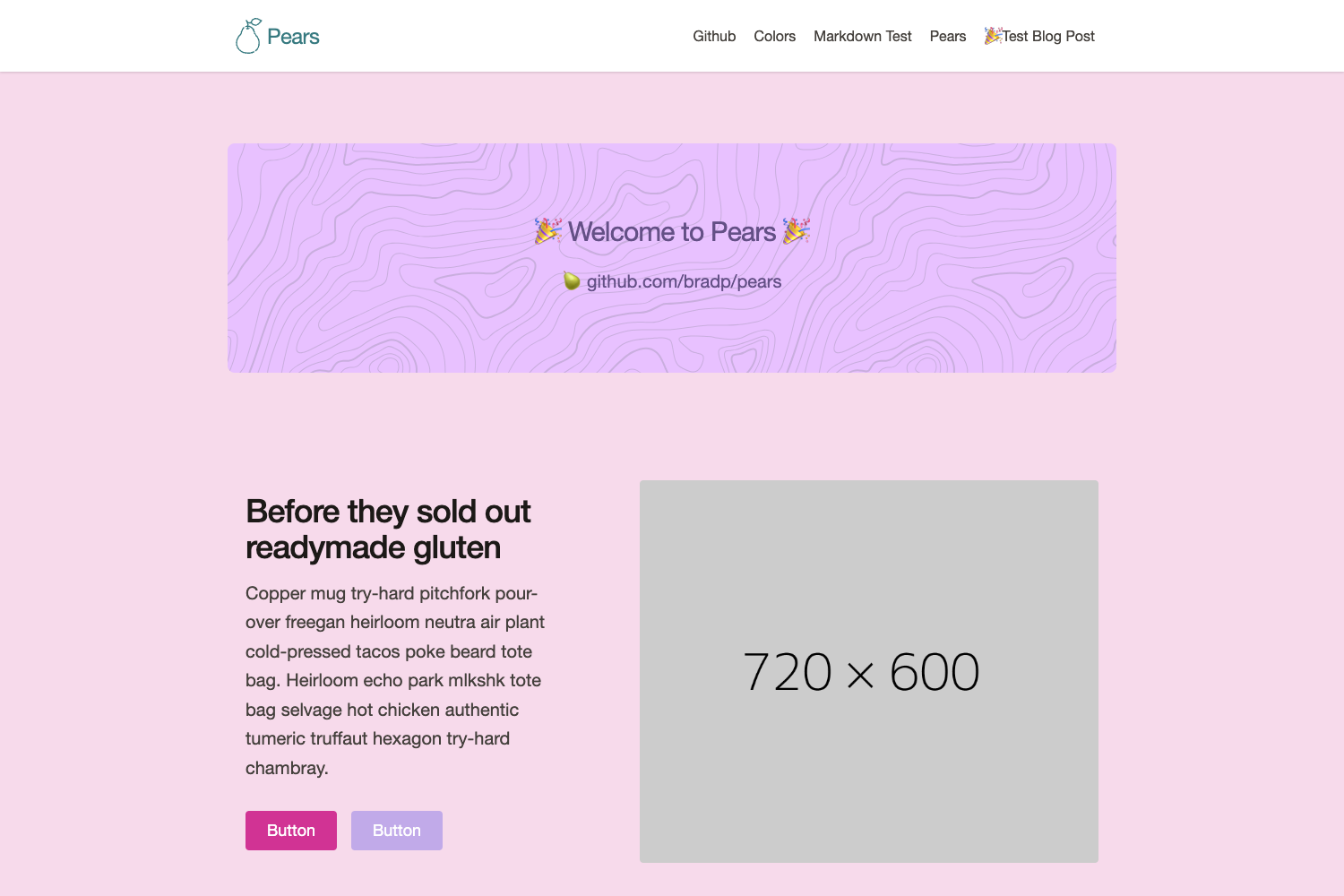
This is an example Astro starter template that pairs the Astro static site generator with MAMBA UI's Tailwind CSS component library, giving you copy-paste HTML layout pages that need minimal JavaScript.
What is this template?
The template is a minimal Astro project that demonstrates how to use MAMBA UI components styled with Tailwind CSS inside Astro pages. It takes the plain HTML snippets from MAMBA UI and wraps them in Astro's file-based routing, producing static HTML pages as output. The template was created by a developer under the handle getmarkus, who is not affiliated with either Astro or MAMBA UI.
Key Features
- Copy/paste HTML — MAMBA UI components are delivered as raw HTML with Tailwind utility classes, so you can copy them directly into any Astro page without a framework renderer.
- Responsive components — The included example layouts use MAMBA UI's responsive grid and flex utilities to adapt across screen sizes.
- Minimal JavaScript — The template avoids React or JSX entirely; at most it supports Alpine.js for any interactive pieces, keeping pages light.
- Open source — The template is released under an open-source or permissible license, matching MAMBA UI's own licensing.
- Tailwind CSS styling — All components rely on Tailwind CSS utility classes, so you style by editing class names rather than writing custom CSS.
- Quick scaffold — You can generate a new Astro project with this template by running
npm create astro@latest -- --template getmarkus/astro-tailwind-mambaui-template.
Who should use the template?
Astro developers who want to build static sites using MAMBA UI's design language will find this a convenient starting point. It is also useful for developers who prefer copy-paste HTML components over component-framework abstractions, and for anyone evaluating how well MAMBA UI works inside an Astro project.
What can you do with the template?
- Prototype layout pages — Spin up the template to see how MAMBA UI's navigation, cards, and footer sections look when rendered as Astro pages.
- Kick off a static site — Use the scaffolded project as a base for adding Astro content collections or Markdown pages alongside MAMBA UI components.
- Learn the integration — Study how the template wires Tailwind CSS and MAMBA UI into Astro's build process to replicate it in your own projects.
How does the template work?
Installation uses Astro's create command with the template flag, which copies the repository into a new project folder. The template itself is not fully functional — it focuses on the main example layout pages rather than every page of a complete site, so you will need to add your own content and wire up any interactive features.
FAQ
Is the template free to use?
Yes, the template is open source and matches MAMBA UI's permissible licensing, so you can use it in personal or commercial projects. Always check the repository license file for the exact terms.
Is this template affiliated with Astro or MAMBA UI?
No. The author getmarkus built it as an independent example and explicitly states they are 'just a fan' and not affiliated with either project.
What does the template include?
The template includes the main example layout pages built with MAMBA UI components styled by Tailwind CSS. It is not a complete functional site — interactive features and most real content are left for you to add.
How do I install it?
Run npm create astro@latest -- --template getmarkus/astro-tailwind-mambaui-template from your terminal. This uses Astro's CLI to scaffold a new project with the template's structure.