Template details
Next.js Video Starter
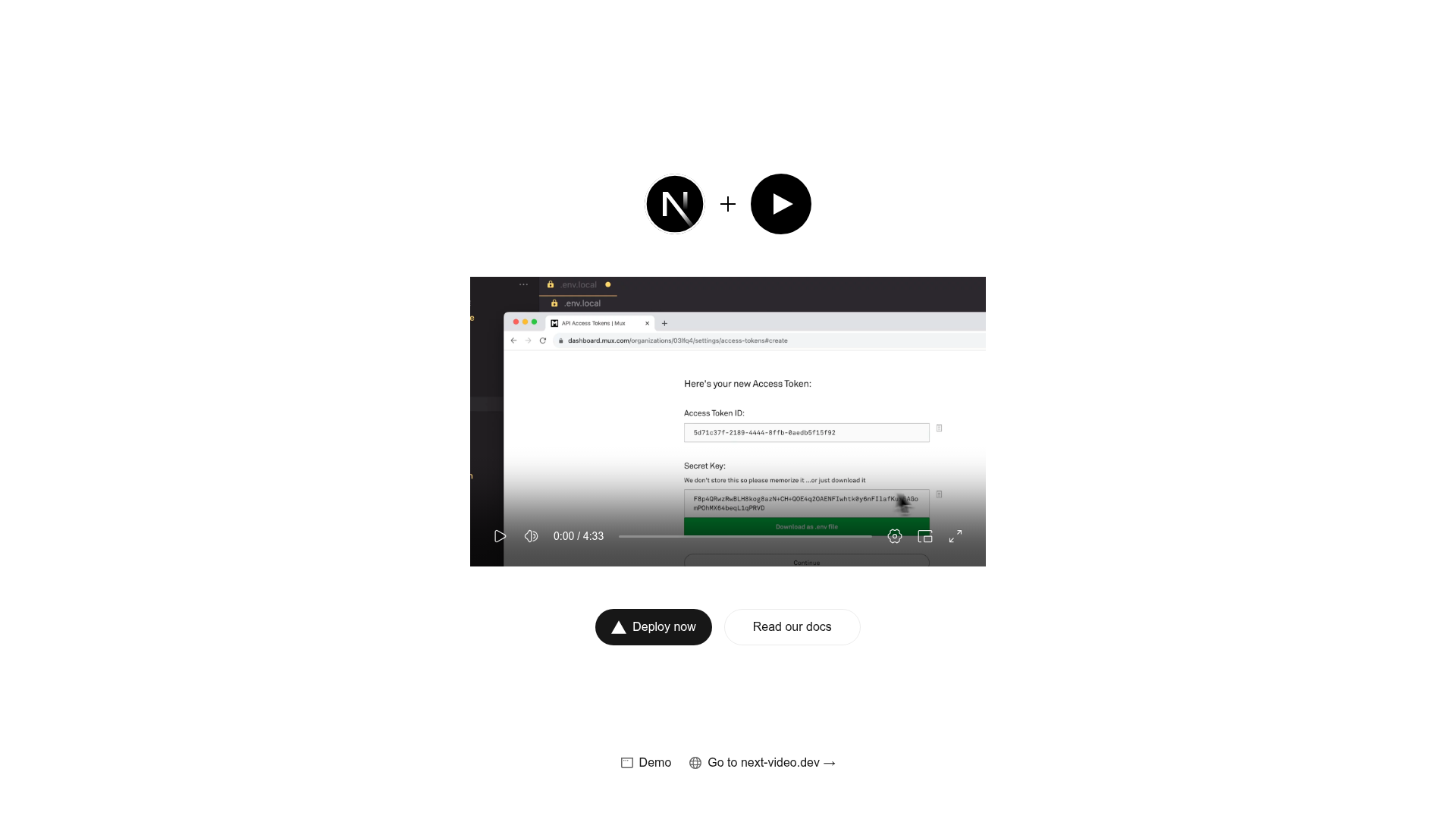
Next.js starter template that adds Mux-powered video streaming to your app by dropping an MP4 into the videos folder.
About this template
Next.js Video Starter is a boilerplate template that adds Mux-powered video streaming to a Next.js application by letting you drop an MP4 file into the project and render it with a component. Created and maintained by Mux, the template combines Next.js with next-video, a library that handles video encoding, delivery, and playback. The result is a video player that streams like YouTube or Netflix without you building any backend infrastructure.
What is Next.js Video Starter?
Next.js Video Starter is an open-source starter template, hosted on GitHub at github.com/muxinc/next-video-starter, that wires the next-video component into a Next.js project. It accepts one or more video files placed in the /videos directory and outputs a streaming-ready player on the page. The template runs on Next.js and can be deployed to Vercel with a one-click integration, and it includes a demo at next-video-demo.vercel.app and documentation at next-video.dev/docs.
Key Features
- One-click Vercel deploy — The README includes a Deploy with Vercel button that clones the repo and walks you through creating a Mux account and project, with $20 of usage per month for $0.
- Drop-in video folder — Add videos directly to the /videos directory; for example /videos/my-video.mp4 is picked up automatically when imported.
- Simple component import — Import the video as a module (for example,
import myVideo from "/videos/my-video.mp4") and pass it to the Video component's src attribute. - Mux streaming backend — Videos are encoded, stored, and streamed by Mux, so the template handles adaptive bitrate streaming and playback.
- Local development setup — Run
vercel env pullto pull the Mux access tokens from Vercel, or copy .env.local.example to .env.local and manually set MUX_TOKEN_ID and MUX_TOKEN_SECRET. - Documented customization — The next-video docs explain how to set custom poster images, create background videos, and use a custom player instead of the default one.
- Flexible deployment path — After local development, you can push the project to GitHub, GitLab, or Bitbucket and import it into Vercel, setting the environment variables in the dashboard or CLI.
Who is it for?
Next.js developers who want to add video to an existing app without building their own transcoding pipeline. Indie makers building video-centric products who want the fastest path from MP4 to a live streaming player. Teams that already use Mux or Vercel will find the starter fits their toolchain with minimal setup.
What can you do with Next.js Video Starter?
- Landing pages: Display a background video on a hero section using the documented background video pattern.
- Video-on-demand apps: Upload MP4 files to see them encoded and streamed through a ready-made player.
- Custom playback experiences: Swap in a custom player component while keeping the Mux encoding and delivery layer.
How does Next.js Video Starter work?
After setting up a Mux account, you add your video file to /videos, import it into the page component, and set it as the Video component's src. Running npm run dev will then serve the page and stream the video through Mux. For local development you first pull or set your Mux environment variables; for deployment you use the Vercel integration or set the tokens manually.
FAQ
Does the template require a Mux account?
Yes, video playback goes through Mux. The Vercel deployment flow creates a Mux project for you, or you can create one directly at mux.com and set the access tokens in your environment.
Is Next.js Video Starter free?
The starter template itself is open source and free to use. Mux offers $20 of usage per month for $0 when you sign up through the Vercel integration, so you can test with real streaming without upfront cost.
Which video formats are supported?
The template uses Mux, which accepts common input formats like MP4. You place the file in the /videos directory and Mux handles encoding and delivery.
Can I run it without Vercel?
Yes. You can clone the repo, install dependencies, set MUX_TOKEN_ID and MUX_TOKEN_SECRET in .env.local, and run locally. Deployment is optional and can target any host that supports Next.js environment variables.