Template details
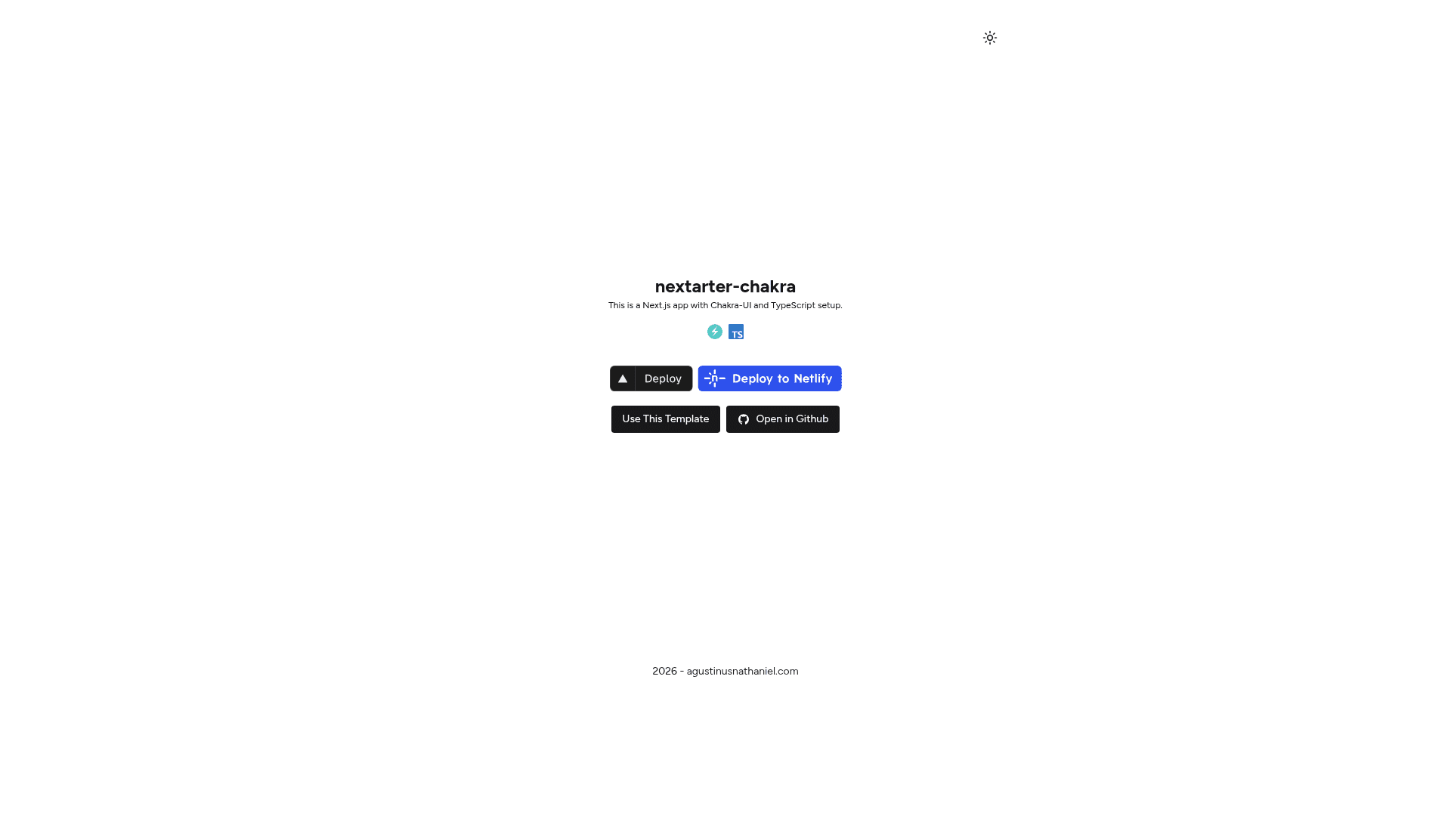
nextarter-chakra
battery packed template / boilerplate to initialize Next.js app with Chakra UI & Typescript setup ✨
About this template
nextarter-chakra is a Next.js boilerplate template that gives developers a working app pre-configured with Chakra UI and TypeScript, ready to be customized for any frontend project. Built by Agustinus Nathaniel, it bundles modern tooling so you can skip repetitive setup and start coding on the App Router.
What is nextarter-chakra?
nextarter-chakra is a starter template that combines Next.js 16 with the App Router, Chakra UI v3, and TypeScript 5 into one repository. It takes a cloned GitHub repository as input and produces a runnable Next.js application with theming, layout components, linting, and testing already wired up. The project can be deployed to Vercel, Netlify, or Railway through the one-click deploy buttons provided on the README.
Key Features
- Next.js 16 App Router — Uses the modern file-based routing under
src/appand a split-layer architecture with separate directories for routing, business logic, and reusable UI components. - Chakra UI v3 + Emotion — Includes the Chakra component library and Emotion styling engine, plus
next-themesfor out-of-the-box dark mode and theme switching. - TypeScript 5 — Ships type-safe code throughout, including typed props for every component, with no JavaScript files in the starter.
- Biome linting and formatting — Preconfigured with
biome:checkandbiome:fixnpm scripts for fast code quality checks and automatic fixes. - Playwright E2E testing — Comes with a
test:e2escript and the necessary configuration to run end-to-end browser tests against the app. - Turborepo build system — The repository is preconfigured to use Turborepo for optimized builds and task running in a monorepo layout.
- React Icons — The icon set is installed and ready to use in components without extra setup.
- One-click deploy and cloud IDE — Deploy buttons for Vercel, Netlify, and Railway are in the README, along with an Open in StackBlitz link for immediate in-browser development.
Who is it for?
- Next.js developers who want a maintained starting point with App Router and Chakra UI instead of building configuration from scratch.
- UI engineers who need a themeable, TypeScript-ready base with dark mode support to drop into a new client project.
- Hobbyists and hackathon participants who want to spin up a polished frontend quickly and deploy it to Vercel or Netlify with one click.
What can you do with nextarter-chakra?
- Start a new product frontend: Clone the template, edit the home page implementation in
src/lib/pages, and reuse shared components insrc/components/uito keep a consistent design system. - Build a marketing or docs site: Use the included
HeaderandFooterlayout components insrc/lib/layoutas the application shell, then add pages undersrc/appfollowing the App Router convention. - Prototype with live editing: Open the repository in StackBlitz directly from the README link to experiment in the browser without installing dependencies locally.
How does nextarter-chakra work?
Getting started takes four steps. First, clone the repository and run pnpm install to pull dependencies, since pnpm is the package manager. Second, run pnpm dev to start the development server at http://localhost:3000. Third, use pnpm build to create a production bundle. Finally, run pnpm test:e2e to execute Playwright end-to-end tests.