Template details
Material
Material Design for Bootstrap 4
About this template
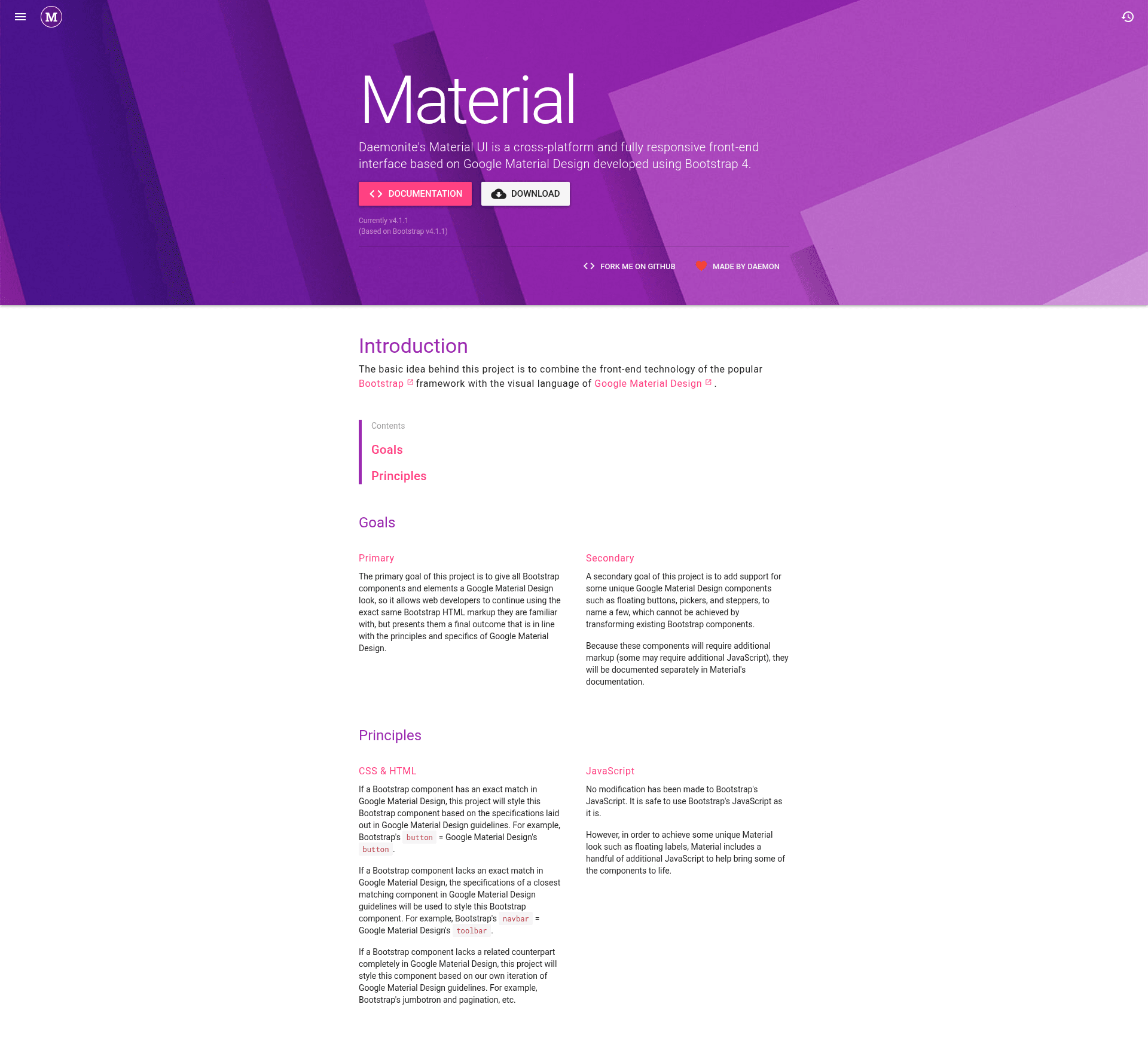
Material by Daemonite is an open-source front-end interface that combines Bootstrap 4's technology with Google Material Design's visual language, letting developers keep familiar Bootstrap markup while gaining a Material Design look and feel.
What is Material?
Material is a cross-platform, fully responsive front-end interface built on Bootstrap 4 and maintained by Daemonite. It takes standard Bootstrap HTML markup and outputs a Material Design-styled user interface. The project's primary goal is to restyle every Bootstrap component to match Material Design principles, so developers continue using the same markup they already know. A secondary goal adds Material-only components such as floating buttons, pickers, and steppers, which require additional markup and JavaScript beyond what Bootstrap provides.
Key Features
- Bootstrap 4 compatibility — Use the exact same Bootstrap HTML structure; existing Bootstrap projects can adopt Material Design by swapping in Material's CSS and JavaScript.
- Material Design components — Includes unique components such as floating action buttons, pickers, and steppers that are not achievable by simply transforming Bootstrap components.
- Compiled and minified assets — Ships
material.css,material.min.css,material.js,material.min.js, along with source maps for browser debugging. - Jekyll-built documentation — Documentation is included in the repository and hosted on GitHub Pages at daemonite.github.io/material.
- Package manager support — Install via
bower install daemonite-materialornpm install daemonite-material. - Source files included — The download contains SCSS and JavaScript sources under
assets/, allowing customization and rebuilding. - Community-funded development — Backers and sponsors on Open Collective support the project, with contributor and sponsor avatars displayed in the README.
Who is it for?
Web developers who want a Material Design interface without leaving the Bootstrap ecosystem can use Material as a drop-in styling layer. Bootstrap 4 users who want to modernize existing sites benefit from the straightforward swap of stylesheets. Teams needing Material-specific widgets, such as steppers or pickers, can rely on the additional components without writing them from scratch.
What can you do with Material?
- Existing Bootstrap projects: Replace the default Bootstrap stylesheet with Material's CSS to give all current components a Material Design appearance with no HTML changes.
- New front-end builds: Use Material's compiled JavaScript to add interactive Material components like floating buttons and pickers alongside standard Bootstrap markup.
- Custom theming: Adapt the included SCSS source files and rebuild the CSS with npm scripts to create a project-specific Material theme.
How does Material work?
Material is applied as a stylesheet and optional JavaScript layer. Include material.css and material.js in your page, then write Bootstrap markup as usual. For Material-only components, add the extra markup and JavaScript documented on the site, and those components will render with Material styling.
FAQ
Does Material replace Bootstrap?
No. Material is built on top of Bootstrap 4. It keeps the Bootstrap grid, utilities, and JavaScript behavior, and restyles components to follow Google Material Design. You continue to use Bootstrap's classes and structure.
How do I install Material?
You can clone the repository, download the latest release, or install with bower install daemonite-material or npm install daemonite-material. The package includes compiled CSS and JavaScript in css/ and js/ folders.
Where is Material's documentation?
The documentation is in the repository's docs/ folder, built with Jekyll and hosted on GitHub Pages at daemonite.github.io/material. You can also run it locally by following the project's setup steps.
Does Material require JavaScript for all components?
No. Many components are styled purely with CSS and work exactly as Bootstrap does. Material-only components like pickers and steppers are documented separately and require the additional JavaScript included in material.js. Standard Bootstrap components continue to use Bootstrap's own JavaScript plugins.