Template details
Go Live
🗂️ go-live is an ultra-light server utility that serves files, HTML or anything else, over HTTP.
About this template
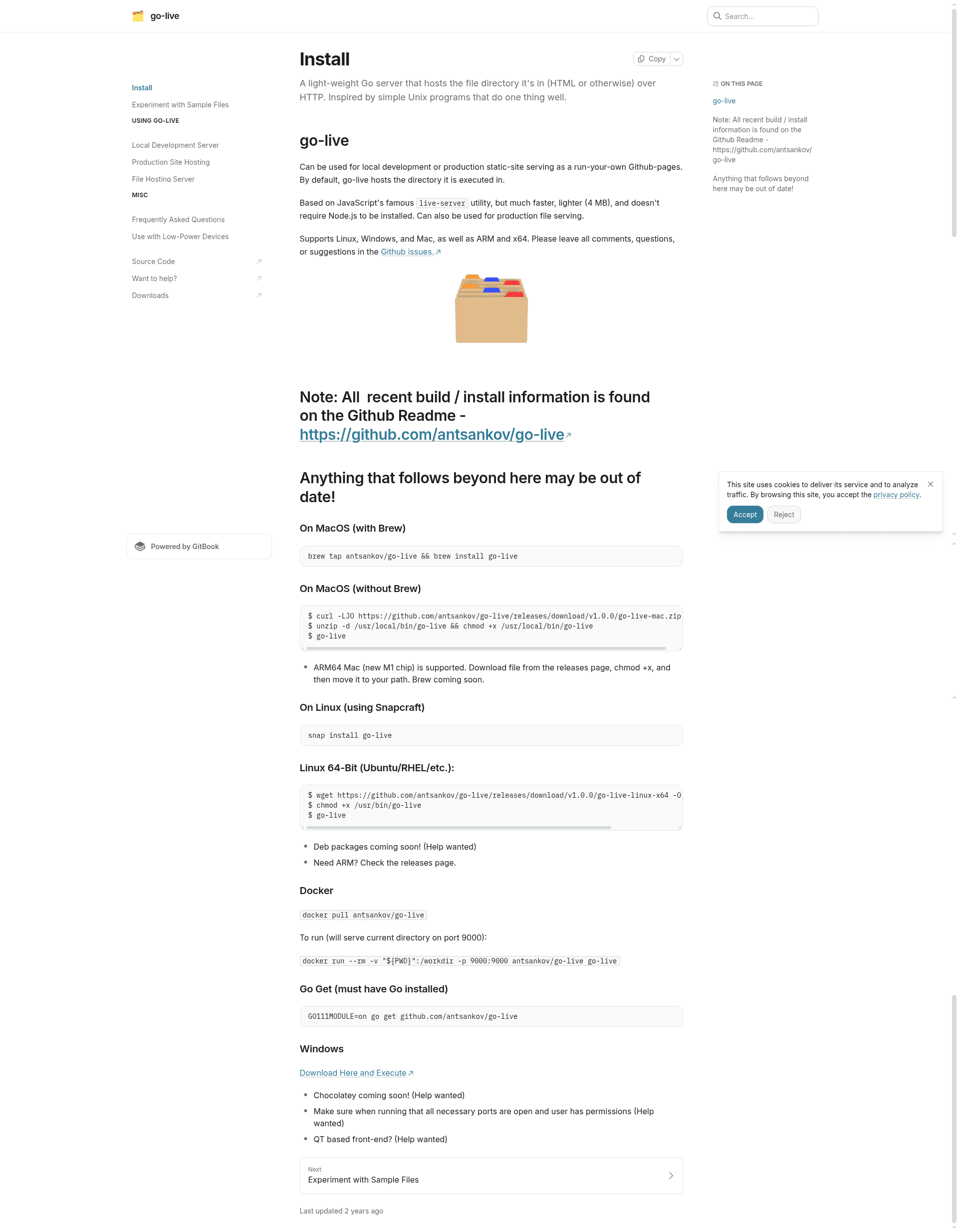
go-live is a super-tiny Go command line utility that serves a file directory over HTTP, based on JavaScript's live-server, and supports Linux, Windows, macOS, and ARM. Written by antsankov, it serves the directory it is executed in by default and can be installed via Homebrew, Snapcraft, Docker, Go get, or direct binary download.
What is go-live?
go-live is a command-line HTTP file server written in Go that turns any local directory into a web-accessible folder. It takes a directory path and port number as inputs, then produces an HTTP endpoint that serves static files with optional HTTPS/TLS encryption. The full binary is under 5 MB, making it one of the smallest static file servers available; the benchmark table shows go-live v1.3.0 at 5.8 MB compared to caddy v2.11.1 at 70 MB.
Key Features
- Tiny binary — The complete executable is under 5 MB, suitable for embedded systems and Kubernetes deployments.
- Zero-copy file serving — Uses Go's net/http file server with the sendfile(2) syscall to transfer data directly from disk to network socket, avoiding userspace copies.
- HTTPS/TLS mode — The
--httpsflag generates a self-signed certificate automatically, while--certand--keylet you supply custom PEM files. - Server mode —
--servestarts the server on port 80 and suppresses browser opening, ideal for production serving. - Configurable port and directory —
--portdefaults to 9000 and--dirdefaults to the current directory; both can be overridden. - Cross-platform support — Precompiled binaries exist for Linux x32/x64, ARM32/ARM64, macOS Intel and Apple Silicon, and Windows; Docker and Snap packages also available.
- index.html auto-display — Automatically serves index.html at the root of the directory, so static sites work without extra configuration.
Who is it for?
- Frontend developers — Serve a local HTML/JS project during development and test it in a browser without configuring a full web server.
- Static site owners — Host a production static site as a lighter GitHub Pages alternative, following the tutorial linked in the repository.
- Network administrators — Share files over a LAN or the internet as a lightweight network file host.
- Embedded and Kubernetes users — Run go-live on embedded systems or in a Kubernetes cluster to host a static website with minimal resource usage.
Use cases
- Local web development: Run
go-livein a project folder to get an instant HTTP server for testing frontend code. - Self-hosted static site: Use
sudo go-live --dir ~/example.com/ --serveto serve a site on port 80. - Secure file sharing: Enable the
--httpsflag to get TLS encryption with a self-signed certificate. - Containerized deployment: Pull the Docker image and mount a volume to serve any directory on port 9000.
How does go-live work?
Install go-live, then run go-live in the terminal while inside the directory you want to serve. The tool starts an HTTP server on port 9000, or on the port specified with --port, and automatically opens a browser unless --quiet is used. To serve a different directory, pass --dir /path/to/folder; for production, use --serve to run on port 80 in quiet mode.
Performance
In the repository's benchmark on an Apple M2 Pro, go-live outperformed caddy, miniserve, and live-server across all file sizes and concurrency levels. For small files at 50 concurrent clients, go-live handled 22,421 requests per second — 2.9 times caddy, 1.7 times miniserve, and 4.8 times live-server. The performance advantage comes from Go's use of the sendfile syscall, which bypasses userspace memory copies.
Pricing
go-live is free and open source. The GitHub repository includes no mention of paid tiers, licenses, or commercial restrictions, and all installation methods (Homebrew, Snapcraft, Docker, direct download) are available at no cost.
Alternatives
- Caddy — A full-featured Go web server with automatic HTTPS, but a much larger binary (70 MB).
- miniserve — A Rust-based file server with a similarly small footprint, but it does not use sendfile, so it is slower on large files.
- live-server — The Node.js utility go-live is based on; it requires a Node.js runtime and is slower in benchmarks.
FAQ
Is go-live free?
Yes, go-live is free and open source. It is hosted on GitHub with no mention of paid tiers, and every installation method — Homebrew, Snapcraft, Docker, direct binary, or Go get — costs nothing.
What platforms does go-live support?
go-live supports Linux (x32, x64, ARM32, ARM64), macOS (Intel and Apple Silicon), and Windows. It also runs as a Docker container and is distributed as a Snap package.
How do I enable HTTPS with go-live?
Run go-live --https to use an auto-generated self-signed certificate. To use your own certificate, pass --cert server.pem --key server-key.pem; providing both flags automatically enables HTTPS.
Does go-live cache files?
By default, go-live does not allow browser caching, to avoid stale results. You can enable caching with the --cache flag if you want browsers to store files locally.
Can I use go-live for production?
Yes, the --serve flag starts go-live on port 80 in quiet mode, and the tool is designed to serve static sites in production. The repository includes a tutorial on using it as a GitHub Pages alternative.