Template details
Assemble
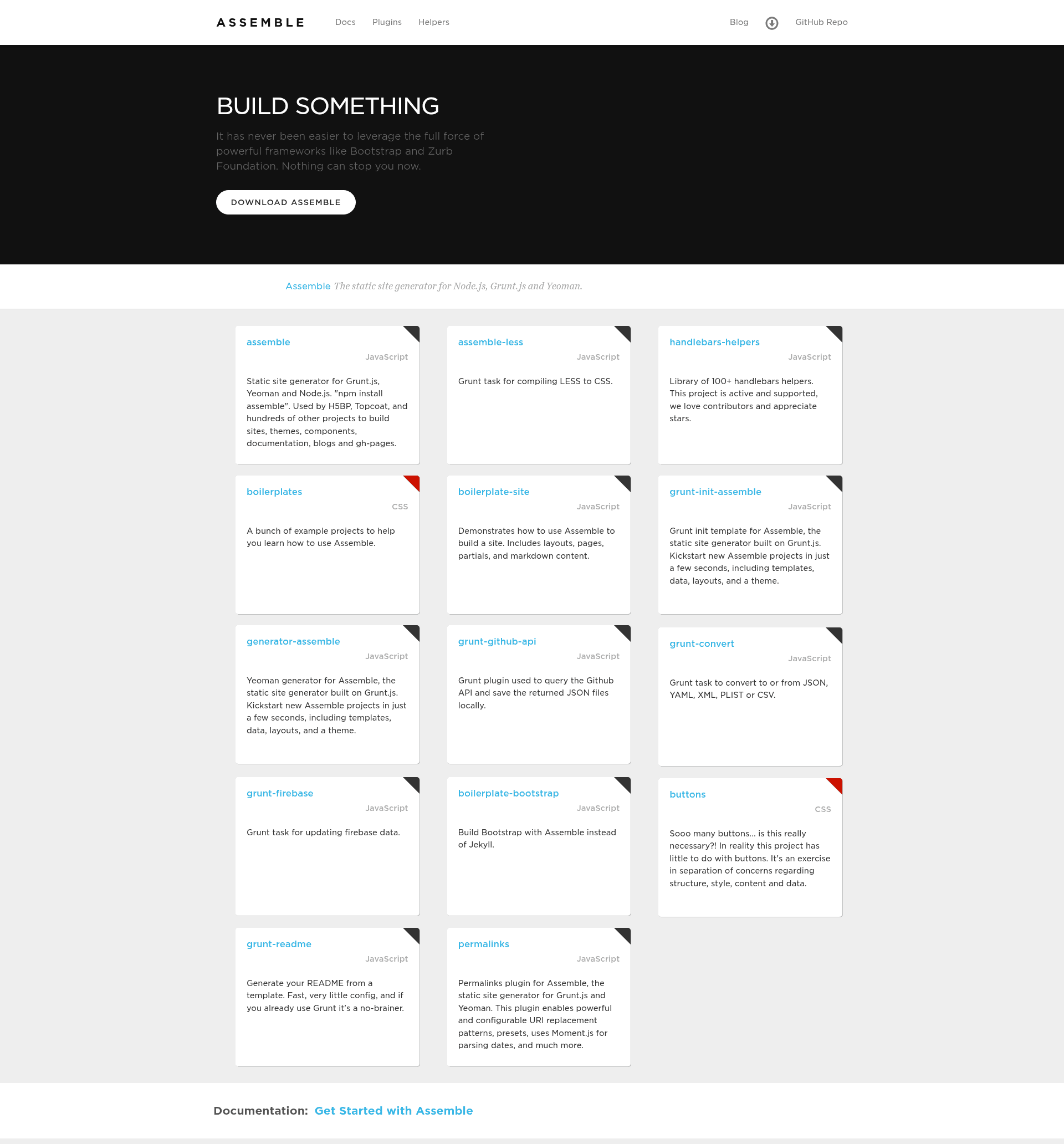
Node.js static site generator and developer framework for rapid prototyping, building websites, docs, and scaffolds from templates.
About this template
Assemble is an open-source Node.js command line tool and developer framework for rapid prototyping, static site generation, and project scaffolding, built on the base and templates libraries by Jon Schlinkert and Brian Woodward.
What is Assemble?
Assemble is a command line tool and Node.js developer framework for rapid prototyping and static site generation. It takes template files (Markdown, HTML, Handlebars, etc.) and data, renders them through pluggable template engines, and outputs static files to a destination directory. It is developed primarily by Jon Schlinkert and Brian Woodward, has over 4,000 stars on GitHub, and is MIT-licensed.
Key Features
- Pluggable template engines — Renders templates with any Node.js engine following consolidate conventions, including built-in support for Handlebars, Nunjucks, and Lodash; engine selection is detected by file extension.
- Vinyl file streaming — Templates are vinyl file objects, and the .src/.dest methods use vinyl-fs, so any gulp plugin can run in an assemble pipeline.
- View collections and types — Supports partials, layouts, and renderable views (pages/blog posts), with collections created via the .create method; layouts wrap other views.
- CLI and assemblefile.js — A CLI runs tasks defined in an assemblefile.js config; if no file exists, running
assemblegenerates a basic one. - Task API — Define and run tasks with .task, .build, and .watch; supports multiple tasks per invocation and ES6 generator tasks (added in v0.10.0).
- Middleware — .src and .dest include built-in .onStream, .preWrite, and .postWrite middleware handlers to transform files at stages in the render cycle.
- Front-matter expansion — Since v0.24.0, assemble automatically expands config templates in YAML front-matter via expand-front-matter.
- Gulp/grunt friendly — Works standalone or with gulp plugins; the former grunt plugin is maintained separately as grunt-assemble.
Who is it for?
- Front-end developers — Build static sites and rapid prototypes with a structured template system and multiple engines.
- Documentation authors — Generate project documentation; verb, a documentation generator, is built on assemble.
- Team leads / project generators — Create project scaffolds and boilerplates via generate, which is also built on assemble.
- E-book publishers — Produce e-books; the Angular Basics book was built with assemble.
What can you do with Assemble?
- Rapid prototyping: Quickly assemble page layouts and components with partials and layouts, then render to static HTML for testing.
- Static site generation: Create marketing sites, landing pages, and blogs without a server, with more flexibility and control than Jekyll.
- Project scaffolding: Use assemble with generate to scaffold out new projects from command-line templates.
- Style guides and UI components: Build component libraries and styleguides by organizing reusable partial templates.
How does Assemble work?
Install assemble locally with npm, create an assemblefile.js, define tasks using .src/.dest, and run them via the assemble CLI. For example, a default task pipes templates/*.hbs through a rendering stream to a site/ destination. Tasks can be run individually or together, and the CLI supports dot-notation options like --cwd or --file to specify config and directories.
Alternatives
- Jekyll — Ruby-based static site generator; assemble offers more flexibility and control.
- Metalsmith — Node.js static site generator with a plugin-based pipeline.
- Hexo — Node.js blog framework.
- Ghost — Node.js blog framework focused on publishing.
Pricing
Assemble is free and open source under the MIT License (Copyright © 2017, Jon Schlinkert). No paid tiers or commercial licenses are mentioned.
FAQ
Is Assemble free?
Yes, Assemble is open source under the MIT License. You can install it with npm and use it in commercial projects without a paid license.
Is Assemble a grunt plugin?
No. Assemble v0.6.0 was completely rewritten as a standalone Node.js library. The grunt plugin is maintained separately as grunt-assemble; the current website assemble.io only documents that older grunt plugin.
How do I install Assemble?
Install locally with npm install -D assemble to add it to your project devDependencies. You can also install the CLI globally with npm install --global assemble, but local installation is recommended to isolate projects from breaking changes.
What is the difference between Assemble and assemble-core?
Assemble adds a CLI, built-in view collections for pages, layouts, and partials, middleware for parsing front-matter, and other defaults on top of assemble-core. If you don't need tasks or file system methods, the templates library alone might be enough.
Can Assemble run gulp plugins?
Yes. Assemble templates are vinyl files and it uses vinyl-fs, so any gulp plugin can be used in an assemble pipeline. However, running assemble inside gulp is not recommended because assemble does things gulp doesn't, like middleware handling.