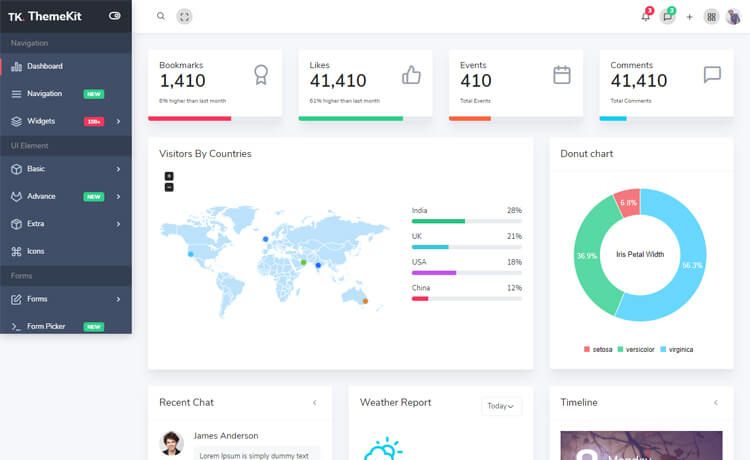
Template details
Material Dashboard 2 PRO Laravel
Premium Bootstrap 5 admin dashboard template with a fully integrated Laravel backend for building complex applications.
About this template
Material Dashboard 2 PRO Laravel is a premium admin dashboard template from Creative Tim and UPDIVISION that pairs a Bootstrap 5 frontend with a fully integrated Laravel backend for building complex web applications.
What is Material Dashboard 2 PRO Laravel?
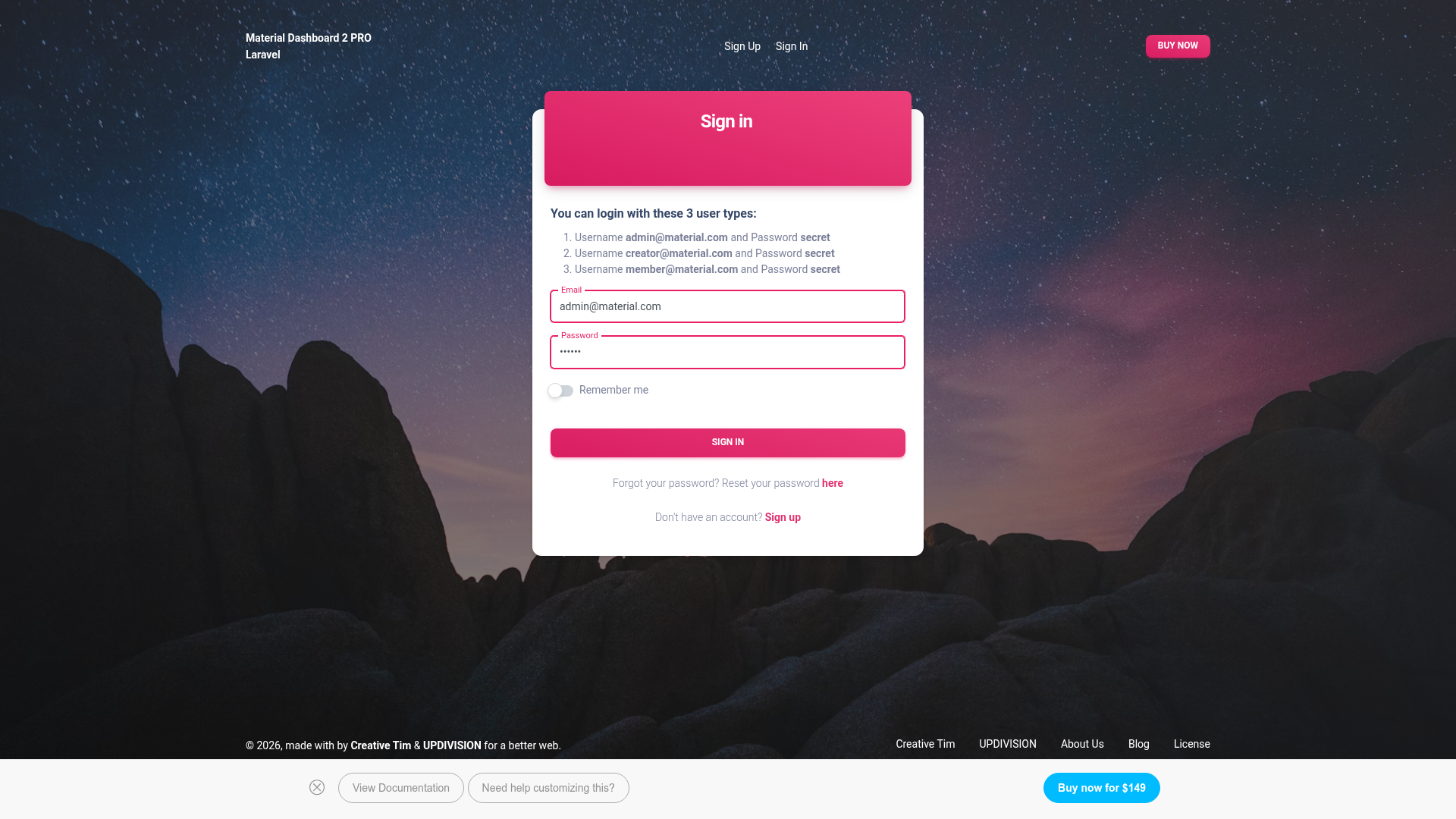
Material Dashboard 2 PRO Laravel is a fullstack admin panel template that runs on Laravel and uses Bootstrap 5 for styling. It takes a fresh Laravel installation and provides pre-built authentication, dashboards, CRUD modules, and dozens of UI pages, with all routes already added to the routes/web.php file. The template is developed by Creative Tim together with UPDIVISION, and the frontend is based on Material Dashboard version 3.0.1.
Key Features
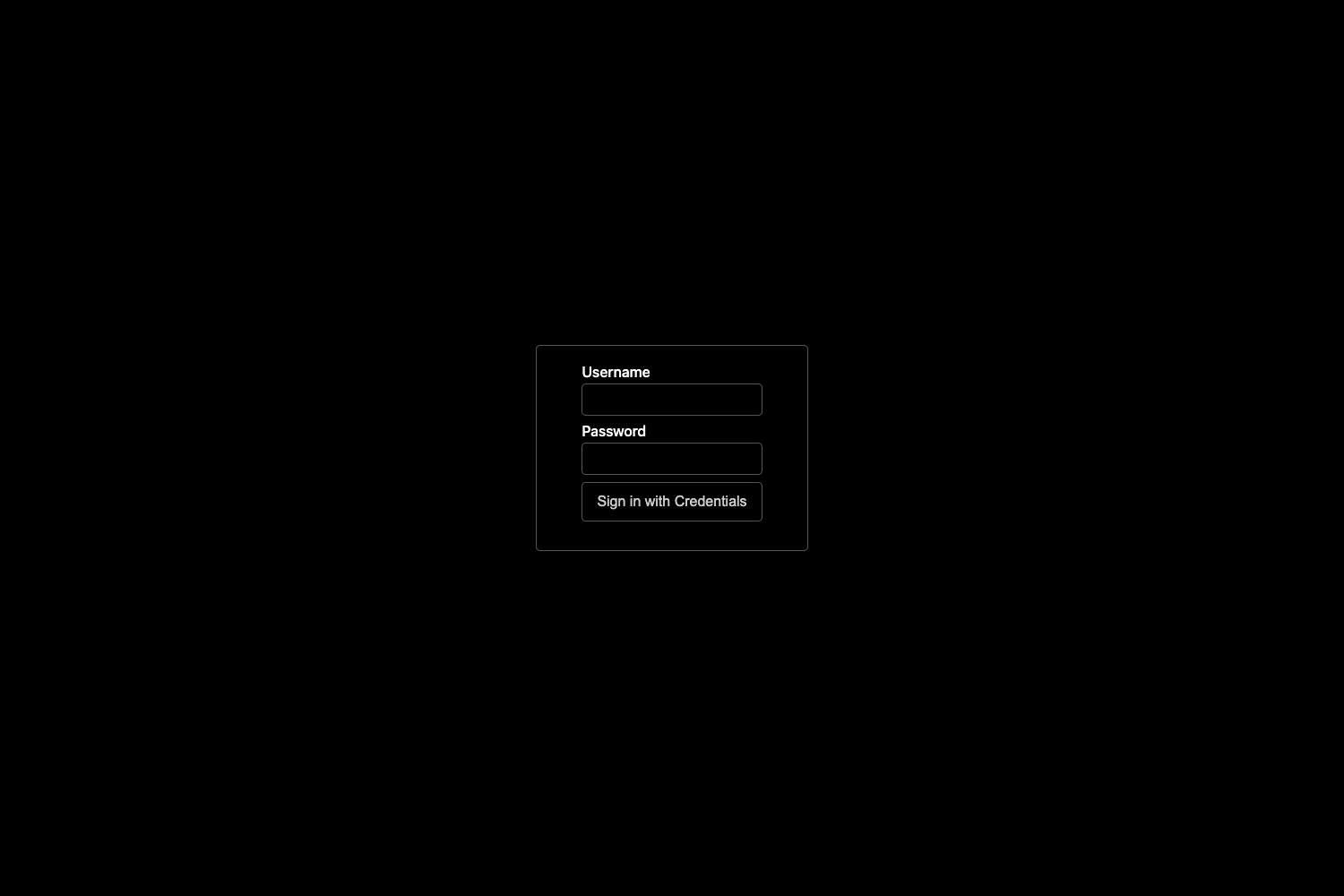
- Pre-built authentication flow — Includes sign-in, sign-up, forgot-password, and reset-password pages wired to controllers such as
SessionsControllerandRegisterController. - Role-based access control — Ships with three default roles (Admin, Creator, Member) and Laravel policies (e.g.,
UserPolicy) that restrict actions like user management to admins. - User management — Admins can add, edit, and delete users, with profile picture upload validated for jpg, jpeg, png, bmp, or tiff files up to 4096 KB.
- Role management — Admins can create, edit, and delete roles by providing a name and description through
RolesController. - Category and tag management — Admin and Creator roles can manage categories and tags; the tag editor includes a color picker input.
- Item management — Lets admin or creator users create items with an image, category, multiple tags, a status (published, draft, archive), a homepage toggle, and option fields, using
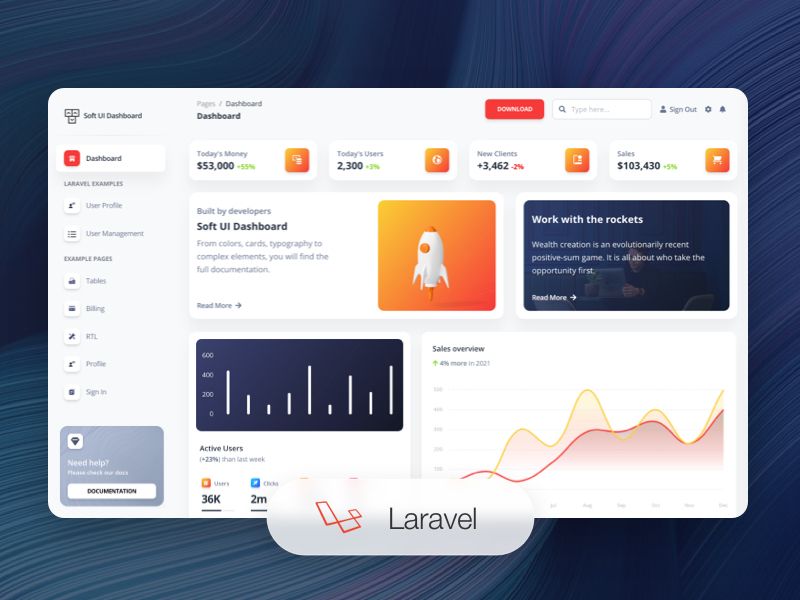
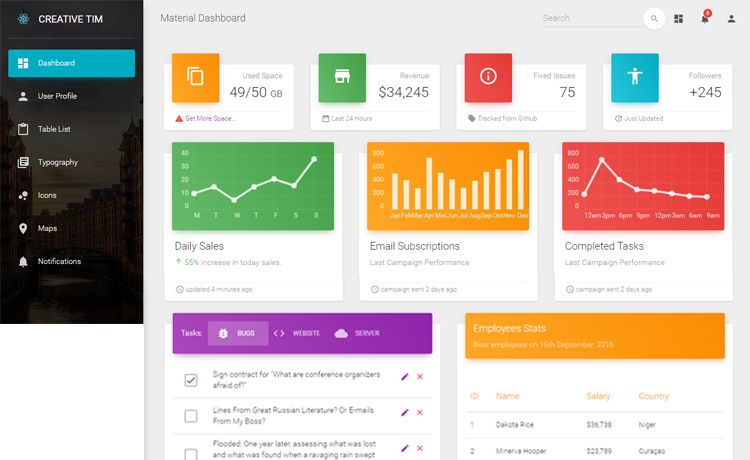
ItemsController. - Diverse dashboard pages — Includes dashboards for analytics, sales, automotive, discover, smart-home, and a virtual reality page, plus ecommerce pages for orders, products, and referrals.
- Full Laravel file structure — Provides organized Models, Controllers, Policies, Seeders, and Blade views under
app,database, andresources/views.
Who is it for?
- Laravel developers who want to avoid building admin panels from scratch and need a ready-made authentication and CRUD foundation.
- Agencies and freelancers delivering fullstack Laravel applications who need a polished UI for client projects.
- Product teams prototyping internal tools or SaaS dashboards that require role-based access and content management.
What can you do with it?
- Laravel developers: Deploy the template, run
composer install, configure the database, and use the seeded admin, creator, and member accounts to explore the working admin panel. - Admin users: Manage users, roles, categories, tags, and items through the pre-built management pages, with search and sort enabled on data tables.
- Customizers: Edit the Blade templates and Sass files to adjust the design, then extend the existing controllers and policies to add new features.
How does the template work?
The template provides a complete Laravel project that you install locally. After unzipping the archive, you copy the folder to your project directory, run composer install, copy .env.example to .env, set the database credentials, run php artisan key:generate, then php artisan migrate --seed to create tables and seed default roles and users. Finally, php artisan storage:link creates the storage symlink for uploaded images.
Pricing
The full PRO version is a paid product. A free demo is available online so you can test the features before purchasing.
FAQ
Is Material Dashboard 2 PRO Laravel free?
The template has a free demo version you can browse online, but the complete PRO version requires a paid license from Creative Tim.
What are the default login credentials?
The seeded demo accounts are admin@material.com, creator@material.com, and member@material.com, all with the password secret. You log in after running the migrations and seeders.
Does it include user management?
Yes. Admin users can add, edit, and delete other users through the User Management page, which is handled by the UserManagementController and protected by the UserPolicy.
What Laravel version does it support?
The repository metadata states support for Laravel framework 11.x and up, while the setup instructions reference Laravel 10.x documentation. The project also requires Composer and a local PHP/MySQL environment.