Template details
Soft UI Dashboard Laravel
Free Laravel admin dashboard template with Soft UI design, Bootstrap 5, auth, and 70 UI components.
About this template
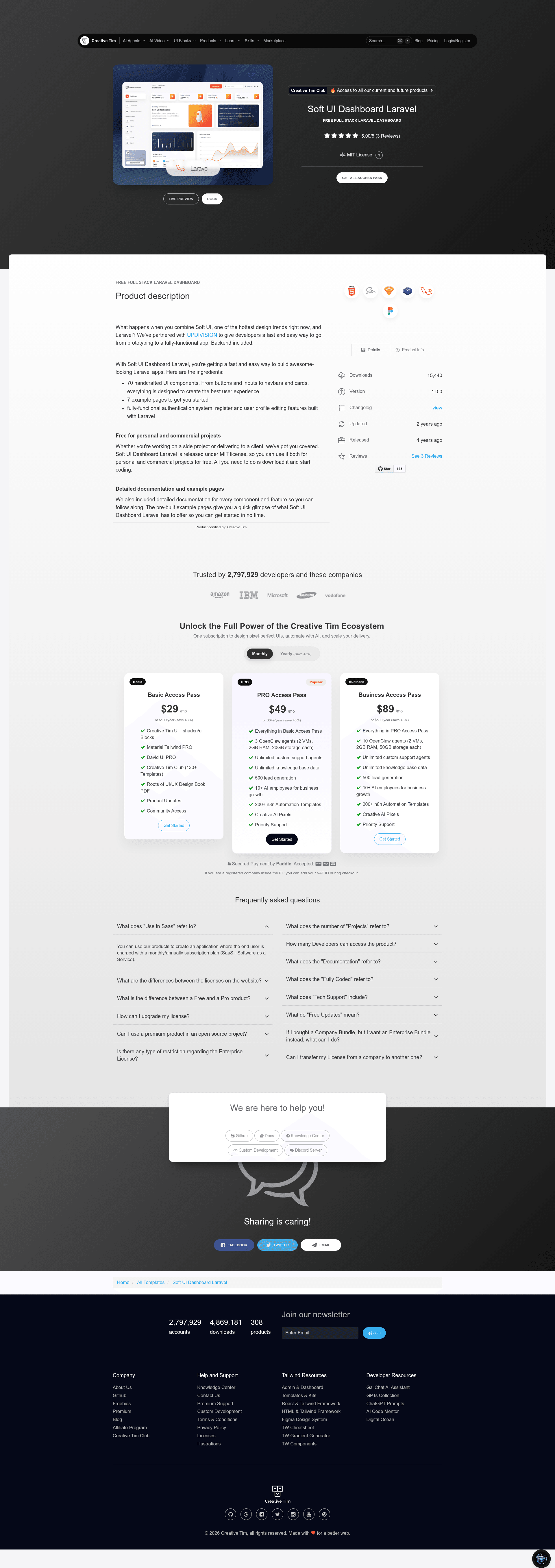
Soft UI Dashboard Laravel is a free, MIT-licensed admin dashboard template that combines a Bootstrap 5 frontend built in the Soft UI design style with a Laravel backend that includes authentication, user profiles, and role-based access control. It is produced by Creative Tim in partnership with UPDIVISION.
What is Soft UI Dashboard Laravel?
Soft UI Dashboard Laravel is a full-stack web application template: it takes a fresh Laravel installation (setup references Laravel 10.x) and gives you a working admin panel with authentication, database migrations, seeders, and 70 handcrafted Bootstrap 5 UI components. The frontend is Soft UI Dashboard v1.0.0, and the backend is Laravel with controllers for login, registration, password reset, and profile updates. It is distributed as a downloadable archive that you install with Composer.
Key Features
- 70 handcrafted UI components — buttons, inputs, navbars, cards, and more, all styled for Bootstrap 5 and the Soft UI visual language.
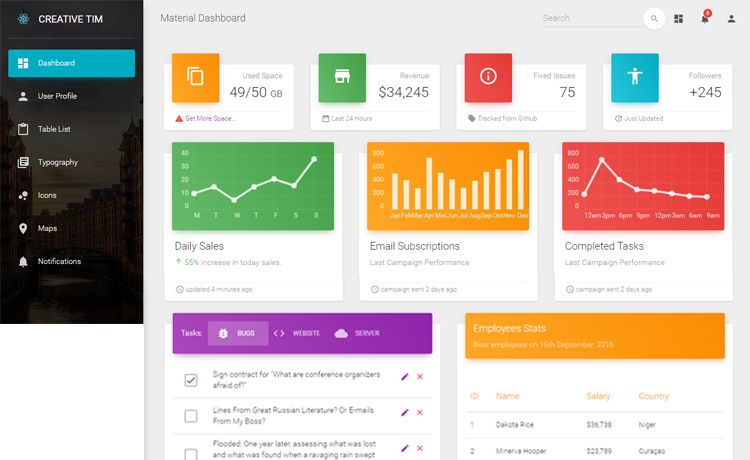
- 7 example pages — dashboard, billing, tables, static sign-in, static sign-up, user profile, virtual reality, and an RTL layout are included as Blade views.
- Complete authentication flow — login, registration, forgot password, and reset password are implemented in Laravel controllers, with routes already wired in routes/web.php.
- Role-based permissions — the seeder creates Admin, Creator, and Member roles; admins can manage users and content, creators can manage categories/tags/items but not users, and members can only view items.
- Seed data and demo credentials — running php artisan migrate --seed creates the roles and a default user admin@softui.com with password secret.
- User profile editing — logged-in users can update name, email, phone, location, about me, and other fields via the InfoUserController.
- Detailed documentation — component and setup documentation is hosted at the Creative Tim website.
- Free for commercial use — the template is released under the MIT license, so it can be used in personal and client projects.
Who is it for?
Soft UI Dashboard Laravel suits Laravel developers who want a pre-built admin panel instead of starting from scratch. It also fits freelancers delivering client dashboards or internal tools, and startups that need a polished authentication system plus a scalable UI kit. Designers who need a realistic Laravel codebase to customize can use the Blade templates and SCSS as a reference.
What can you do with Soft UI Dashboard Laravel?
- SaaS founders: turn the dashboard, billing, and tables pages into the admin area for your application, then customize the auth flow to match your product.
- Agency developers: use the MIT license to drop the template into commercial client projects without paying licensing fees.
- Laravel learners: study the controller, policy, route, and migration files to see how a role-based admin panel is structured.
- Prototypers: get a functional login, register, password reset, and user profile working in under an hour by following the installation steps.
How does it work?
After unzipping the archive and copying the folder into your projects directory, you run composer install, copy .env.example to .env and configure the database, then run php artisan key:generate, php artisan migrate --seed, and php artisan storage:link. The migrations create the users and password reset tables, and the seeder populates roles and a default admin user. Once running, you can register a new user or log in with the seeded credentials and explore the dashboard.
Pricing
Soft UI Dashboard Laravel is free under the MIT license. You can use it for personal and commercial projects without cost, and the same license applies to the frontend-only HTML version. A paid PRO version with additional features is available separately.
FAQ
Is Soft UI Dashboard Laravel free?
Yes. The template is released under the MIT license, which permits both personal and commercial use at no cost. No watermarks or attribution are required.
What is the default login?
The seeded admin user has email admin@softui.com and password secret. You must run the migrations and seeders for these credentials to exist.
Which Laravel version does it use?
The setup documentation links to Laravel 10.x, and the repository metadata describes the package as Soft UI Dashboard Laravel 11.x. Follow the version-specific instructions in the provided docs.
How do I install it?
Copy the unzipped folder to your project directory, run composer install, configure .env with your database credentials, run php artisan key:generate, php artisan migrate --seed, and php artisan storage:link.
Which browsers are supported?
The template officially supports the last two versions of Chrome, Firefox, Edge, Safari, and Opera.