Template details
Material Tailwind Dashboard React
Free and Open Source Admin for Tailwind CSS and React based on Google's Material Design.
About this template
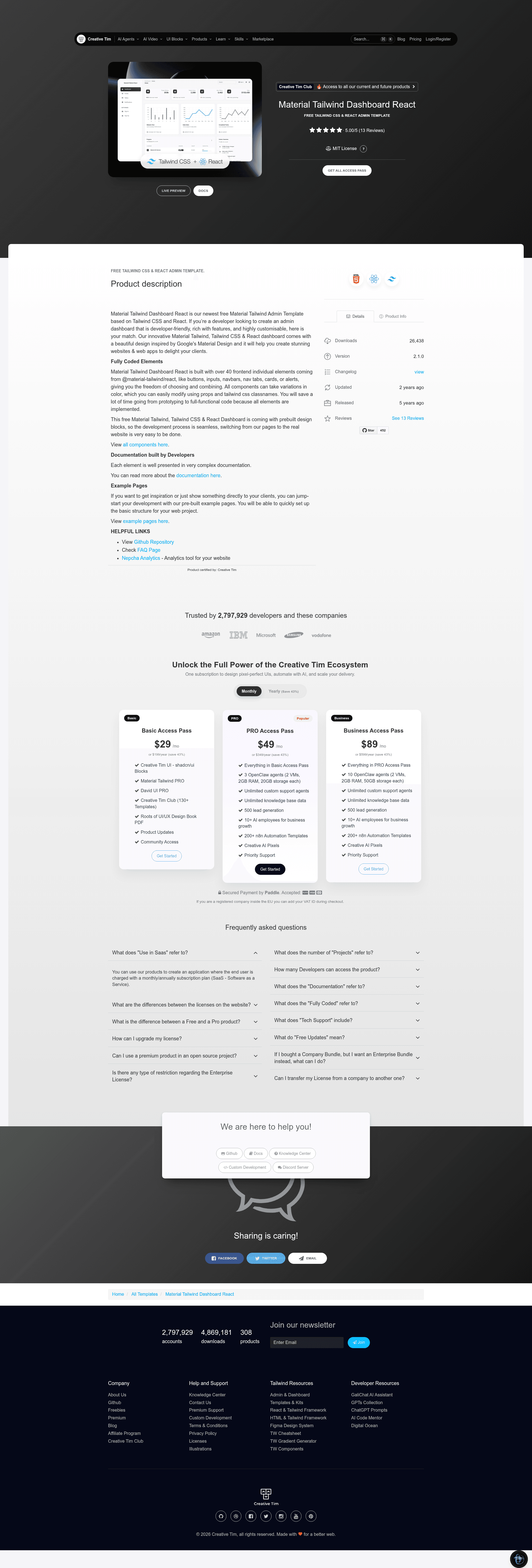
Material Tailwind Dashboard React is a free, open-source React admin dashboard template by Creative Tim that pairs Tailwind CSS with Google's Material Design to build responsive admin interfaces.
What is Material Tailwind Dashboard React?
Material Tailwind Dashboard React is a free, open-source admin dashboard template built with React and Tailwind CSS, designed by Creative Tim. It uses the Material Tailwind component library to implement Google's Material Design guidelines. The template provides prebuilt pages and over 40 individual UI elements, so developers can assemble a functional admin panel without starting from scratch. The project is built on Vite and is available for download from Creative Tim or from its GitHub repository.
Key Features
- Over 40 frontend components — Buttons, inputs, navbars, nav tabs, cards, alerts, and more from @material-tailwind/react, each customizable through props and Tailwind CSS class names.
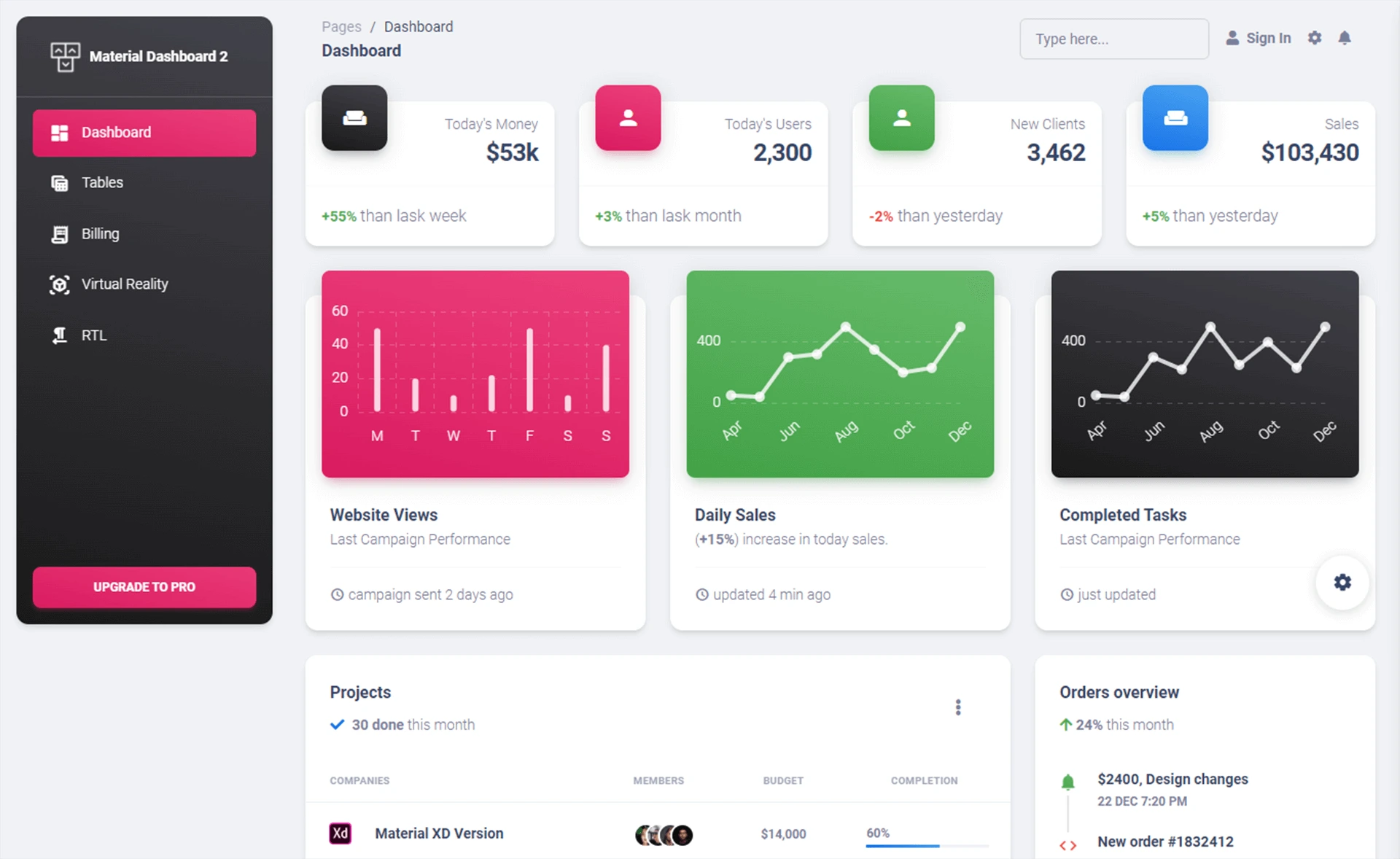
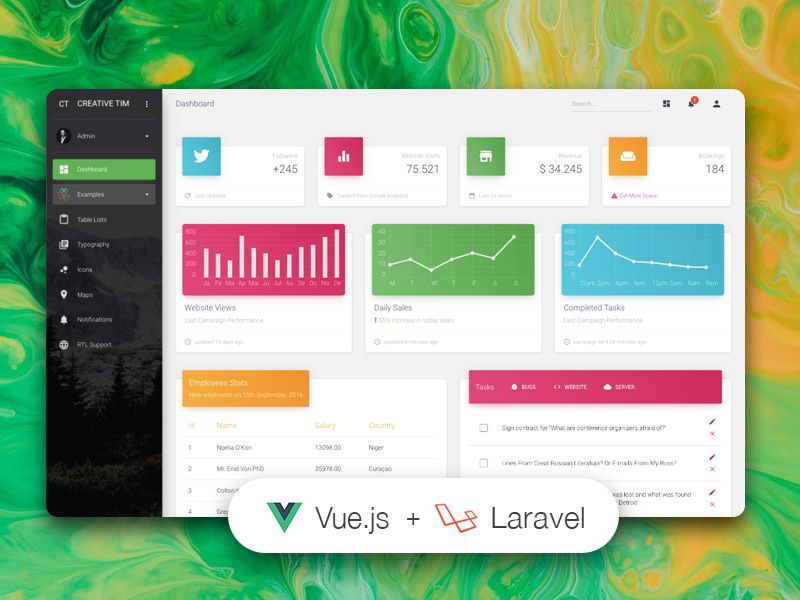
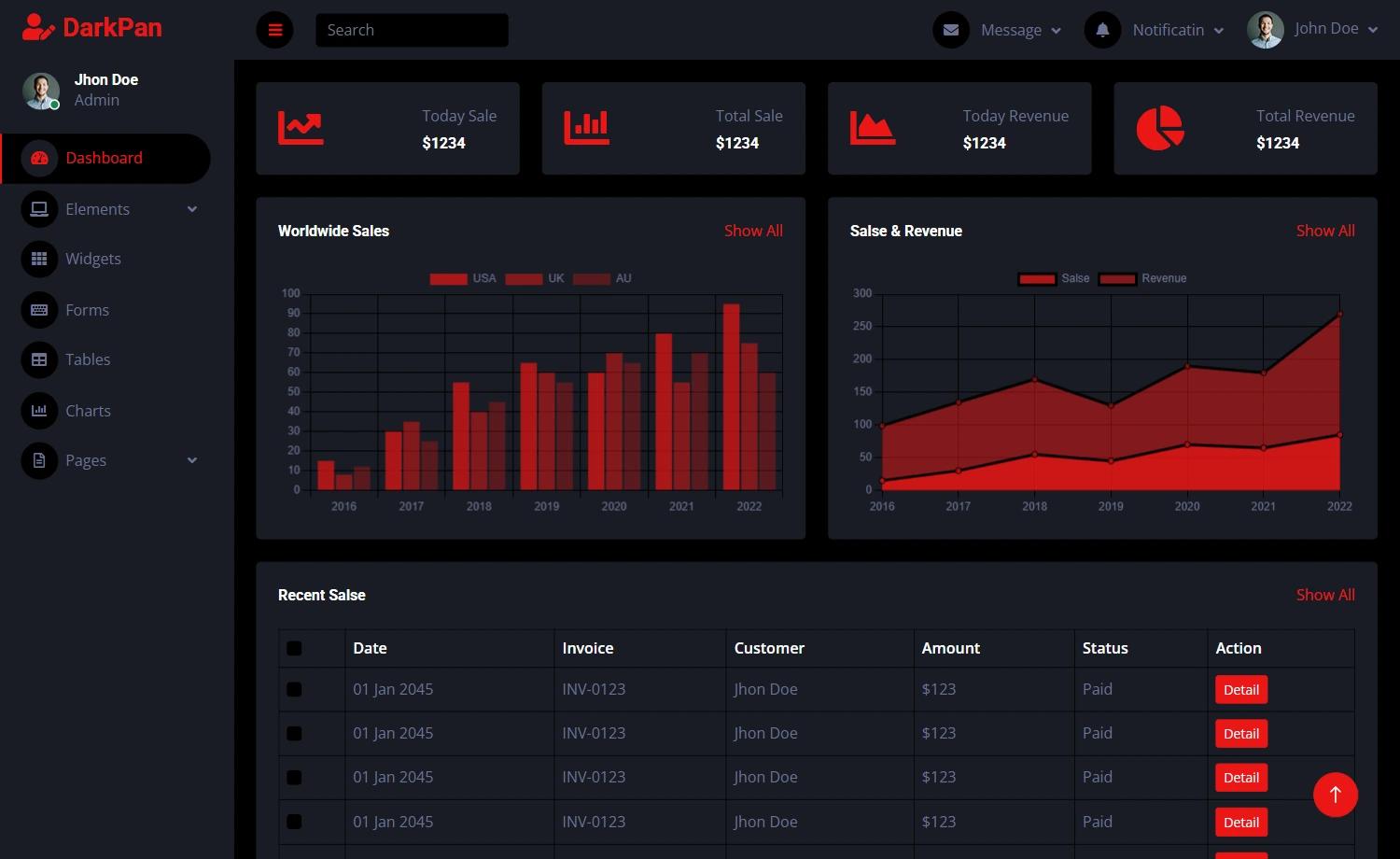
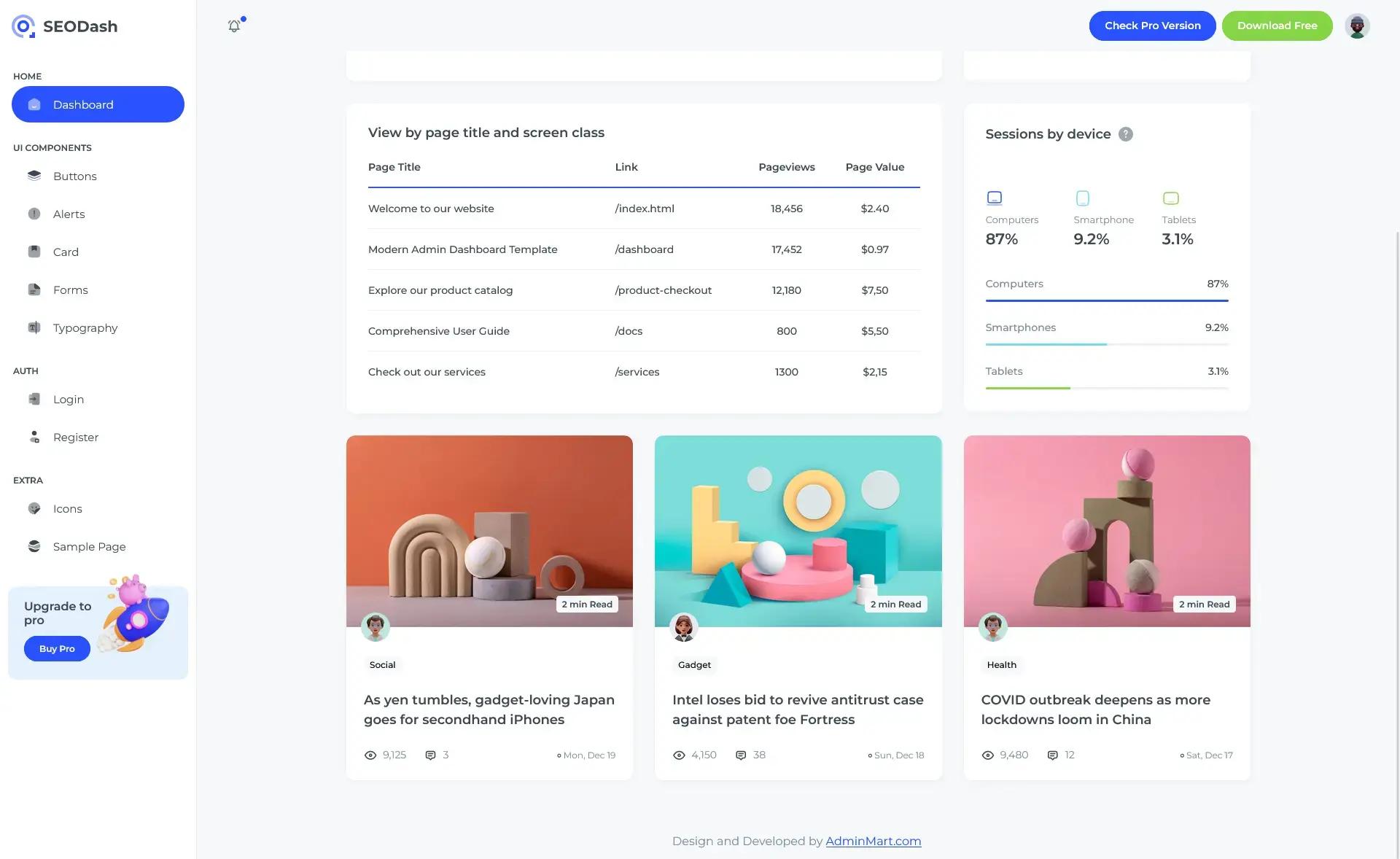
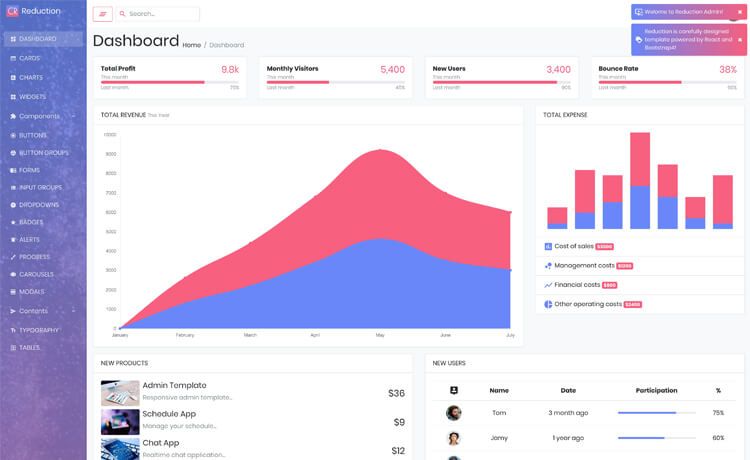
- Six example pages — Dashboard home, profile, tables, notifications, sign-in, and sign-up pages are included, giving you a full set of starting structures.
- Vite build system — The project uses Vite as the build tool, with a clear folder organization: src/configs, src/context, src/data, src/layouts, src/pages, src/widgets, App.jsx, main.jsx, and routes.jsx.
- Apex Charts integration — Data visualizations use the open-source Apex Charts library to render interactive charts.
- Hero Icons — The dashboard's icon set comes from Hero Icons, which provides hand-crafted SVG icons.
- Nepcha Analytics integration — The template comes with Nepcha Analytics already integrated, so you can track traffic without separate setup.
- One-click deployment to Genezio — A deploy button in the GitHub repository lets you deploy the template to Genezio's platform directly.
- Browser support — The template officially supports the last two versions of Chrome, Firefox, Edge, Safari, and Opera.
Who is it for?
- React developers — who need a polished admin dashboard base and want to skip designing common UI components.
- Startups and agencies — delivering admin panels to clients that need a consistent Material Design look.
- Frontend learners — who want to study how Tailwind CSS, React components, and Vite work together in a real project.
What can you do with it?
- Launch an admin dashboard quickly: Start with prebuilt pages such as tables and notifications, then integrate your own data and API calls into the provided layouts.
- Create a custom branded interface: Adjust colors and component styles using Tailwind CSS class names and Material Tailwind props across all 40+ elements.
- Deploy a working application: Use the one-click Genezio deploy option or build locally and host the static Vite output on any server.
How does the template work?
After downloading, you need Node.js LTS installed. Navigate to the project root and run npm install, yarn install, or pnpm install to download dependencies. Then use Vite's standard development commands to preview the dashboard locally.
FAQ
Is Material Tailwind Dashboard React free?
Yes, the template is free and open source. It can be downloaded from Creative Tim's website and its source is available on GitHub under a Creative Tim license agreement.
How do I customize the template's colors and components?
You can change colors and styles by modifying Tailwind CSS class names and by passing props to Material Tailwind components. The design uses utility classes, so no separate CSS files are required for most customizations.
What pages are included in the template?
The template includes six example pages: a dashboard home page, a profile page, a tables page, a notifications page, a sign-in page, and a sign-up page.
Which browsers are supported?
The template officially supports the last two versions of Chrome, Firefox, Edge, Safari, and Opera.