Template details
Materio Bootstrap HTML Admin Template Free
Free Bootstrap 5 HTML admin dashboard template with analytics dashboard, layouts, UI components, and MIT license.
About this template
Materio is a free, open-source Bootstrap 5 HTML admin dashboard template by ThemeSelection, built to give developers a ready-made, responsive front-end for web application backends.
What is Materio?
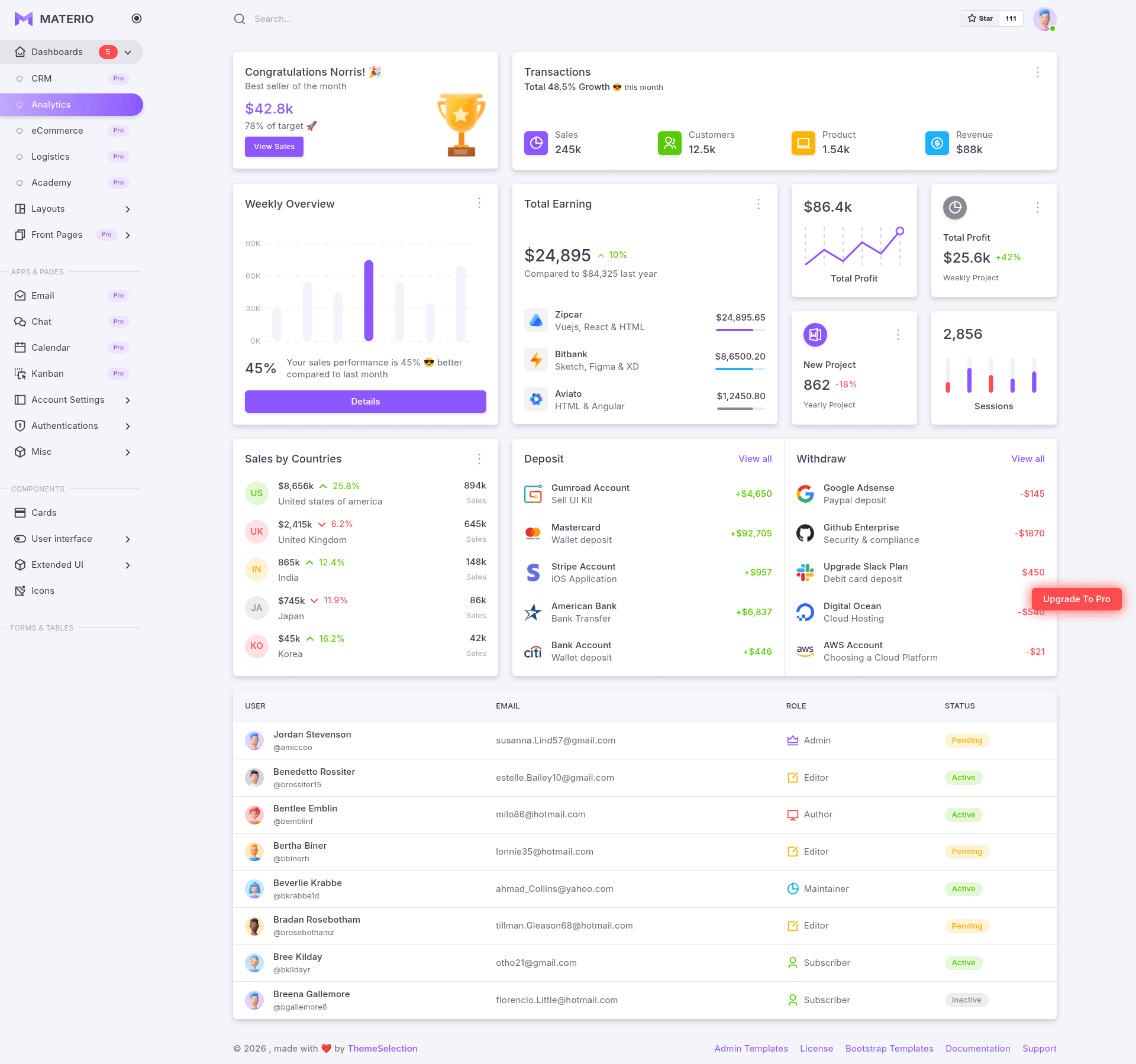
Materio is a free Bootstrap 5 HTML admin dashboard template created and maintained by ThemeSelection, a provider of dashboard templates and UI kits. The template takes plain HTML, SCSS, and JavaScript as its building blocks and outputs a multi-page admin interface featuring an analytics dashboard, authentication pages, form layouts, and all core Bootstrap components. It runs entirely client-side with no backend dependency, and the source code is distributed under the MIT license on GitHub.
Key Features
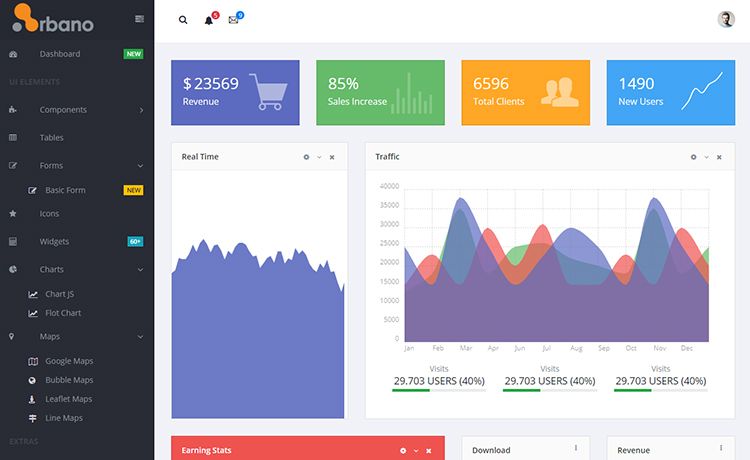
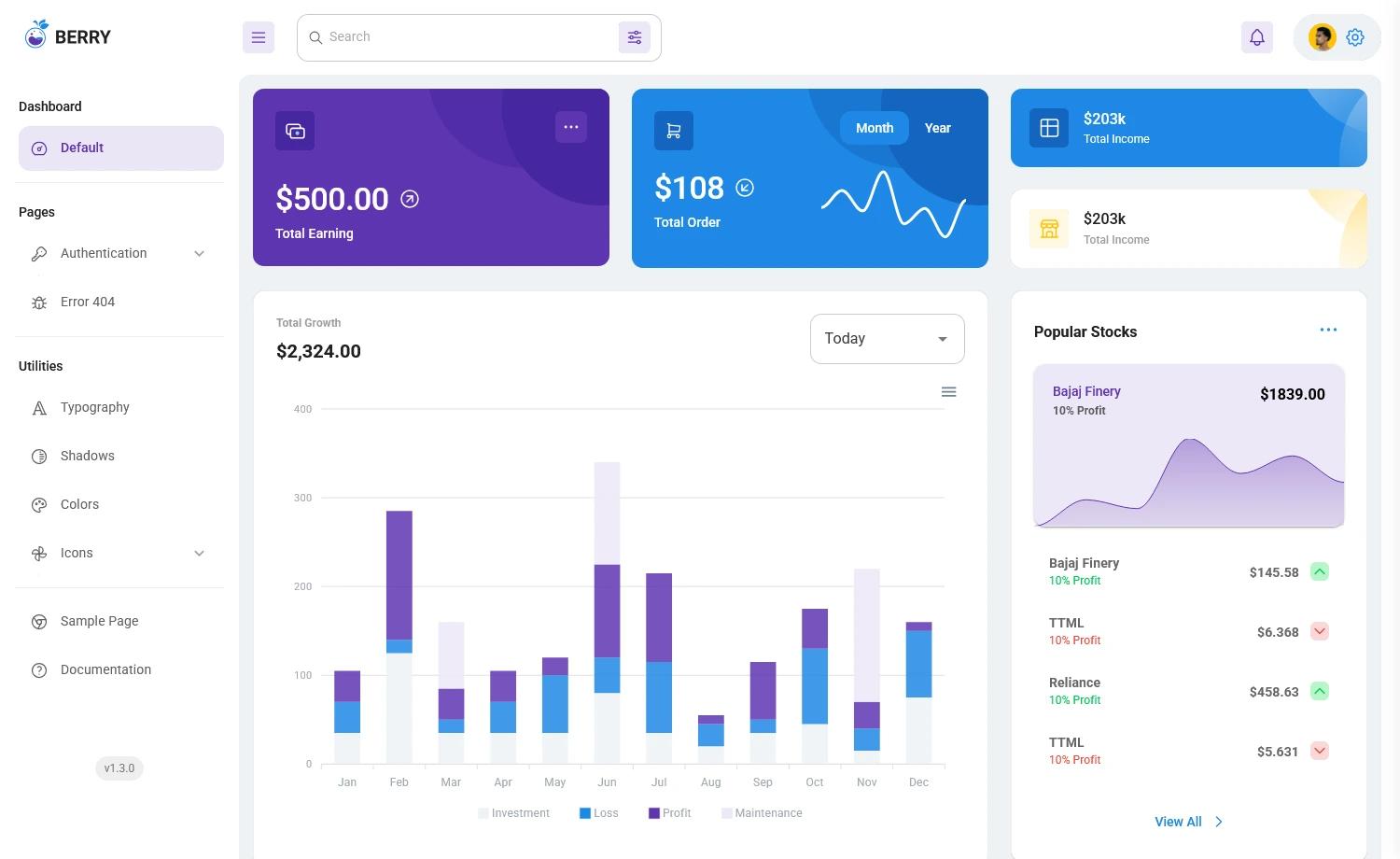
- Analytics Dashboard — A dedicated Analytics page with statistics cards, charts, and a table layout to visualize data.
- Five Layout Variants — Without Menu, Without Navbar, Container, Fluid, and Blank layouts are included in the template.
- Ready-to-Use Pages — Login, Register, Forgot Password, Error, Under Maintenance, and Account Settings pages are pre-built.
- All Bootstrap 5 Components — The User Interface section showcases every standard Bootstrap component, from buttons to modals.
- Form Elements and Layouts — Includes basic inputs, input groups, vertical forms, and horizontal forms.
- Extended UI Components — Perfect Scrollbar and Text Divider are bundled alongside Remix Icons.
- SCSS Styling — The template is styled with SCSS, letting developers adjust variables and recompile to match their brand.
Who is it for?
- Front-end developers — who need a clean Bootstrap 5 starting point for admin panels and internal tools.
- UI/UX designers — who want a concrete, coded base to prototype dashboard interactions.
- Startups and freelancers — that need a free, MIT-licensed admin template for client projects or MVPs.
- Agencies — building multiple web applications who want a consistent, customizable admin foundation.
What can you do with Materio?
- Stand up an admin panel quickly — Use the analytics dashboard, cards, forms, and tables to build a functional back-office interface in hours.
- Create authentication pages — Integrate the included Login, Register, and Forgot Password pages with your own API.
- Customize the admin experience — Edit SCSS variables and choose from multiple layout options to change menu behavior and page structure.
How does Materio work?
Download the repository from GitHub or via the ThemeSelection page, then follow the installation and build documentation to get a local dev environment running. The template is plain HTML and SCSS, so it can be served statically or built with a task runner.
Pricing
Materio Free is available at no cost under the MIT license. ThemeSelection also offers Materio Premium, a paid version with added features such as horizontal menu, dark style, template customizer, six niche dashboards, quick search, and priority support.
Alternatives
- AdminLTE
- CoreUI
FAQ
Is Materio free?
Yes, Materio Free is open source under the MIT license and free for both personal and commercial use, provided you include an attribution link to ThemeSelection. A more feature-rich Premium version is also sold separately.
What browsers are supported?
The template supports Chrome, Firefox, Safari, and Microsoft Edge, as well as other browsers that implement the latest CSS standards.
Does Materio need a backend?
No, Materio is a static front-end template. It uses plain HTML, SCSS, and JavaScript with Bootstrap 5, so it can be hosted on any static server and combined with any backend via APIs.
How do I install Materio?
Clone or download the repository from GitHub, then refer to the installation and build documentation linked in the README. The docs cover local setup and how to compile the SCSS assets.
Can I use Materio commercially?
Yes. The MIT license permits commercial use of the free version. You must add an attribution link to ThemeSelection in the footer of your web application or project.