Template details
Trestle
A modern, responsive admin framework for Ruby on Rails
About this template
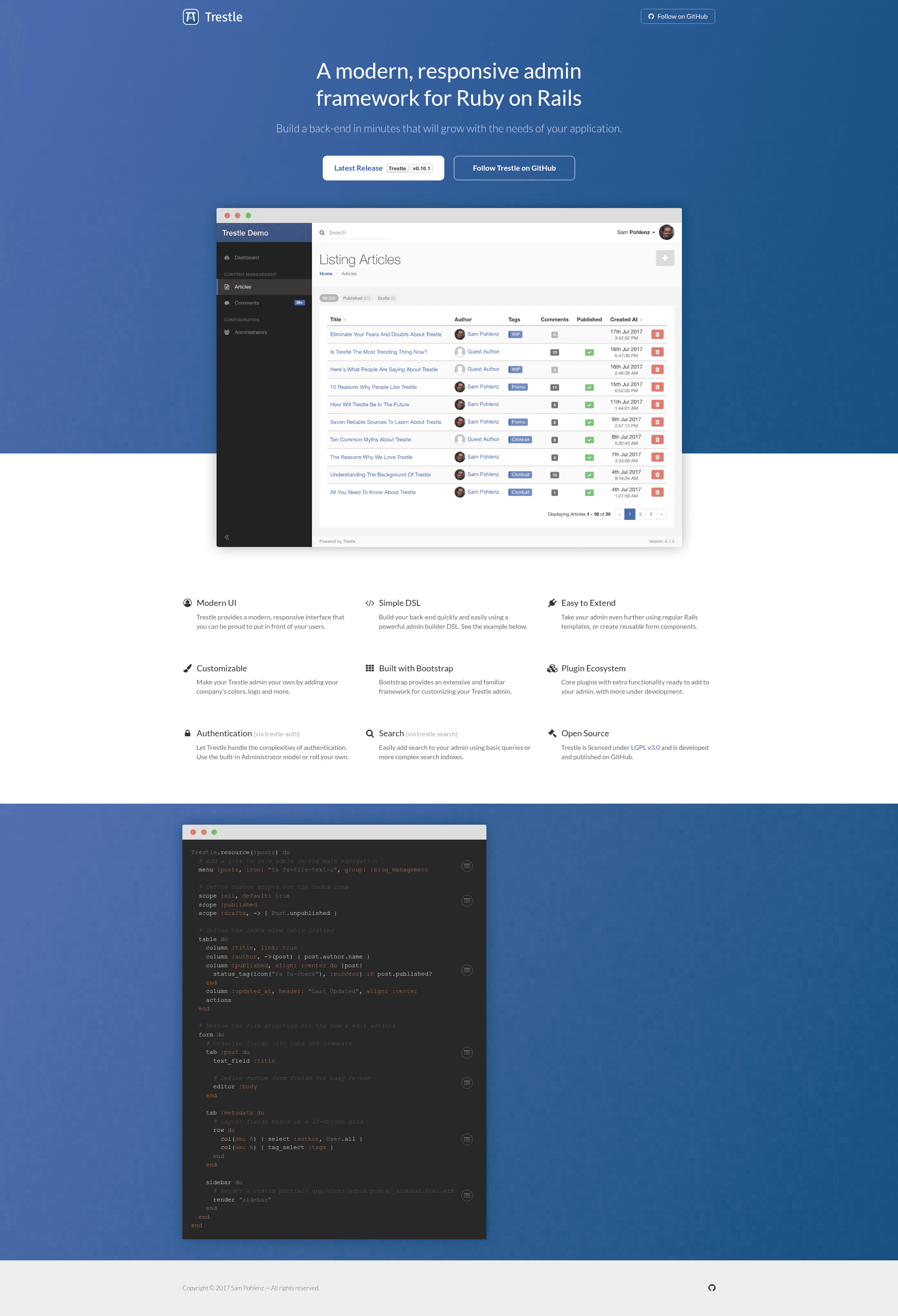
Trestle is an open-source admin framework for Ruby on Rails that generates a responsive admin panel from declarative Ruby configuration files.
What is Trestle?
Trestle is a Ruby gem that provides a modern, responsive admin interface for Ruby on Rails applications. It takes an existing Rails model — such as an Article — and generates CRUD admin screens at the /admin route, controlled by a Ruby DSL in files like app/admin/articles_admin.rb. The framework is maintained by the TrestleAdmin organization on GitHub, is distributed as the trestle gem, and is licensed under LGPLv3. A live demo runs at demo.trestle.io, with its source code available in the RailsFlixDemo repository.
Key Features
- Ruby DSL configuration — Define navigation menus, scopes, table columns, and forms entirely in Ruby files such as
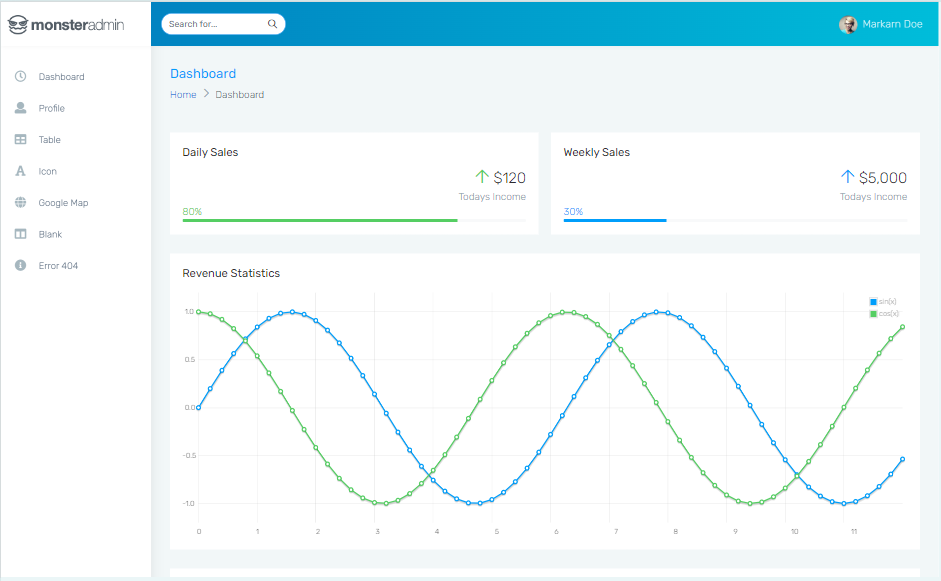
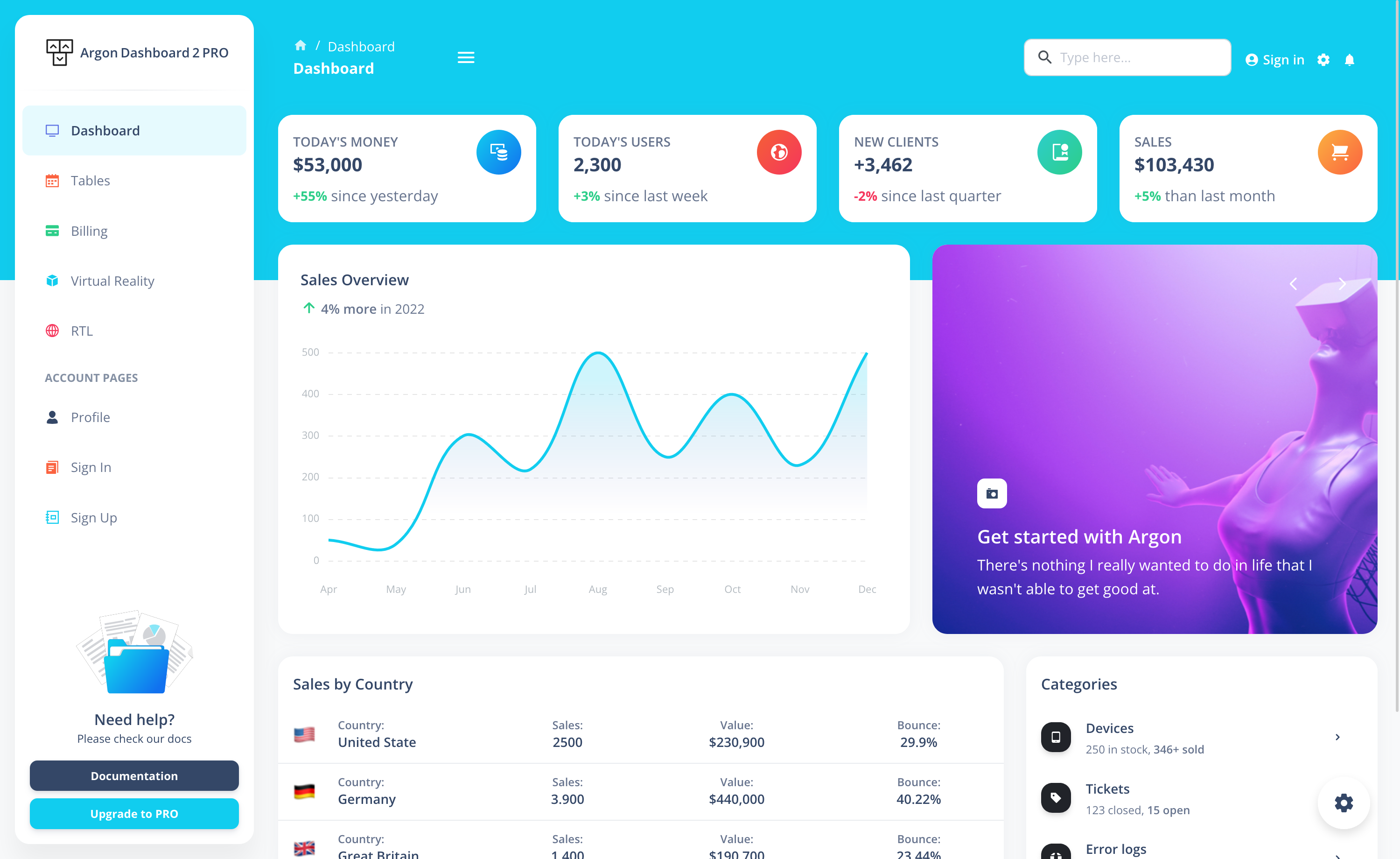
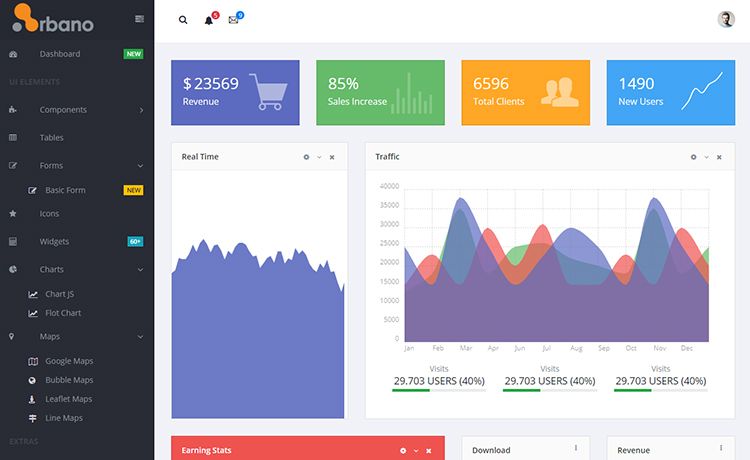
app/admin/posts_admin.rb; standard screens require no separate view templates. - Responsive admin UI — The generated interface is responsive, as shown in the project screenshots, and works on desktop and mobile.
- Flexible form builder — Compose forms with tabs, sidebars, custom field types, and a 12-column grid layout using row and col helpers for precise placement.
- Custom scopes — Declare index filters like
publishedanddraftswith lambda-based queries such asPost.unpublished. - Table customization — Configure columns with links, custom rendering lambdas, alignment, headers, and action buttons.
- Plugin ecosystem — Community and official plugins add authentication (trestle-auth, trestle-omniauth, trestle-auth-otp), search (trestle-search), TinyMCE and SimpleMDE editors (trestle-tinymce, trestle-simplemde), Sidekiq monitoring (trestle-sidekiq), Active Storage uploads (trestle-active_storage), and Mobility integration (trestle-mobility).
- Generator-based setup — The
trestle:installgenerator creates the initial configuration and customization hooks, andtrestle:resourcescaffolds a new admin for an existing model.
Who is it for?
- Ruby on Rails developers who need to build a custom back-office without hand-writing CRUD controllers, views, and routes for every model.
- Internal tool teams that want a fast, consistent admin interface for content management, with plugin-based authentication and search added in minutes.
- Open-source maintainers shipping Rails applications that include a management panel, since Trestle is free under LGPLv3 and installed as a gem.
What can you do with Trestle?
- Content management: Build admin screens for blog posts, products, or users, with scopes, tables, and forms customized through the DSL.
- User authentication: Add
trestle-auth(ortrestle-omniauth/trestle-auth-otpfor OmniAuth or two-factor login) to protect the admin area. - Rich text editing: Integrate TinyMCE or SimpleMDE editors into forms via the corresponding plugin.
- Background job monitoring: Connect
trestle-sidekiqto view Sidekiq queues and jobs from inside the admin panel.
How does Trestle work?
Add gem 'trestle' to your Gemfile, run bundle install, then run rails generate trestle:install to create the initial config. Generate a resource for an existing model with rails generate trestle:resource Article, restart the server, and visit http://localhost:3000/admin. The generated app/admin/articles_admin.rb file is where you define menus, scopes, tables, and forms using the Ruby DSL.
Plugins
The following plugins extend Trestle with additional functionality:
- trestle-auth — user authentication
- trestle-search — search functionality
- trestle-tinymce — TinyMCE WYSIWYG editor integration
- trestle-simplemde — SimpleMDE Markdown editor integration
- trestle-sidekiq — Sidekiq background job monitoring
- trestle-active_storage — Active Storage file attachment support
- trestle-mobility — Mobility for localized content
- trestle-omniauth — OmniAuth authentication
- trestle-auth-otp — two-factor/OTP authentication
FAQ
Is Trestle free?
Yes. Trestle is open-source under the LGPLv3 license, so the core gem is free to use in commercial and personal projects.
What can I customize with the Trestle DSL?
You can define navigation menu groups and items with icons, index view scopes, table columns with custom rendering and alignment, form tabs and sidebars, plus a 12-column grid layout for field placement — all from Ruby code.
Does Trestle include authentication?
No, authentication is not part of the core gem. The trestle-auth plugin adds standard user authentication, while trestle-omniauth and trestle-auth-otp provide OmniAuth and two-factor/OTP login respectively.
Does Trestle have a demo?
Yes. A live demo runs at demo.trestle.io, and its source code is available in the RailsFlixDemo repository on GitHub.