Template details
nextjs-dashboard
A Next.js boilerplate with the famous open-source Bootstrap admin template, CoreUI.
About this template
nextjs-dashboard is an open-source admin dashboard boilerplate that pairs Next.js App Router with TypeScript, React Bootstrap, and the CoreUI admin design, giving developers a pre-built starting point for admin applications.
What is nextjs-dashboard?
This boilerplate is a starting point for building admin dashboards. It runs on Next.js and TypeScript, using the App Router convention for file-based routing. The UI is styled with React Bootstrap (Bootstrap 5) and follows the open-source CoreUI admin template's layout and components. The project includes a live demo deployed on Vercel and a repository maintained by kitloong.
Key Features
- Tech stack — Built with Next.js, TypeScript, and React Bootstrap, bootstrapped via
create-next-app --typescript. - App Router — Uses the Next.js App Router, so pages live under
app/(dashboard)and hot-reload on edit. - CoreUI design — Based on the famous open-source CoreUI Bootstrap admin template, providing familiar admin UI components.
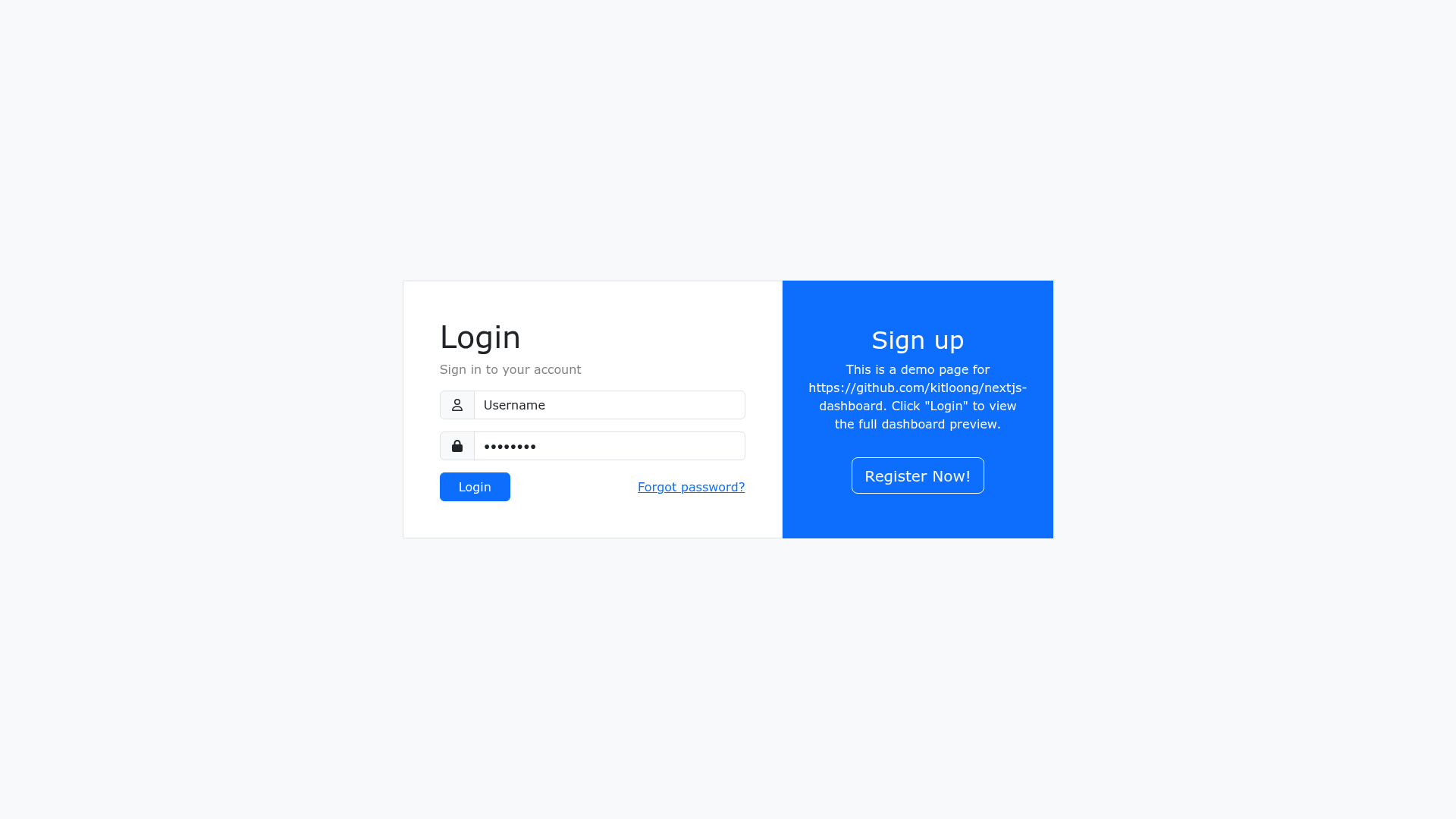
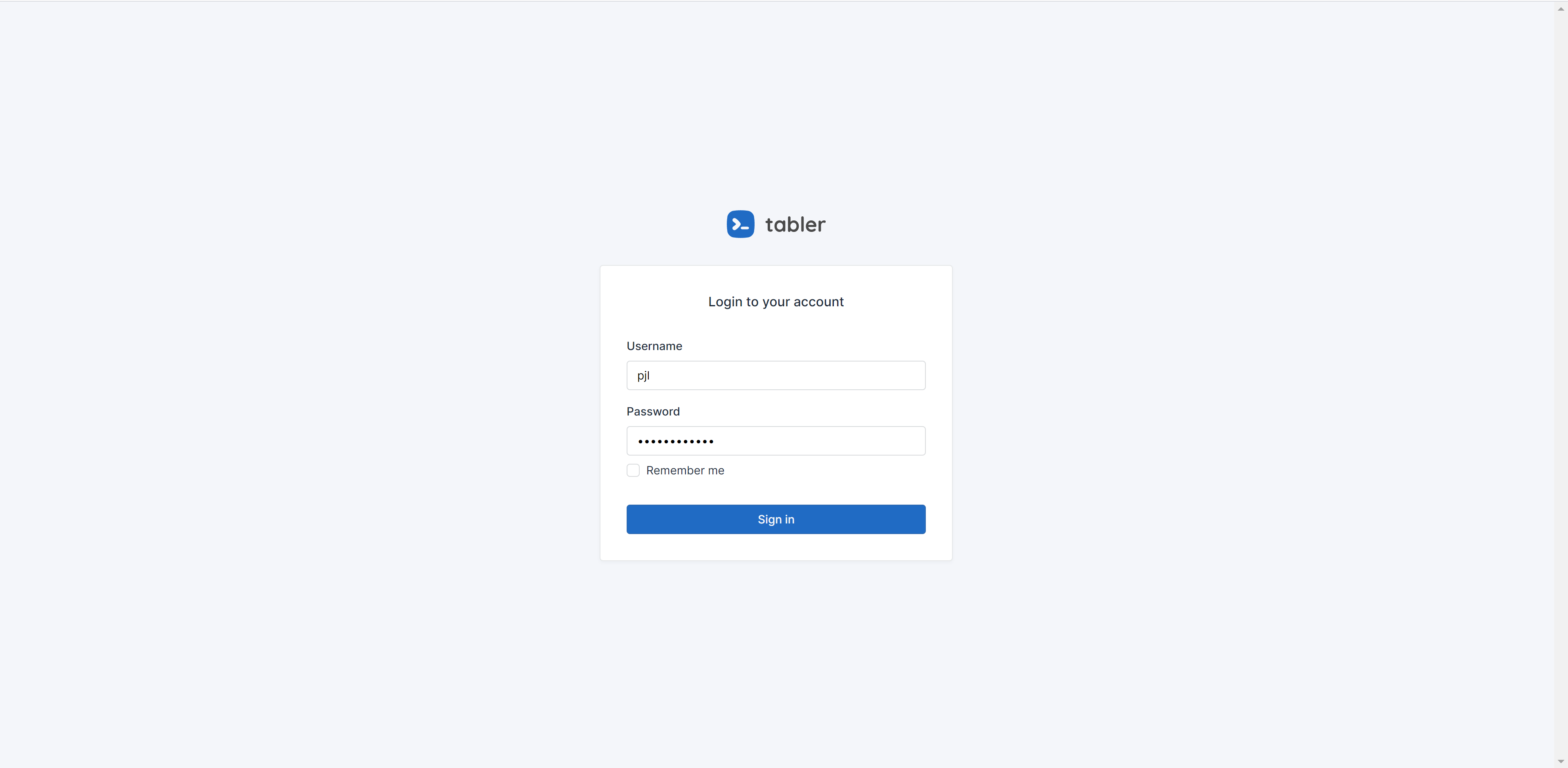
- Included pages — Ships with a dashboard page, a sample "Pokemons" page, a login page, and a register page.
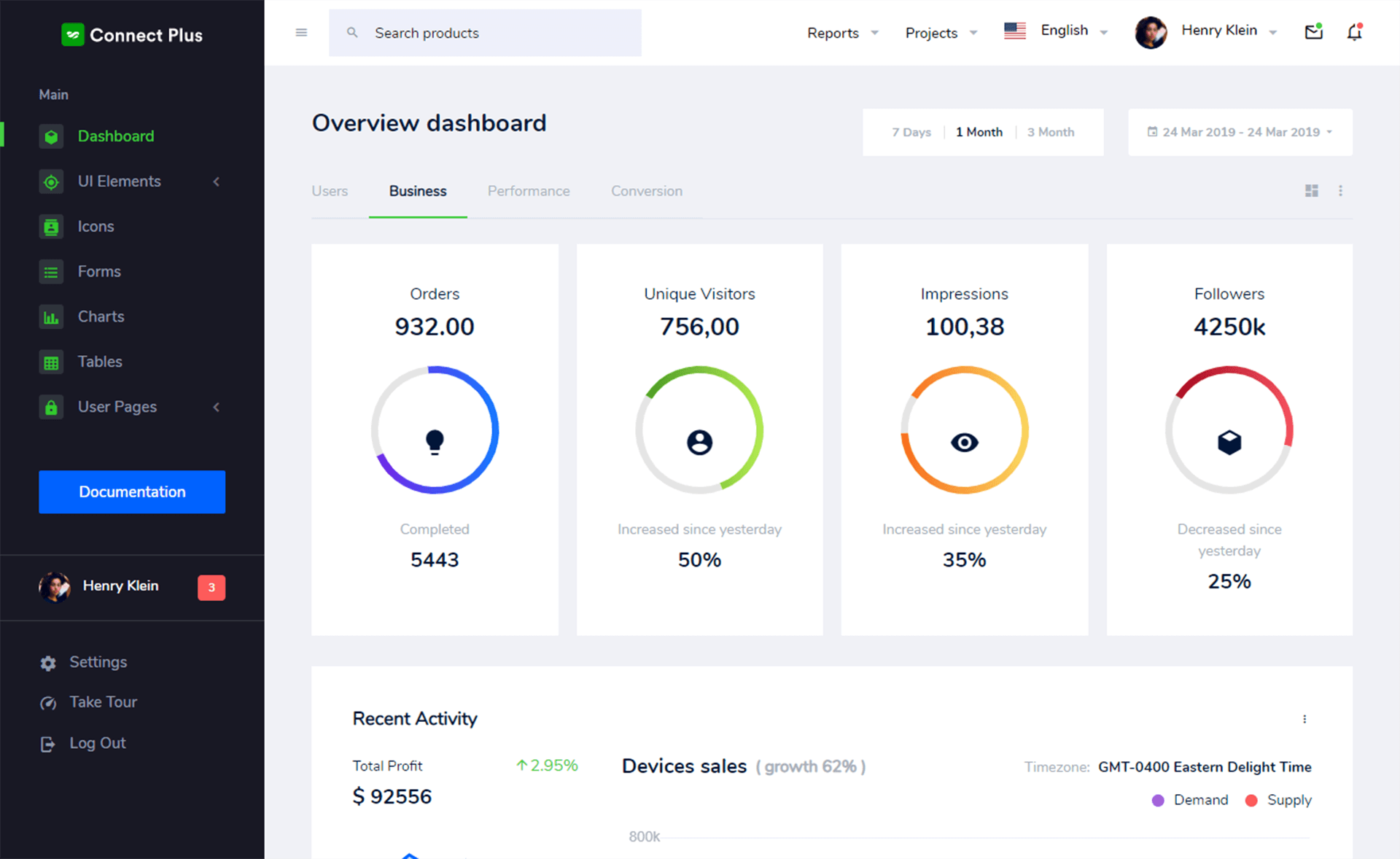
- Dark mode — The dashboard supports both light and dark color schemes, visible in the project screenshots.
- Responsive sidebar — The sidebar collapses on mobile and expands on demand, with dedicated mobile screenshots.
- Multilingual example — The sample page is shown in both English and Japanese, demonstrating how to build localized pages.
- Vercel-ready — The live demo runs on Vercel, and the repo includes a "Powered by Vercel" badge.
Who is it for?
- Frontend developers who want a typed, App Router-based dashboard starter instead of setting up routing and theming from scratch.
- Startups and product teams that need a quick admin interface with login, register, and a data table-like page.
- Developers learning Next.js who want a working example of App Router, TypeScript, and Bootstrap integration.
What can you do with it?
- Build an admin panel: Start from the provided dashboard layout and add your own charts, tables, and forms.
- Prototype authentication flows: Use the included login and register pages as a template for your own auth UI.
- Create a localized app: Follow the English/Japanese sample page pattern to add multi-language support to other routes.
How does it work?
After cloning the repository, run pnpm install to install dependencies. Then pnpm run dev starts the development server at http://localhost:3000. The main dashboard page is app/(dashboard)/page.tsx, and editing that file triggers hot reload. Deploying to Vercel is straightforward given the Next.js setup.
FAQ
Is nextjs-dashboard free?
Yes, the project is open-source and available on GitHub, and it uses free, open-source libraries like Next.js, React Bootstrap, and CoreUI.
What Next.js version does it use?
The repository was bootstrapped with create-next-app and uses the App Router, which is available in Next.js 13 and later. The readme links to the Next.js canary branch for the create-next-app source.
Does it include a backend or database?
No, the boilerplate is frontend-only. It comes with UI pages and a sample data page, but no backend or database integration is mentioned in the repository.
Can I use it with npm instead of pnpm?
The getting started instructions specify pnpm (pnpm install, pnpm run dev), but since it's a standard Next.js project, npm or yarn would likely work after adjusting the commands.