Template details
Materio Vuetify NuxtJS Admin Template
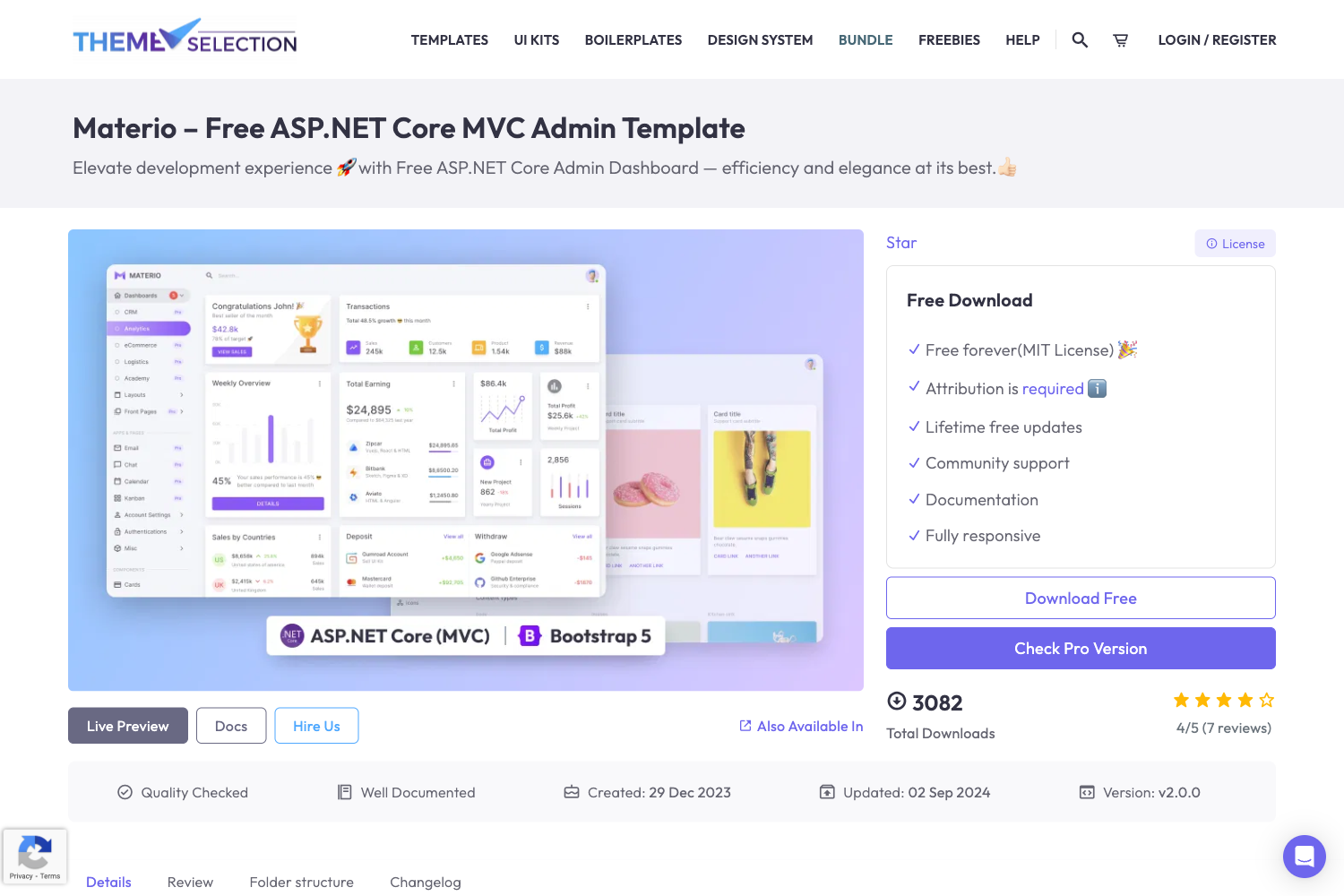
Free Vuetify 3 + Nuxt 3 admin dashboard template with dashboard, pages, forms, tables, and MIT license.
About this template
Materio is a free, open-source admin dashboard template from ThemeSelection that combines Nuxt 3, Vue 3, and Vuetify 3 into a production-ready starting point for building admin panels and back-office applications.
What is Materio Vuetify NuxtJS Admin Template?
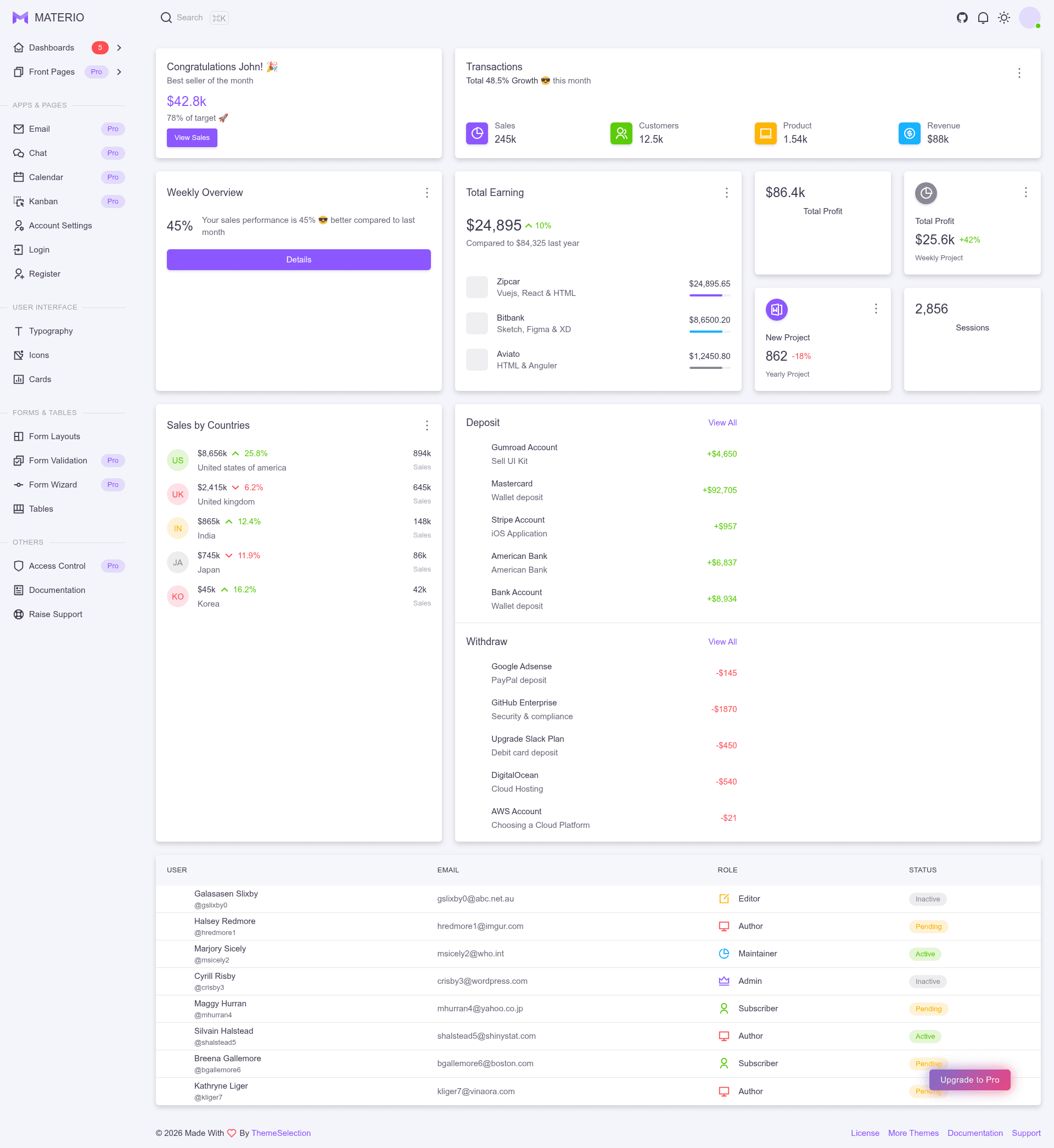
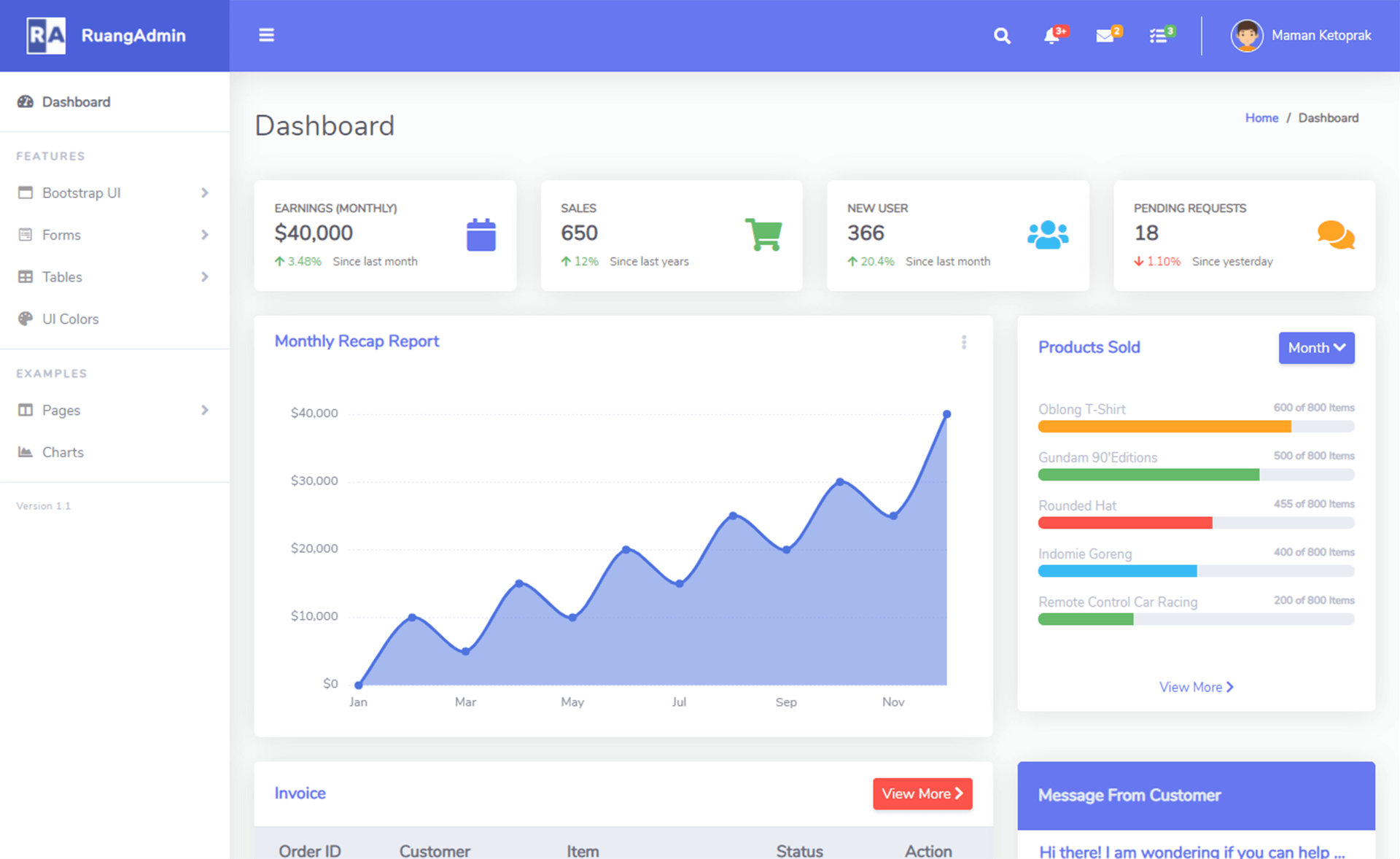
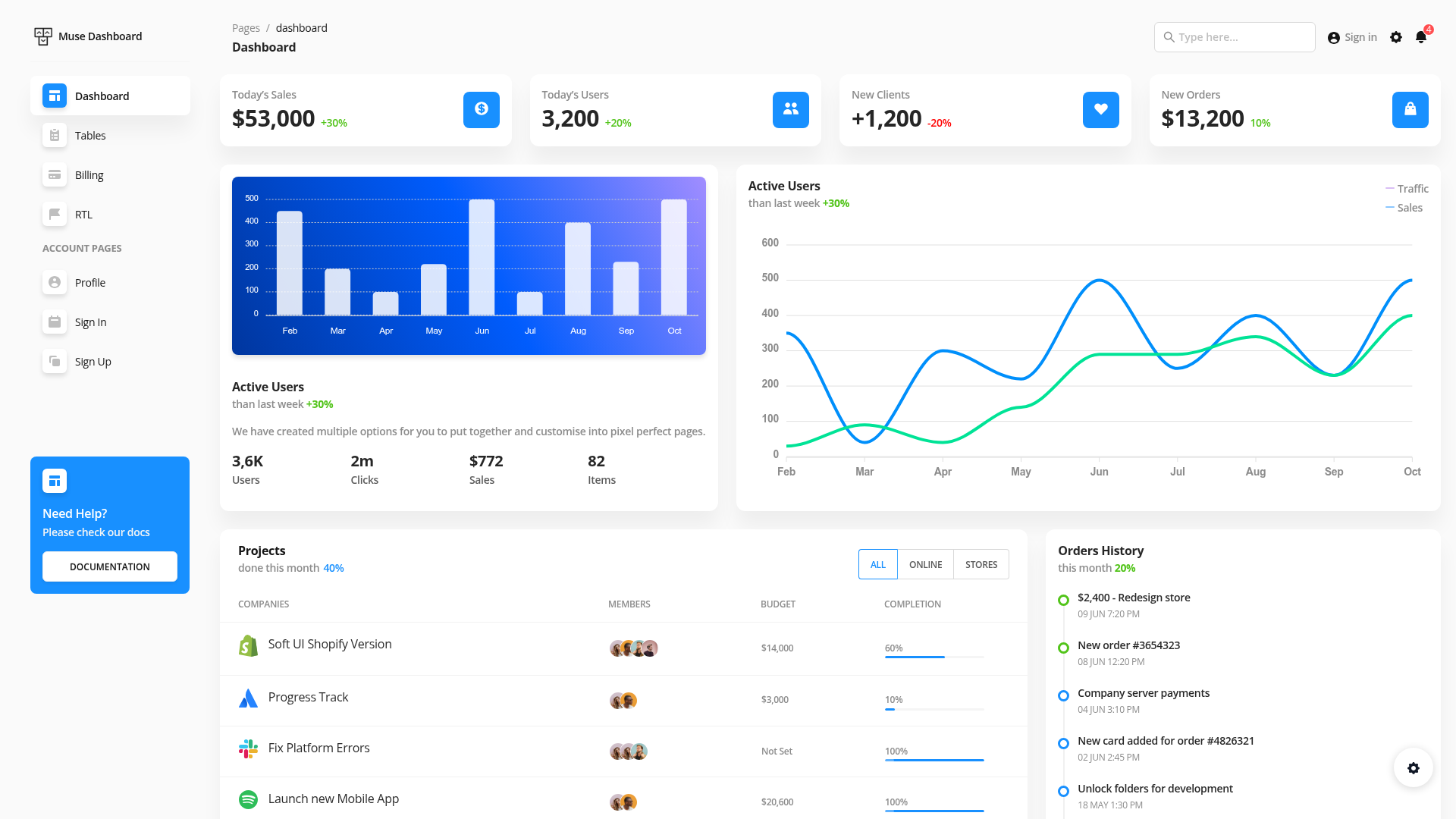
Materio Vuetify NuxtJS Admin Template is a free admin dashboard built on Nuxt 3, Vue 3, and Vuetify 3. It takes a standard Nuxt project structure and outputs a fully styled admin interface with a dashboard, authentication pages, form layouts, tables, cards, and typography. The template is available in both TypeScript and JavaScript versions and is licensed under MIT, with an attribution link required at the footer of your application. ThemeSelection also sells a premium version with additional dashboards, advanced components, and priority support.
Key Features
- Nuxt 3 + Vue 3 + Vuetify 3 — Built on the latest versions of Nuxt, Vue, and Vuetify, using the Composition API and the
<script setup>syntax. - File-based routing — Pages are defined using Nuxt's file-based routing, making it easy to add or reorganize routes.
- Auto-importing — Components and APIs auto-import, so you can use Vue Composition API and other functions directly without manual imports.
- Iconify integration — Use icons from any icon set by applying classes.
- i18n ready — Internationalization support is included, so you can localize the interface.
- Layout system — Nuxt's layout system lets you define reusable page shells.
- Included pages — The free version ships with a dashboard, account settings, login, register, error, typography, cards, form layouts (horizontal, vertical, with icons, multiple column), and tables.
Who should use Materio?
- Frontend developers who want a pre-built Nuxt 3 and Vuetify 3 admin codebase to customize for client projects.
- Startups and product teams that need a fast, open-source foundation for an internal dashboard or admin panel.
- Nuxt developers looking to study or extend a modern Nuxt 3 project with file-based routing, auto-imports, and a component library.
What can you do with it?
- Build a dashboard — The included dashboard and cards give you a starting point for displaying metrics and content.
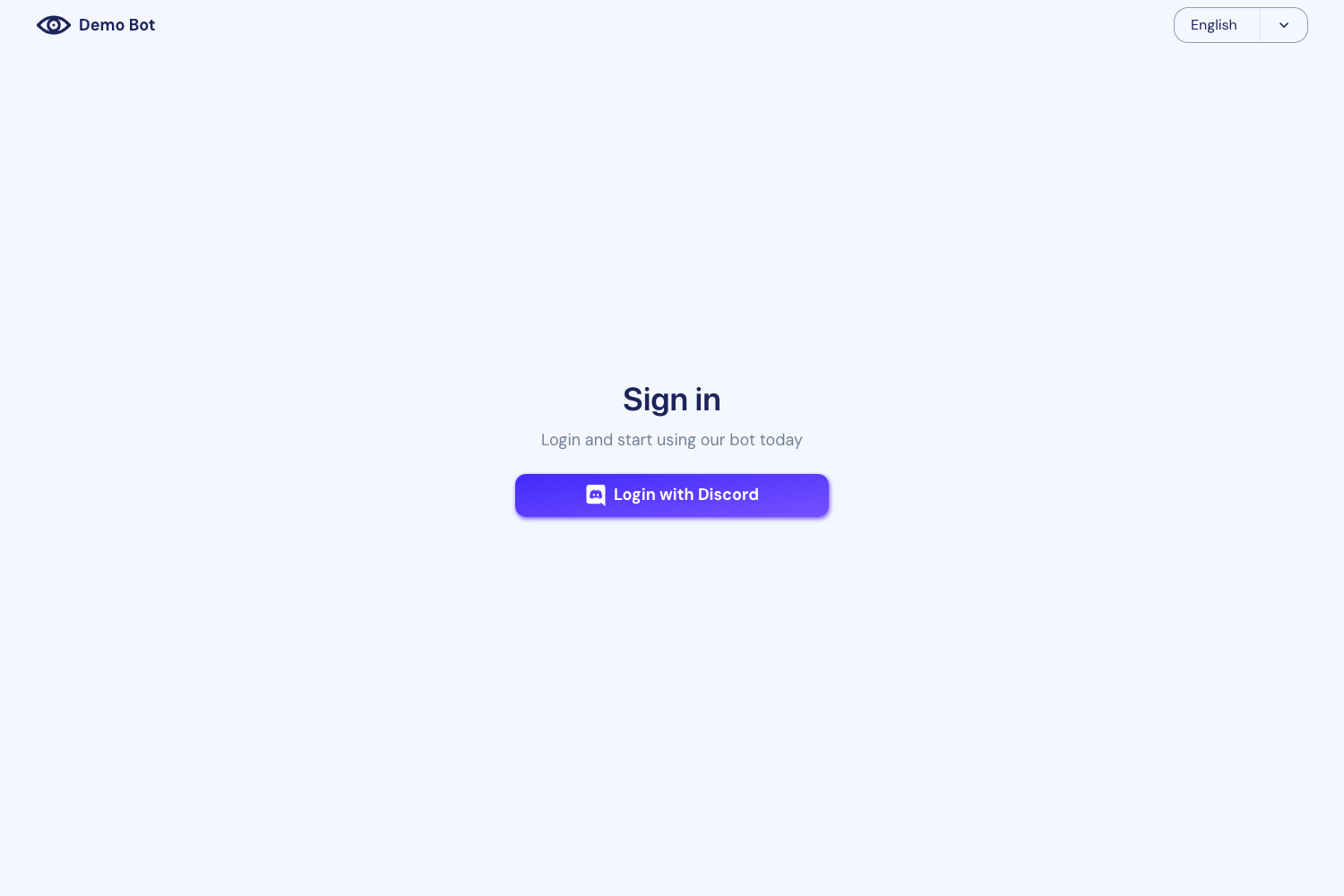
- Create authentication flows — Login and register pages are ready to wire into your own backend.
- Structure forms and tables — Use the provided layouts to collect data and display it in tables.
Pros and cons
- MIT licensed — Free to use for personal and commercial projects, with a simple attribution link.
- Modern stack — Uses Nuxt 3, Vue 3, and Vuetify 3.
- Open source — Community support via GitHub issues, and contributions are welcome.
- Limited compared to premium — The free version has one dashboard, basic tables and forms, a single vertical menu, and no API-ready applications or advanced charts.
Pricing
Materio Free is open-source and MIT-licensed; you can download it for free. ThemeSelection sells a premium version with extra features like three niche dashboards, API-ready applications, advanced tables and forms, quick search, and priority support.
FAQ
Is Materio free?
Yes, the free version is MIT-licensed and available for download. The premium version is a paid upgrade with more features and dedicated support.
What tech stack does Materio use?
Materio uses Nuxt 3, Vue 3, and Vuetify 3. It supports file-based routing, auto-importing of components and APIs, and comes in TypeScript and JavaScript versions.
Does Materio support dark mode?
The free version includes a simple light/dark theme. The premium version adds three skin variants: default, bordered, and semi-dark.
What browsers are supported?
Chrome, Firefox, Safari, and Microsoft Edge are officially supported, as well as other browsers that implement the latest CSS standards.