Template details
Materio - Free Bootstrap 5 .Net Core MVC Admin Template
Free Bootstrap 5 ASP.NET Core MVC admin dashboard template with analytics, layouts, pages, and UI components.
About this template
Materio is a free, open-source Bootstrap 5 admin dashboard template built specifically for ASP.NET Core MVC, providing developers with a responsive starter kit for building web applications.
What is Materio?
Materio is a free and open-source admin dashboard template developed by ThemeSelection for ASP.NET Core MVC applications. It bundles a Bootstrap 5-based UI with pre-built pages, components, and layouts, and outputs a ready-to-use MVC project you can extend with your own controllers and views. The template runs on the .NET platform (repo topics list dotnet-8) and is distributed under the MIT license, meaning you can use it in personal and commercial projects as long as you keep an attribution link.
Key Features
- Bootstrap 5 framework — Built on Bootstrap 5 with SCSS support for custom styling, ensuring responsive layouts across desktop, tablet, and mobile.
- ASP.NET Core MVC project structure — Includes controllers, views, and a project layout ready for .NET Core MVC; the GitHub topic list confirms dotnet-8 compatibility.
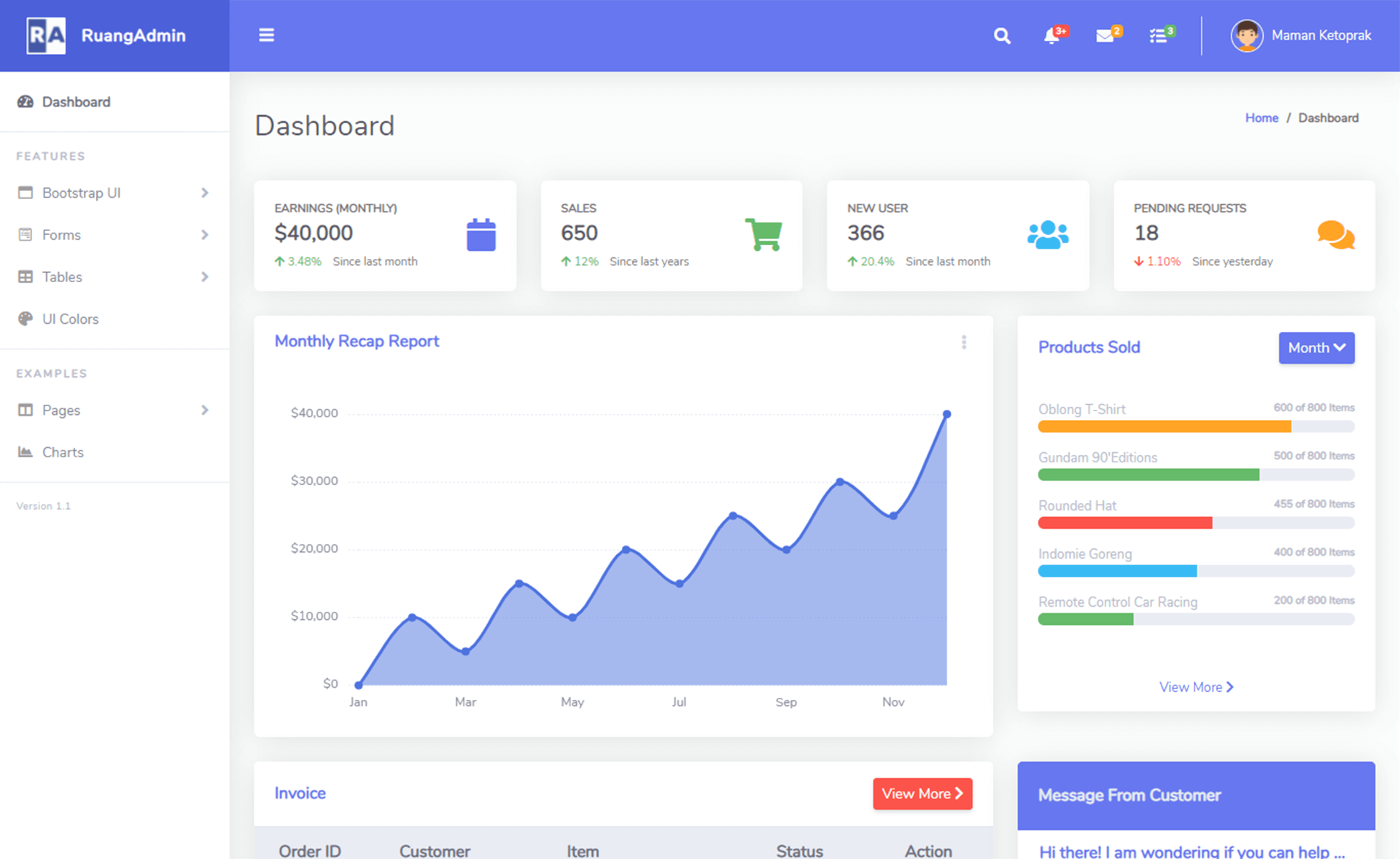
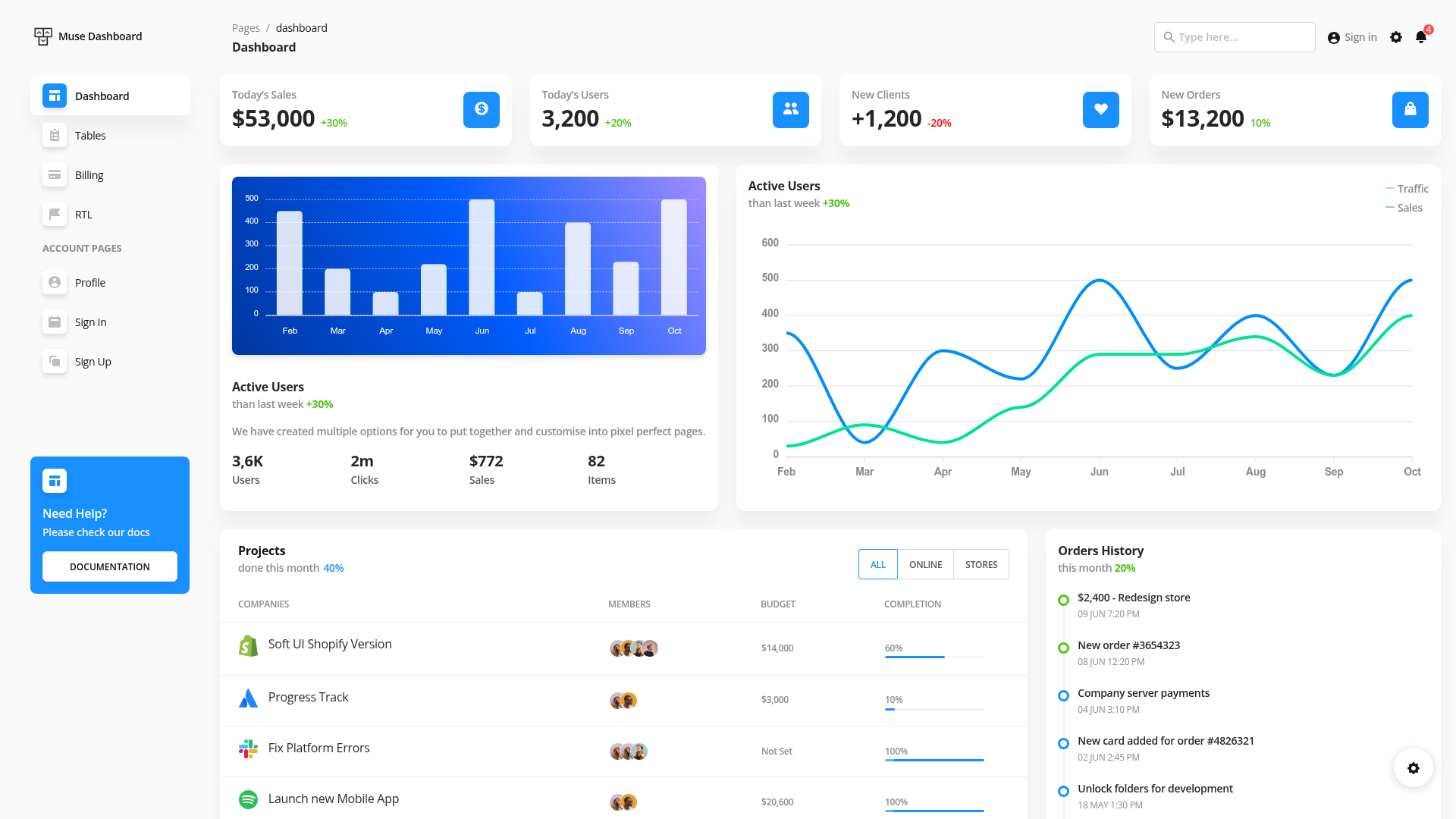
- Dashboard with Analytics — A starter dashboard page with analytics widgets so you can track key metrics immediately.
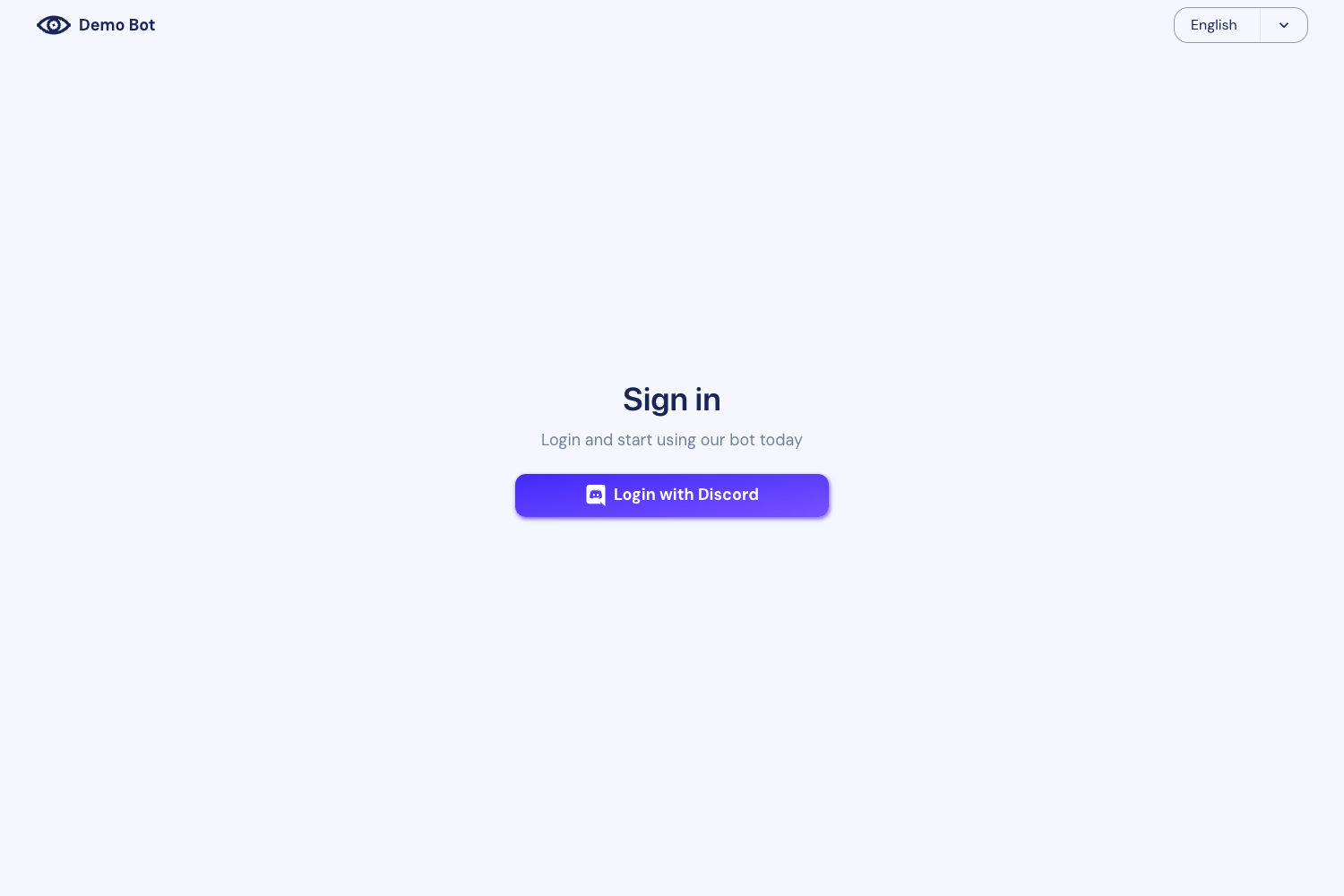
- Pre-built pages — Account settings, login, register, forgot password, error, and under-maintenance pages cover common authentication and status scenarios.
- Layout variants — Choose from without-menu, without-navbar, container, fluid, and blank layouts, plus a single vertical menu style in the free version.
- UI and form components — Includes all Bootstrap components, Remix Icons, perfect scrollbar, text divider, basic and extended form elements, vertical/horizontal form layouts, and tables.
- MIT licensed — Free for personal and commercial use; requires an attribution link in your application footer.
Who is it for?
- ASP.NET Core MVC developers — Get a pre-styled admin shell with authentication pages and layout options so you can focus on business logic instead of front-end setup.
- Startups and small teams — Ship a professional-looking admin panel or internal dashboard quickly without paying for a commercial template.
- Full-stack developers — Use the built-in Bootstrap components and forms to build CRUD screens, user management, and analytics views in a .NET environment.
What can you do with Materio?
- Build internal dashboards — Replace the analytics placeholder with your own charts and data tables to monitor business metrics.
- Create authentication screens — Use the included login, register, and forgot-password pages as the foundation of your app's user access.
- Prototype admin panels — Assemble a clickable admin UI from the included cards, forms, and table components to validate ideas with stakeholders.
Pricing
The template is free. It's open source and MIT licensed, so you can download it from GitHub and use it in personal and commercial projects. ThemeSelection also sells a premium version with additional dashboards, dark mode, RTL support, and advanced components.
FAQ
Is Materio truly free?
Yes. The Materio free version is released under the MIT license, so you can use it in both personal and commercial projects. You only need to include an attribution link back to ThemeSelection in your application footer.
What is the difference between the free and premium versions?
The free version includes one vertical menu, a simple light style, one dashboard, basic pages, and limited components. The premium version adds horizontal menus, dark and semi-dark themes, five niche dashboards, advanced tables, two chart libraries, RTL support, and priority support.
Which .NET version does Materio support?
The repository's GitHub topics list dotnet-8, indicating compatibility with .NET 8. It is built as an ASP.NET Core MVC application using Bootstrap 5 for the front end.
Does Materio include authentication pages?
Yes. The free template ships with login, register, and forgot-password pages, along with account settings, error, and under-maintenance pages. These are standard MVC views you can integrate with your own authentication logic.