Template details
Startmin
An admin dashboard template for Bootstrap 3
About this template
Startmin is an open-source admin dashboard template for Bootstrap 3, originally created by Start Bootstrap, that provides a complete set of HTML pages, widgets, and UI components for building backend interfaces.
What is Startmin?
Startmin is a free, open-source admin dashboard template built on Bootstrap 3 (specifically the legacy SB Admin 2 theme). It takes a plain HTML/CSS/JavaScript file set and gives you a ready-to-use dashboard interface with navigation, charts, tables, and widgets. The template runs entirely in the browser as static pages, requires no build step, and is maintained by Christian Neff and Start Bootstrap LLC under the MIT license.
Key Features
Startmin ships with a ready-made set of dashboard components.
- Bootstrap 3 foundation — Built on Bootstrap 3 (specifically the legacy SB Admin 2 theme), providing a responsive navbar, sidebar, and grid system.
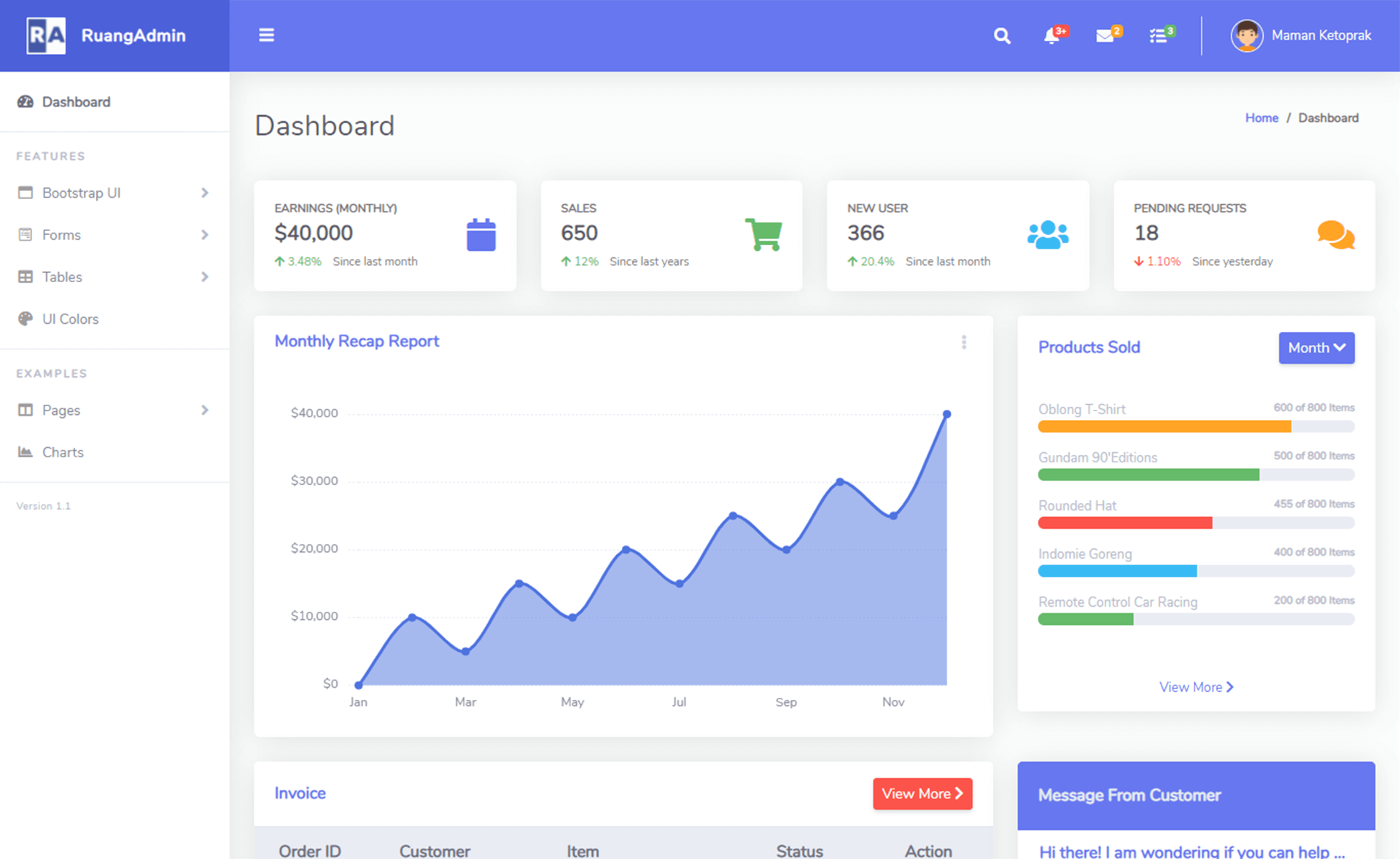
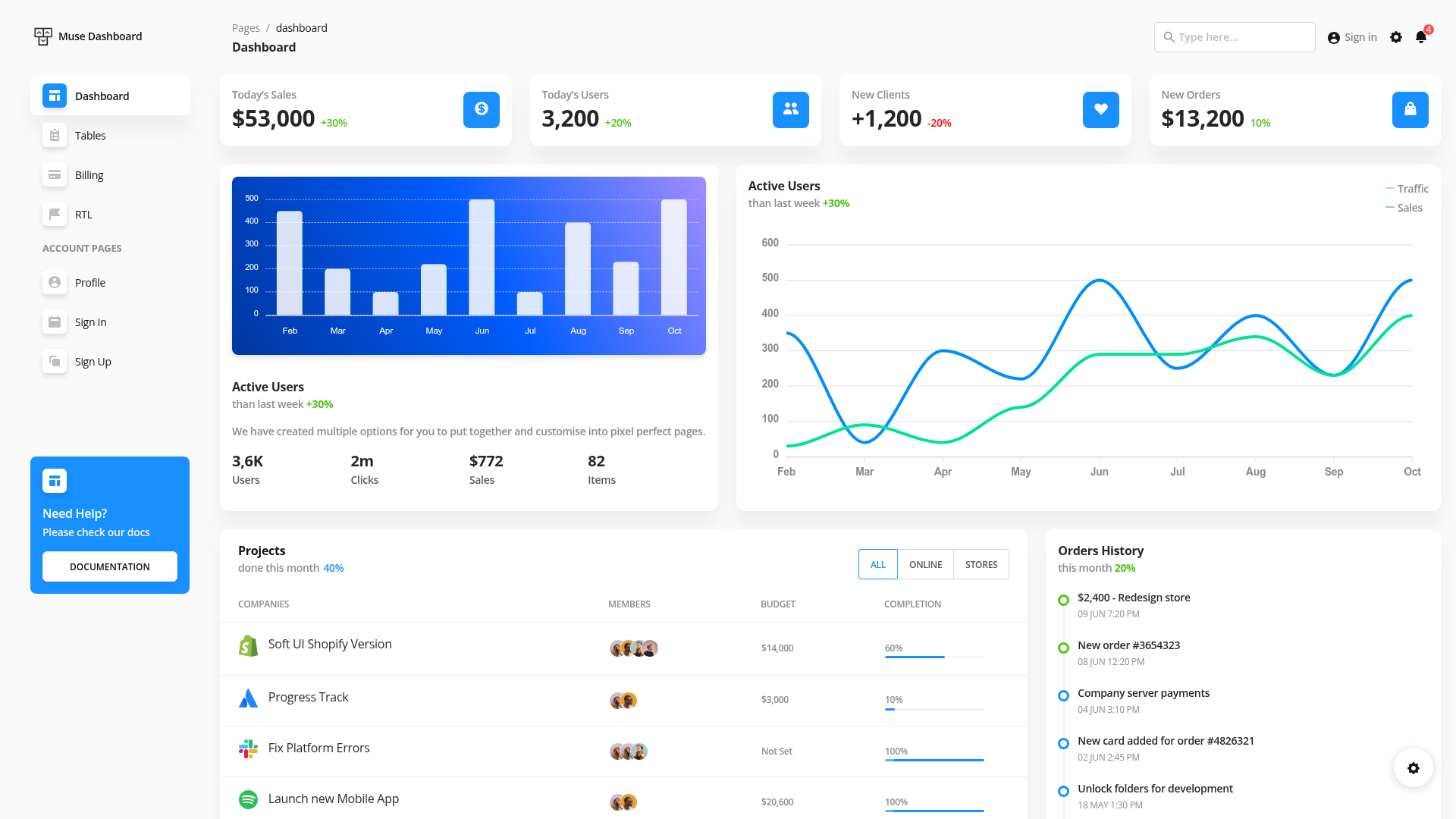
- Dashboard widgets — Hero-sized info widgets on the dashboard display key metrics prominently.
- Charts and data tables — Includes sortable data tables and chart components for presenting analytics.
- Tabbed panels with dropdowns — Tabbed panels that optionally include dropdown menus, useful for organizing content in admin views.
- FontAwesome 4.7 icons — Ships with FontAwesome 4.7, including social login buttons built from these icons.
- Dual navbar menus — Top navbar includes an optional left menu and a right menu, plus a separate sidebar for navigation.
- Installation via NPM/Composer — Can be installed as
startminvianpm i startminorcomposer require secondtruth/startmin. - Differences from SB Admin 2 — Black top navbar, hero-sized widgets, and up-to-date dependencies compared to the original.
Who is it for?
Startmin is suited for anyone who needs a functional admin interface quickly.
- Web developers building a client dashboard can use Startmin's pre-built layout instead of designing from scratch.
- Product teams creating internal tools can drop in the dashboard widgets and tables to display metrics.
- Designers prototyping a SaaS backend can use the tabbed panels and navbar to mock up interactions.
- Startups on a budget can adopt the open-source template as the foundation of their admin UI and customize it freely.
What can you do with Startmin?
Startmin supports a range of common dashboard tasks.
- Build a SaaS dashboard: Assemble the hero widgets, charts, and data tables to display user analytics and key performance indicators.
- Create a customer management interface: Use the sidebar, tabbed panels, and social login buttons to structure a CRM-style page.
- Prototype an analytics view: Combine the sortable data tables and chart components to mock up reporting screens.
How does Startmin work?
Startmin is distributed as static HTML files that you can fetch in four ways.
Choose one of four ways to get the files: download the latest release as a ZIP from GitHub, clone the repository, or install it via NPM (npm i startmin) or Composer (composer require secondtruth/startmin). The installed package contains the static HTML templates and assets you can open directly in a browser or serve from any web server.
Pricing
Startmin is free and open source under the MIT license, so it can be used for personal or commercial projects without licensing fees.
Alternatives
Startmin has two notable alternatives in the same space.
- SB Admin 2 — the original Bootstrap 3 admin template Startmin is forked from, also by Start Bootstrap.
- Startfront — a multipurpose full-website template for Bootstrap 5 that includes 10 unique HTML pages, useful when you need a marketing site instead of an admin panel.
FAQ
Is Startmin free?
Yes, Startmin is released under the MIT license, meaning it is free to use, modify, and distribute for personal and commercial projects.
What version of Bootstrap does Startmin use?
Startmin is built on Bootstrap 3, specifically the legacy version of SB Admin 2. It uses FontAwesome 4.7 for icons.
How do I install Startmin?
You can install it via NPM with npm i startmin, via Composer with composer require secondtruth/startmin, or by downloading the ZIP from GitHub and extracting the files.
What does Startmin include?
The template includes a navbar with left and right menus, a sidebar, FontAwesome icons, charts, sortable data tables, tabbed panels with dropdowns, and social login buttons.