Template details
Wowfolio
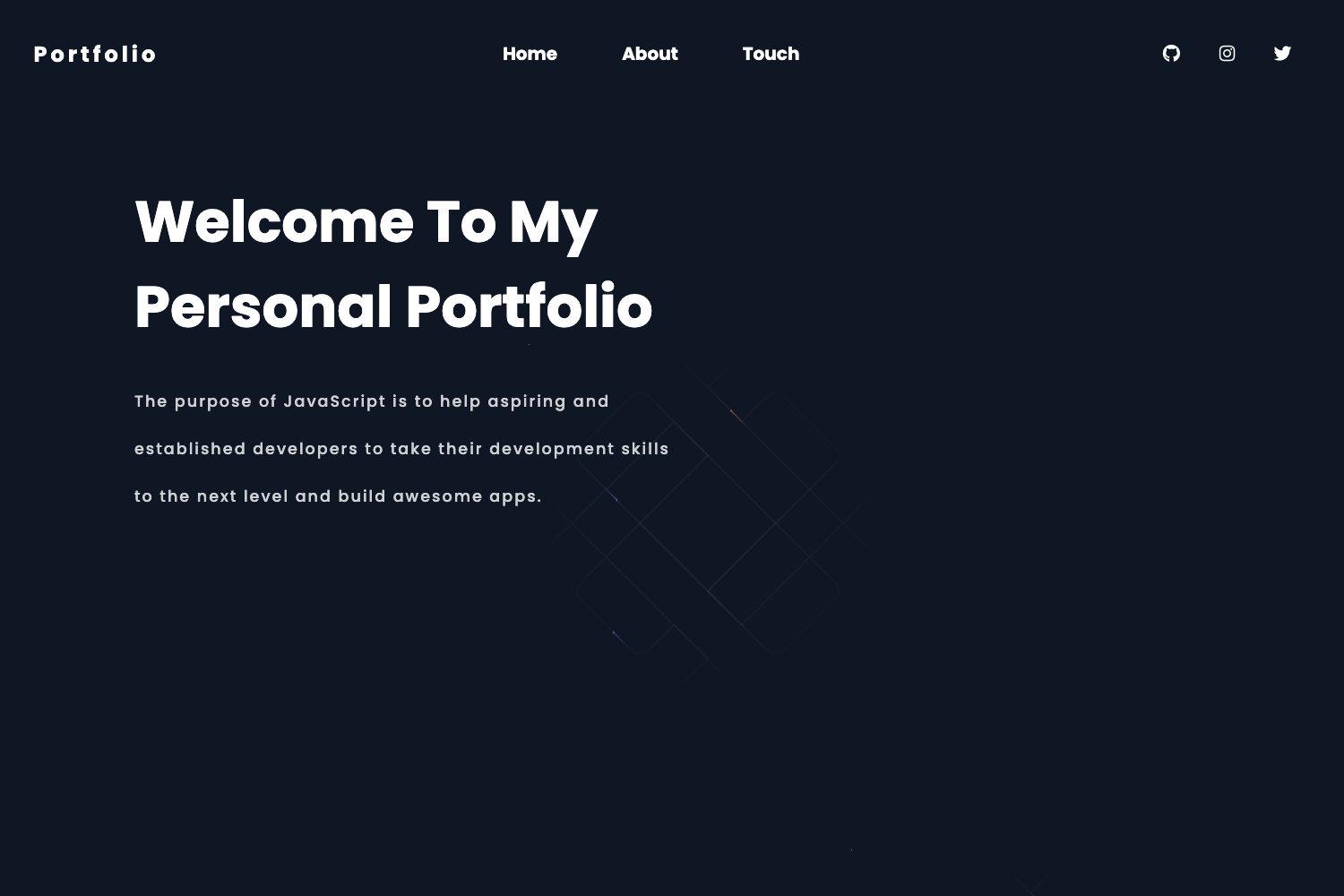
A simple and clean portfolio template for developers, built with plain HTML, CSS, and JavaScript.
About this template
Wowfolio is a simple and clean portfolio template built with plain HTML, CSS, and JavaScript, created by developer Ram Maheshwari for developers who want a lightweight, customizable personal website.
What is Wowfolio?
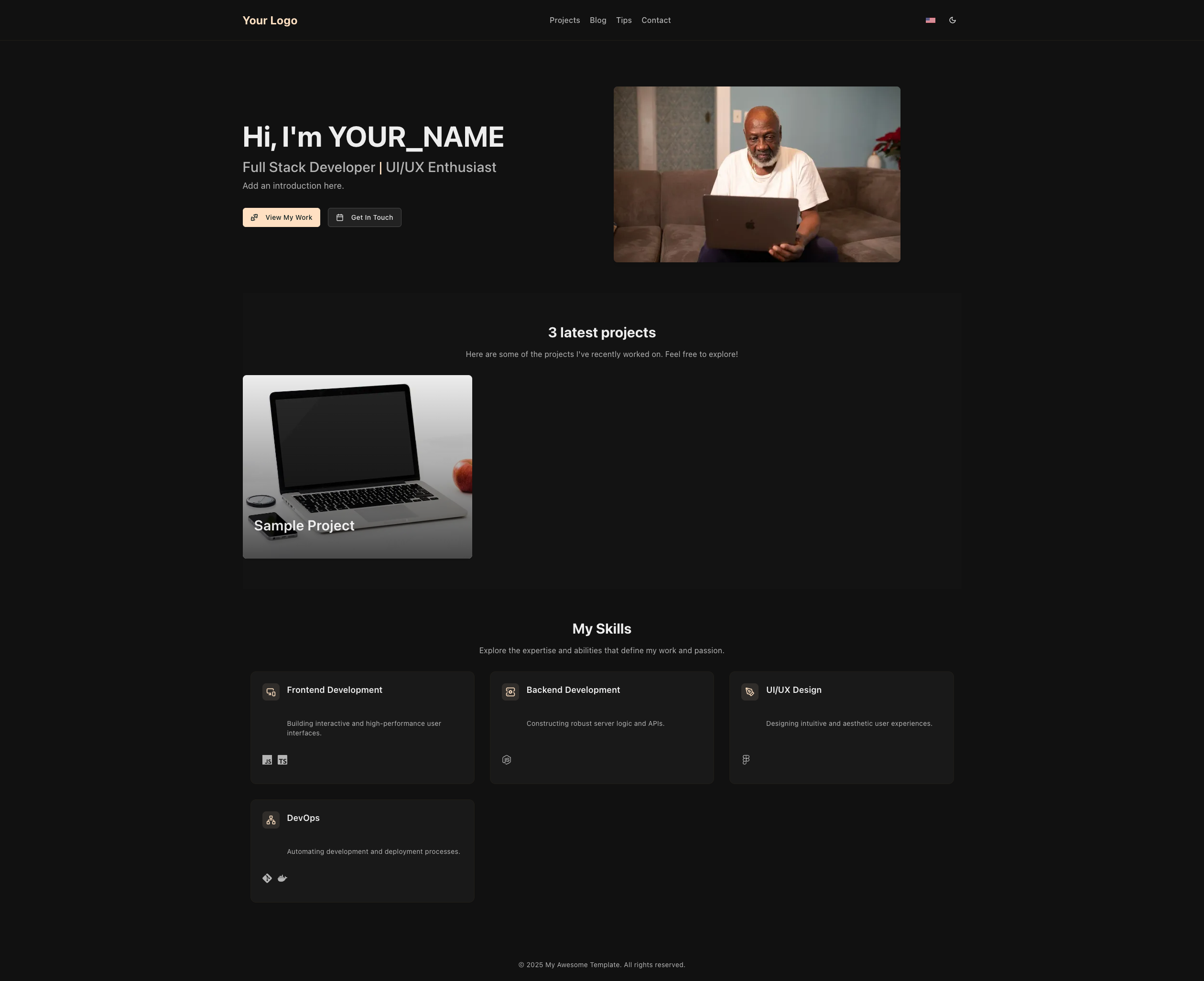
Wowfolio is a developer portfolio template that runs entirely in the browser with no frameworks, build steps, or server-side dependencies. You take the source files — an HTML page, a CSS stylesheet, and JavaScript for the interactive color tester — and replace the sample content with your own projects and bio. The template’s visual identity is controlled by a single theme-color variable, allowing you to restyle the whole site by editing one line of CSS. It is distributed as a public GitHub repository that has accumulated 574 stars, and it includes a demo GIF showing the final look.
Key Features
- Theme color variable —
style.cssline 9 defines--themeColoras an RGB triplet (default 29, 161, 242), and every accent color on the page derives from this one variable. - Built-in color picker — The demo includes an interactive color picker that lets you preview different accent colors live, so you can pick a palette before editing the CSS.
- Vanilla tech stack — Uses only HTML, CSS, and JavaScript; no Node modules, no package.json, no build step, making it easy to deploy anywhere static files are served.
- Developer-oriented layout — The structure is designed for a professional developer profile, with placeholders for typical portfolio content.
- Easy local testing — You can load the HTML file directly in a browser to see changes immediately, since there are no dependencies to install.
Who is it for?
- Professional developers who need a clean portfolio site but want to avoid the overhead of a static-site generator or CMS.
- CS students and bootcamp graduates who want to create a first personal website to accompany job applications.
- Freelance programmers looking for a minimal, fast-loading page to show clients and link from their GitHub profile.
What can you do with Wowfolio?
- Set up a portfolio in minutes — Replace the sample project titles and descriptions in the HTML with your own work, then edit the
--themeColorvariable to match your personal brand. - Preview design changes instantly — Use the included color-picker utility to try out different accent colors and note the RGB value of your favorite before applying it to the stylesheet.
- Deploy to any static host — Because the template is plain HTML/CSS/JS, you can drop the folder onto GitHub Pages, Netlify, or any web server and go live without configuration.
FAQ
Does Wowfolio require a framework or build tool?
No. The template uses plain HTML, CSS, and JavaScript. You can open the HTML file directly in a browser and edit it with any text editor.
How do I change the theme color?
Use the interactive color picker shown in the demo to find your desired RGB value, then open style.css, navigate to line 9, and replace the numbers in the --themeColor variable with your chosen RGB triplet.
Who made Wowfolio?
Wowfolio was created by Ram Maheshwari, who also maintains social accounts on LinkedIn, Twitter, Instagram, and YouTube.