Template details
Millennial
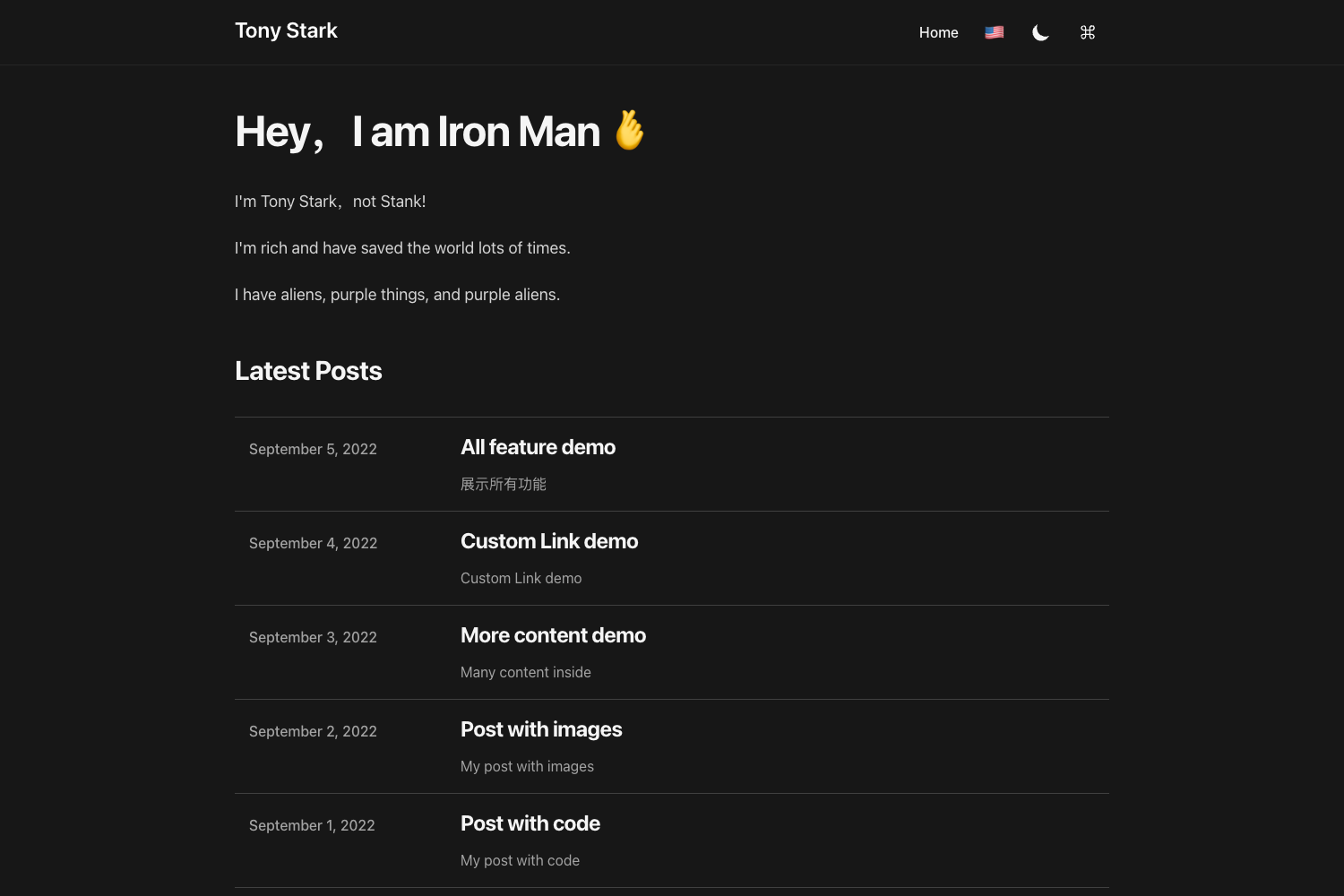
A minimalist Jekyll theme for blogs and publications, fully compatible with GitHub Pages.
About this template
Millennial is a minimalist Jekyll theme for publishing a clean, content-focused blog or publication site, designed to run 100% on GitHub Pages with no local Jekyll installation required.
What is Millennial?
Millennial is an open-source Jekyll theme created by Paul Le that turns Markdown posts and YAML configuration into a static website. It takes content added to the _posts directory plus settings in _config.yml and _data/settings.yml and generates a complete blog or publication site. The theme is built to be fully compatible with GitHub Pages and is distributed under the MIT License with 483 stars on GitHub.
Key Features
- GitHub Pages compatibility — The theme is designed to work directly on GitHub Pages; users can fork the repository and publish by renaming it to
USERNAME.github.io. - Sass/SCSS support — Uses Jekyll's built-in Sass preprocessor (assets/css/main.scss) for easy styling customization.
- Google Analytics integration — Add your Google Analytics ID in
_data/settings.ymlundergoogle-IDto track site statistics. - Disqus commenting — Enable comments on posts by setting
disqus.commentsto true in_data/settings.ymland adding your Disqus shortname. - MathJax/LaTeX support — Comes bundled with MathJax so you can render mathematical equations in posts using LaTeX syntax.
- RSS feeds — Supports both Atom via the jekyll-feed plugin and RSS 2.0 through the included
rss-feed.xmlfile. - Social media icons — Font Awesome icons in the footer can be customized via
_data/settings.yml. - Syntax highlighting — Uses Rouge (via fenced code blocks) to color-code source code in posts.
Who is it for?
- Bloggers who want a clean, minimalist layout without distraction — just add Markdown files to
_postsand rebuild. - Technical writers and documentation maintainers who want a simple static site hosted on GitHub Pages with version control.
- Jekyll beginners who want a pre-structured theme and prefer editing via the GitHub code editor rather than installing Jekyll locally.
- Publication editors who need a content-focused site with menu pages, categories, and social sharing.
What can you do with Millennial?
- Publish a personal blog: Write posts in Markdown with YAML front matter (layout, title, author, categories, tags, image) and publish instantly to GitHub Pages.
- Create a documentation site: Use the built-in page layout and menu folder to organize reference pages, with syntax highlighting for code snippets.
- Run a publication or magazine-style site: Use categories and tags to organize articles, plus related posts generation.
- Show a portfolio or project site: Customize the home page (index.html) with Liquid template code to feature selected content.
How does Millennial work?
Installation follows the standard Jekyll workflow: fork the repository (or download and unzip), run bundle install then jekyll serve locally, or push to a gh-pages branch to publish via GitHub Pages. Content is added as posts in _posts with the naming convention YYYY-MM-DD-name-of-post.md, and site-wide settings live in _config.yml and _data/settings.yml. To start from scratch, delete the sample posts in _posts, images in assets/img, and files in pages.
Pros and cons
- Pros: Free and open source (MIT license), zero config for GitHub Pages, includes Disqus, Google Analytics, MathJax, and RSS out of the box, minimalist design that keeps focus on content.
- Cons: The theme is designed as a base for customization; some advanced changes require knowledge of Liquid, SCSS, and Jekyll's directory structure.
Pricing
Millennial is completely free and open source software distributed under the MIT License. You can use it for personal or commercial projects without cost. The creator accepts optional support via Ko-fi.
FAQ
Is Millennial free?
Yes, Millennial is open source under the MIT License, so it is free to use, modify, and redistribute. The developer also accepts optional donations through Ko-fi.
Does Millennial work with GitHub Pages?
Yes, it is 100% compatible with GitHub Pages. You can fork the repository, rename it to USERNAME.github.io, and have a working site immediately. A gh-pages branch is recommended.
How do I add comments to my posts?
Comments are supported through Disqus. Set disqus.comments to true in _data/settings.yml and add your Disqus shortname. You will need to create a Disqus site profile first.
Can I use LaTeX in my posts?
Yes, MathJax is included out of the box. Write LaTeX math expressions in your posts to display equations. The theme also supports syntax highlighting for code.
What do I do if I don't use Google Analytics?
Set google-ID to an empty string in _data/settings.yml to disable tracking. This is noted in the README to avoid errors.