Template details
Next.js Tailwind Contentlayer Blog Starter
Blog starter with Next.js, Tailwind CSS, and Contentlayer for Markdown/MDX posts with localization.
About this template
Next.js Tailwind Contentlayer Blog Starter is a GitHub-hosted blog boilerplate that compiles local Markdown and MDX files into a statically generated Next.js site, styled with Tailwind CSS and localized through next-i18next.
What is the Next.js Tailwind Contentlayer Blog Starter?
This starter template builds a blog from local Markdown and MDX files, using Contentlayer to parse frontmatter and content into typed data consumed by Next.js. It outputs a static site with RSS feed, sitemap, dark mode, and a command palette, and it ships with TypeScript, ESLint, and Prettier preconfigured. The template is inspired by and modified from the tailwind-nextjs-starter-blog by timlrx, and its live demo runs on Vercel.
Key Features
- Markdown and MDX writing — Author posts as local .md or .mdx files; Contentlayer processes them, with frontmatter read into typed fields.
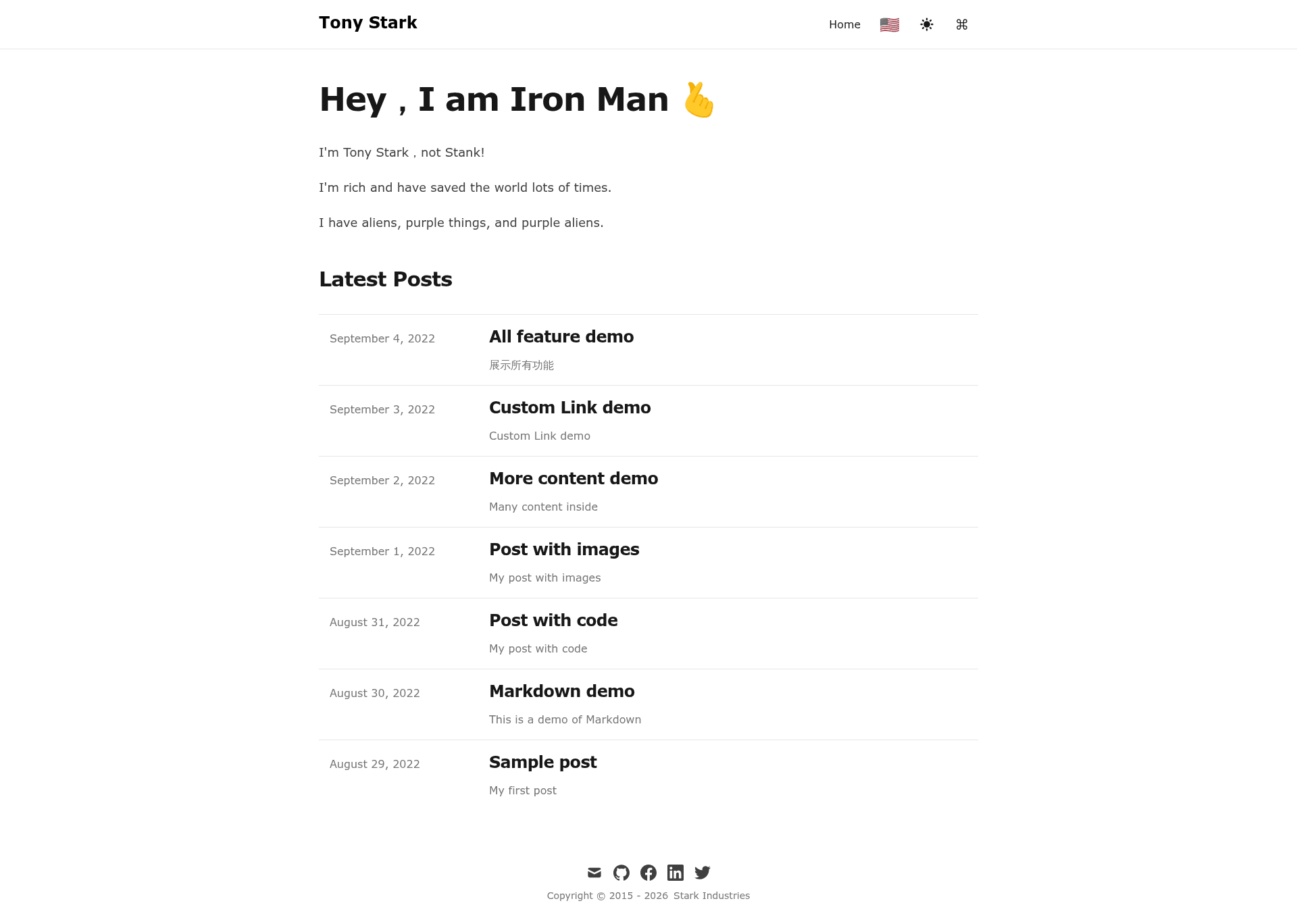
- Localization via next-i18next — Add multi-language content with translation namespaces; the README screenshots show English and Traditional Chinese (TW) interfaces in both light and dark modes.
- Tailwind CSS styling — The entire UI is built with Tailwind CSS utility classes, so theme colors and dark mode can be tuned in the Tailwind config.
- SEO meta tags through next-seo — Enables per-post SEO configuration, including Open Graph tags, without hand-writing meta markup.
- Command palette with kbar — Press a shortcut to search and navigate the blog; kbar powers the palette seen in the screenshots.
- Comment system using giscus — giscus ties comments to GitHub Discussions, with no external database required.
- Navigation extras — nprogress shows a page-transition progress bar, and an RSS feed and sitemap are generated for syndication and crawlability.
- Developer tooling — TypeScript, ESLint, and Prettier are included; the project uses pnpm as the package manager, and
pnpm devstarts the local development server.
Who is it for?
- Independent bloggers — Publish a clean, fast blog without building a CMS; write posts in Markdown/MDX and deploy the static export to any host.
- Frontend developers — Use the starter as a reference for combining Next.js, Contentlayer, Tailwind, and next-i18next, or extend it with custom components in React and TypeScript.
- Multilingual content teams — Maintain a blog in multiple languages using next-i18next's translation system and per-language content files.
- Technical writers — Write documentation or release notes as Markdown files and get a git-based workflow with syntax highlighting, comments via giscus, and an RSS feed.
What can you do with the template?
- Launch a personal blog — Add a home page listing posts, individual post pages with code syntax highlighting, and a dark mode toggle by default.
- Create a localized company blog — Set up English and Traditional Chinese locales from the included examples, then extend to other languages through i18next resources.
- Prototype a static content site — Use the Contentlayer integration to model custom content types beyond posts, such as docs or projects, and generate static pages.
FAQ
How do I run the template locally?
Clone the repository, install dependencies with pnpm, and run pnpm dev in the project root. This starts the Next.js development server locally, with hot reload for content edits.
What content formats does it support?
The starter supports both Markdown (.md) and MDX (.mdx) files stored locally in the project. Contentlayer parses the files into typed data that Next.js uses to render posts.
Does it support multiple languages?
Yes, it includes next-i18next and screenshots show English and Chinese (Traditional) versions of the home and post pages in light and dark modes. You add translations via i18next resource files.
What comment system is integrated?
The template uses giscus, which loads comments from GitHub Discussions. Visitors comment through their GitHub accounts, so there is no separate comment database to manage.
Can I deploy this to Vercel?
The live demo is hosted on Vercel, and the repository topics include Vercel, so the static output of Next.js can be deployed there or to any static/Node host that supports Next.js.