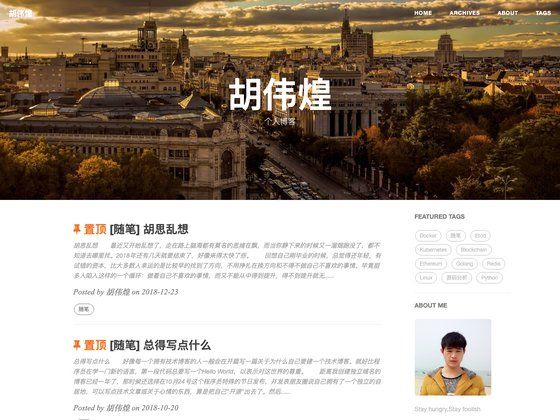
Template details
ulBo Astro Theme
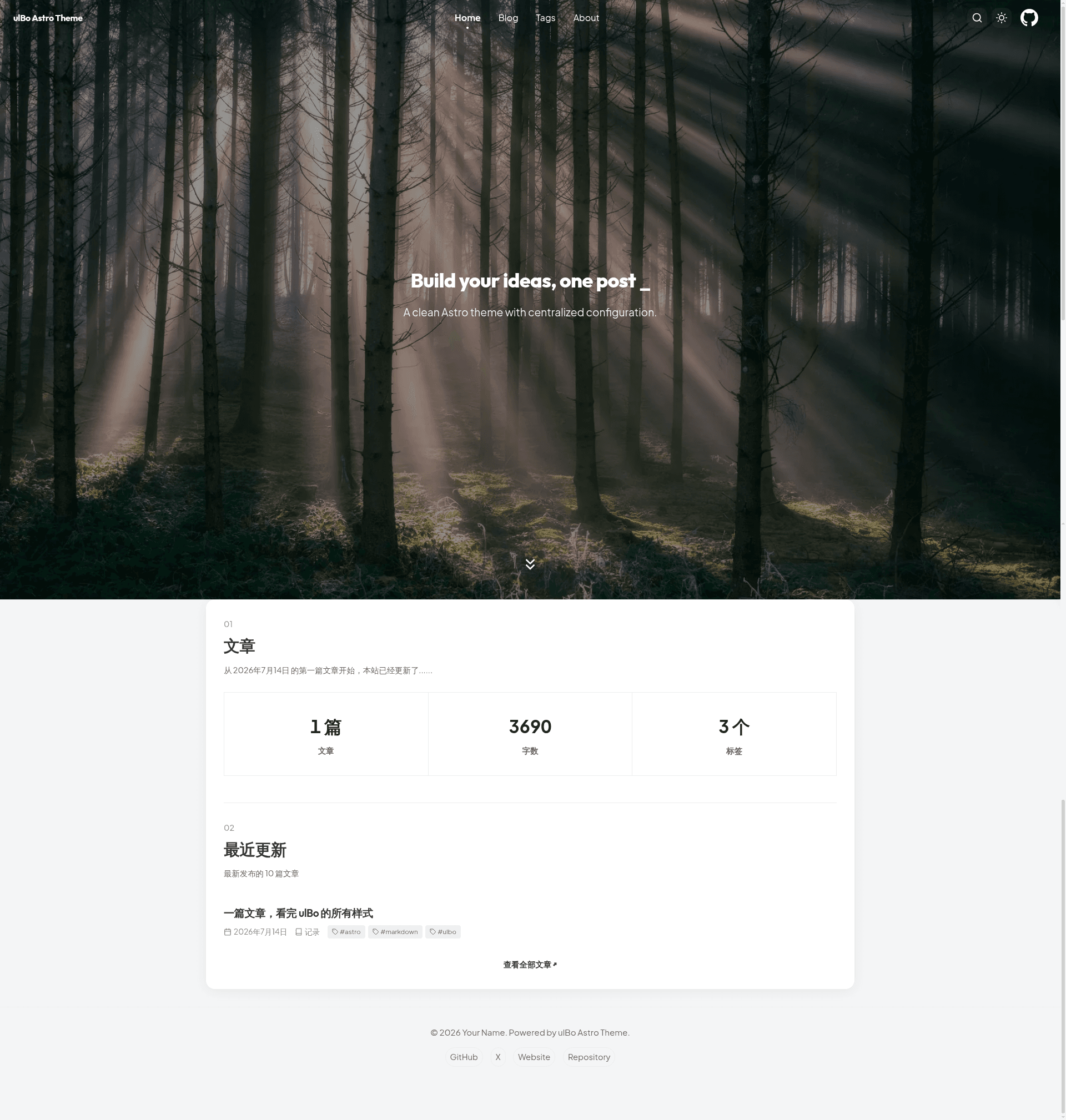
ulBo is an Astro 6 personal blog theme with full-text search, RSS, SEO tags, Markdown/MDX support, and a VS Code plugin.
About this template
ulBo Astro Theme is a personal blog template built on Astro 6 that turns Markdown and MDX posts into a static site with built-in search, RSS, and SEO metadata.
What is ulBo Astro Theme?
ulBo Astro Theme is a personal blog template for Astro 6, distributed under the MIT license. It accepts Markdown and MDX files placed in src/content/blog/ and generates a static site including a homepage, archives, tags index, About page, full-text search, RSS feed, and sitemap. The theme is authored by xxy1103 and is intended to be used through GitHub's "Use this template" feature, with a companion VS Code plugin for article management.
What makes ulBo Astro Theme stand out?
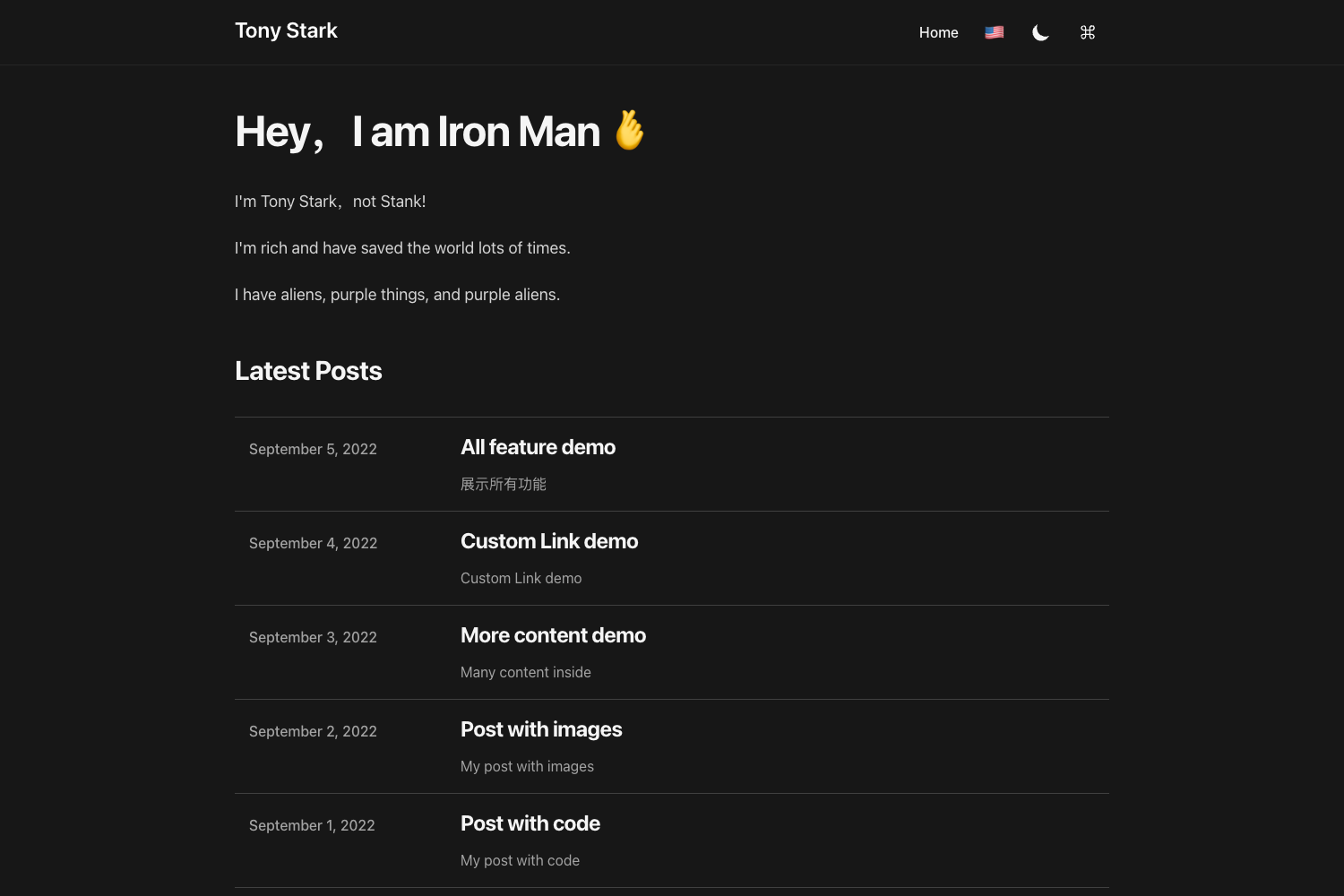
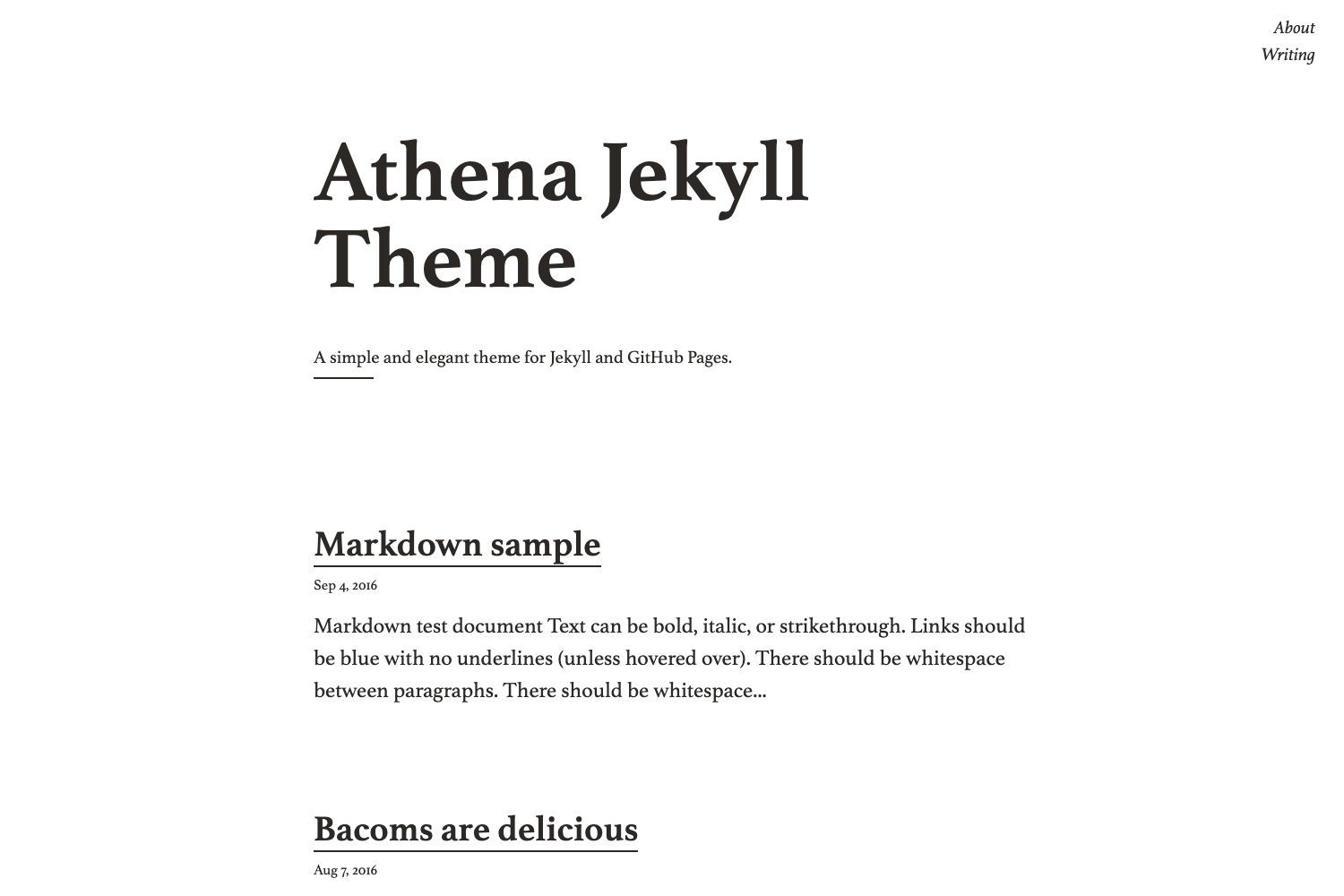
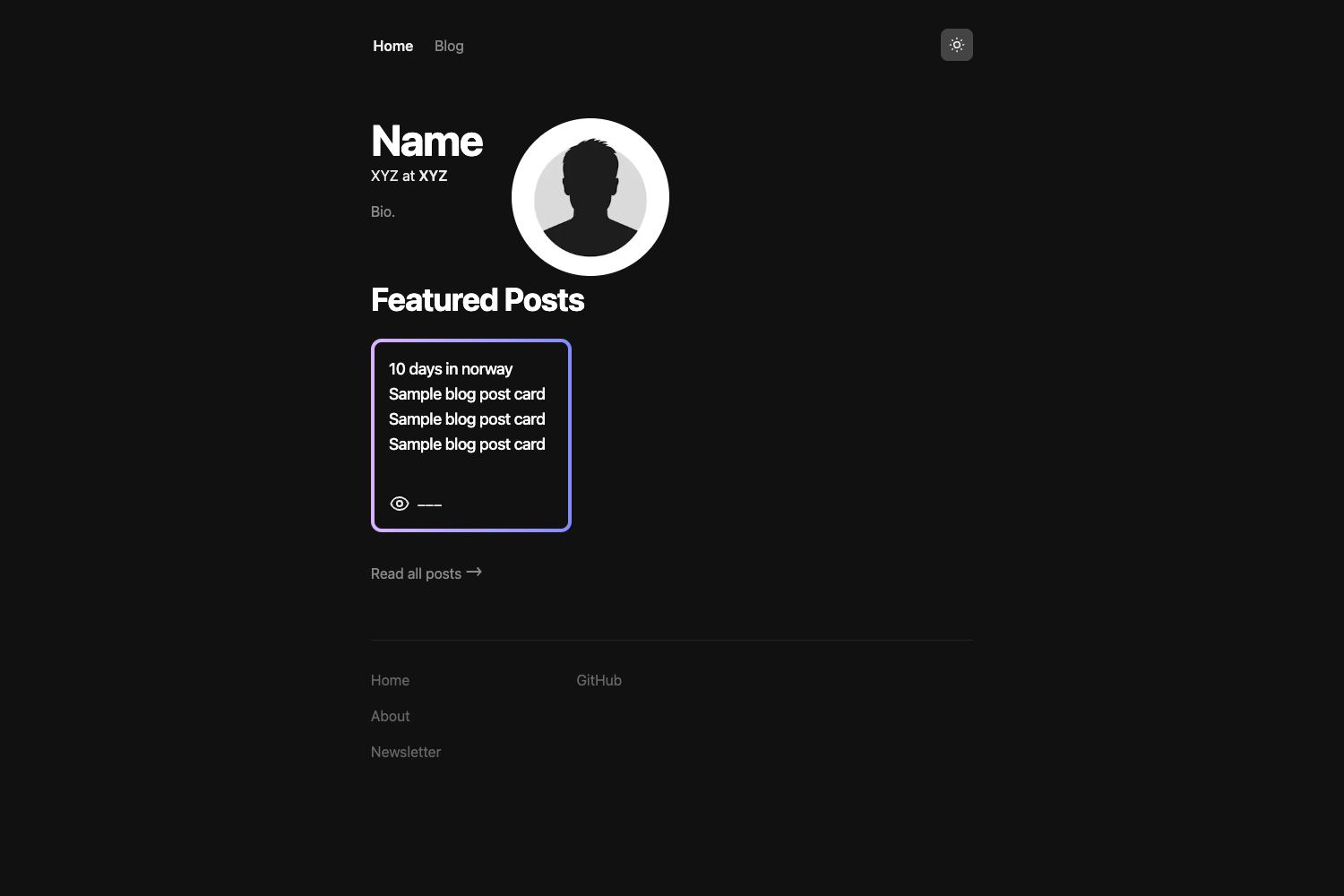
- Reading-first typography — Clean article layout with light/dark mode, responsive design, and page transitions.
- Complete content sections — Homepage, archives, tags, About, full-text search, RSS, and sitemap are included out of the box.
- Technical writing support — Markdown, MDX, code highlighting, KaTeX math formulas, and Mermaid diagrams are all supported.
- Draft isolation — Drafts are visible in development but excluded from the built site, search results, and RSS feed.
- SEO meta tags — Canonical URLs, Open Graph, Twitter Card, and JSON-LD structured data are generated.
- Image optimization workflow — Scripts let you preview and convert images to WebP, with a dry-run option that leaves original files untouched.
- Centralized configuration — Site, profile, and hero settings are TypeScript files in
src/config/, so most customization doesn't require touching templates. - VS Code companion — The ulbo Article Manager extension supports creating, filtering, and editing posts, as well as validating files before publishing.
Who is it for?
- Technical bloggers — Write posts with code blocks, formulas, and diagrams in Markdown or MDX.
- Developers seeking a quick blog — Use the GitHub template and run
npm installto start a blog with modern tooling and prebuilt pages. - Writers who need confirmation before publishing — Preview drafts locally in development mode without exposing them in production builds.
- Developers deploying to static hosts — Build output goes to
distand works on Cloudflare, Vercel, Netlify, or GitHub Pages.
What can you do with ulBo Astro Theme?
- Publish a personal blog — Write posts with YAML frontmatter (title, date, description, draft, categories, tags) and organize them into archives.
- Build a technical knowledge base — Use MDX for custom components and Mermaid for diagrams.
- Manage articles in VS Code — Install the ulbo Article Manager plugin to create and edit posts without manually editing YAML, and start a local preview or run image checks.
- Optimize images safely — Run
npm run optimize:images:dry-runto preview WebP conversion, then executenpm run optimize:imagesto convert and update references.
How does ulBo Astro Theme work?
Start by clicking "Use this template" on GitHub, then clone the repository. Run npm install and npm run dev to start the development server at http://localhost:4321. Edit the configuration files in src/config/ and add posts under src/content/blog/. When ready, run npm run build to generate a static site in dist, then deploy to any static host.
FAQ
What Node.js version is required?
Node.js 22.12.0 or higher and npm 9.6.5 or higher. The README also lists these as the environment requirements.
Does ulBo support drafts?
Yes. Set the draft field to true in frontmatter. Drafts are visible during development but are excluded from the production build, search, and RSS.
How do I deploy ulBo?
The build command is npm run build and the output directory is dist. The repository includes a Cloudflare Workers configuration; run npm run build then npm run deploy. The static output also works on Vercel, Netlify, and GitHub Pages.
Is there a VS Code integration?
Yes, the ulbo Article Manager plugin is built specifically for this theme. It lets you create, search, and filter articles, edit frontmatter, launch a local preview, validate articles and images, and prepare files for publishing.
How do I add a new post?
Create a .md or .mdx file in src/content/blog/ with frontmatter fields such as title, date, description, draft, categories, and tags. Then write the body in Markdown or MDX.