Template details
Milo
A Bootstrap-based Jekyll blog theme with Disqus, a custom 404 page, and responsive design.
About this template
Milo is a free, open-source Bootstrap-based theme for the Jekyll static site generator, built for bloggers who want a clean, responsive site without writing custom styling. The theme takes Jekyll posts and pages as input and outputs a static website with a Bootstrap-styled layout, a dedicated blog index, an about page, Disqus-powered comments, and a custom 404 error page. Milo is developed by sharadcodes and distributed on GitHub.
What is Milo?
Milo is a Jekyll theme that swaps Jekyll's default CSS for the Bootstrap framework, giving you a pre-built grid system, responsive navigation, and typography. It's designed for blogging, with a home page that lists posts, an about page, and per-post layouts that support Disqus comments. The theme requires a standard Jekyll environment with Ruby and Bundler; you install it by cloning the repository, running bundle install, and starting the development server with bundle exec jekyll serve. Configuration is done through the _config.yml file, where you can set your site title, author, and other Jekyll options.
Key Features
- Bootstrap framework — Built on Bootstrap (a specific version isn't stated in the README), so you get a responsive grid, buttons, forms, and navigation components out of the box.
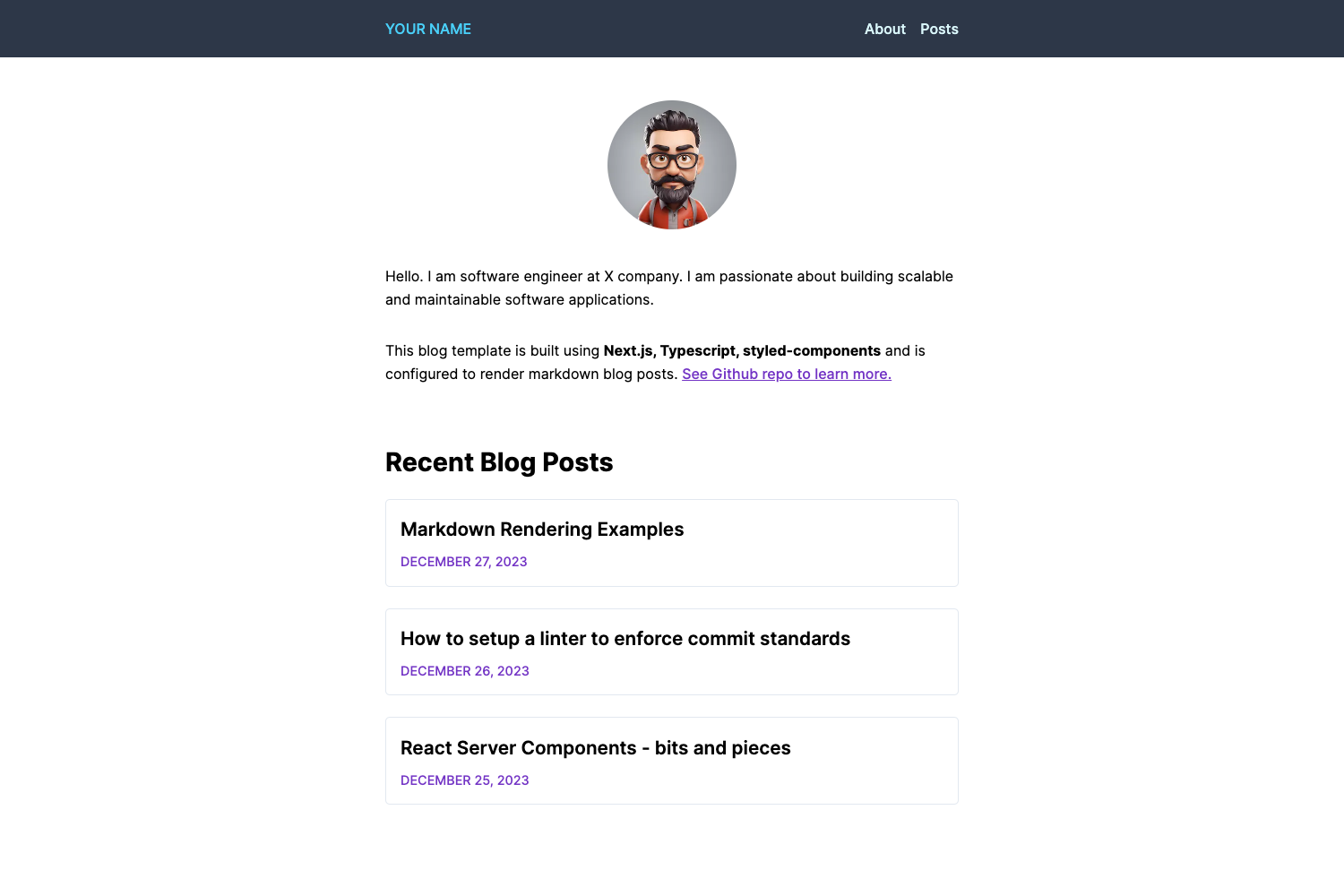
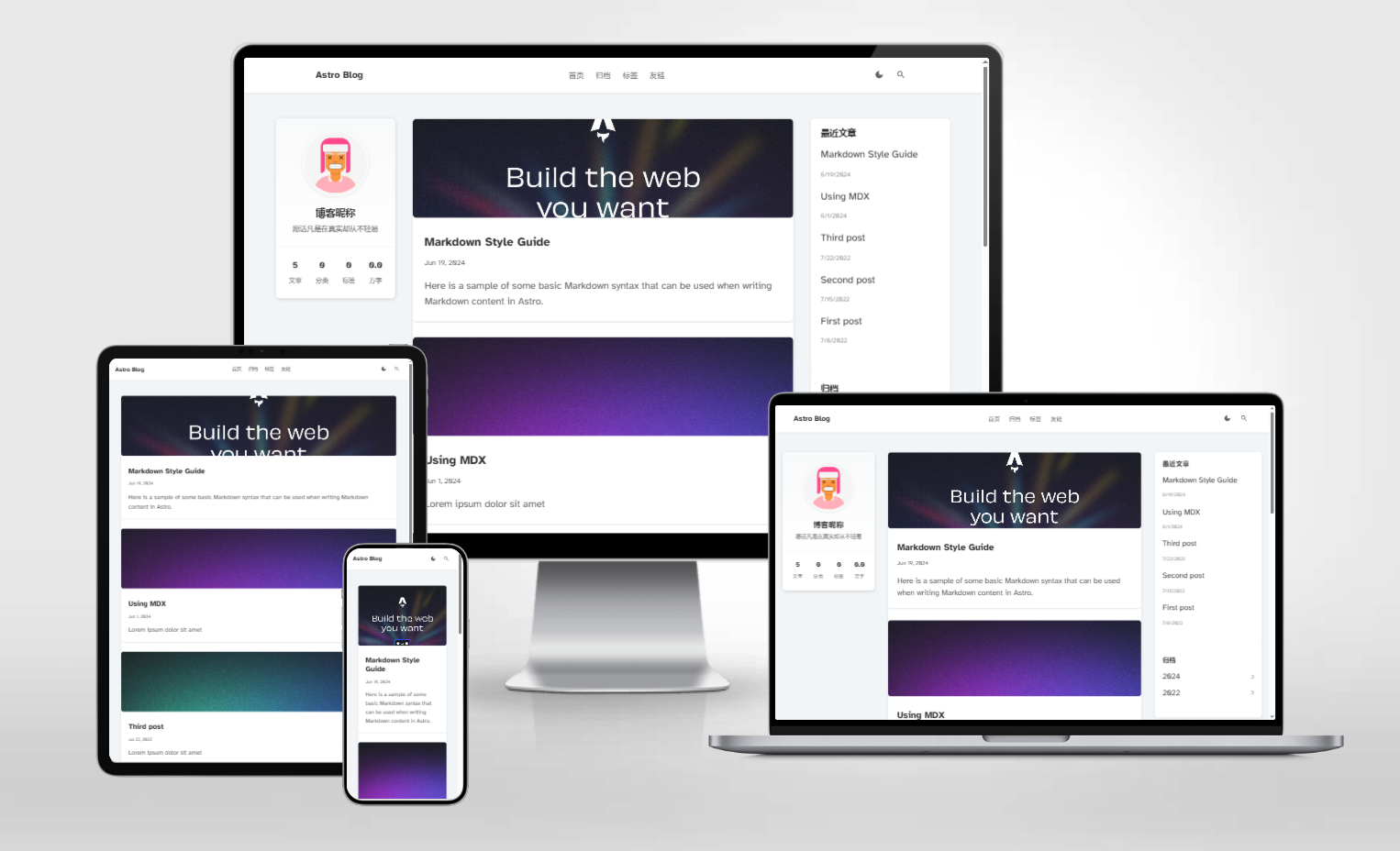
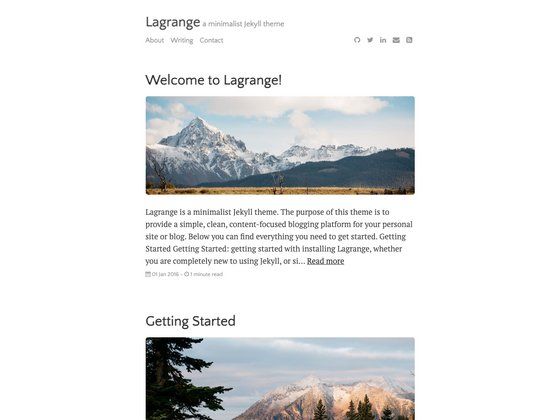
- Responsive design — The included screenshots show the blog page and post pages rendering on both desktop and mobile, confirming the theme adapts to smaller screens.
- Disqus integration — Comments on posts are powered by Disqus, a third-party commenting system that doesn't require a custom backend.
- Custom 404 page — A styled 404 error page is included, so visitors hitting broken links see a branded page rather than a default server error.
- About page — The theme ships with a ready-to-edit about page template, giving you a place to describe yourself or your blog.
- Simple installation — Installation is a three-step process: clone the repo, run
bundle install, and serve withbundle exec jekyll serve. No extra plugins are listed. - Open source — The theme is available on GitHub under the repository
sharadcodes/jekyll-theme-milo, meaning you can download, modify, and contribute to it freely.
Who should use Milo?
Jekyll bloggers — If you're already using Jekyll for a blog and want to move from the default Minima theme to a Bootstrap-styled look, Milo gives you a different visual foundation while keeping the same workflow.
Developers starting a new blog — Anyone who wants a minimal, clean blog without designing a custom layout can clone Milo, edit _config.yml, and start writing posts in Markdown.
Self-hosting enthusiasts — Because Milo is a static site generator theme, you can host the output on GitHub Pages, Netlify, or any static file server without maintaining a database or server-side code.
What can you do with Milo?
Start a personal blog — Use the built-in blog index and post layout to publish articles on a Bootstrap-based site. You just add Markdown files to the _posts directory and configure the site in _config.yml.
Add comments to your posts — Enable the included Disqus integration to let readers leave comments without building a comment system yourself. You'll need a Disqus account and to set your shortname in the configuration.
Create a custom 404 experience — The pre-built 404 page lets you show a themed error page when visitors mistype a URL. You can edit the page's text to match your site's tone.
Customize the theme — Since the theme is open source, you can fork the repository and modify the Bootstrap SCSS or HTML templates to create a unique design while retaining the underlying Jekyll structure.
How does Milo work?
The README's installation steps are: clone the repository (git clone https://github.com/sharadcodes/jekyll-theme-milo.git), navigate into the folder with cd jekyll-theme-milo, run bundle install to install the required gems, and then run bundle exec jekyll serve to start a local server at localhost:4000 (or whatever your configuration specifies). After that, you edit _config.yml to set your site's settings and upload the files to a repository to publish.
FAQ
Is Milo free to use?
Yes, the theme is open source and publicly available on GitHub under the repository sharadcodes/jekyll-theme-milo. You can download it, modify it, and use it for personal or commercial projects. There is no license file visible in the README, so check the repository for details.
What does Milo do?
Milo is a Jekyll theme that restyles your Jekyll blog using the Bootstrap CSS framework. It provides a blog index page, a post layout, an about page, Disqus comment support, and a custom 404 page. You write content in Markdown and Jekyll generates the static HTML.
Does Milo support Disqus comments?
Yes, the README shows a screenshot of the Disqus commenting section, and the theme includes Disqus integration. You'll need to configure your Disqus shortname in _config.yml to make comments work on your own site.
What is Jekyll?
Jekyll is a static site generator that turns plain text files (like Markdown) into a static website. It's the engine behind GitHub Pages and requires Ruby and the Bundler gem to run. Milo is a theme for Jekyll, so you need a Jekyll environment to use it.
How do I install Milo?
The README lists the installation steps: clone the GitHub repository, run bundle install to download dependencies, and then run bundle exec jekyll serve to launch the development server. After that, edit _config.yml and add your own posts.