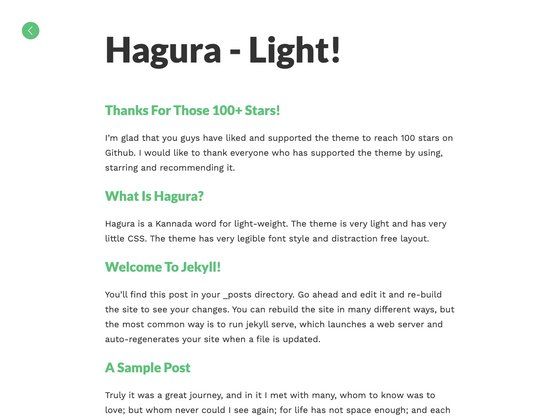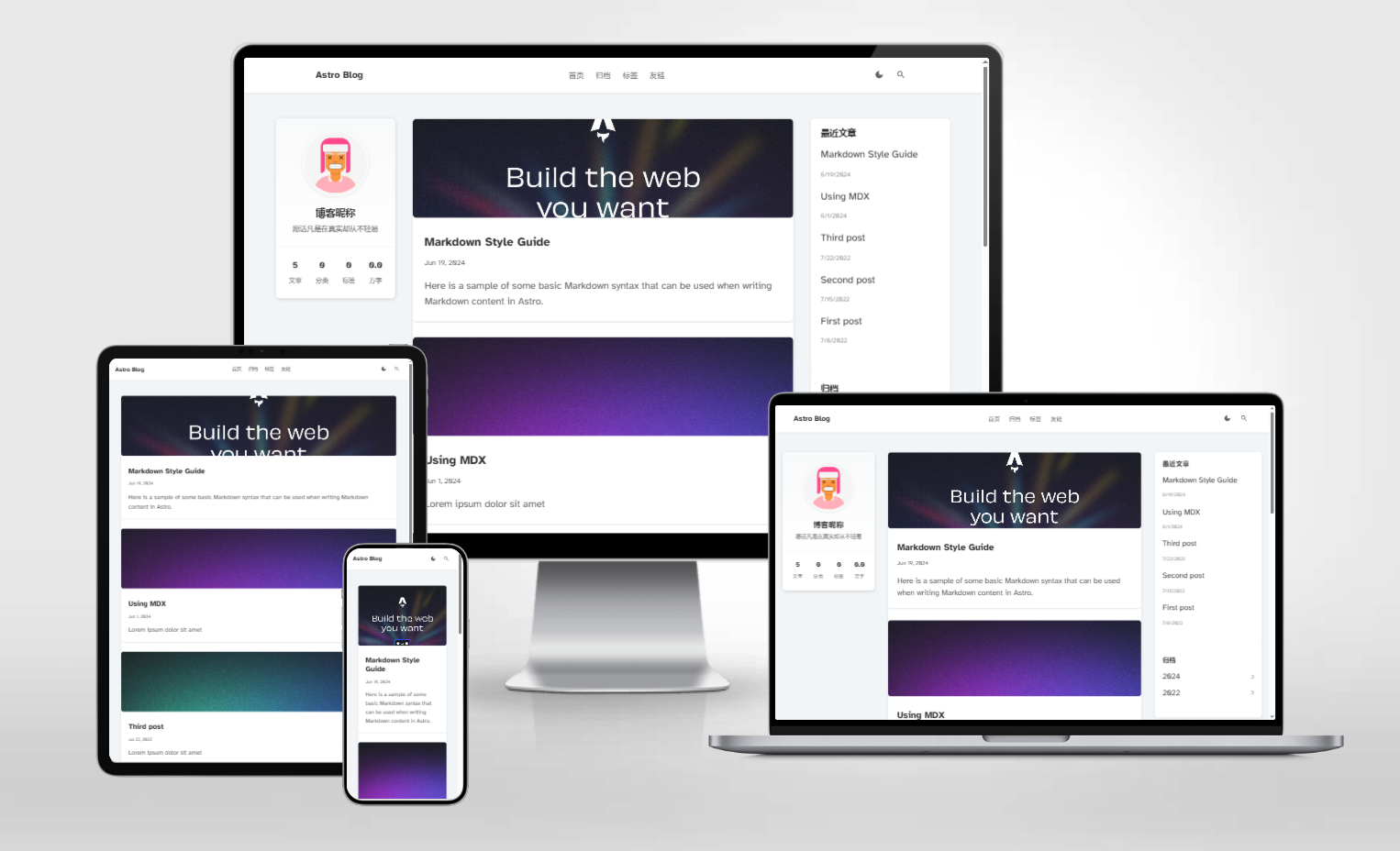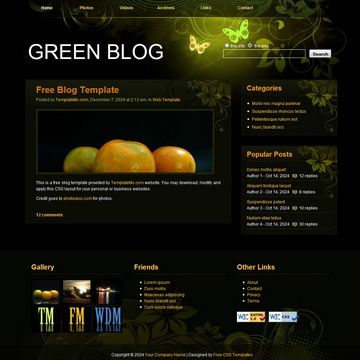
Template details
Next.js Blog Starter Kit with styled-components
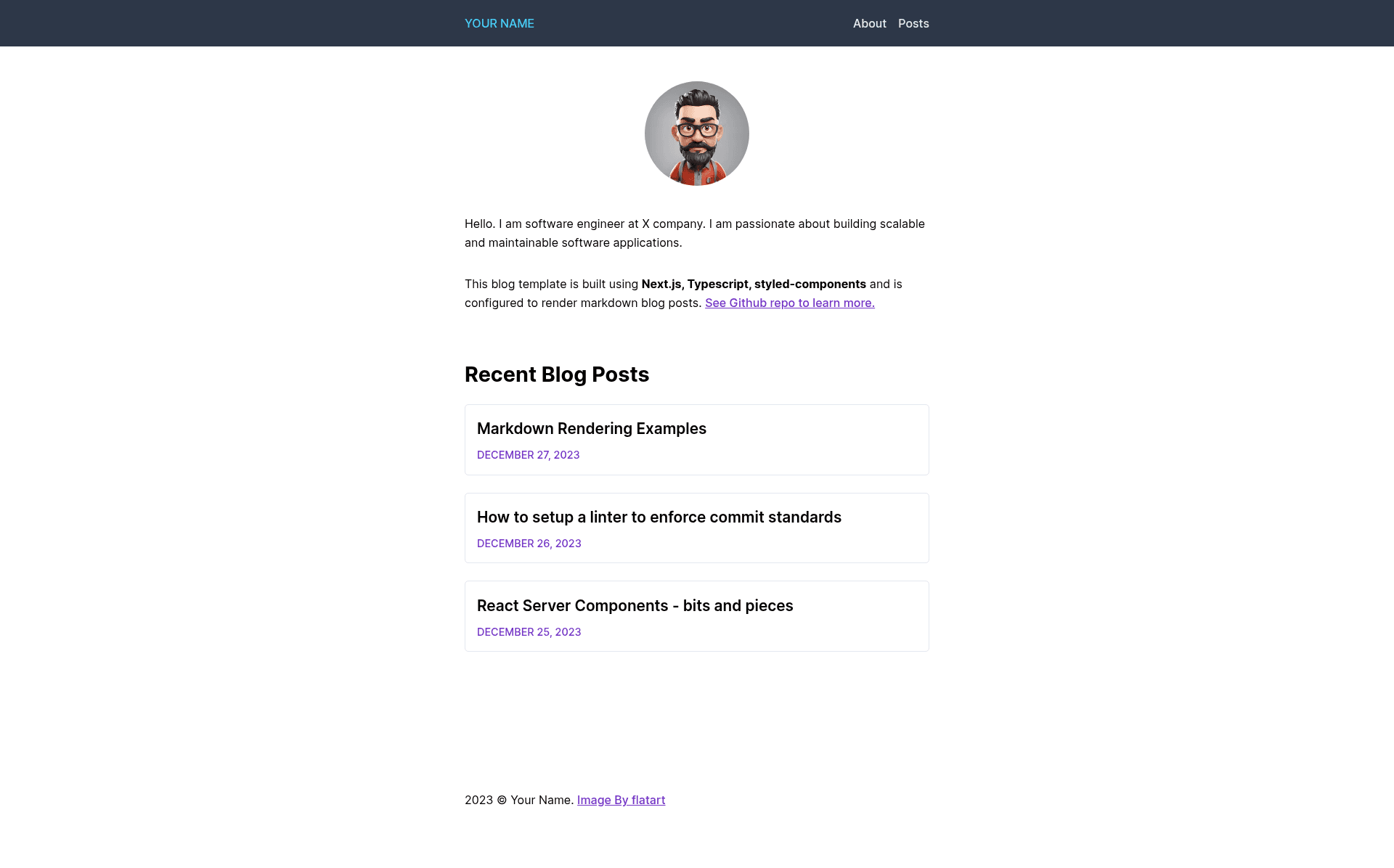
A blog starter kit built with Next.js App Router, styled-components, and TypeScript that sources posts from Markdown files.
About this template
Next.js Blog Starter Kit with styled-components is a blog boilerplate for Next.js 14's App Router that turns markdown files into a styled, server-rendered blog using styled-components and TypeScript.
What is Next.js Blog Starter Kit with styled-components?
Next.js Blog Starter Kit with styled-components is a boilerplate blog template for Next.js 14's App Router. It consumes markdown files as its only content source and produces a styled, server-rendered blog, with styled-components handling all styling and TypeScript for type safety. The repository is available on GitHub under the ajeetchaulagain account and is licensed under MIT.
Key Features
- styled-components with SSR — styled-components is configured for server-side rendering, so the blog works with Next.js App Router without style flicker.
- Markdown file content sourcing — each post is a plain markdown file placed in /posts; remark and remark-html convert it to HTML, and gray-matter handles front-matter metadata.
- TypeScript and ESLint — the project ships with TypeScript and ESLint configuration, so editing and linting are set up from the start.
- Next.js App Router — built on the latest App Router paradigm (Next.js 14), using file-based routing and server components.
- Reusable styling components — a minimal set of styled components are included for page layout; markdown content gets its own base styles in styles/MarkdownStyles.tsx.
- Quick bootstrap — you can scaffold it with npx create-next-app --example or clone the GitHub repo directly.
Who is it for?
- Developers starting a blog on Next.js — they get a preconfigured styled-components setup and can focus on writing posts instead of wiring up build tooling.
- Technical writers who prefer Markdown — they can add posts as .md files without touching a CMS or database.
- Next.js App Router learners — the small, typed codebase demonstrates App Router, server components, and SSR with styled-components in a minimal example.
What can you do with Next.js Blog Starter Kit with styled-components?
- Write and publish posts from Markdown: drop a new .md file into /posts and it becomes a styled blog page at a route based on the file.
- Customize the look of markdown content: edit styles/MarkdownStyles.tsx to change typography, code blocks, and other rendered elements.
- Deploy the blog to Vercel: the project targets Vercel deployment, and the live demo runs on that platform.
How does Next.js Blog Starter Kit work?
You start by scaffolding the project with either npx create-next-app --example or a git clone, then run npm install and npm run dev. The dev server runs at localhost:3000. To add a post, you create a markdown file in /posts; the template's build pipeline (remark, remark-html, gray-matter) converts it into HTML and metadata for the page.
Alternatives
- Tailwind Nextjs Starter Blog — a popular blog starter that uses Tailwind CSS for styling instead of styled-components.
FAQ
Is Next.js Blog Starter Kit free?
Yes, the project is open source under the MIT license, so you can use, modify, and redistribute it freely.
What Node.js version is required?
The template states it requires Node.js v18.17 or higher, so you need a recent Node.js release to run the dev server and build.
How do I add a new blog post?
Create a new markdown file in the /posts directory. The template uses remark and remark-html to render the markdown to HTML and gray-matter to read the front-matter metadata.
Does this template use a CMS?
No, there is no CMS. All content comes from local markdown files in the /posts folder, which makes the blog self-contained and easy to migrate.
Where can I see a live demo?
The repository links to a live demo at https://nextjs-blog-styled.vercel.app/, which shows the template running on Vercel.