Template details
Minimal Norui
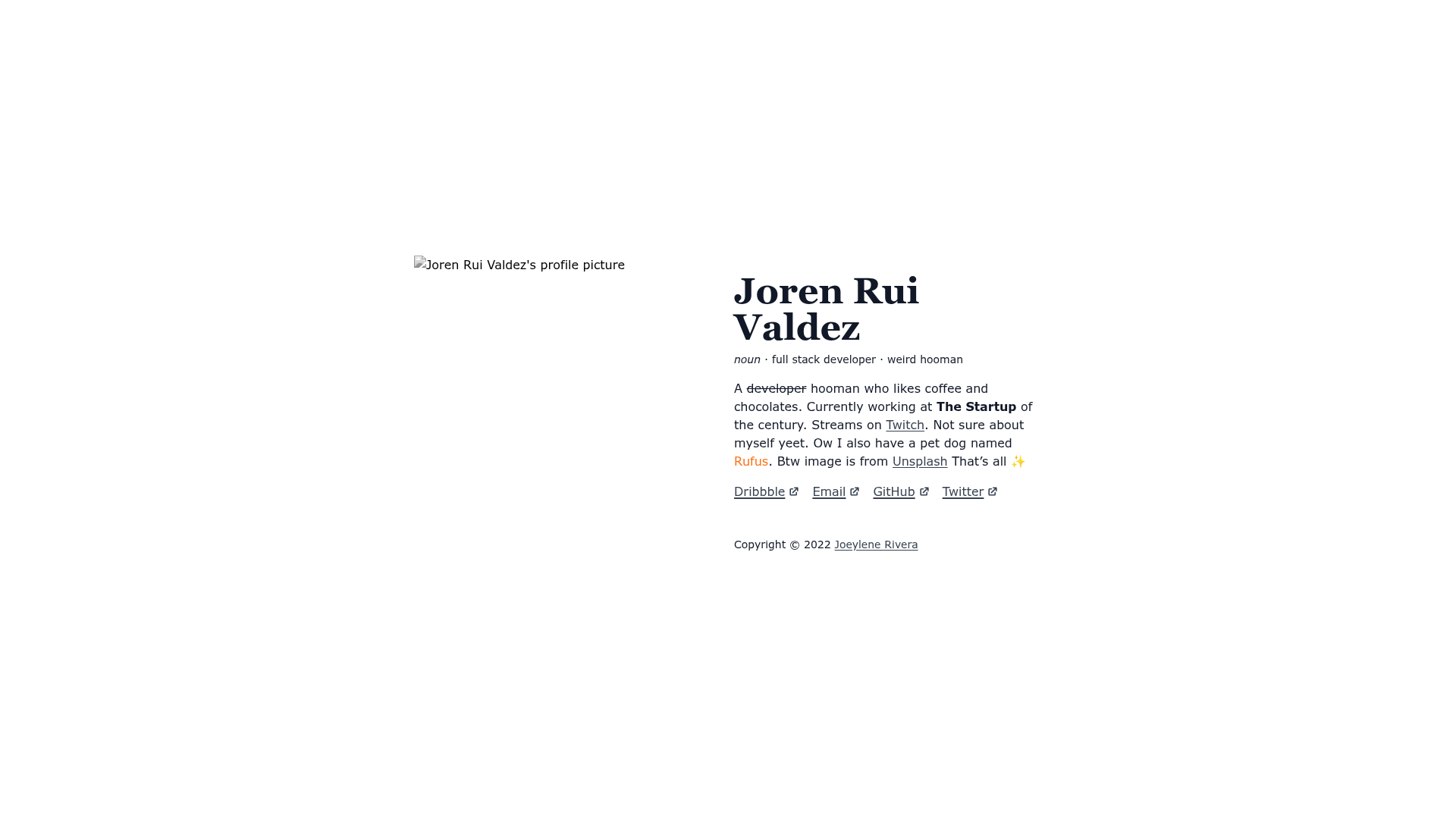
A minimal norui portfolio example built with NextJS and powered by Notion.
About this template
Minimal Norui is a minimal portfolio template built with Next.js and powered by Notion as the content source.
What is Minimal Norui?
Minimal Norui is an open-source portfolio starter by Joeylene Rivera that uses Notion as a CMS via the official Notion API. It takes a Notion database as its content input and renders a portfolio site as output, with a demo deployed on Vercel. The template is written in TypeScript, styled with Tailwind CSS, and runs on Next.js, making it a good starting point for developers who want to manage portfolio content without building a custom backend. The project is licensed under the MIT license and includes a pre-made Notion database template for structuring projects and posts.
Key Features
- Notion as CMS — Manages all portfolio content (projects, writing, etc.) in a Notion database and fetches it with the Notion API, eliminating the need for a separate content editor.
- Next.js and React — Built on the Next.js framework, providing server-side rendering, static generation, and React component architecture for a fast, SEO-friendly site.
- TypeScript — Entirely written in TypeScript for type safety and better developer experience.
- Tailwind CSS — Styled with Tailwind CSS, enabling utility-first styling without writing custom CSS from scratch.
- Demo site on Vercel — The repository includes a live demo at minimal-norui.vercel.app, and deployment on Vercel is straightforward due to the framework integration.
- Documentation included — Detailed setup instructions, including why and how to use it, are provided on a Notion documentation page.
- MIT licensed — The code is free to use, modify, and distribute under the permissive MIT license.
- Notion database template — Comes with a ready-to-duplicate Notion database that defines the structure for portfolio content.
Who is it for?
Developers who want a portfolio site with content managed in Notion, without building a custom CMS. Designers who prefer a minimal, text-focused aesthetic and want to update their projects through Notion's editor. Content creators who already use Notion to organize their work and want a website that reflects the same structure.
What can you do with Minimal Norui?
Portfolio owners: Duplicate the Minimal Norui Notion database, fill in projects, and have a live portfolio site synced to that database. Hobby developers: Use it as a learning reference for integrating the Notion API with Next.js and Tailwind CSS. Freelancers: Deploy a personal website with minimal effort, then customize the styling through Tailwind classes.
How does Minimal Norui work?
The site uses the Notion API to read entries from the linked Notion database and renders them as pages on the Next.js frontend. Changes in Notion are reflected on the site by re-fetching data through Next.js data fetching methods. The setup process involves cloning the repo, creating a Notion integration, connecting your database, and deploying to Vercel.
Pricing
Minimal Norui is free and open source under the MIT license. There are no paid tiers or subscription fees associated with the template itself. Using the Notion API requires a Notion account; for personal use, Notion's free plan is typically sufficient.
FAQ
Is Minimal Norui free?
Yes, the template is released under the MIT license, so it is free to use, modify, and distribute. The only costs you might face are for domain names or Vercel's paid plans if you exceed free deployment limits.
How do I customize the colors and layout?
Because the template uses Tailwind CSS, you can edit the Tailwind configuration file or override utility classes in the components to change colors, spacing, and layout. The styling is intentionally minimal to make customization straightforward.
What Notion database do I need?
The repository provides a Minimal Norui Notion database that you can duplicate. It includes fields designed for portfolio content such as projects and posts. After duplicating, you connect it to your Notion integration and update the environment variable with the database ID.
Can I deploy this on Vercel?
Yes, the demo site runs on Vercel, and Next.js has first-class support for Vercel deployments. You push the code to a Git repository, import it into Vercel, and set the required environment variables for your Notion API key and database ID.
Do I need to write code to use it?
You need a basic understanding of Git, environment variables, and running npm commands to set up the project. However, the documentation walks through the steps, and the template is designed to require minimal code changes for a basic portfolio.