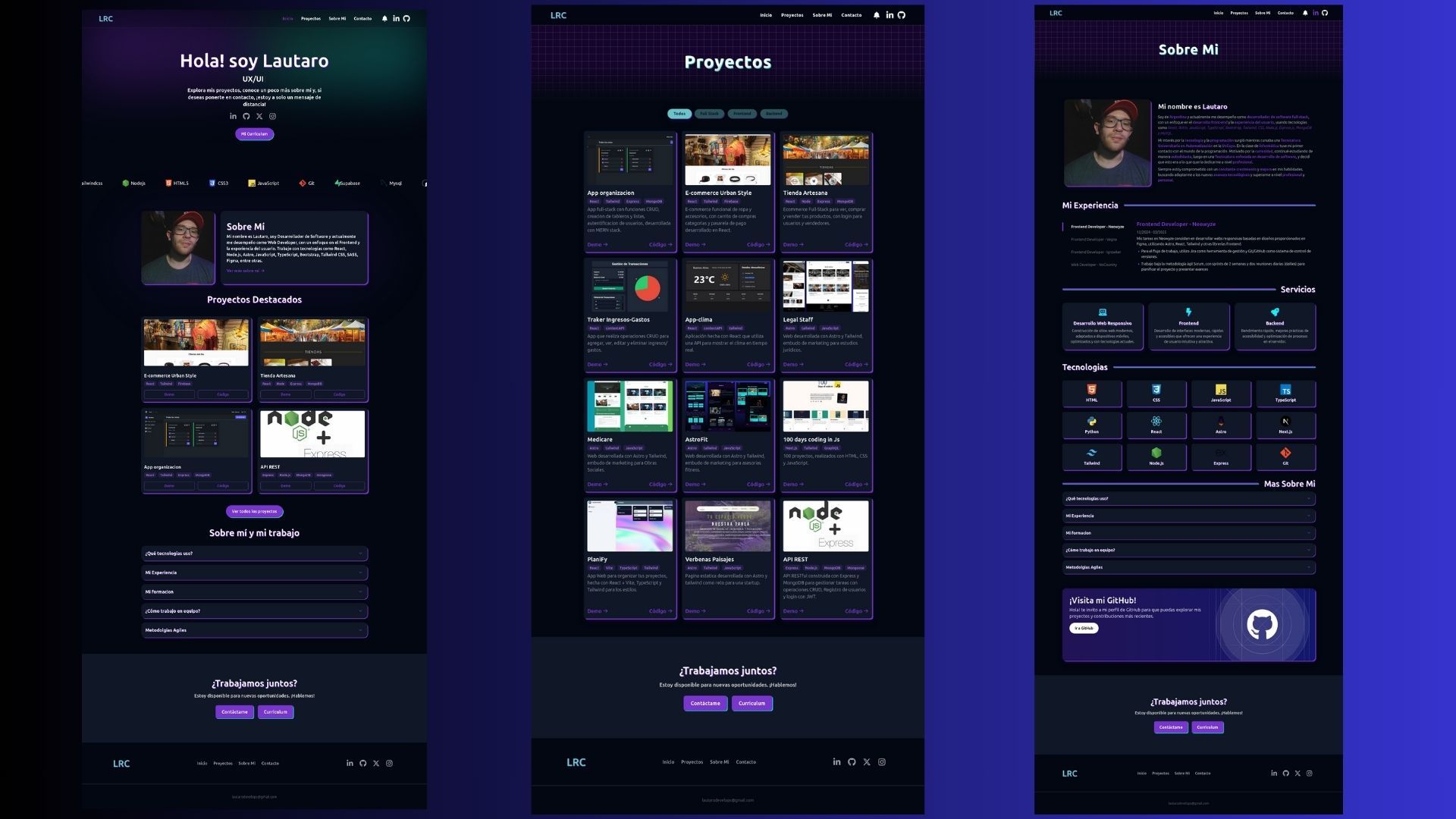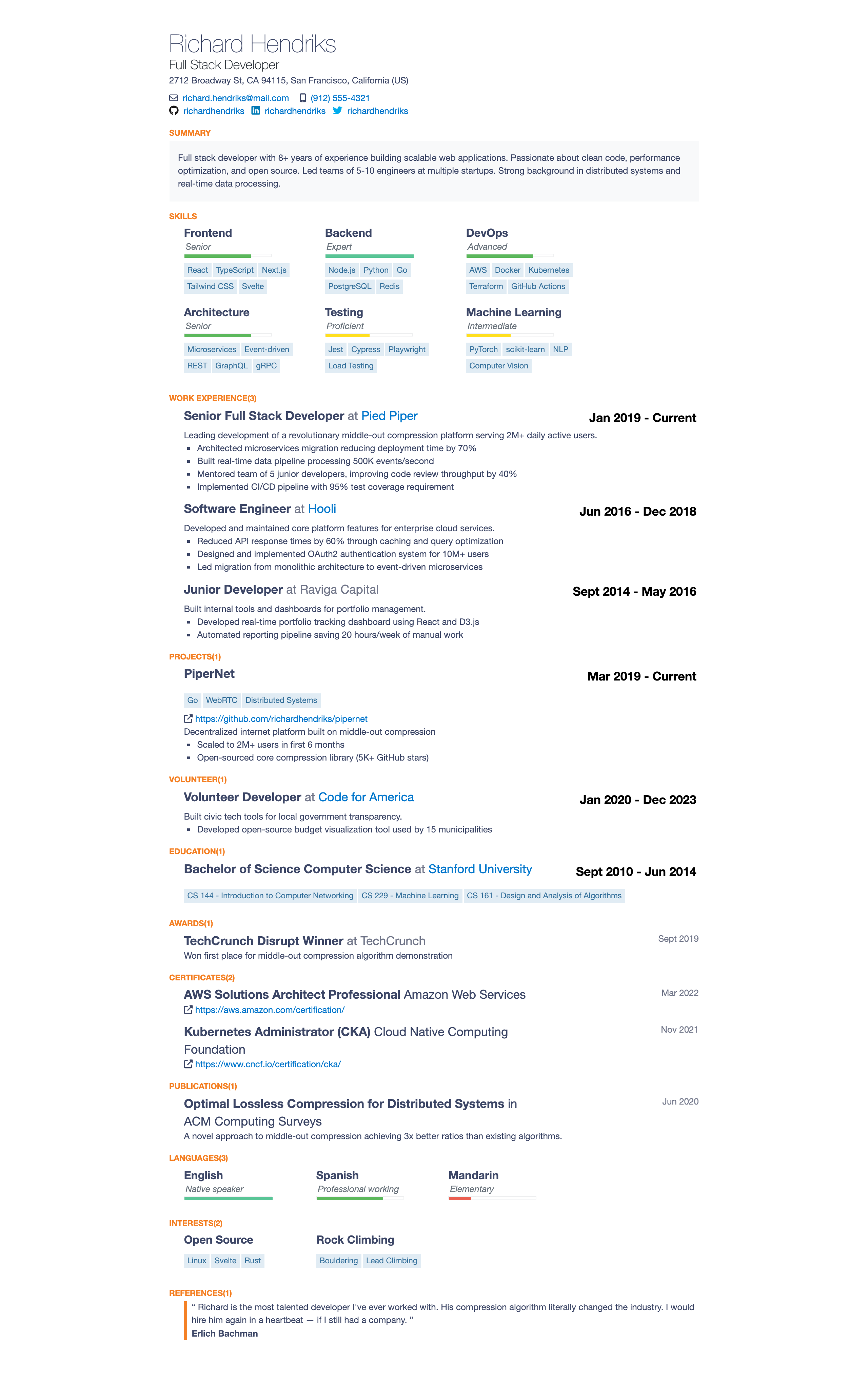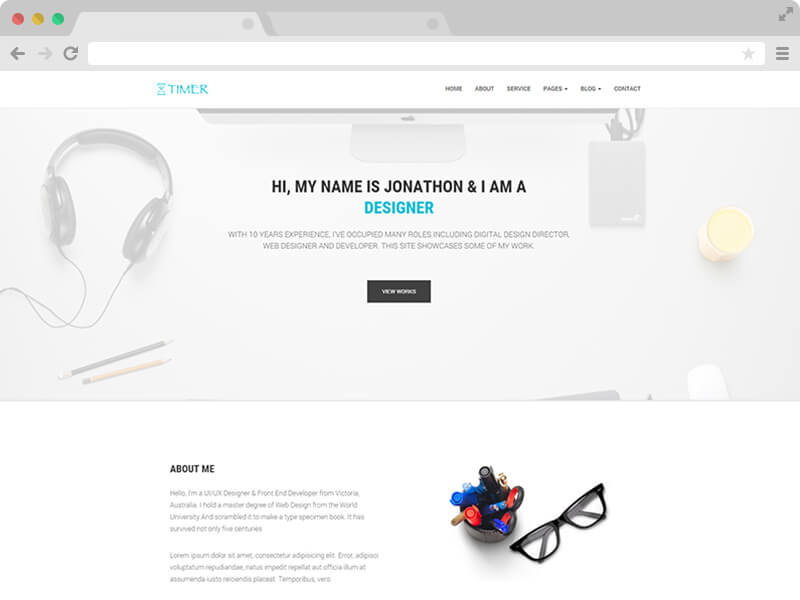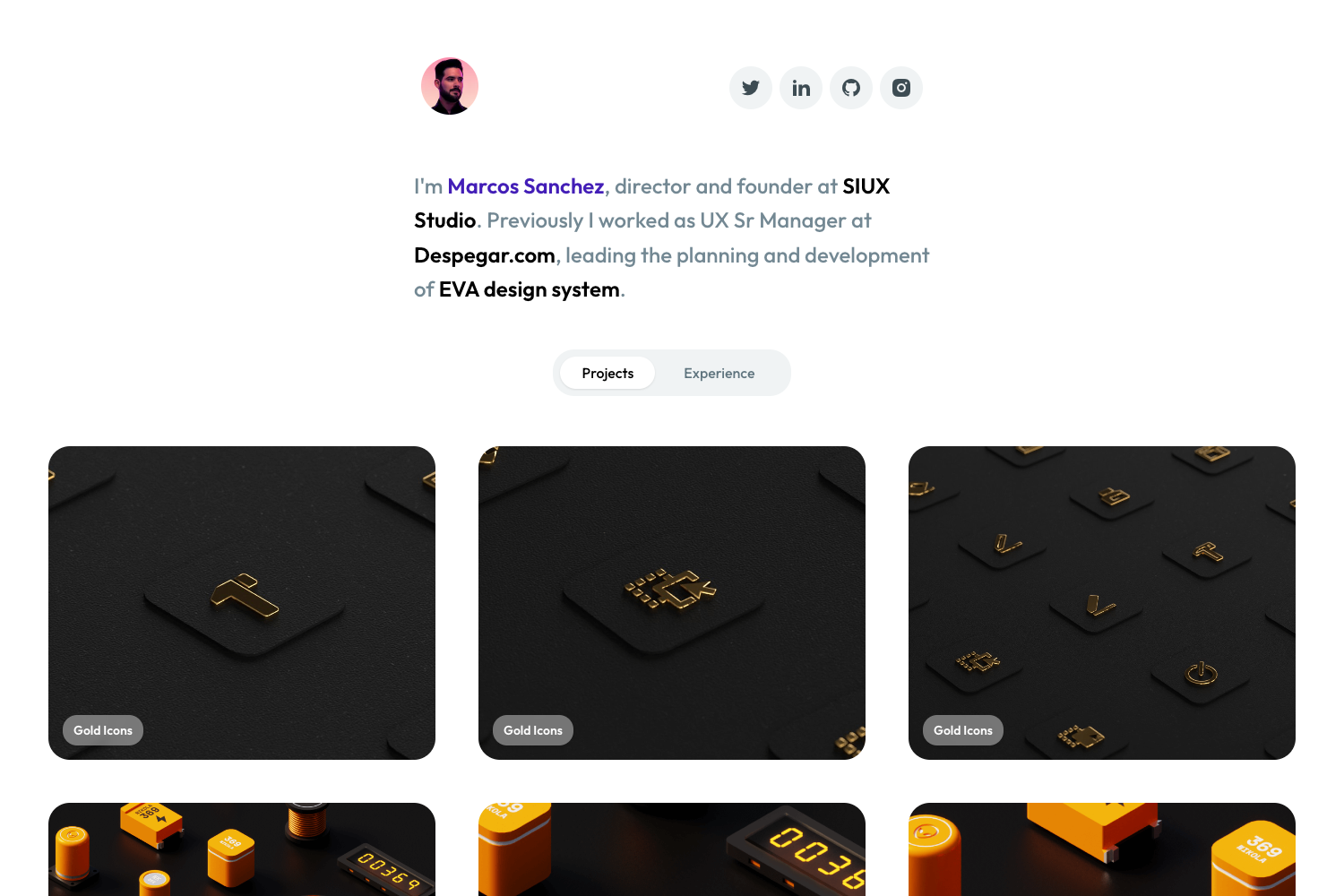
Template details
devAid
Jekyll port of the free Bootstrap theme for developers to showcase side projects.
About this template
devAid is a Jekyll port of Xiaoying Riley's free Bootstrap theme for developers' side projects, turning a static HTML resume/portfolio template into a buildable Jekyll site.
What is devAid?
devAid is a Jekyll theme adapted from Xiaoying Riley's devAid Bootstrap template, designed to showcase developers' side projects and technical skills. It takes Jekyll site content (pages, posts, configuration) and produces a static website that can be served locally or deployed to any static hosting service. The project is maintained as an early-stage GitHub repository with 40 stars, and it is distributed as a Jekyll theme requiring Jekyll to be installed on the user's machine.
Key Features
- Jekyll-based static site generator — Built on Jekyll, the theme produces plain HTML output that can be hosted without a server-side runtime.
- Based on the original devAid Bootstrap template — Inherits the responsive layout and visual style of Xiaoying Riley's free developer-oriented Bootstrap theme.
- Early-stage development — The repository is marked as early stage, so users should expect ongoing changes and are encouraged to open issues for needed updates.
- Local development workflow — Run
jekyll servefrom the site root to preview the site on a local Jekyll server. - Simple installation — Either clone the repository or download a tar or zip package, then serve it with Jekyll.
- Public GitHub distribution — The theme is available on GitHub for download, and the original theme's license agreement applies to derivative projects.
Who is it for?
- Software developers — Showcase side projects, coding skills, and contributions in a professional online presence.
- Open-source maintainers — Display project repositories and links to code using a static site that is easy to update via Jekyll.
- Designers and freelancers — Use the developer-centric layout to present technical portfolios and project case studies.
What can you do with devAid?
- Developers: Build a portfolio site that presents your side projects, with Jekyll's templating for easy content updates.
- Freelancers: Publish a project-focused landing page that links to live demos and source code.
- Teams: Create a quick project showcase page for hackathons or internal demos using the tar or zip package.
How does devAid work?
- Install Jekyll on your computer.
- Clone the repository or download the tar/zip package and unpack it.
- Navigate to the site root and run
jekyll serve. - View the site at the local Jekyll server address and edit content as needed.
FAQ
Does devAid require Jekyll?
Yes, devAid is a Jekyll theme, so you need Jekyll installed to build and serve the site. The page instructs installing Jekyll before running the theme.
How can I install devAid?
You can clone the repository from GitHub or download a tar or zip package, then run jekyll serve from the site root directory to start a local server.
Is devAid free to use?
The theme is publicly available on GitHub for download. The original Bootstrap theme is described as a free theme, and the license agreement must be followed for your projects.
What is the license for devAid?
The page links to the license agreement for the original devAid Bootstrap theme at themes.3rdwavemedia.com, and asks users to follow that agreement. The repository is in early stage, so check that page for terms.
Is devAid production-ready?
The repository is labeled as early stage, so it is not fully polished; users may encounter missing updates or bugs and are encouraged to open issues on GitHub.