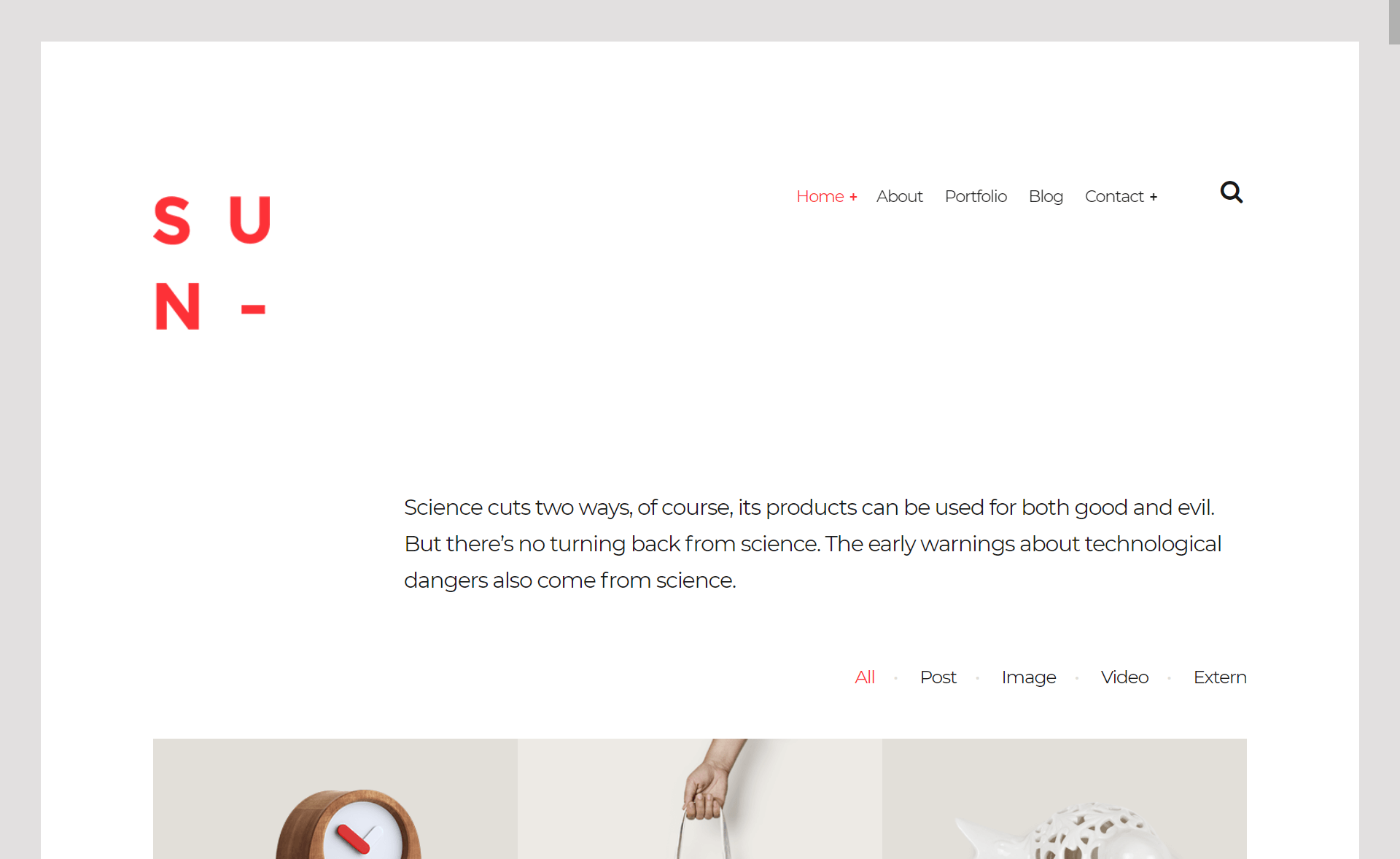
Template details
Minimal portfolio template for Astro
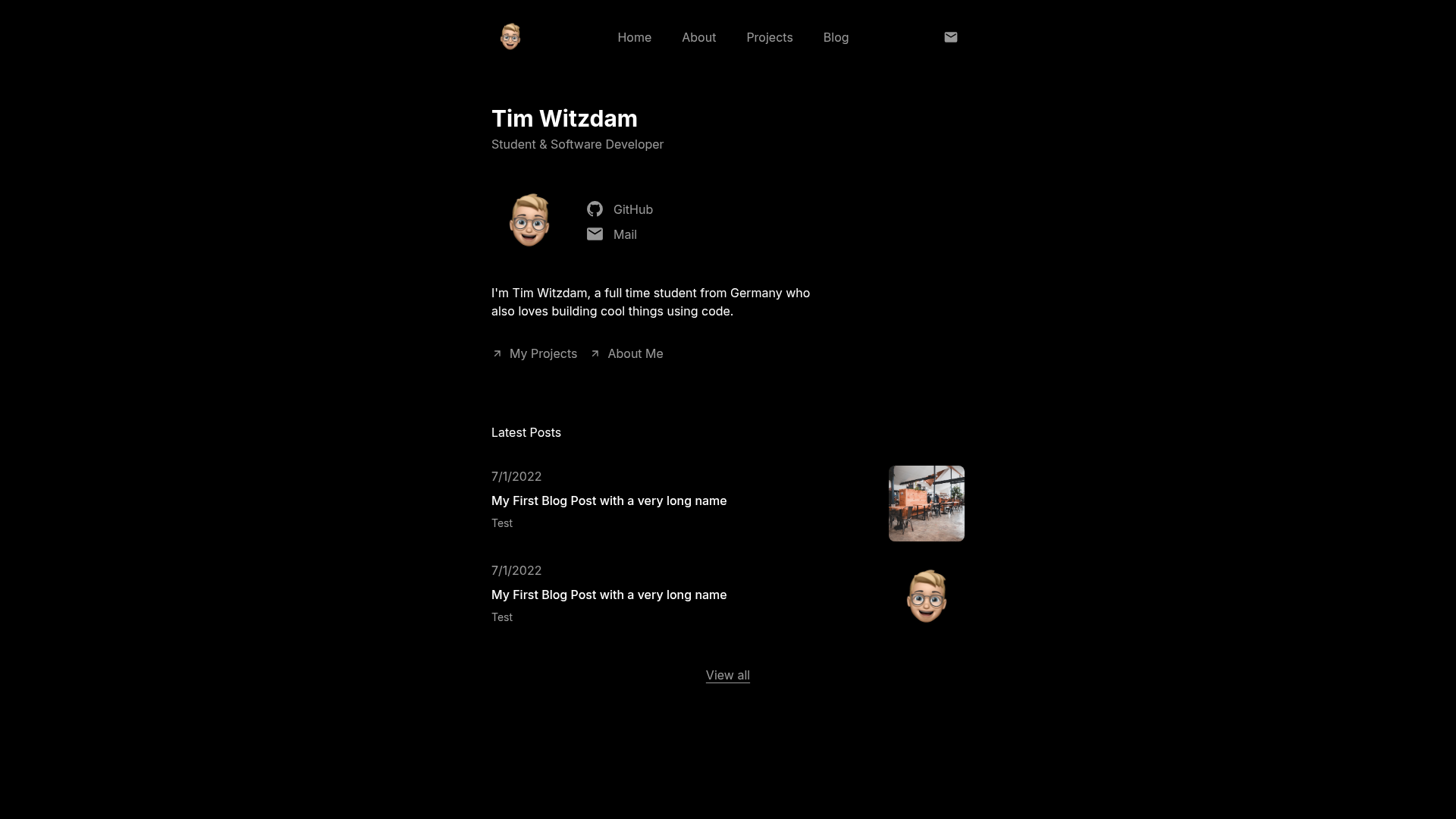
Open source minimalistic portfolio template built with Astro and Tailwind, with Home, About, Projects, and Blog pages.
About this template
Minimal portfolio template for Astro is an open-source portfolio theme built with Astro and Tailwind CSS that generates a fast, SEO-optimized personal website with Home, About, Projects, and Blog pages.
What is the Minimal portfolio template for Astro?
The template is a minimalistic portfolio theme created by developer Tim Witzdam, with a design inspired by Brian Ruiz. It takes a single configuration file, src/config.ts, as input and produces a static multi-page portfolio site as output. The site is built with the Astro framework and styled with Tailwind CSS, and outputs a static site to the dist folder when you run npm run build. A live preview is available at minimal-portfolio.witzdam.com.
Key Features
- Astro + Tailwind CSS — Built on the Astro framework with Tailwind CSS for utility-first styling.
- Fully responsive — The layout adapts to different screen sizes, from mobile to desktop.
- Perfect Google Lighthouse score — The README reports a perfect Lighthouse score, indicating fast load times and good SEO defaults.
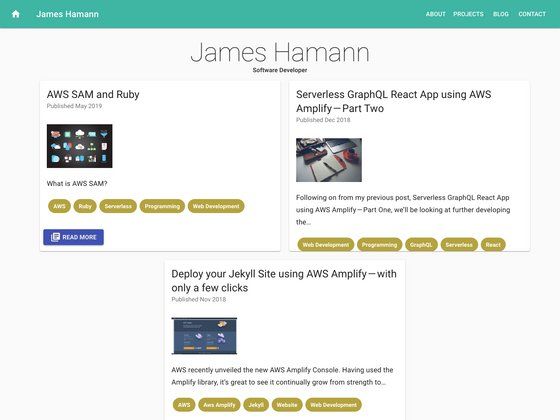
- Markdown-powered blog — Blog posts are written in Markdown and rendered as static pages, with SEO metadata configured per page.
- Four ready-made pages — Home, About, Projects, and Blog pages ship with the template, each with its own SEO title and description fields.
- Single-file configuration — All content, including identity, navigation, social links, home page text, about page bio, work history, and projects, is edited in src/config.ts.
- Docker Compose self-hosting — The project includes a Docker Compose setup for deploying the portfolio in a container.
- Fully customizable — Colors, images, copy, and links can be changed through the config and content files without editing components.
Who is it for?
The template suits developers and creators who want a clean, minimal personal site without building one from scratch. Students and recent graduates can use it to showcase projects and a short bio. Freelancers or independent developers can present their work in the Projects section and write articles in the blog. People who prefer a self-hosted setup can take advantage of the Docker Compose option.
What can you do with it?
- Developers: Add project entries with a title, description, image, year, and URL in the Projects page config, replacing the placeholder examples.
- Bloggers: Publish Markdown-based posts through the built-in blog, which is optimized for search engines.
- Personal branding: Replace the default identity, social links, and bio with your own details through the config file.
- Self-hosters: Deploy the static site using the included Docker Compose configuration to run it in a container.
How does the template work?
You start by cloning the repository and running npm install to install dependencies. Then run npm run dev to start a local development server at localhost:4321. After editing src/config.ts to reflect your own content, run npm run build to generate the production site in the dist folder.
FAQ
Is the template free?
The template is open source and hosted on GitHub, so you can clone it freely. The README does not state a specific license, so review the repository files for exact licensing terms before commercial use.
What pages are included?
The template includes four pages: Home, About, Projects, and Blog. Each page has its own SEO title and description you can edit through the configuration file.
How do I change the content?
Everything from your name and logo to the projects and work history is stored in src/config.ts. Edit that file to update identity, navigation links, social links, home page text, about page content, project entries, and blog settings.
Does the blog support Markdown?
Yes, the template is described as having a fast and SEO-optimized blog with Markdown support, so you can write posts in Markdown and publish them as static pages.
How do I build the site for production?
Run npm run build from the project root to output the static site to the dist folder. Use npm run preview to check the build locally before deploying.